When Wireless Works for Competitive FPS—and When Wired Wins
A wireless gaming headset can work for competitive FPS play, but only when the complete 2.4GHz setup has been tested. Choose wired when a mid-match interruption is unacceptable; choose dedicated 2.4GHz when you have validated the exact setup and its recovery path.

Cable freedom is a real benefit: no drag across the desk, no snagging on a mouse cord, and more room to lean back between rounds. Dedicated 2.4GHz wireless headsets can deliver that freedom without the extra compromises of ordinary Bluetooth. But “wireless” is not one uniform category. A 2.4GHz link, a Bluetooth link, and a cable behave differently, and only testing on your exact setup tells you which one is reliable enough for ranked or tournament play.

Compare the Three Connection Paths Before You Compare Headsets
Wired is the simplest path, dedicated 2.4GHz is a conditional choice that depends on implementation, and Bluetooth needs its own separate check before you trust it in a match.
Wired: The Lowest-Uncertainty Path
A wired headset skips the wireless radio hop entirely. There is no receiver to place, no battery to manage, and no mode switch that can interrupt audio or voice chat mid-match. The tradeoff is practical, not technical: a cable can drag across the desk, snag on a mouse cord, or limit how far you lean back, and you still need a compatible port on your PC or console.
Dedicated 2.4GHz: Wireless Convenience With Implementation Risk
A 2.4GHz label on a headset box does not guarantee a specific delay result. The actual behavior depends on the headset’s radio design, the receiver, the host computer, and how much surrounding wireless traffic the setup faces. Treat the label as a category, not a performance result: choose it only when the exact implementation has earned a place in your setup.
Bluetooth: A Separate Microphone and Profile Decision
Classic Bluetooth has a well-documented limitation: it may switch to mono audio when the microphone is active, which is exactly the situation you’re in during team voice chat. Newer Bluetooth LE Audio is designed to close that gap by supporting stereo playback while the microphone is in use, but that improvement depends on the host, drivers, and headset all supporting the same profile. Confirm the active Bluetooth profile and test microphone behavior before you use Bluetooth for a serious team-based match.
What Can Interrupt a Wireless Match?
Five practical risks can turn a wireless headset into a liability mid-match: receiver placement, microphone mode, battery state, link recovery, and long-session comfort. If the headset becomes uncomfortable, choose another model or the wired path rather than accepting discomfort for cable freedom.
Receiver Placement and Nearby USB Equipment
- Check what USB 3.0 ports, hubs, or cables sit near your 2.4GHz receiver, since USB 3.0 noise can affect a nearby 2.4GHz receiver’s sensitivity and reduce wireless throughput.
- Move the receiver away from those USB 3.0 devices where possible, then repeat your connection test to confirm the change actually helped.
If your peripherals share the same 2.4GHz band, our 2.4GHz interference guide covers how multiple wireless devices can compete for the same spectrum and what to do about it.
Microphone and Battery Continuity
Microphone behavior can change when the mic engages, and a depleted battery can interrupt a session. These are continuity risks, not proof that every wireless headset fails; the model’s connection mode and power behavior determine how much they matter.
Recovery if the Link Fails
A link failure can force an unexpected mode change or headset swap, adding a new task while team comms are active.
Choose by Match Scenario, Not by the Wireless Label
The right connection depends less on whether a headset is wired or wireless and more on how costly an interruption would be in your specific setting.
| Scenario | Best-fit path | Why | Required condition |
|---|---|---|---|
| Tournament / LAN | Wired | Venue RF conditions and nearby equipment are often outside your control, and interruptions are costly | Use wireless only if the exact setup is already validated on-site and event rules permit it |
| Ranked at home | Dedicated 2.4GHz | You control the desk, receiver placement, and computer, so the setup can be fully tested first | Receiver, microphone, battery, and fallback have all passed testing |
| Everyday home use | Wireless (2.4GHz or tested Bluetooth) | Convenience and flexibility matter more than minimizing every operational risk | Bluetooth still needs its own profile and microphone check, separate from 2.4GHz |
Check your specific event’s equipment rules before bringing a wireless headset to a tournament or LAN; some venues restrict or discourage wireless peripherals regardless of how well your home testing went.
Which Wireless Features Solve a Real FPS Problem?
The features worth paying for are the ones that address a specific problem you already identified: cable freedom versus fallback, or flexibility across multiple devices. Neither option below is a universal winner; each fits a different priority.
For a Built-In Wired Recovery Path
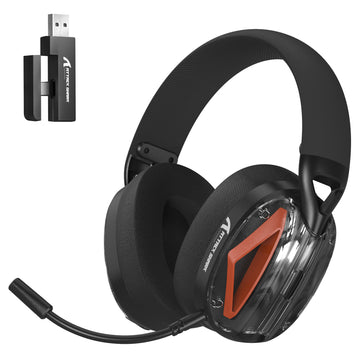
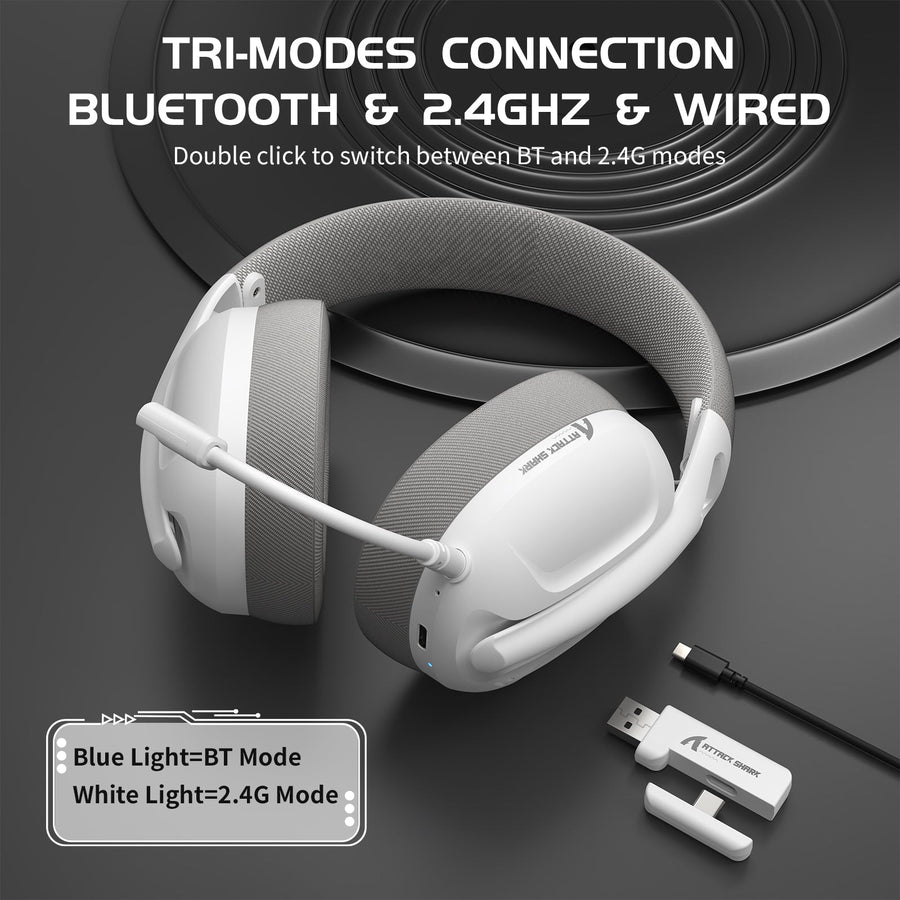
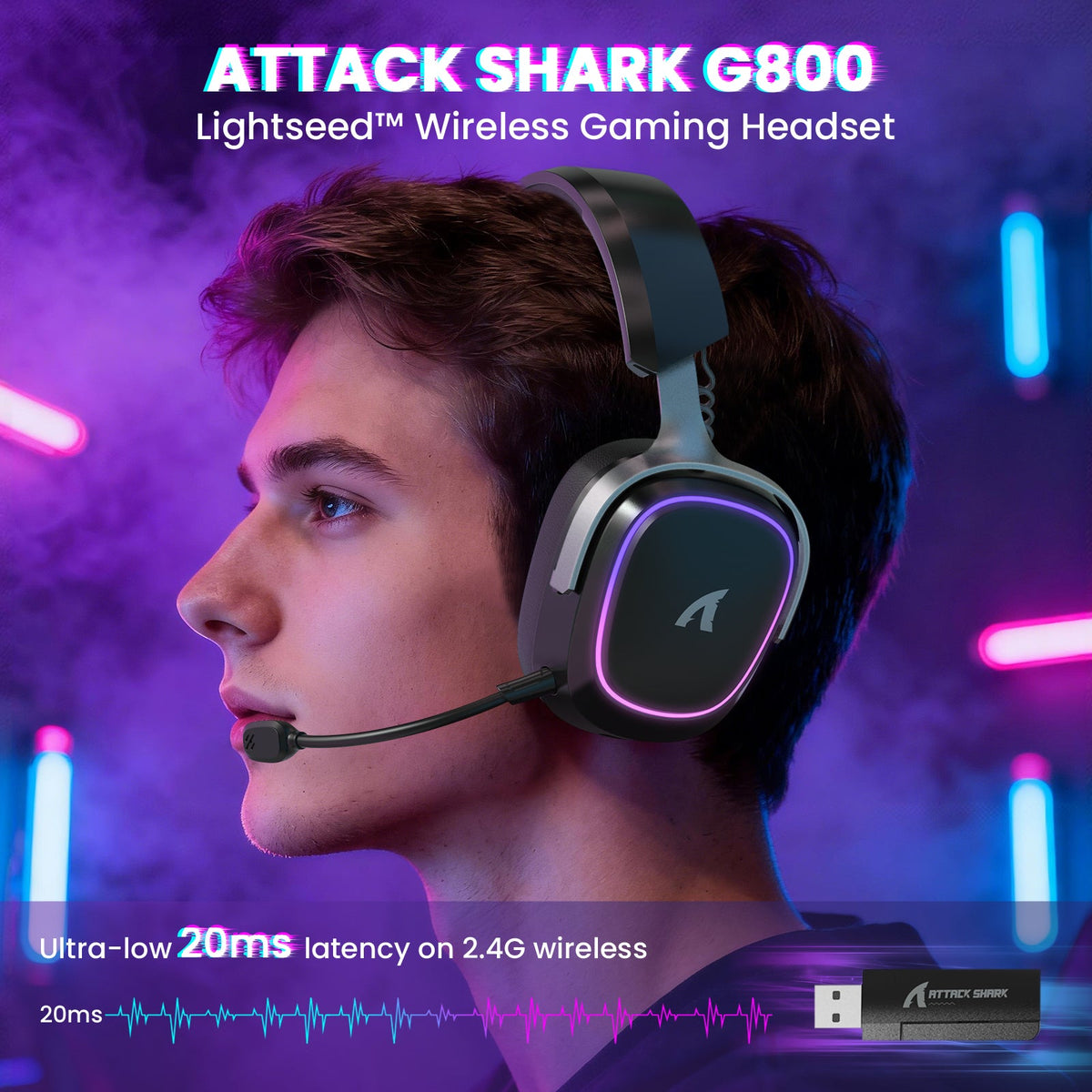
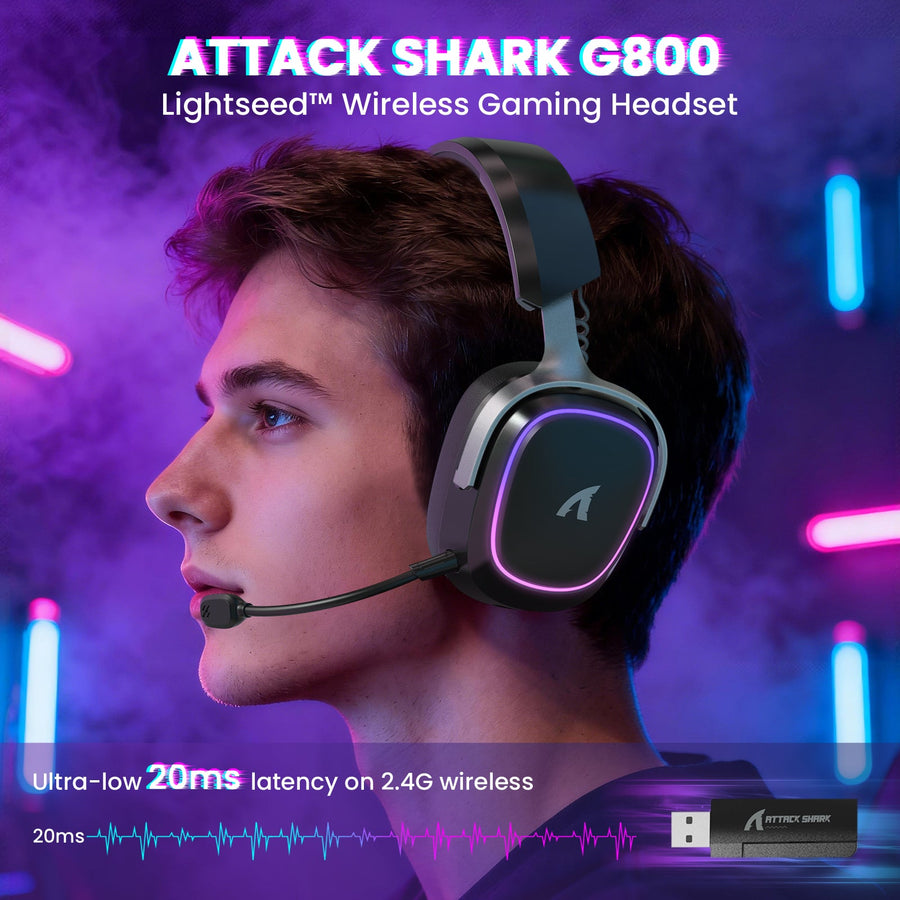
If you want cable freedom but also want a recovery option built into the same headset, our G800 wireless gaming headset offers 2.4GHz, Bluetooth, and 3.5mm wired modes in one unit, so you can drop straight to a cable without switching headsets. It also includes a detachable microphone and a 1000 mAh battery, both worth checking against your own continuity needs: how long your sessions run and how you’ll know when to recharge. Treat any manufacturer-stated latency figure as a specification to validate on your own setup, not an independent competitive benchmark.
For Connection Flexibility Across Devices
If you regularly switch between a PC, console, or other device, our L60 wireless gaming headset covers 2.4GHz, Bluetooth, and 3.5mm wired connections through a single USB and Type-C receiver pairing. It includes a detachable noise-canceling microphone, which is worth testing with your team voice chat before you rely on it competitively. Neither model is a ranked recommendation by itself. If those criteria fit your setup, compare our wireless headset options against the scenario and validation steps below.
Test the Complete Setup Before You Trust It in Competition
Run these five checks on your exact hardware before you rely on a wireless headset in a competitive match:
- Select the connection mode and host you’ll actually use in competition, not a different computer or a different mode you tested once before.
- Play game audio with your microphone active in team voice chat at the same time, since some headsets behave differently once the mic engages.
- Inspect where your 2.4GHz receiver sits, move it away from USB 3.0 ports or devices if it’s close, and retest.
- Confirm the battery starts at a known charge and that you understand how the headset signals low power or switches modes.
- Connect your wired or alternate-audio fallback and confirm it works immediately, before you need it mid-match.
If any of these checks fail, use your already-tested wired path instead of troubleshooting during the match. For a deeper look at confirming mic clarity specifically, see our microphone testing guide.
The final choice follows the match setting: use wired when continuity matters most, dedicated 2.4GHz for home competition only after the complete setup is validated, and Bluetooth only when its profile and microphone behavior are confirmed. Choose by your tolerance for interruption, not by the wireless label alone.
FAQ
Does wireless latency affect competitive FPS performance?
It can, but the effect depends on the specific headset, receiver, and host rather than the wireless category as a whole. Dedicated 2.4GHz should be tested on your exact setup before you trust it competitively, and classic Bluetooth carries additional microphone-mode limitations that make it a separate consideration entirely.
How do I prevent wireless interference in a tournament setting?
Move your 2.4GHz receiver away from USB 3.0 ports, hubs, or devices, then retest the full setup, including microphone and gameplay, in the environment closest to the actual event. There’s no universal tournament RF rule, so check the venue’s own equipment policies ahead of time.
Is a wired backup necessary for competitive play?
It isn’t mandatory for every player, but it’s a sensible safeguard whenever a match interruption would be costly or your wireless setup hasn’t been fully validated. Keep the cable or alternate headset tested and ready to use immediately, not something you locate mid-match.
Why is Bluetooth different from a 2.4GHz gaming headset?
Classic Bluetooth may switch to mono audio once the microphone is active, which directly affects team voice chat during gameplay. Bluetooth LE Audio is designed to preserve stereo playback in that same situation, but only when the host, drivers, and headset all support the same profile, so confirm that support before relying on it.