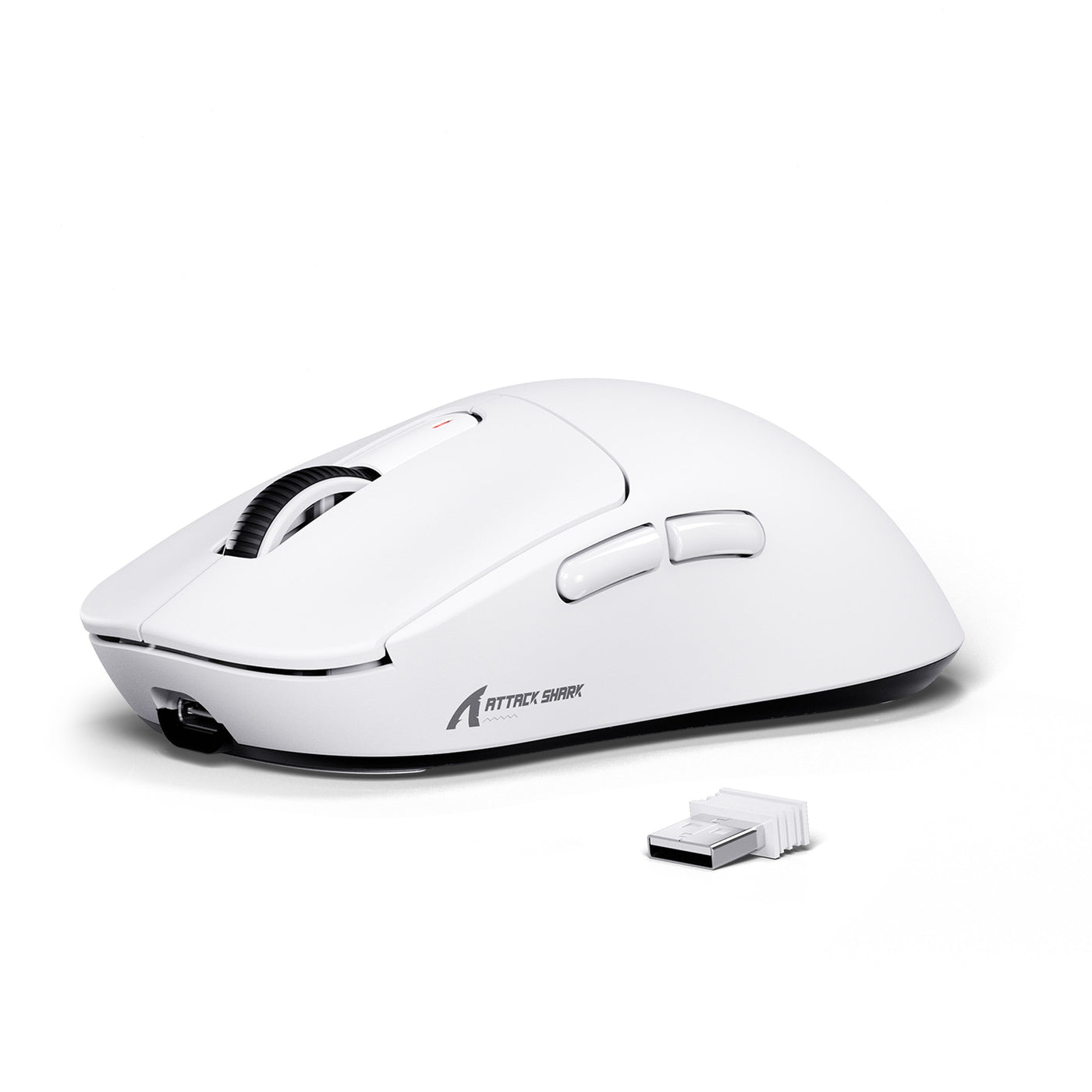
Choosing a gaming mouse comes down to three things: your hand size, your natural grip, and the games you play most. Measure your hand length and width with a ruler or tape measure, then use those numbers as a starting filter—not a final answer. Add your grip style—palm, claw, or fingertip—to narrow down the right shell shape. Then adjust your priorities by game type: FPS play may make weight worth testing, while everyday and MMO use put more emphasis on comfort and button reach. Before you buy, run a quick physical fit check and use the five-point shortlist below to compare real options.

Measure Your Hand to Narrow Down a Gaming Mouse
Start with a five-step measurement you can repeat whenever you compare a new mouse. Record your hand length in both inches and centimeters, along with a consistent width measurement. These numbers give you a reliable starting point for every later decision.

- Rest your operating hand flat on a table, fingers together and palm down.
- Measure from the tip of your longest finger to the first wrist crease. Use the result as a starting filter: under 6.75 in (17 cm), 6.75 to 7.5 in (17 to 19 cm), or over 7.5 in (19 cm).
- Record the length in both inches and centimeters so you can compare it with product specs in either unit.
- Keeping your hand flat, measure across its widest point, excluding the thumb. Note exactly where you placed the tape so you can repeat the measurement consistently.
- If you are replacing a current mouse, measure its length and width too. That gives you a useful baseline, even if the old shape was not a good fit.
These bands narrow your options, but they cannot tell you whether a shell suits your grip or lets you reach the buttons comfortably. Use hand length as a filter that turns a long list into a short one, not as the final answer.
Combine Hand Size With Grip and Mouse Shape
The same hand length can point to different mice once you account for grip. Two shoppers with identical measurements may need different shapes if one rests a full palm on the shell and the other controls the mouse mostly with the fingertips.
Start With Your Natural Grip
Pay attention to how you already hold your mouse instead of forcing yourself into a textbook category. Does your palm rest on the back of the shell? Do your fingers arch, with only the tips and a curled knuckle touching the mouse? Or do your fingertips do most of the steering while your palm hovers above it? This natural pattern matters more than the label. Use it to evaluate the shell shape.
Turn Your Grip Into Shell Checks
- Palm contact: Check that the back of the shell supports your palm and that the sides do not crowd your fingers when they lie flat.
- Claw contact: Check the hump position, clearance above the main buttons, and whether your fingertips and knuckles can grip the sides without sliding.
- Fingertip contact: Check that the shell allows small, precise movements without forcing your palm down onto the back.
If a candidate feels controllable only when you squeeze it harder or change your grip, it fails the fit check. Remove it from your shortlist even if its length band matches.
Match Mouse Priorities to FPS, Everyday, and MMO Use
Your game type changes which feature you test first, but not the basic fit check. FPS, everyday, and MMO play place different demands on the shell, so build your shortlist around those differences.
| Use case | Weight priority | Shape and stability priority | Button-access priority | Shortlist emphasis |
|---|---|---|---|---|
| FPS | High | High | Low | Confirm the shape first, then test a lighter weight |
| Everyday / mixed use | Low | High | Low | Balance comfort, connectivity, and light-touch control |
| MMO / general use | Low | High | High | Confirm that every required button is reachable |
Why FPS Players May Prioritize Weight
Weight is worth testing after the shape fits. In a controlled FPS-related task, 50g to 90g mice were faster and more accurate than a 100g mouse under the study conditions, 72 players were about 4% faster and 9% more accurate with the lighter mice. The study used a specific target-acquisition task at lower sensitivity. Treat the result as a reason to test a lighter shell, not as a guarantee that lighter is always better.
Why Mixed Use and MMO Change the Emphasis
For everyday and mixed use, comfort, stability, and light-touch control should matter alongside weight. You are not repeating one low-sensitivity FPS motion all day. MMO play puts even more emphasis on access: reaching several side buttons repeatedly matters more than saving a few grams. Check every button you need instead of assuming that more buttons or a lighter shell will automatically improve control.
Check Weight, Button Reach, and Wrist Position
A mouse belongs on your shortlist only after it passes a hands-on test. Use the checks below to turn your shape and weight preferences into a clear pass-or-reject decision.
Run the Physical Control Test
- Move the mouse in broad swipes and small adjustments at your intended sensitivity. Lift and reset it as you would during a game.
- Reach every button you actually use, including the main clicks and side buttons, without changing your grip.
Use Wrist and Grip Fit as a Stop Signal
Health and safety guidance for pointer devices recommends testing a mouse for a neutral wrist, light touch, and relaxed grip before committing to long-term use. It also recommends choosing a device sized for the hand that will operate it. If reaching a button bends your wrist toward your thumb or pinky, stop and reject that candidate. Do not assume you will simply adjust to a poor fit over time.
Turn the Results Into a Shortlist
Five checks turn the advice above into a buying decision: your hand measurements, your grip and shell match, your game priority, your weight and control test, and your button and wrist result.
The Five-Check Shortlist
- Hand record: Length in inches and centimeters, plus a consistently measured width.
- Grip and shell: Your natural contact pattern matched against the listed dimensions and hump position.
- Game priority: FPS, everyday/mixed use, or MMO/general use, based on the table above.
- Weight and control: The priority level that fits your use case, tested rather than assumed.
- Buttons and wrist: Relaxed access to every required control with a neutral wrist.
Use these five results to compare candidates and carry forward the ones that pass the functional checks.
Choose the Relevant Store Path
Once you know your measurements, grip, and game priorities, compare them with real product specs. For low-sensitivity FPS or a mixed FPS-and-desktop setup, the 49g X3 gaming mouse pairs a PixArt PAW3395 sensor with the listed 49g weight. Its listed gaming and productivity scenarios make it a candidate to evaluate against your shell requirements. If you split your time between FPS, MMO, and everyday tasks, the 49g X5 mixed-use mouse lists the same low weight, tri-mode connectivity, and stated FPS, MMO, and everyday-use contexts. For a specific size comparison, the G3 listed dimensions—117 by 62 by 38 mm and 59g ± 3g—give you an exact shell size to compare with your own measurements. None of these mice will fit every hand, so run the five checks before you commit. We can help you compare specs if you have questions before checkout.
FAQs
How do I choose the right gaming mouse size?
Measure your hand flat from the tip of your longest finger to the first wrist crease. Record the result in inches and centimeters, then take a consistent width measurement across the widest part of your hand. Use the length band only as a starting filter, and confirm the grip and button reach before buying.
Does mouse shape matter more than DPI?
Check shape and grip fit before DPI. A mouse with a wide sensitivity range is still a poor choice if you have to stretch, squeeze, or bend your wrist to control it. DPI cannot fix a shell that does not match your hand.
What mouse is best for my hand size?
There is no single best mouse for every hand size. Use your measured length and width, natural grip, listed product dimensions, and a hands-on or return-window fit check to build a practical shortlist.
Does weight matter for FPS?
Weight can matter for low-sensitivity FPS play. A controlled study found a limited target-acquisition advantage for 50g to 90g mice compared with a 100g mouse under its tested conditions. That makes lighter weight worth testing, not a universal best choice for every player.
How can I tell when a gaming mouse is too big?
A gaming mouse is likely too big if you have to stretch to reach buttons, change your grip to stay in control, squeeze the shell tightly, bend your wrist away from neutral, or cannot move it naturally through your intended range of motion. Any of these signs is a reason to reject the candidate.