






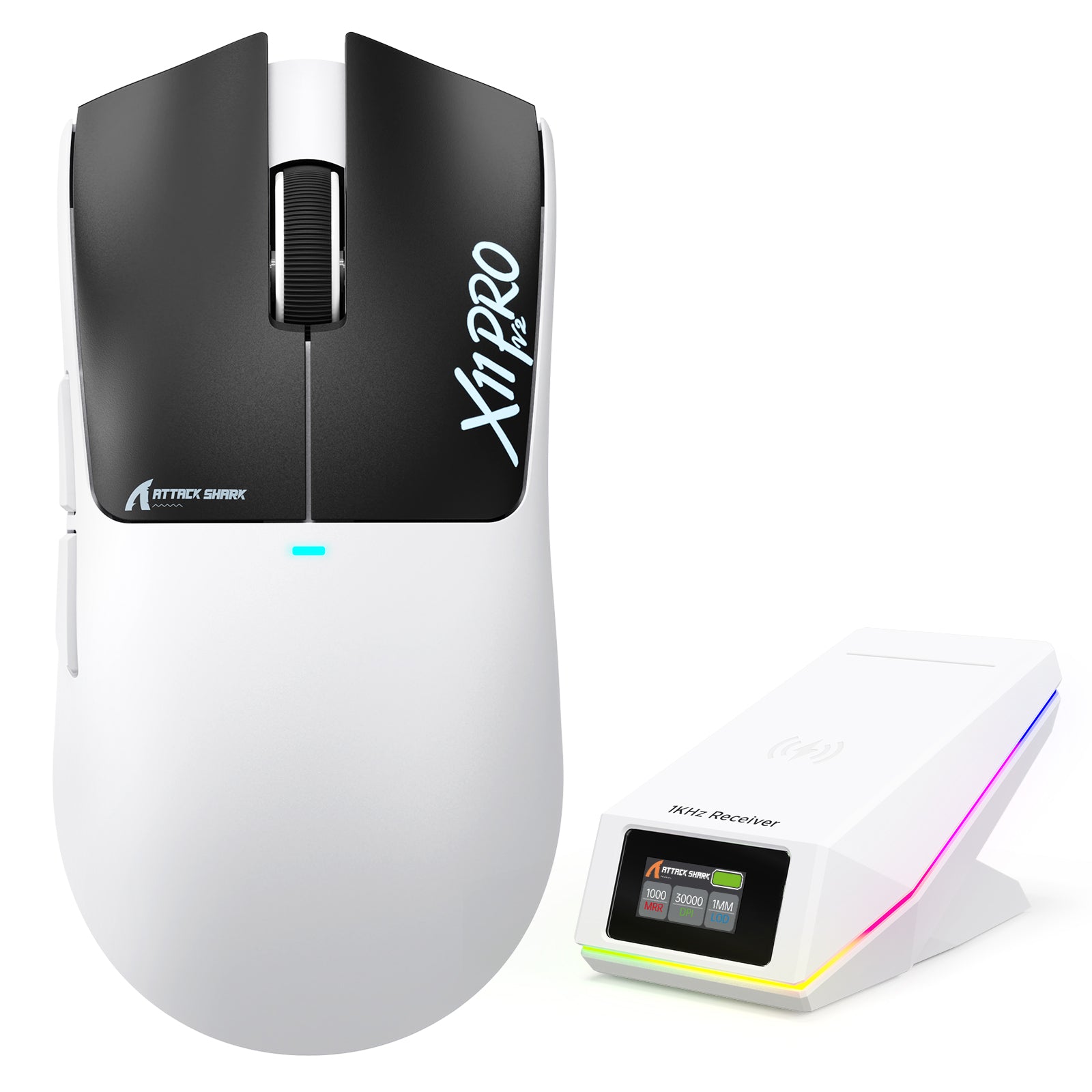
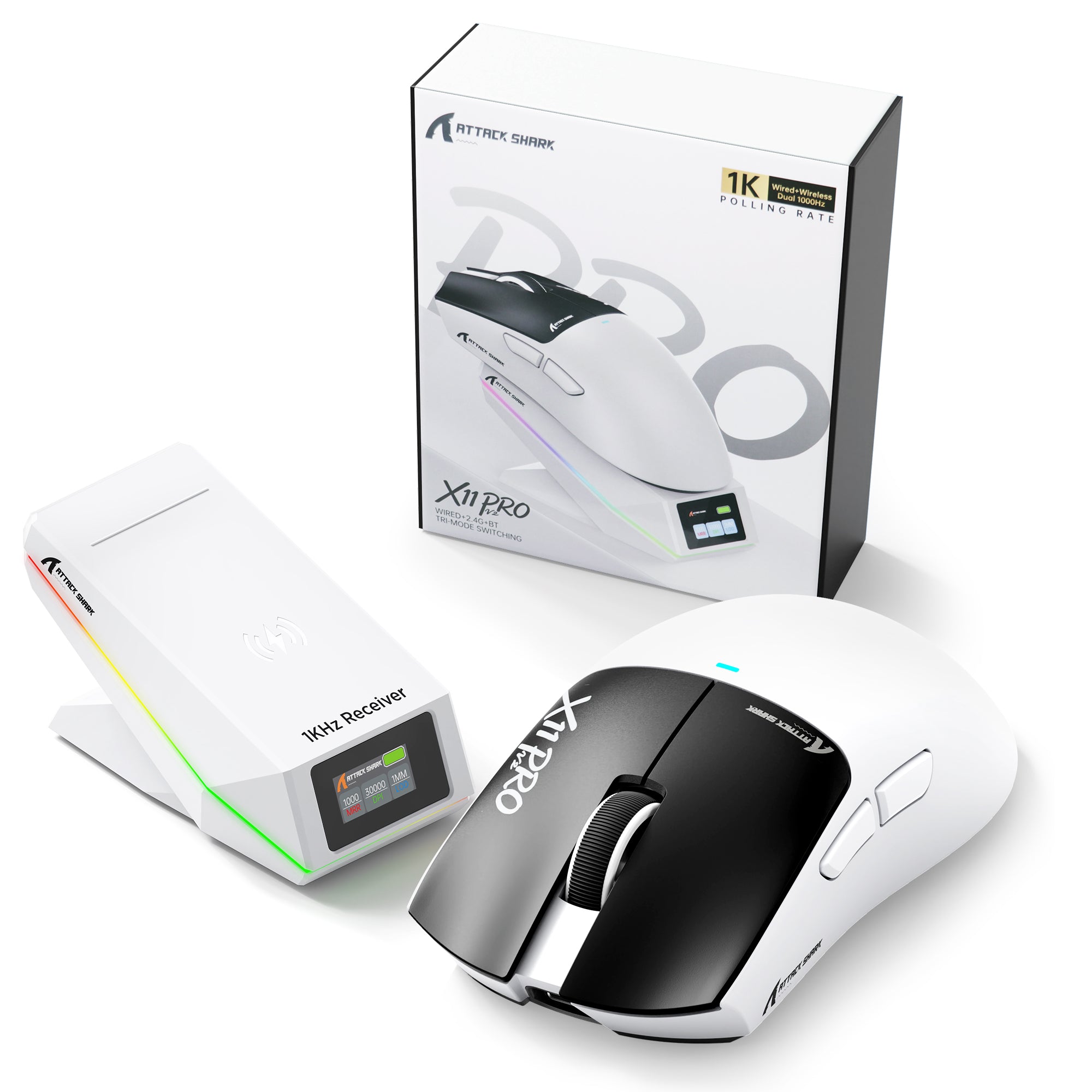

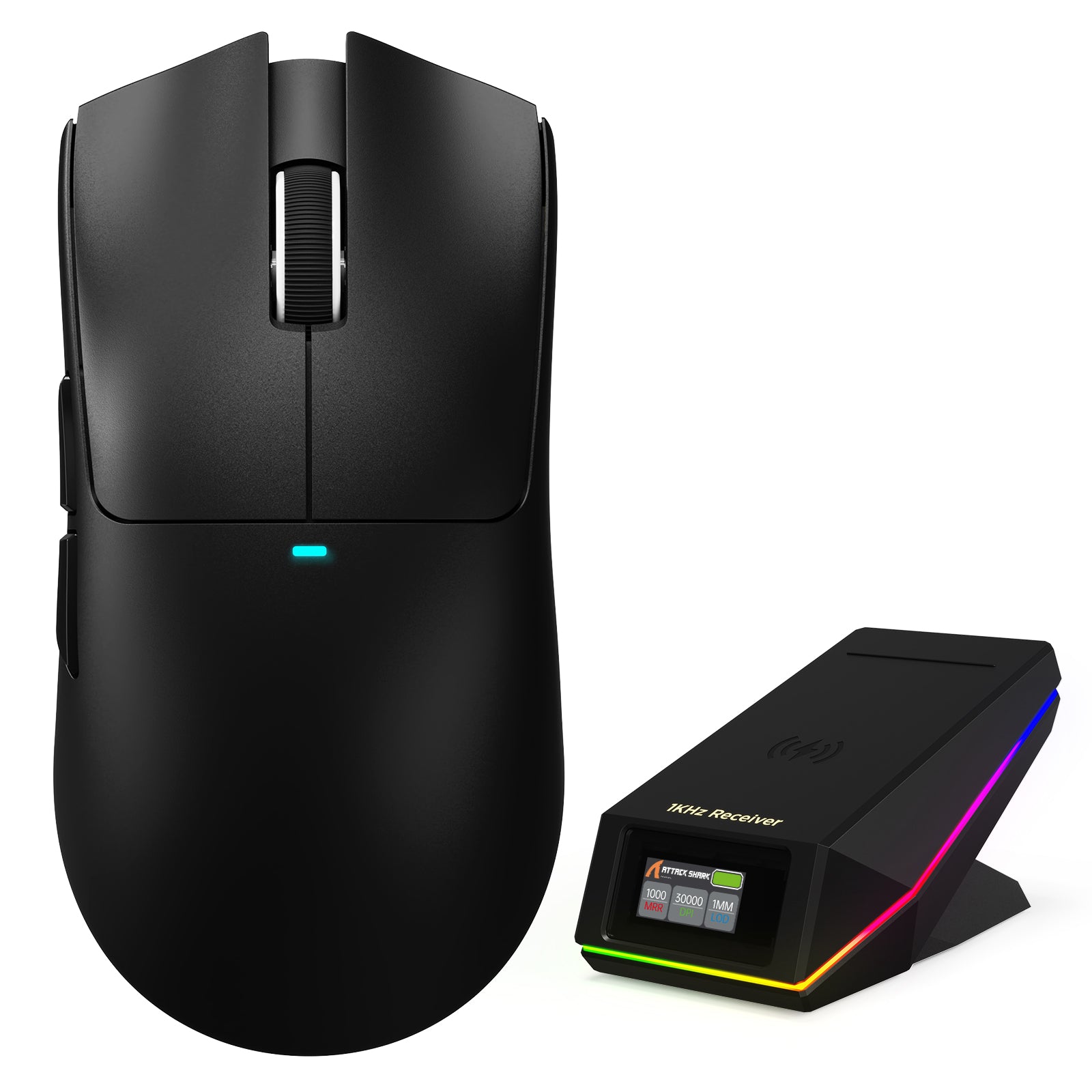
ATTACK SHARK X11 PRO V2 Wireless Gaming Mouse with TFT Display Charging Dock
- Share:
-

-

-

-


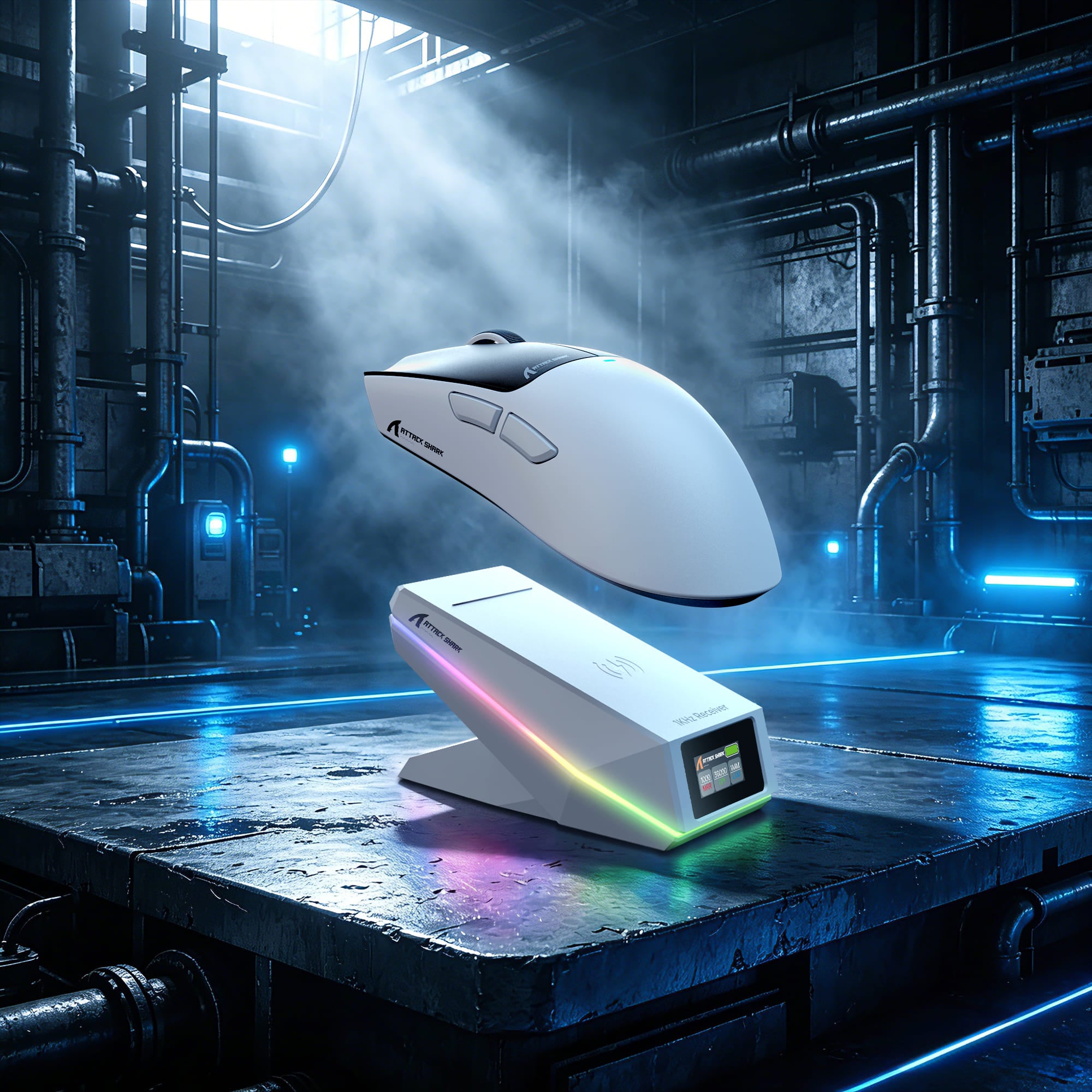
Snap On. Power Up. Keep Gaming.
Effortless Magnetic Wireless Charging
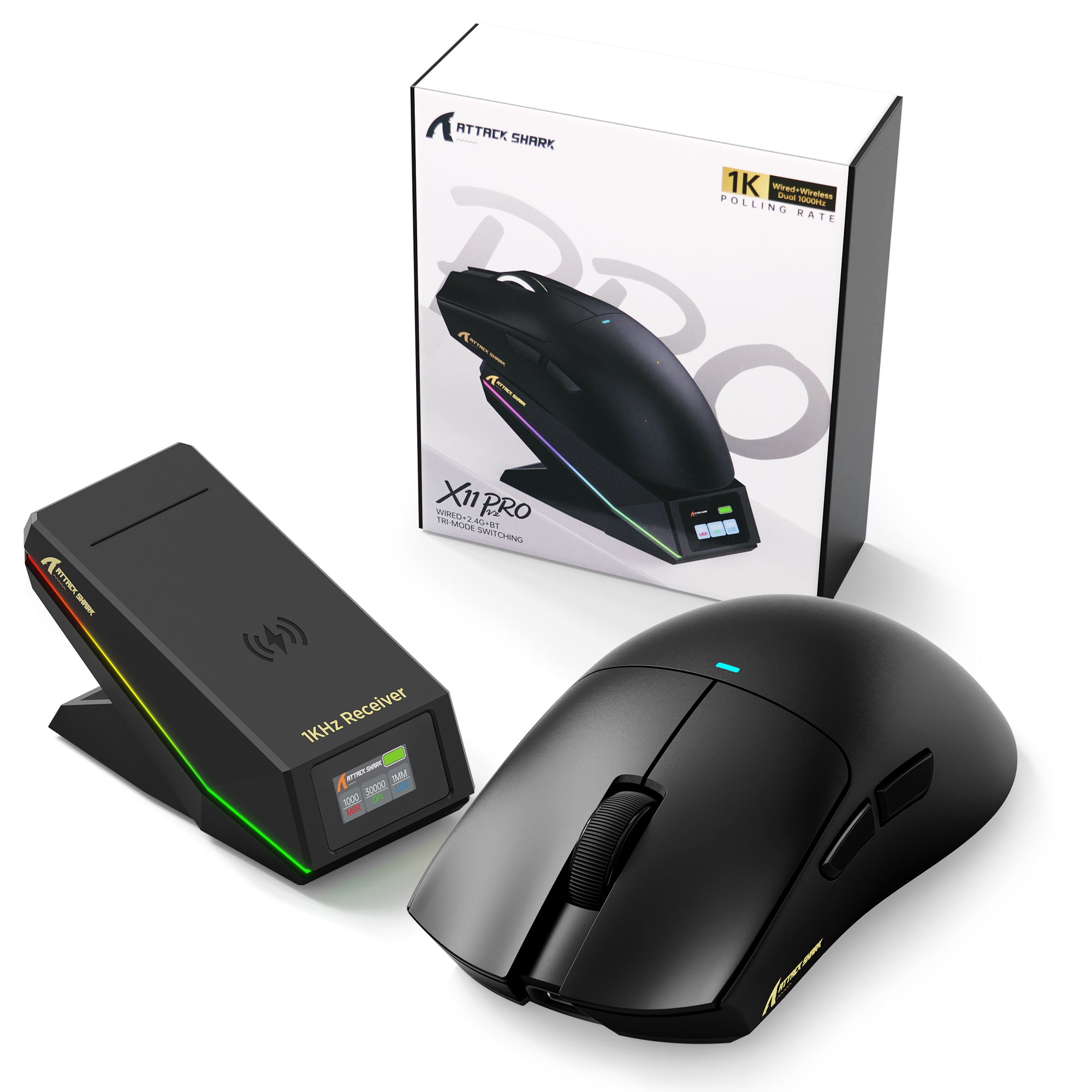
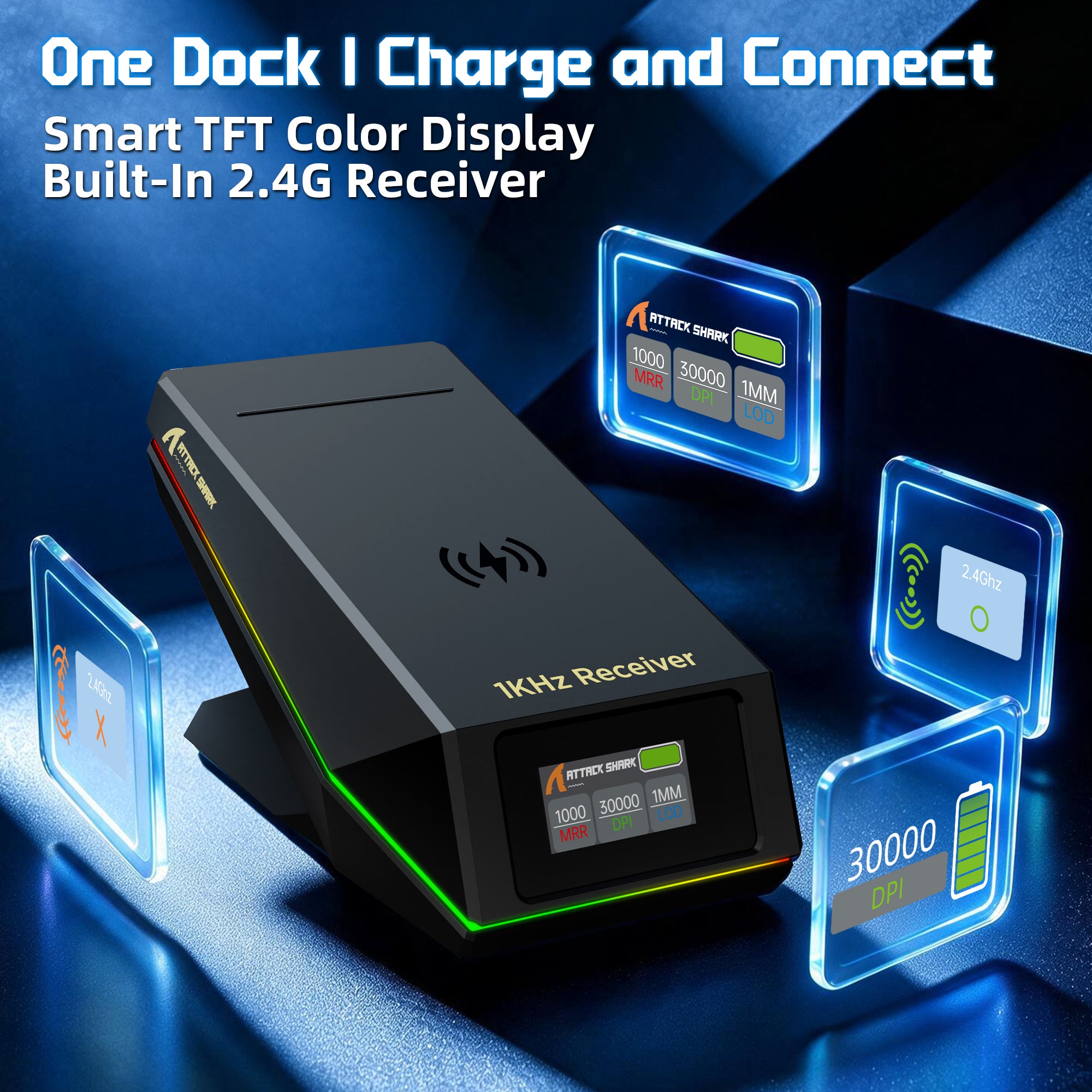
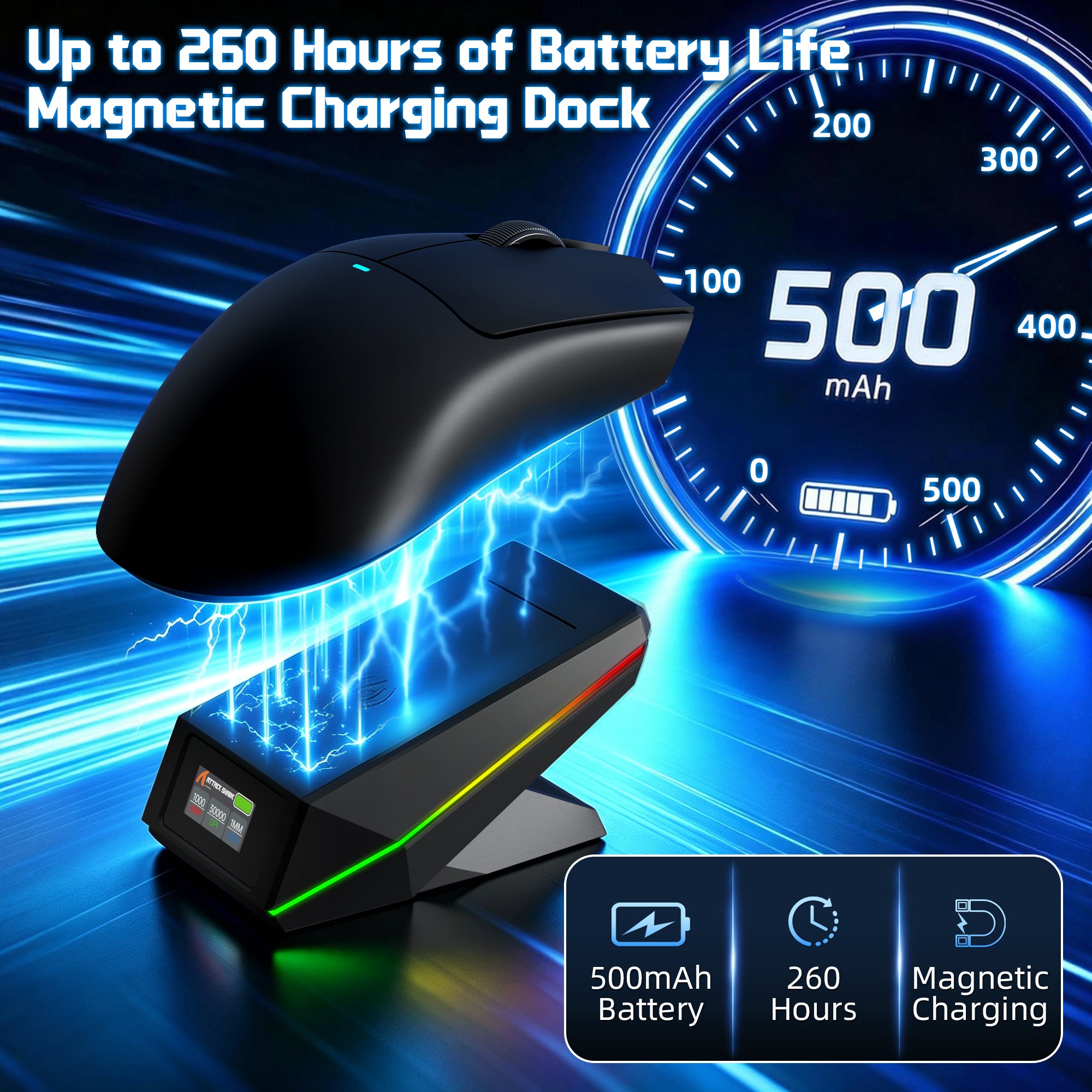
Experience a seamless charging experience with Qi magnetic alignment technology. Simply place the mouse onto the dock for instant charging, keeping your setup organized while ensuring your mouse is always ready for action.

No Extra Dongle Needed
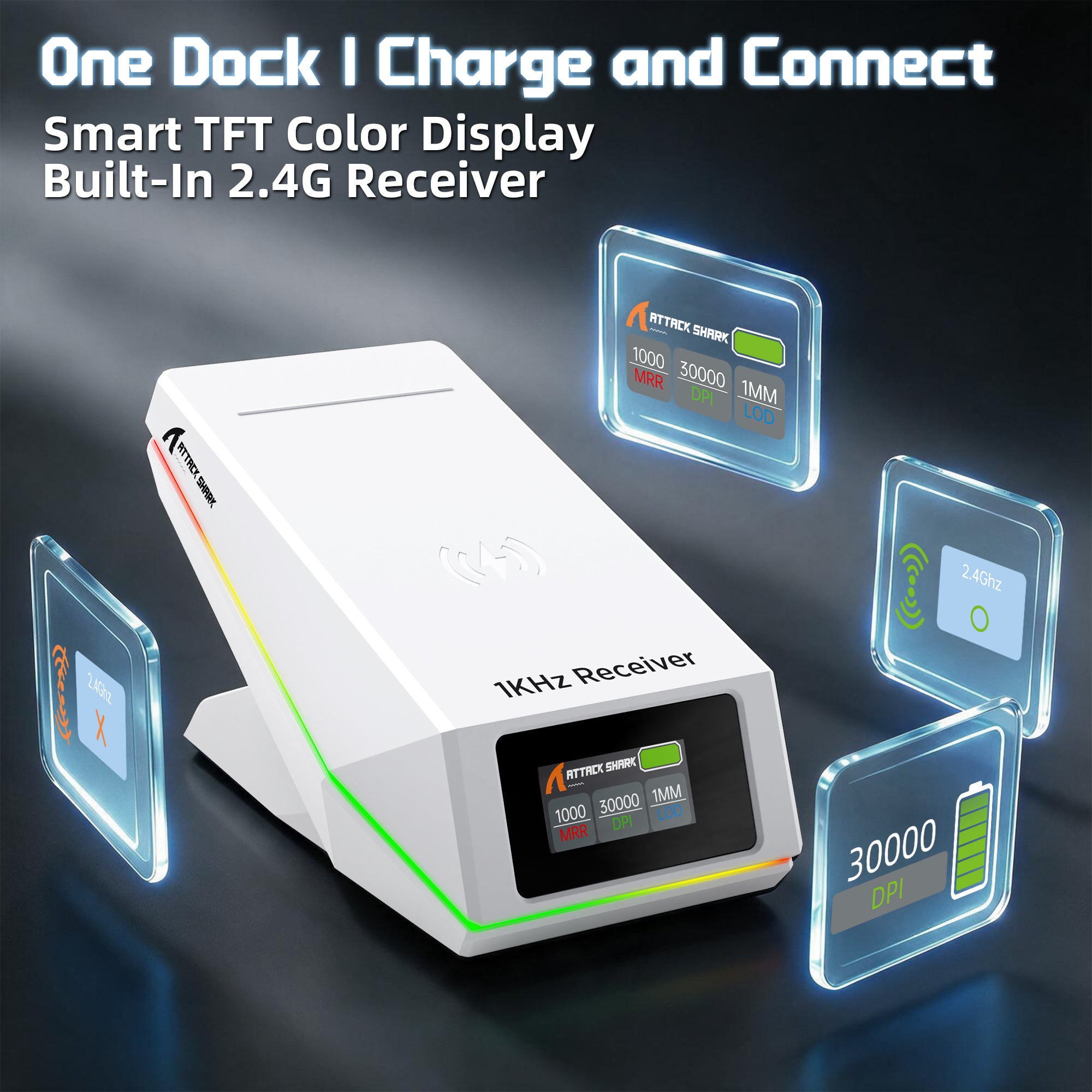
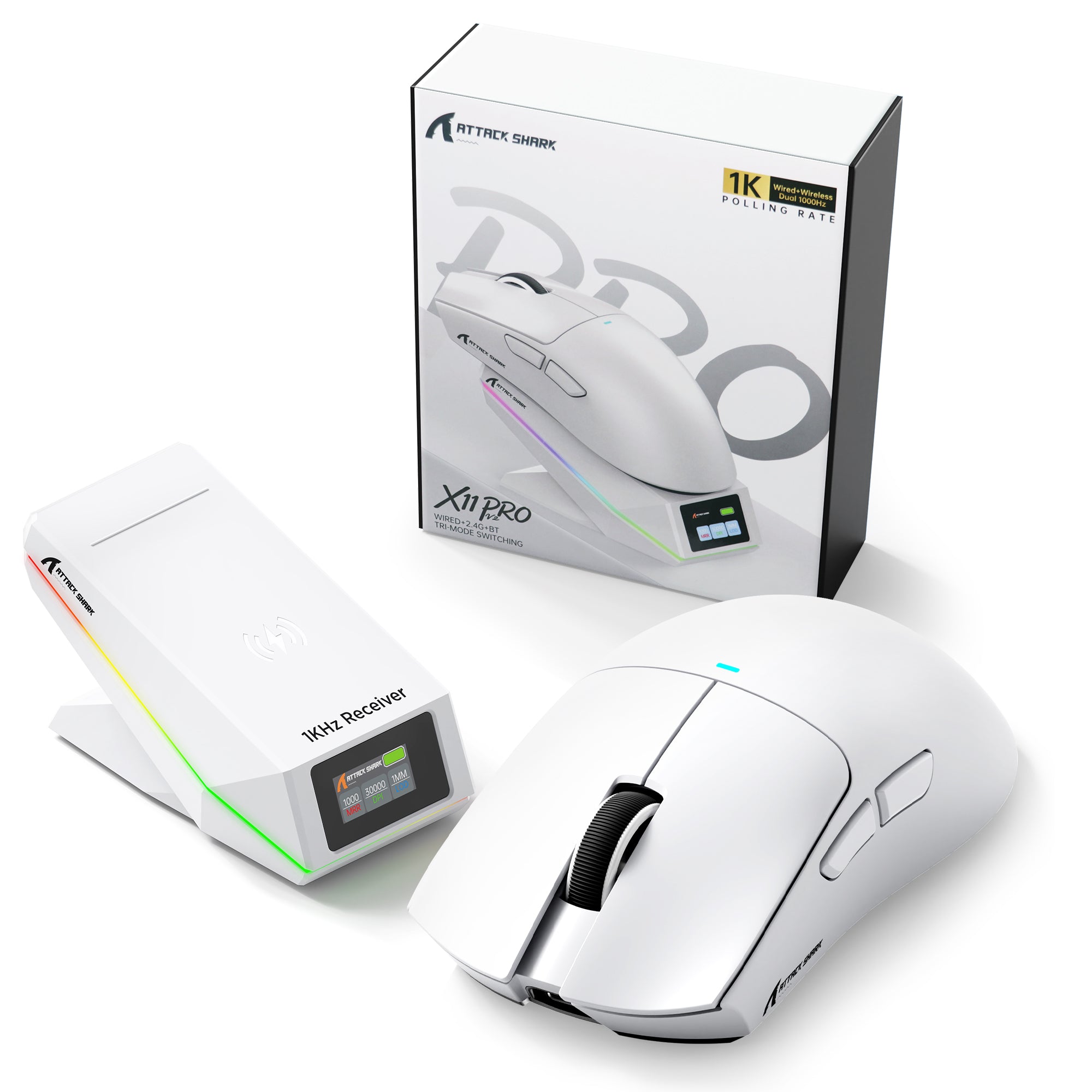
2.4G Receiver Built into the Charging Dock
The receiver is built directly into the charging dock, keeping your setup clean and organized. Connect the dock and enjoy convenient 2.4G wireless gaming without searching for or managing a separate receiver.
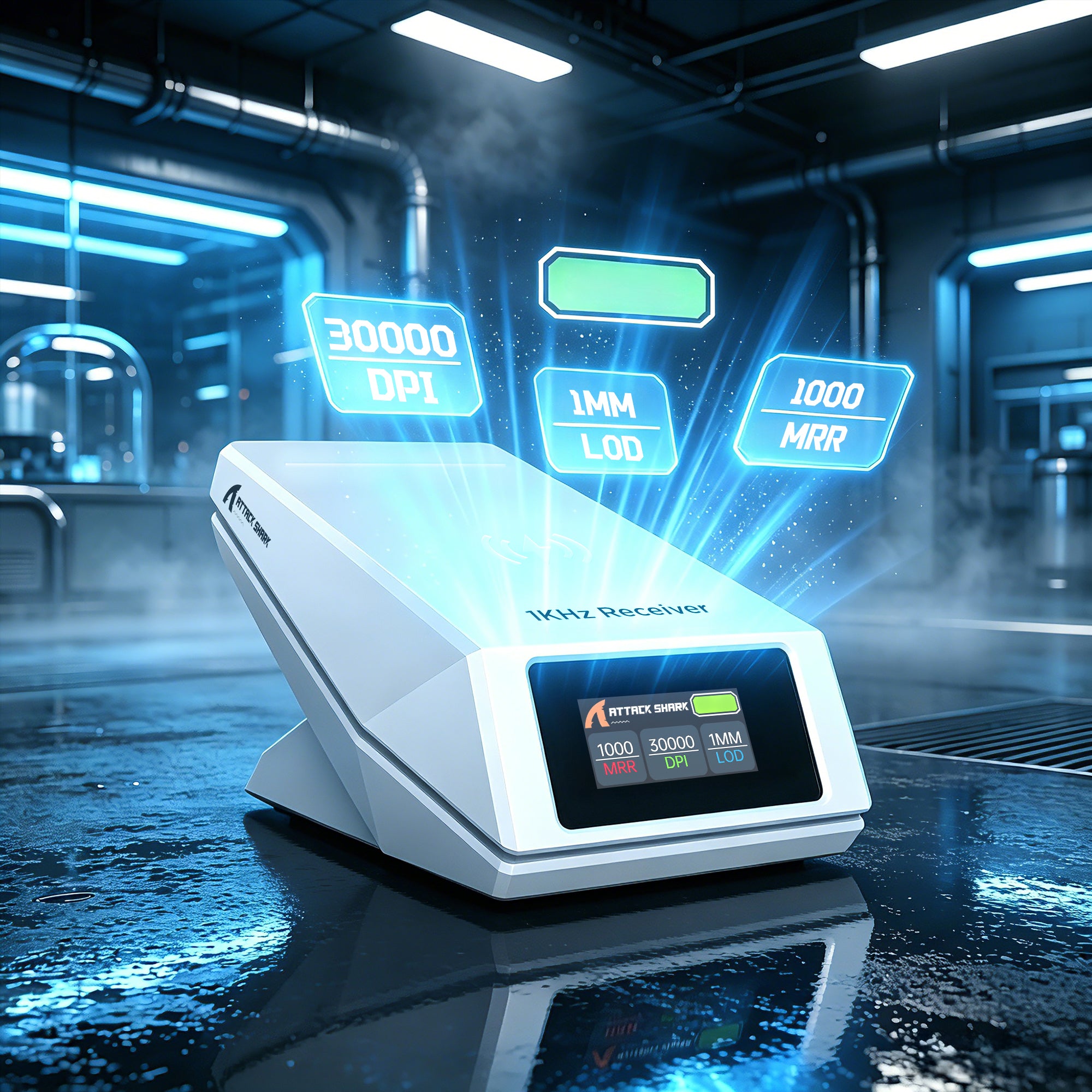
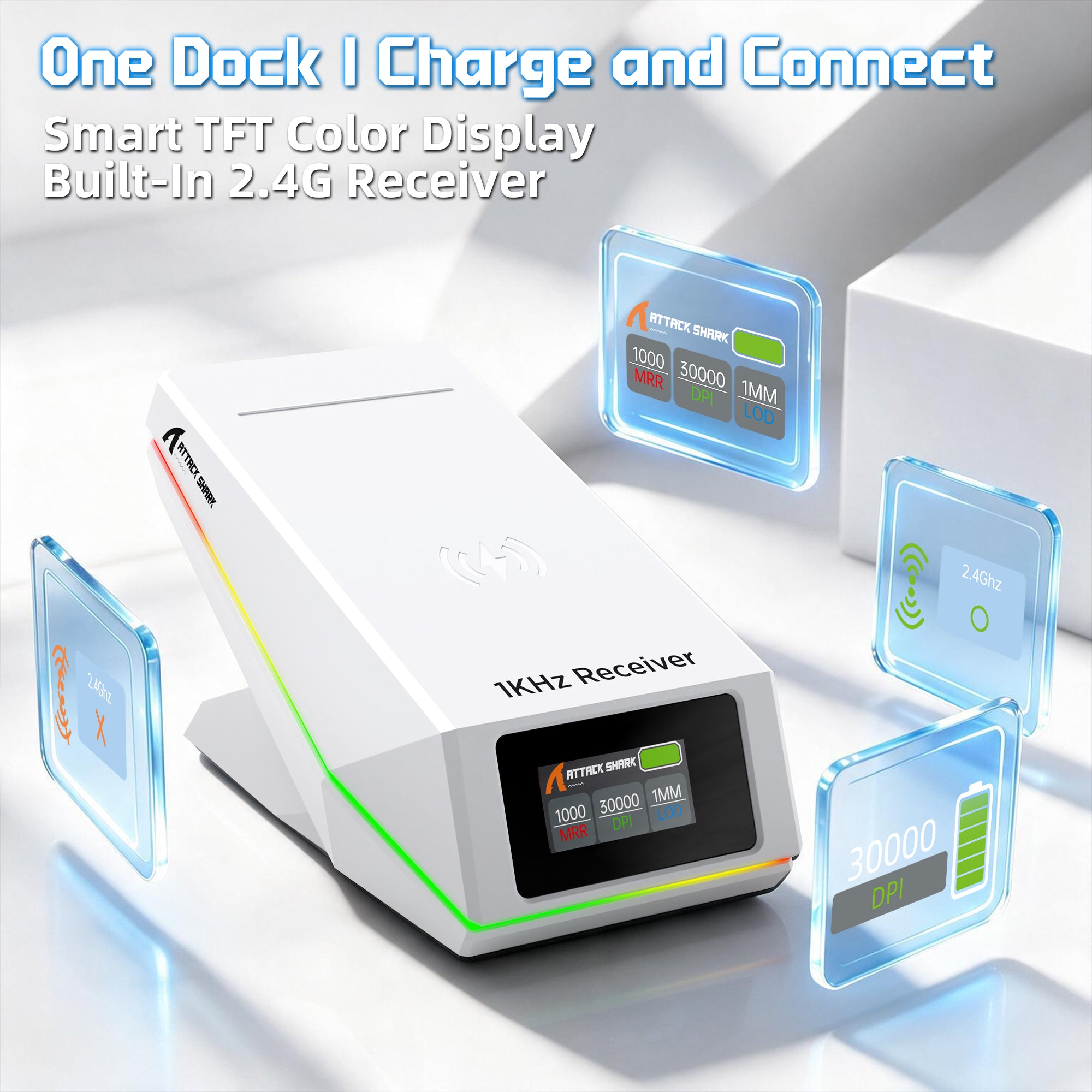
Charging, Monitoring & Wireless Connection All in One
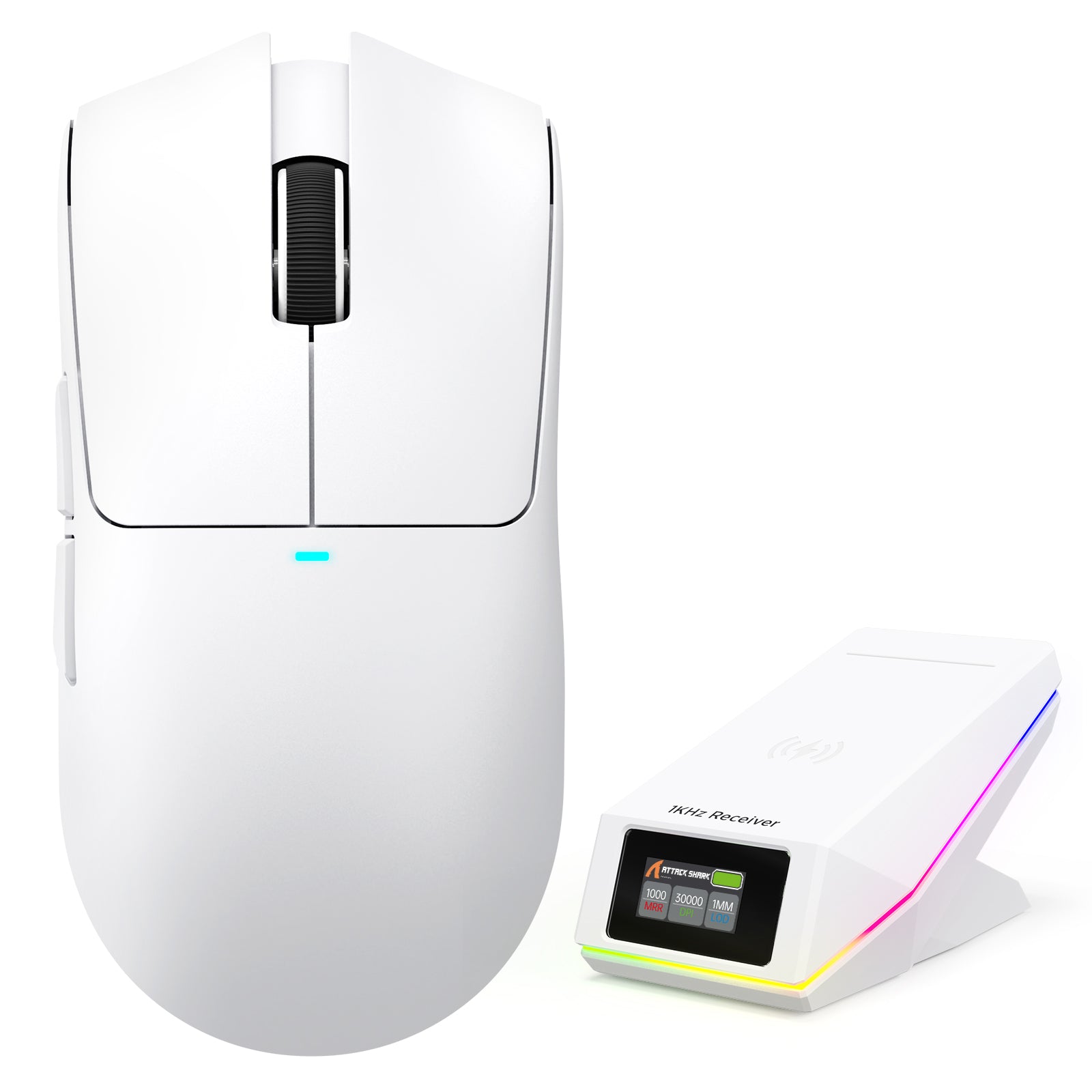
Smart TFT Display Charging Dock
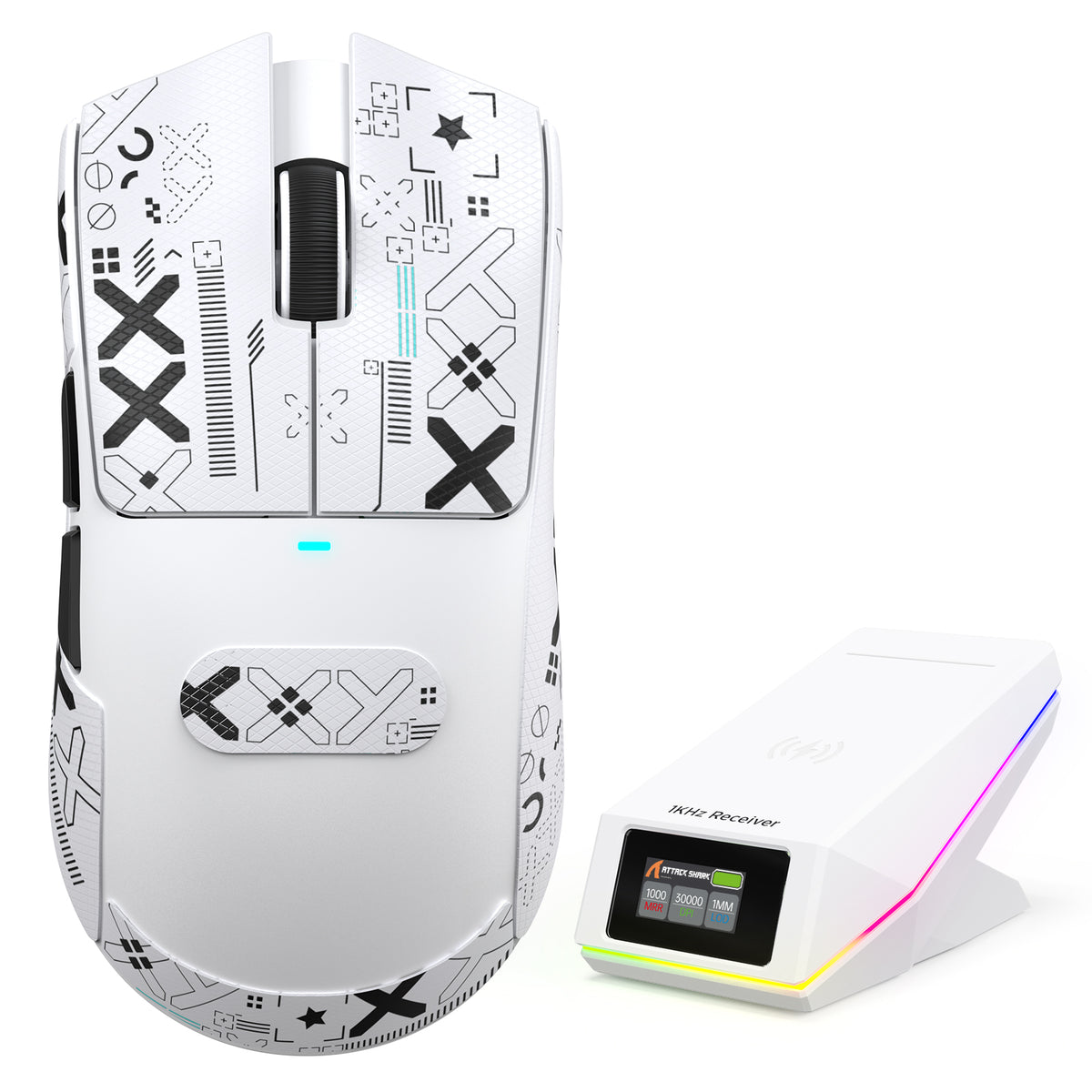
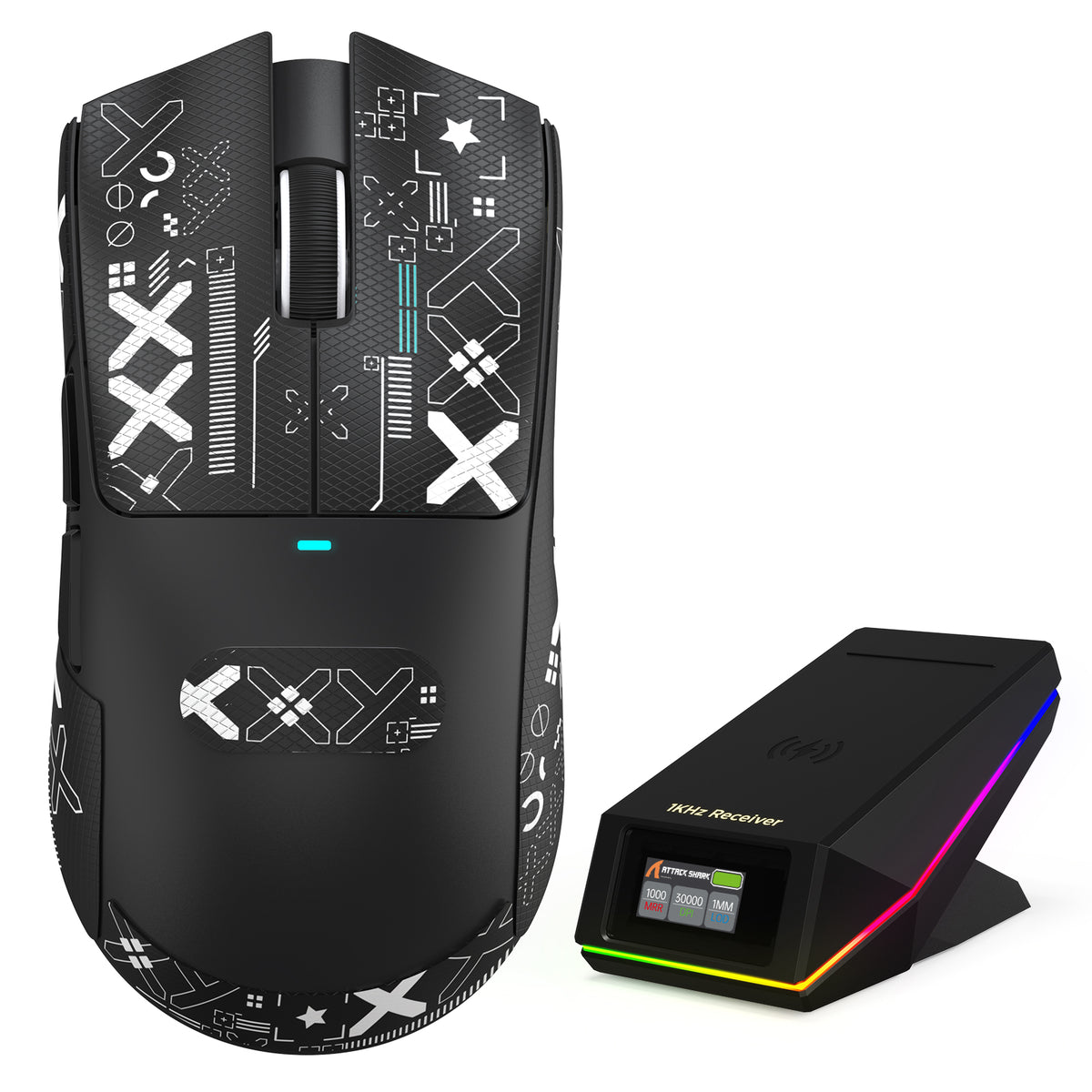
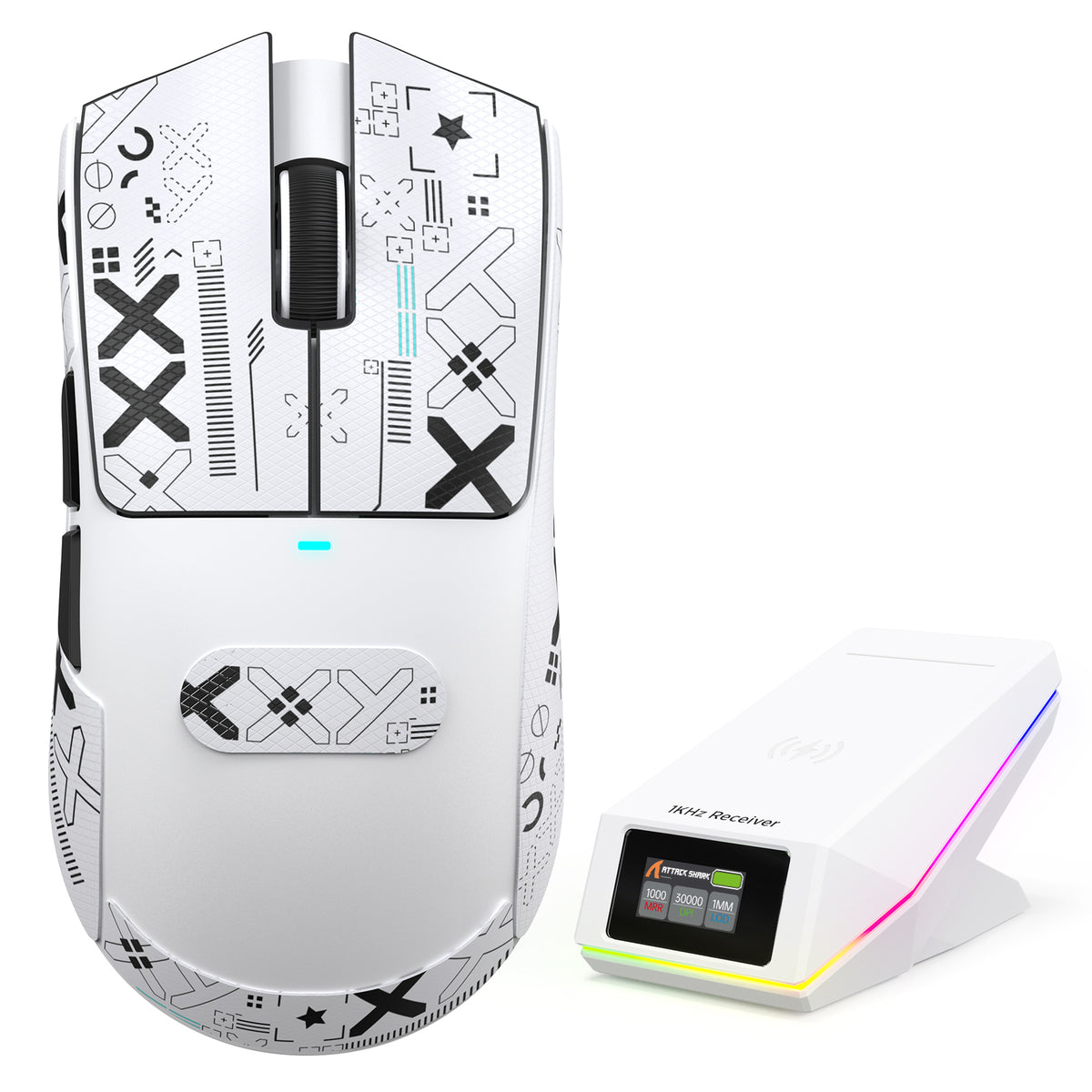
The upgraded charging dock features a TFT color display that provides real-time information including DPI, polling rate and battery status. With the dock-integrated 2.4G receiver, simply connect the dock and enjoy a cleaner wireless gaming setup without an extra dongle.
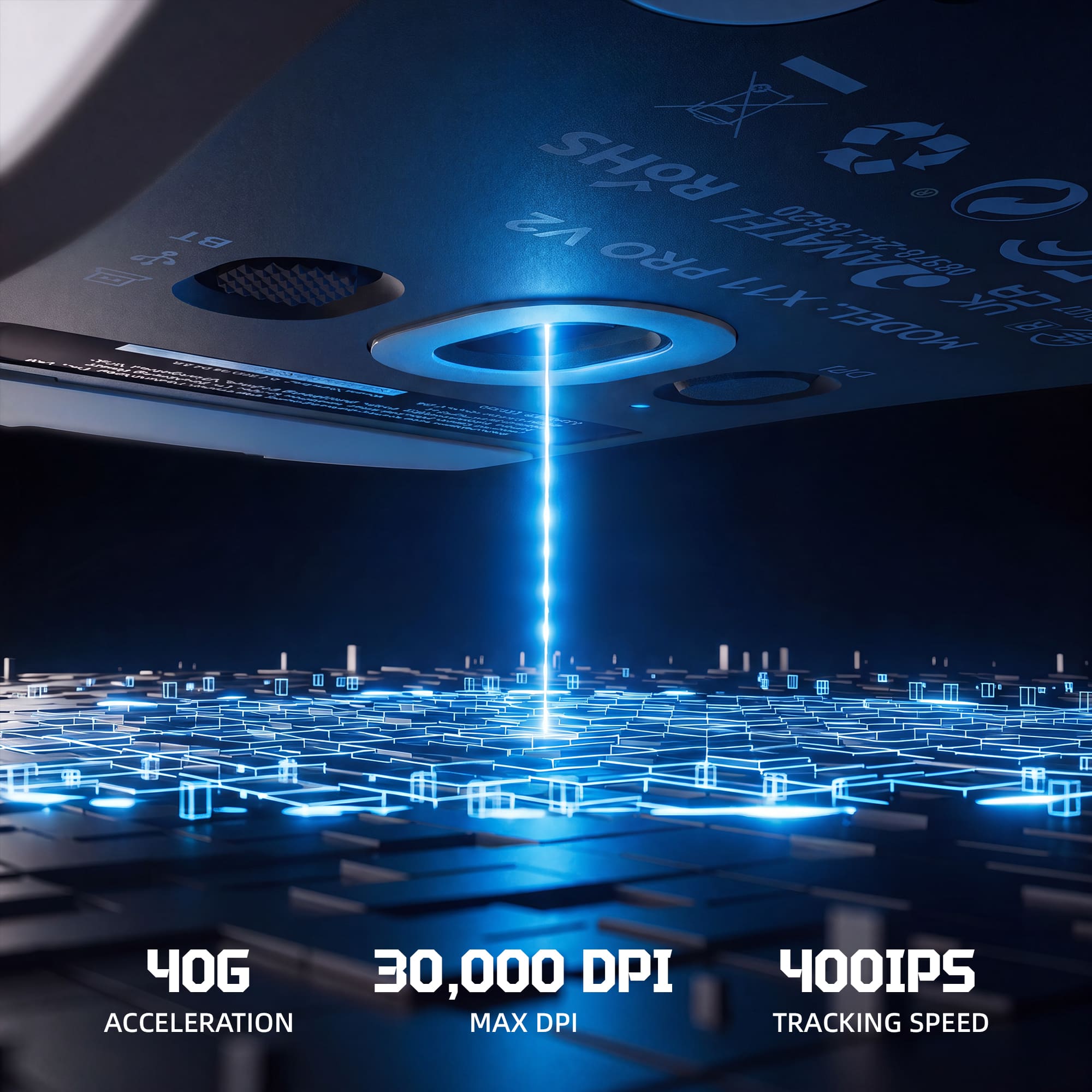
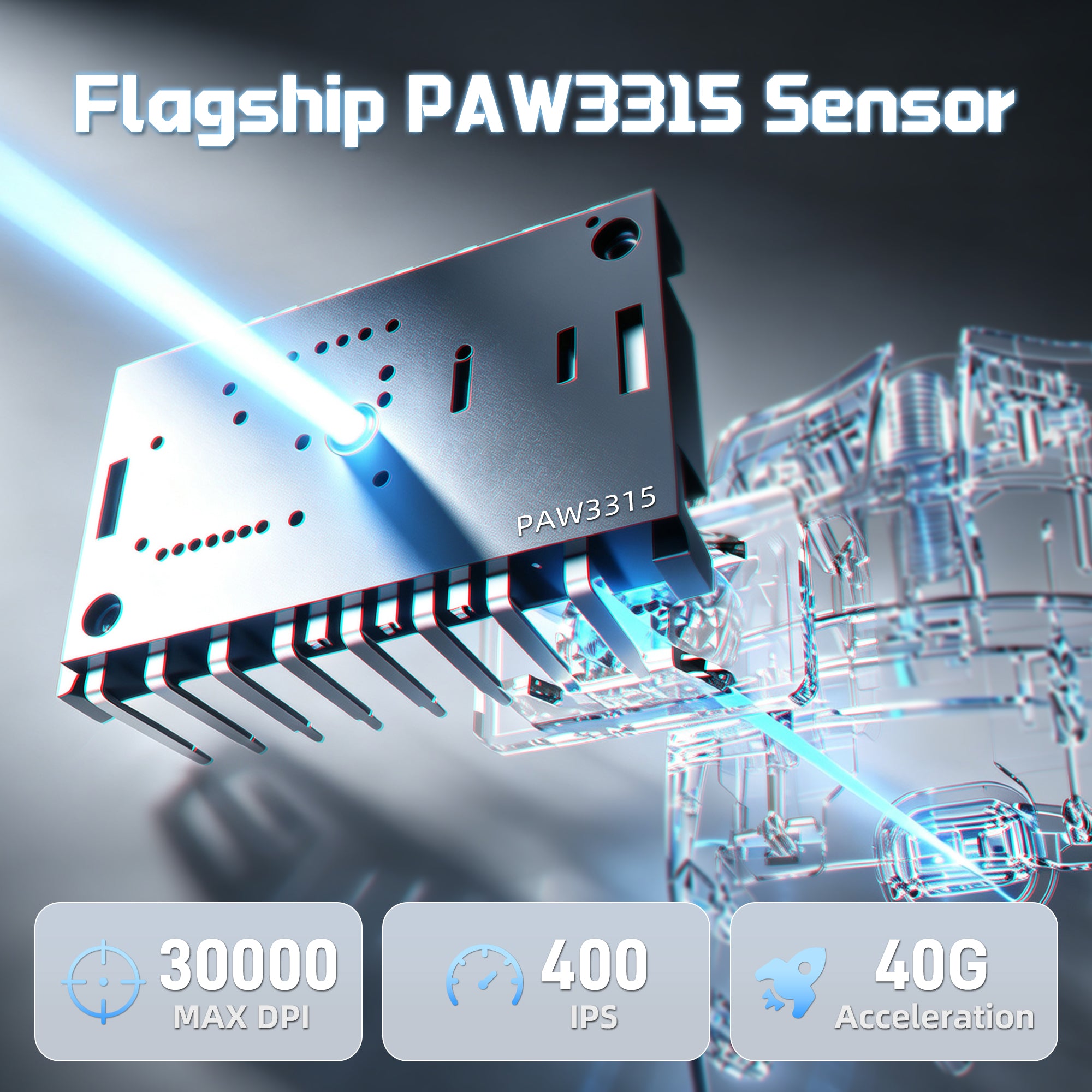
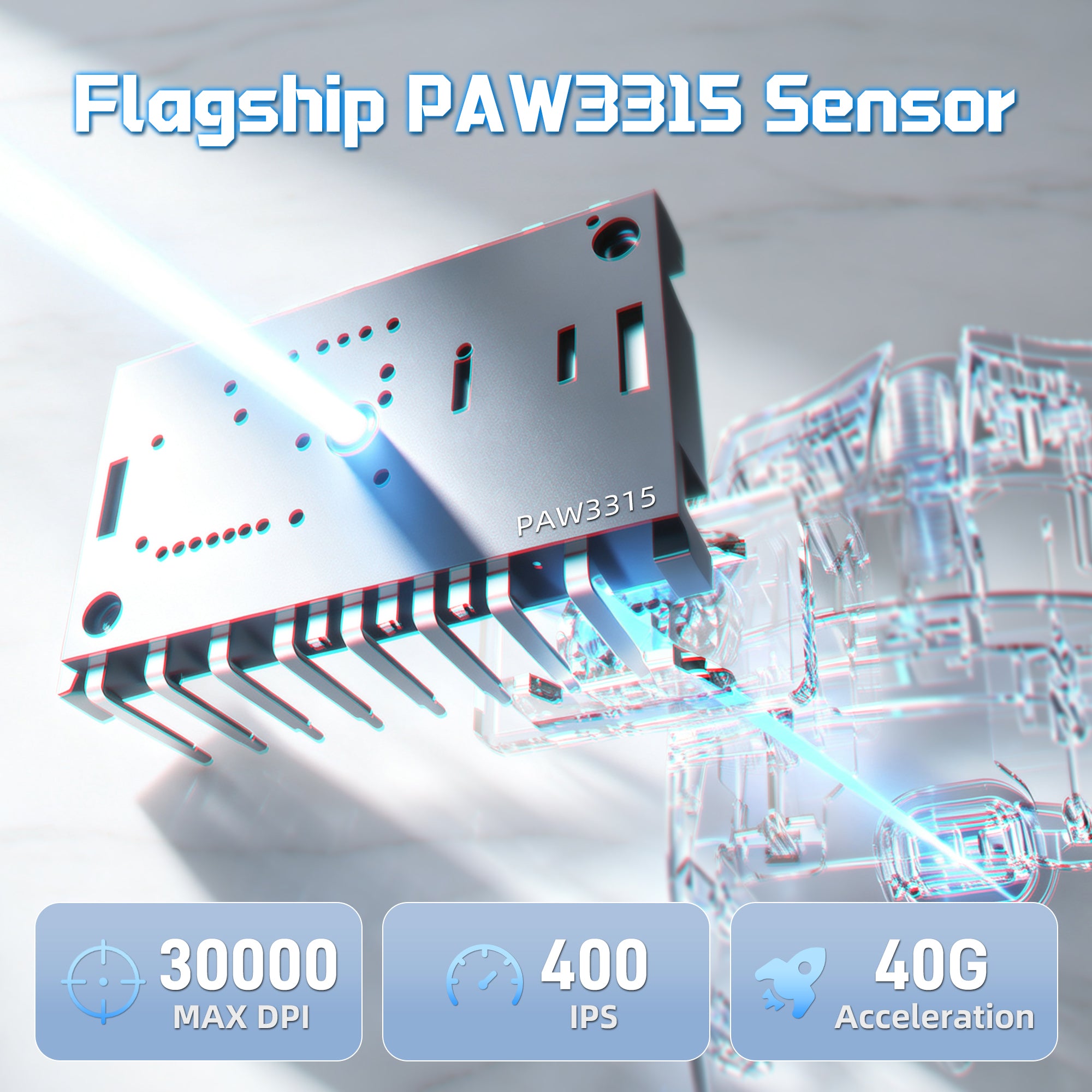
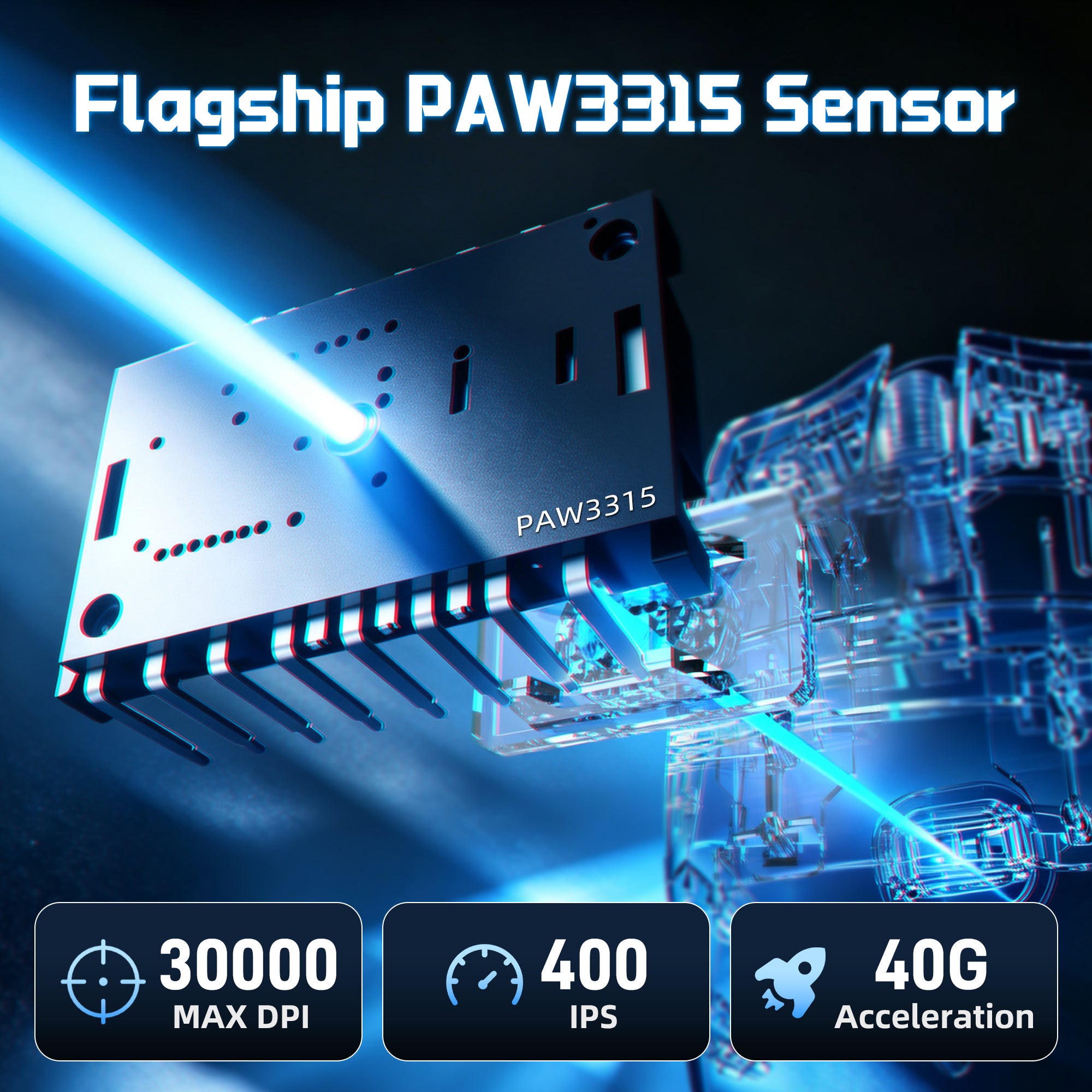
30,000 DPI | 400 IPS | 40G Acceleration
Precision Powered by PAW3315 Sensor
Equipped with the upgraded PixArt PAW3315 sensor, X11 PRO V2 delivers accurate tracking and responsive control. From fast flick shots to precise movements, enjoy reliable performance in competitive gaming scenarios.
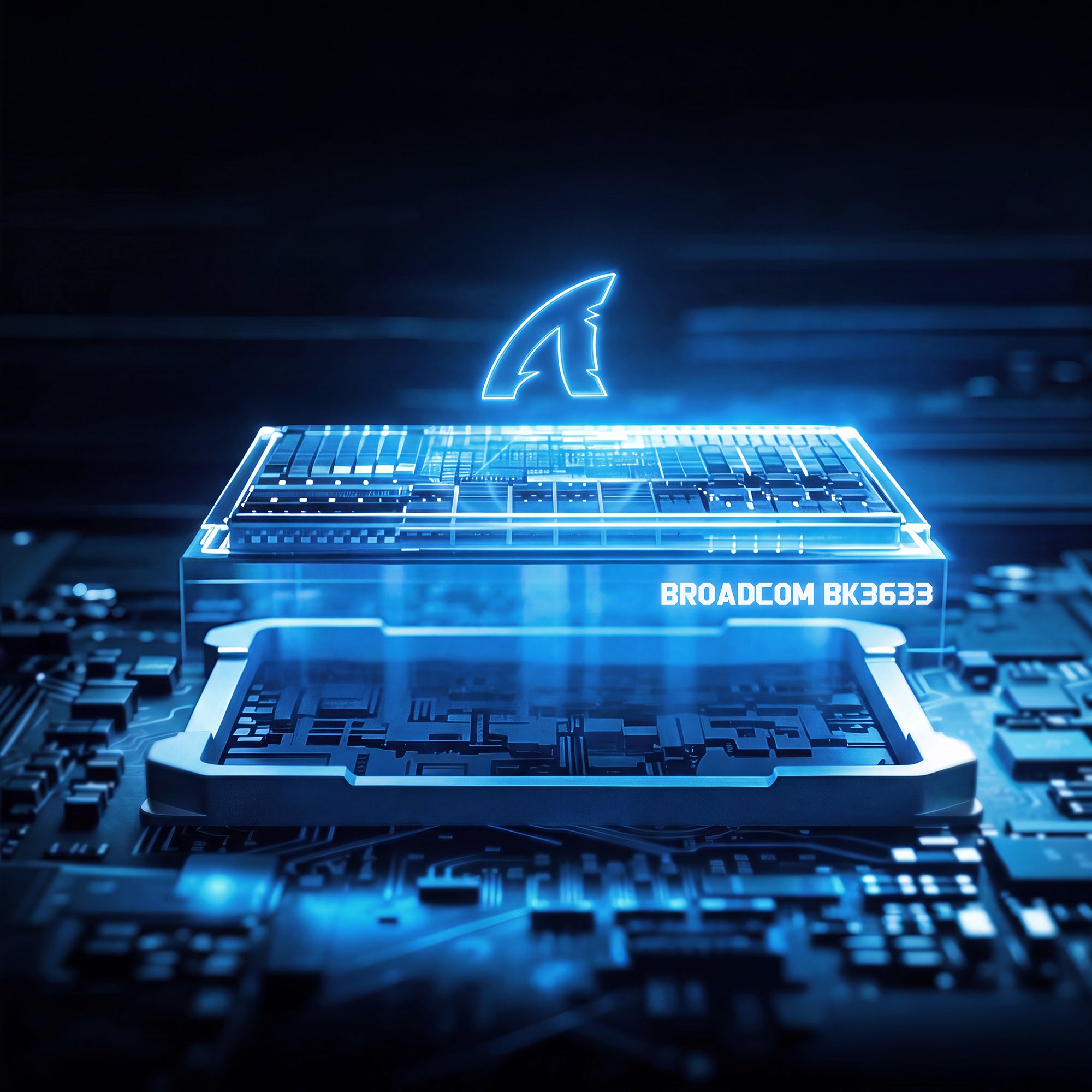
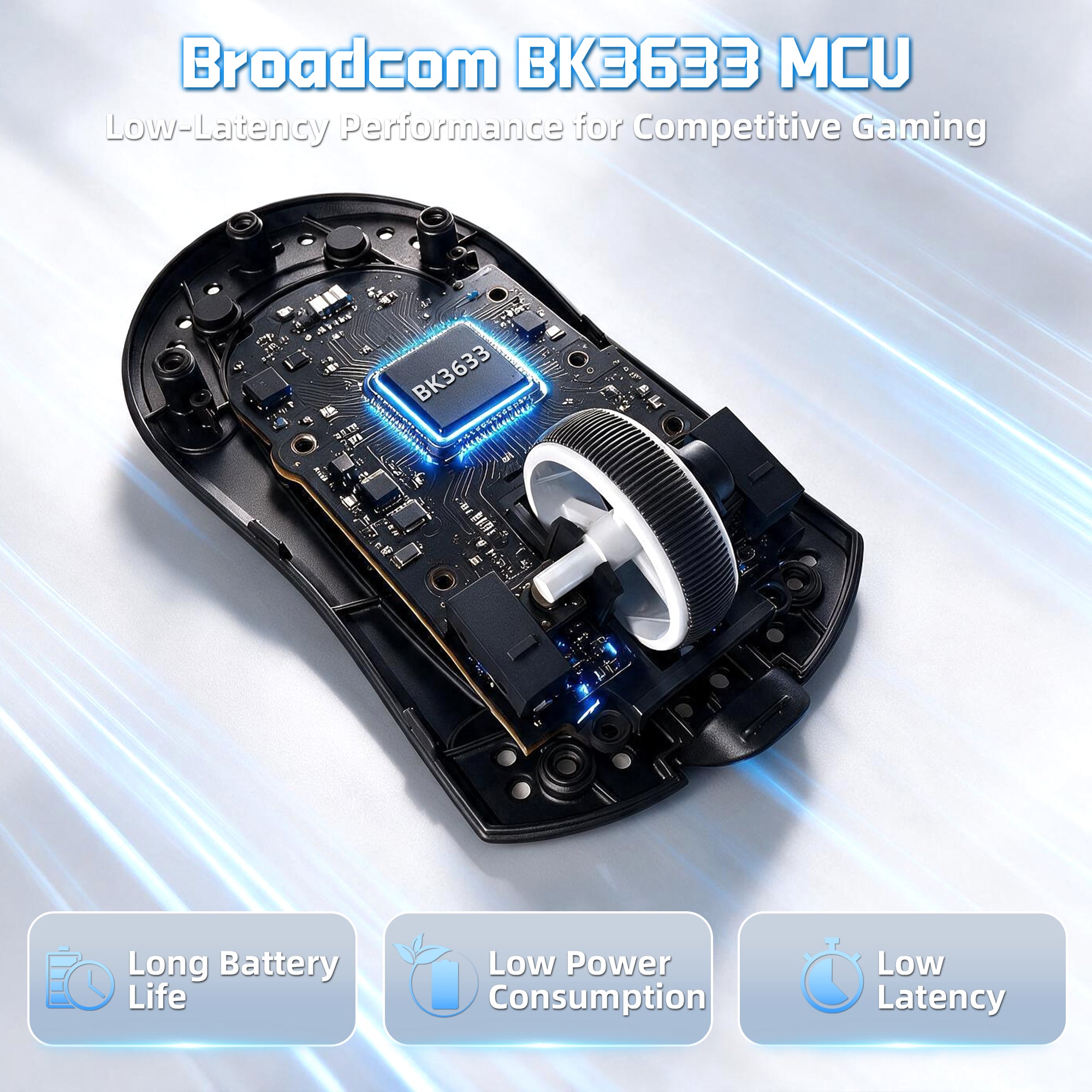
The Core Behind Faster & More Stable Response
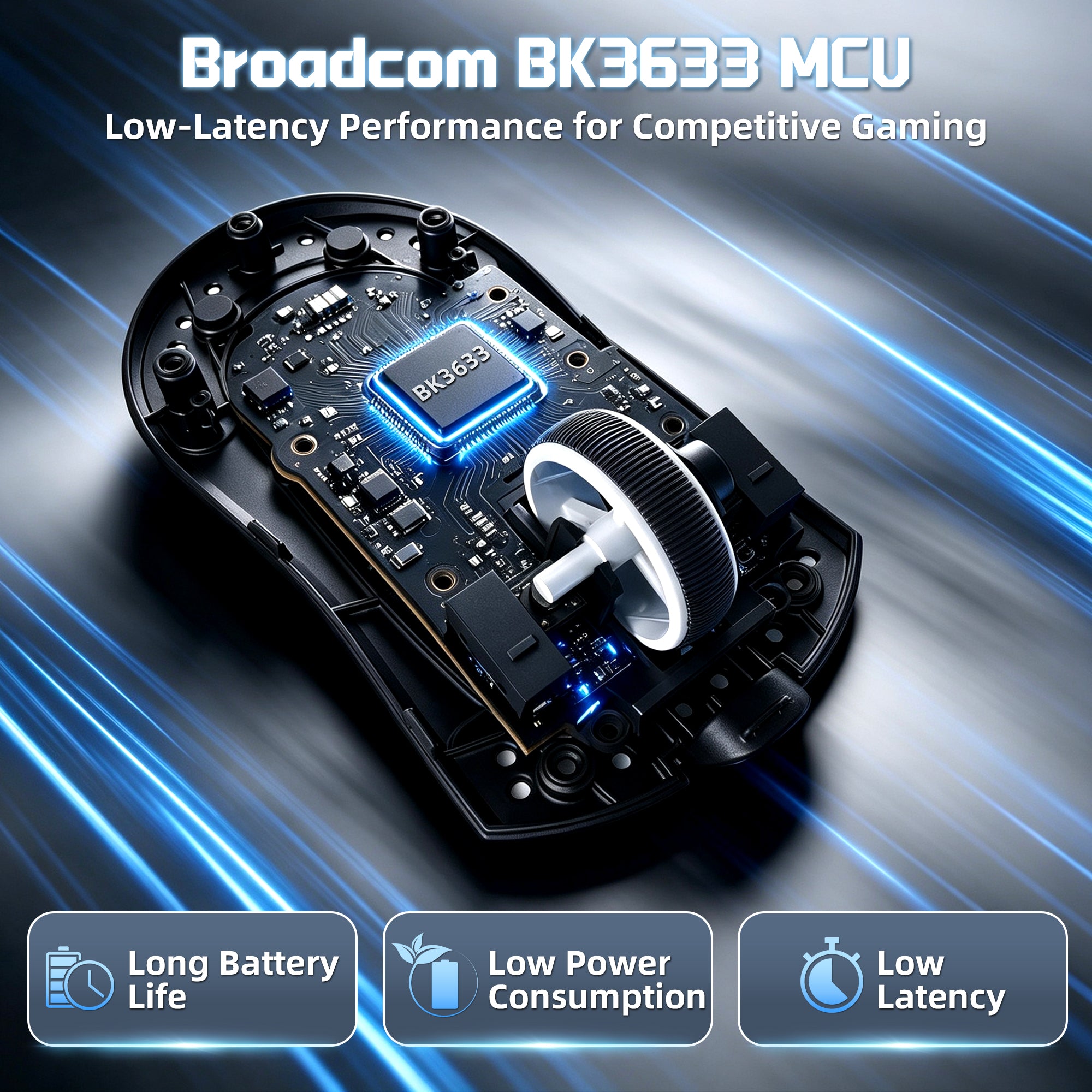
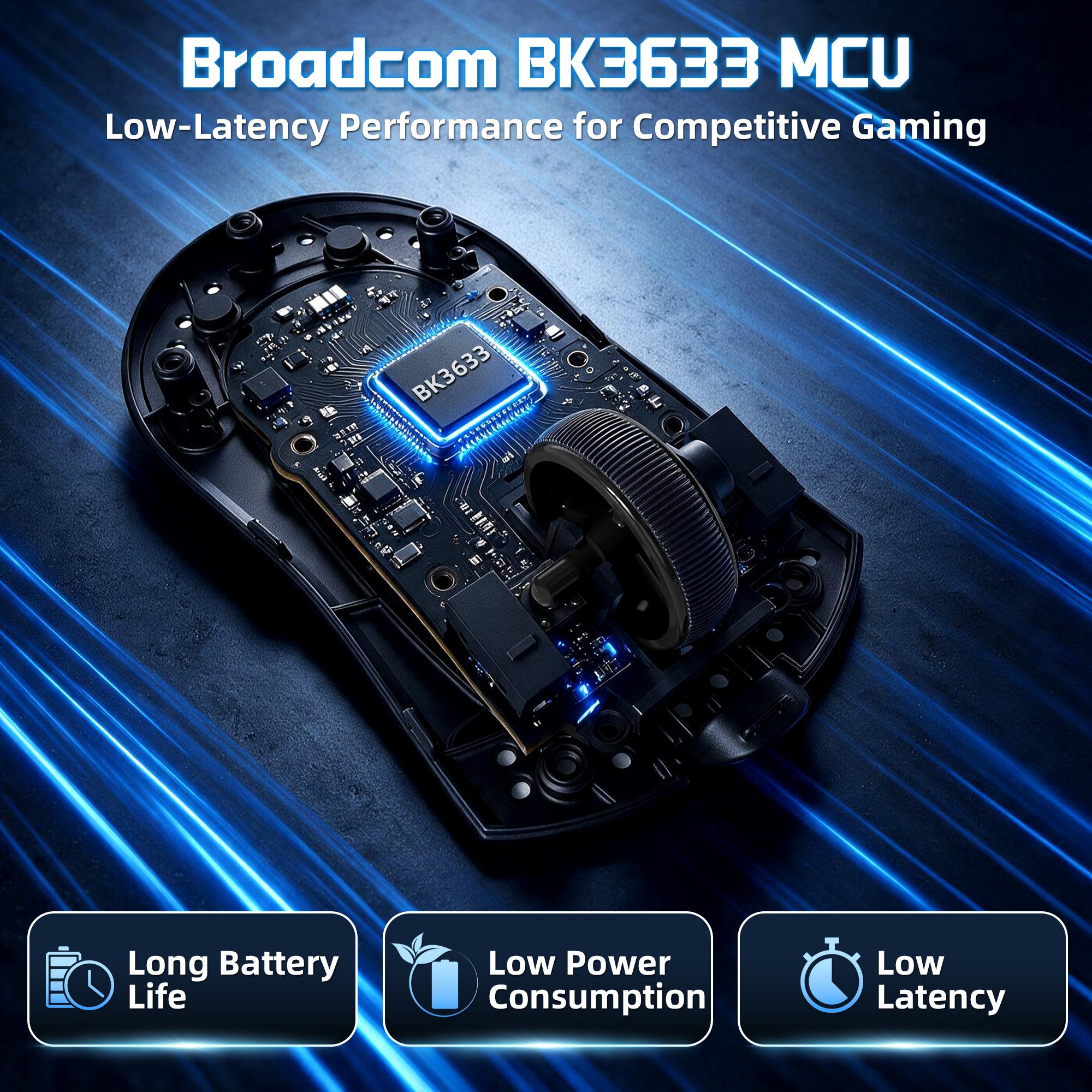
High-Performance BK3633 MCU
At the heart of X11 PRO V2 is the BK3633 main control chip, designed to deliver fast data processing, stable wireless communication, and consistent performance. Experience reliable 1000Hz polling rate performance with reduced latency during intense gaming sessions.
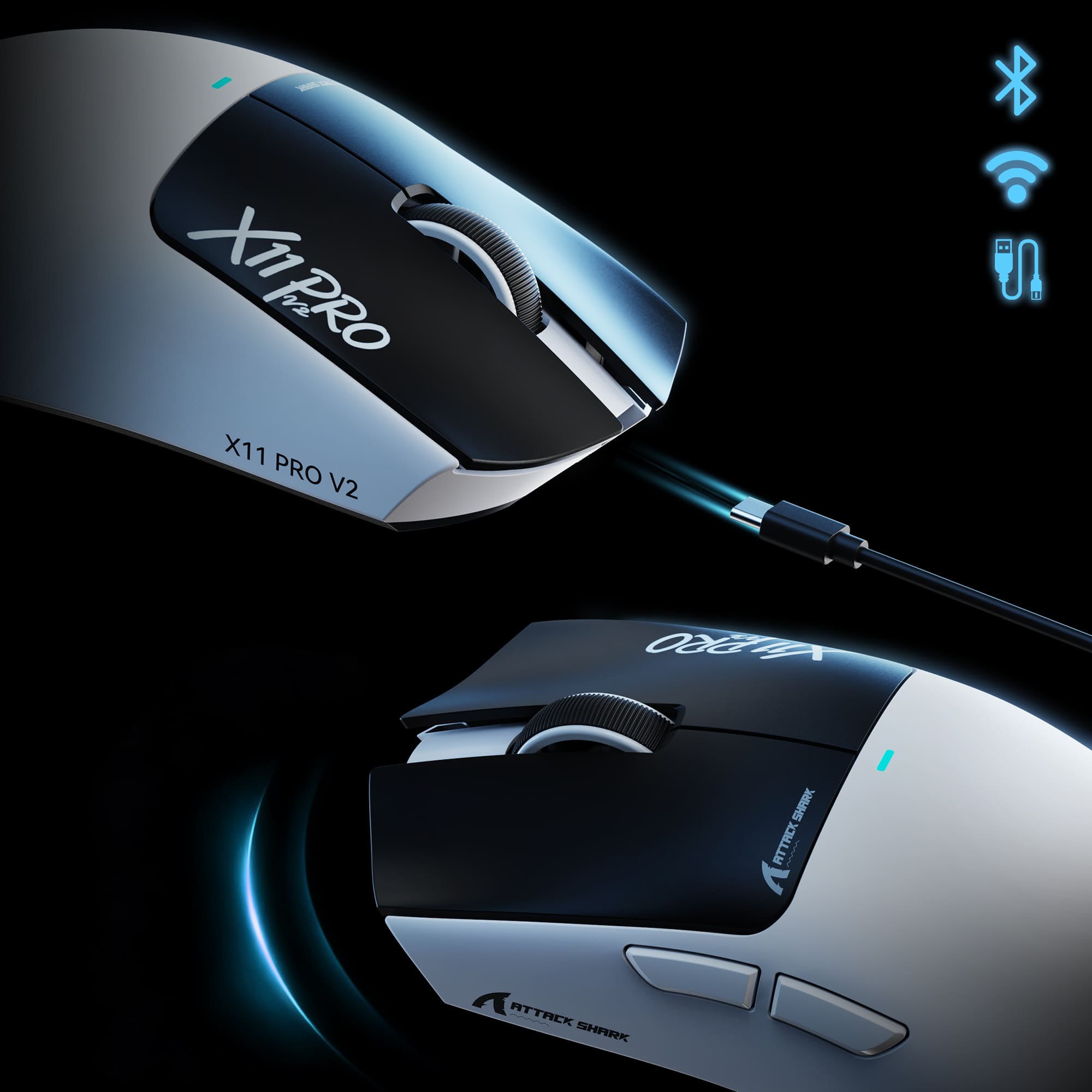
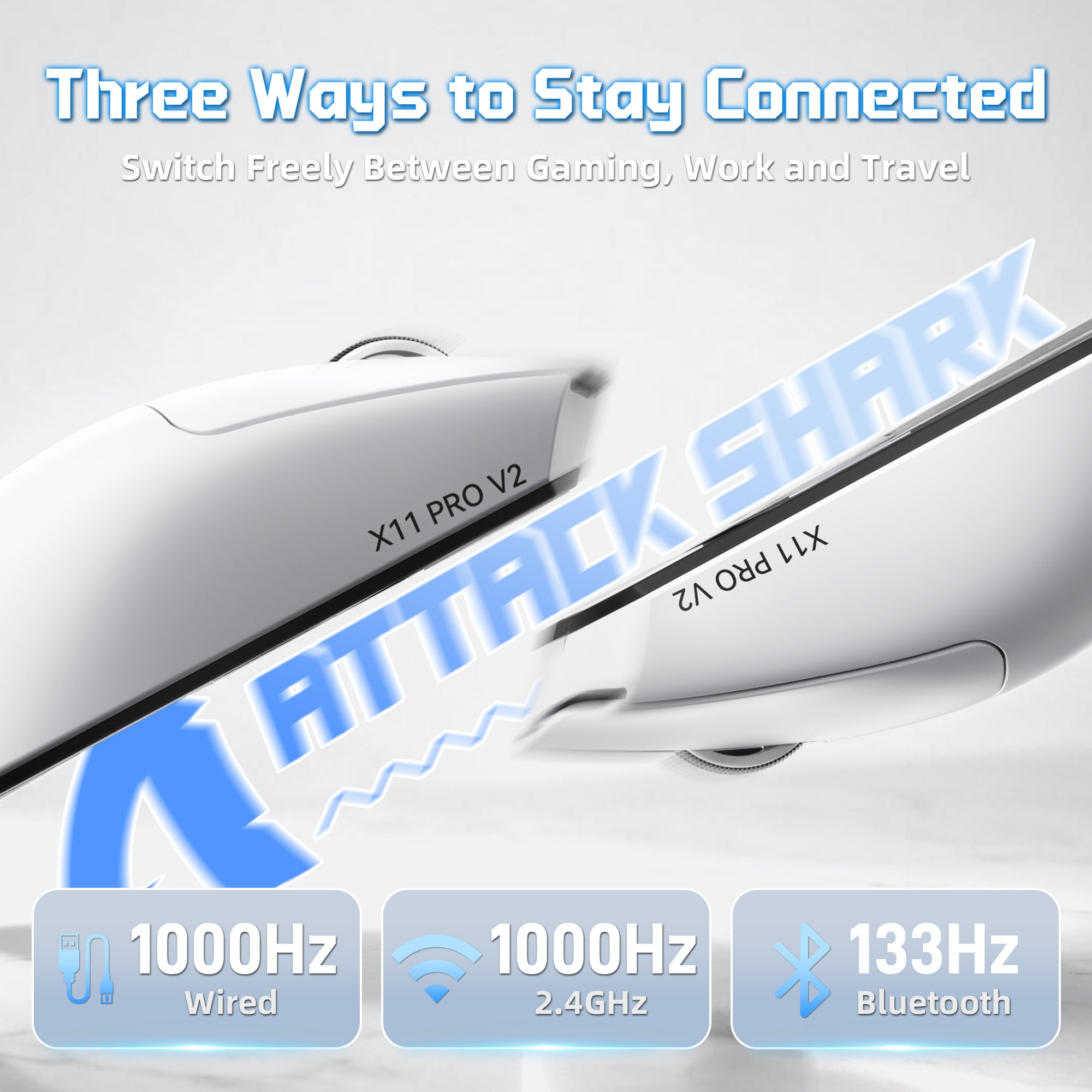
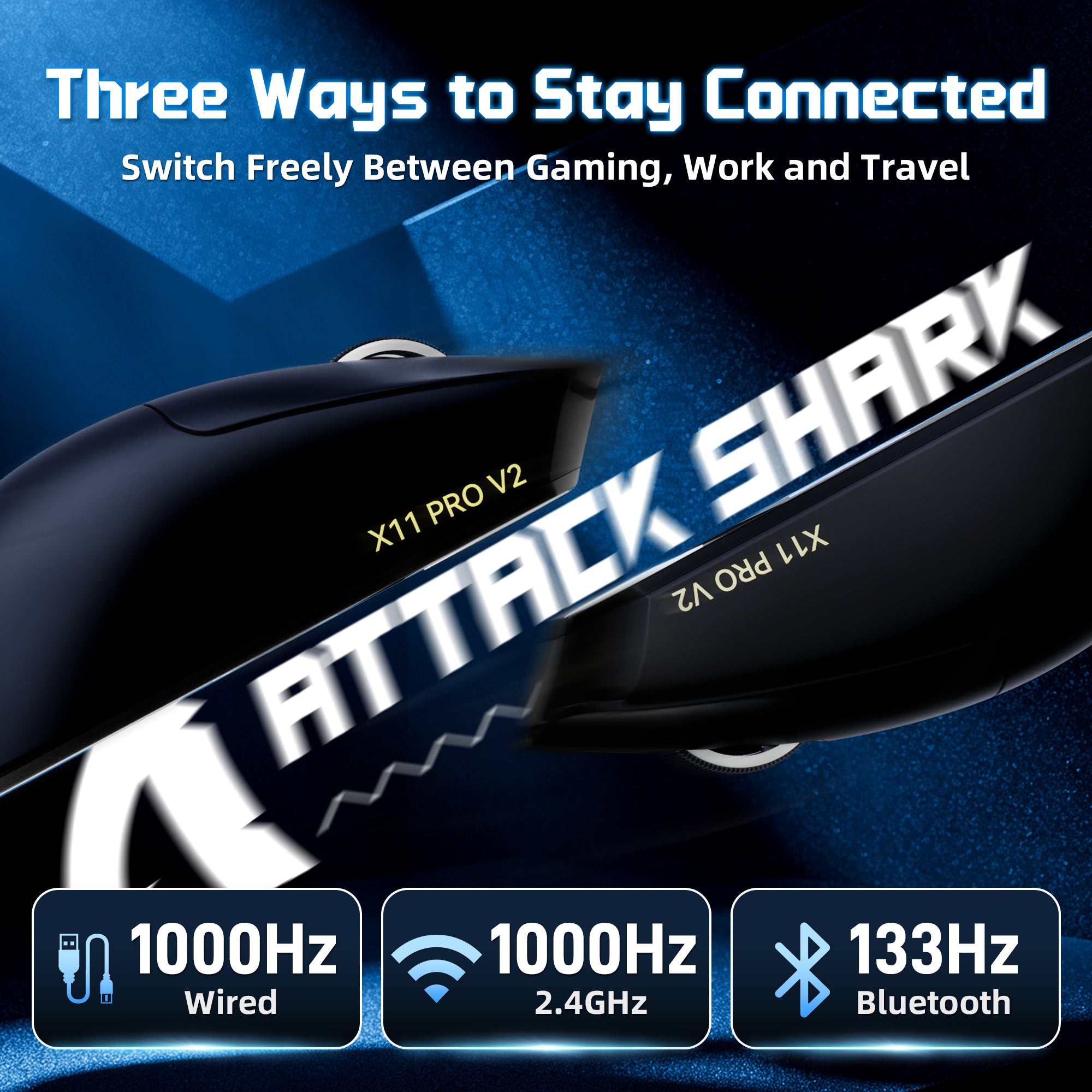
Three Ways to Stay Connected
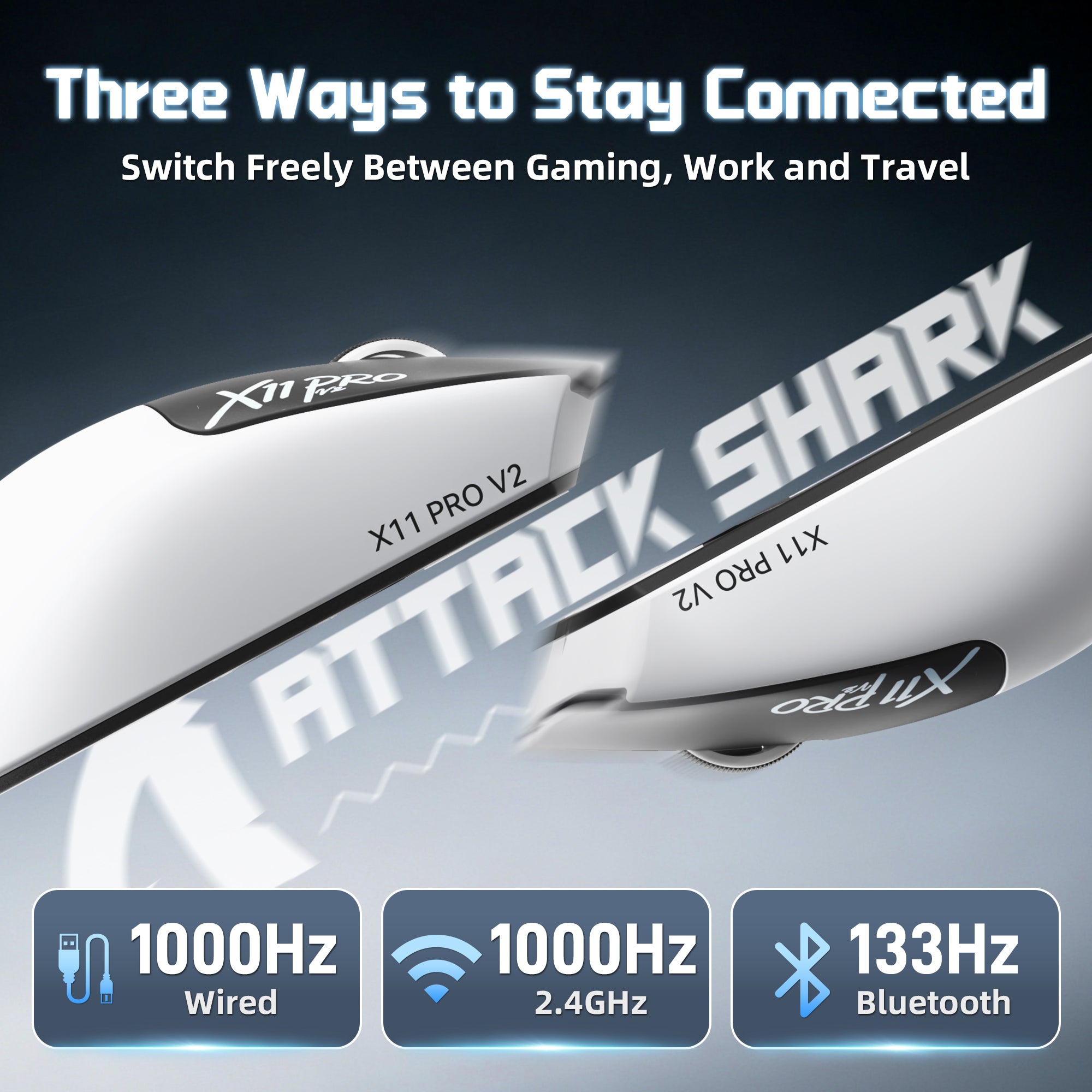
2.4G Wireless | Bluetooth | Wired
Switch freely between three connection modes to match different scenarios. Whether gaming at your desk, working on your laptop, or traveling, X11 PRO V2 offers flexible and reliable connectivity.

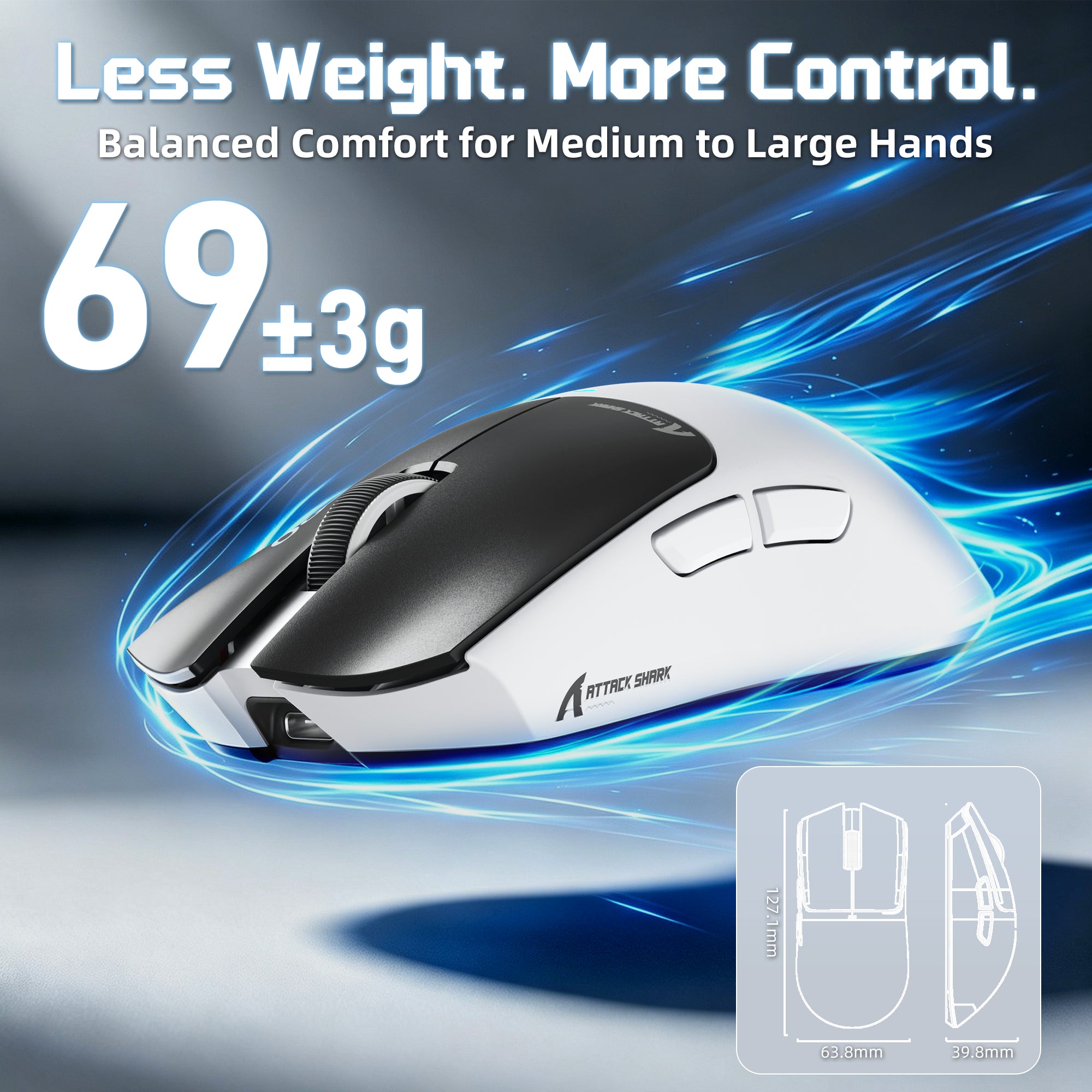
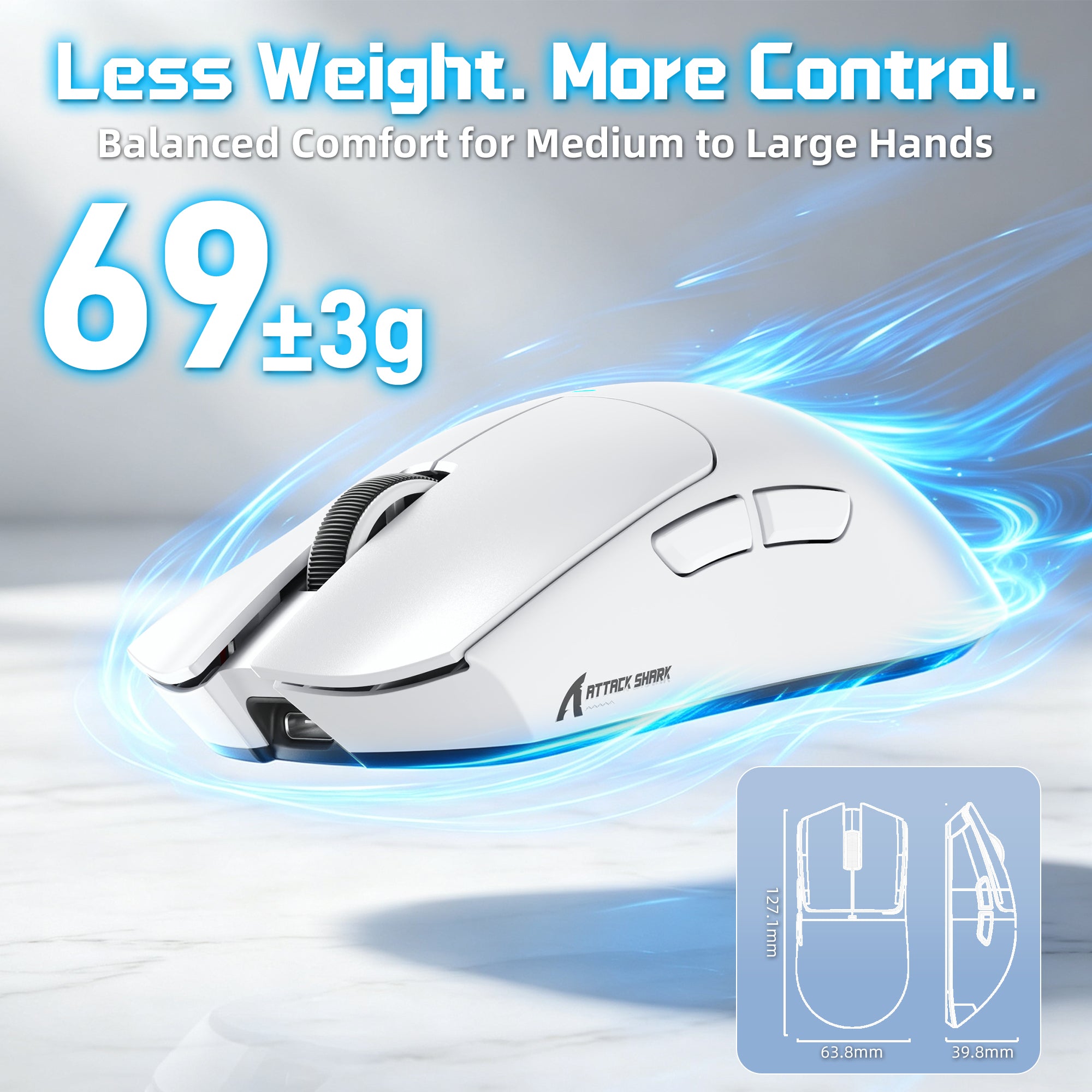
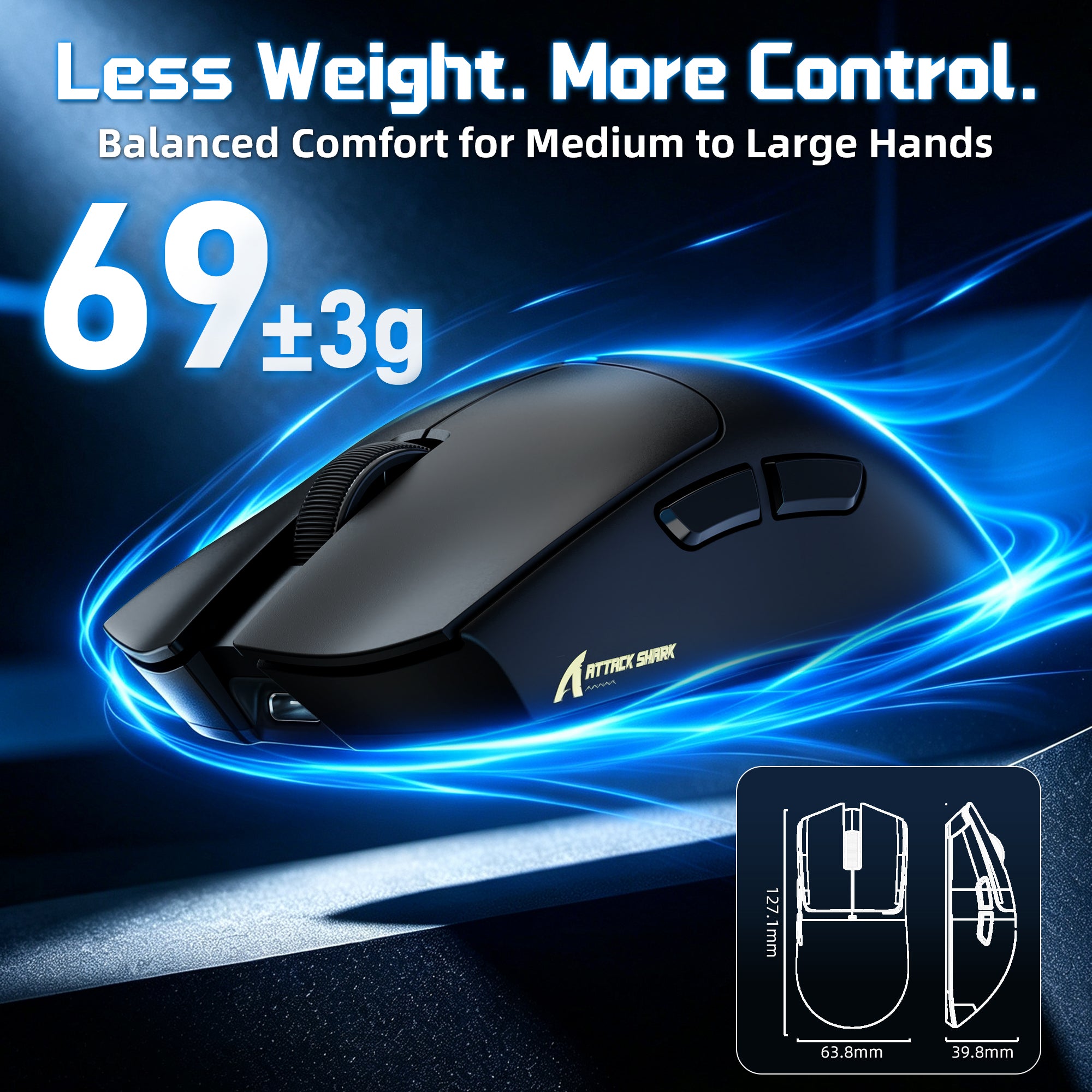
66±3g Ergonomic Gaming Design
Balanced Comfort for Medium to Large Hands
Designed with a ergonomic shape, X11 PRO V2 offers comfortable support for medium and large hands. The lightweight 66±3g body ensures effortless control for palm, claw, and fingertip grip styles.

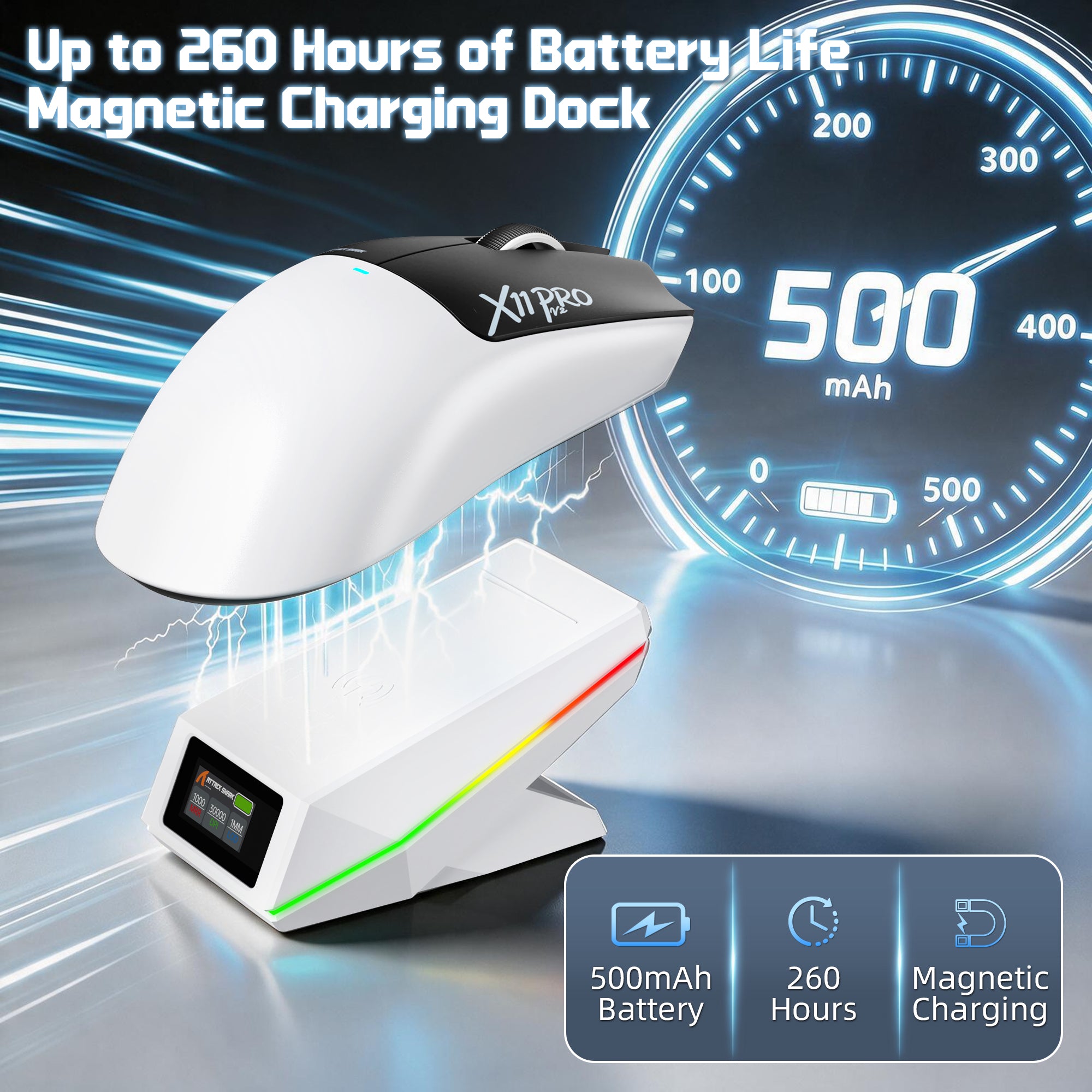
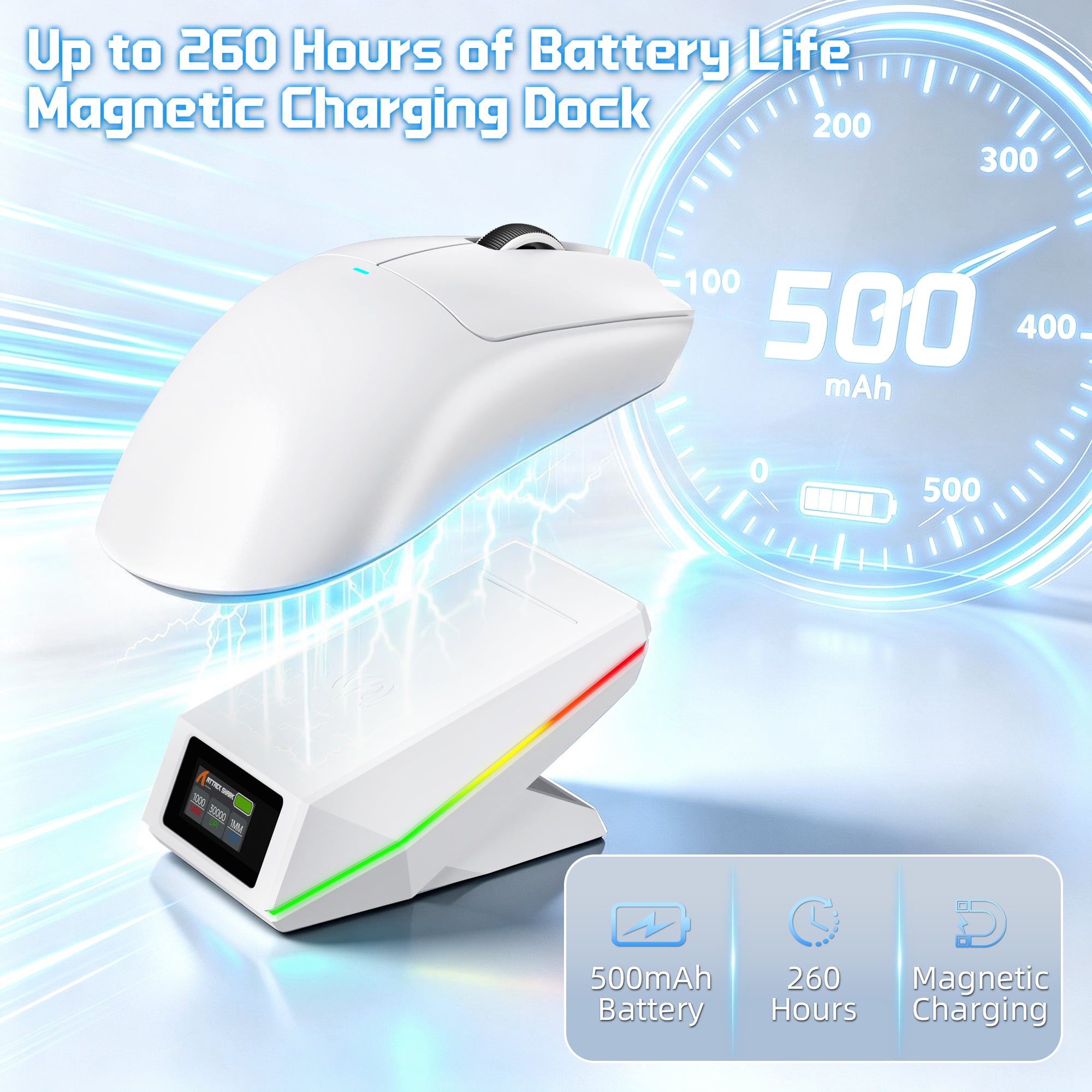
Up to 260 Hours of Wireless Freedom
Upgraded 500mAh High-Density Battery
Built with a high-density 500mAh battery, X11 PRO V2 provides extended battery life for long gaming sessions. Spend less time charging and stay focused on your gameplay.

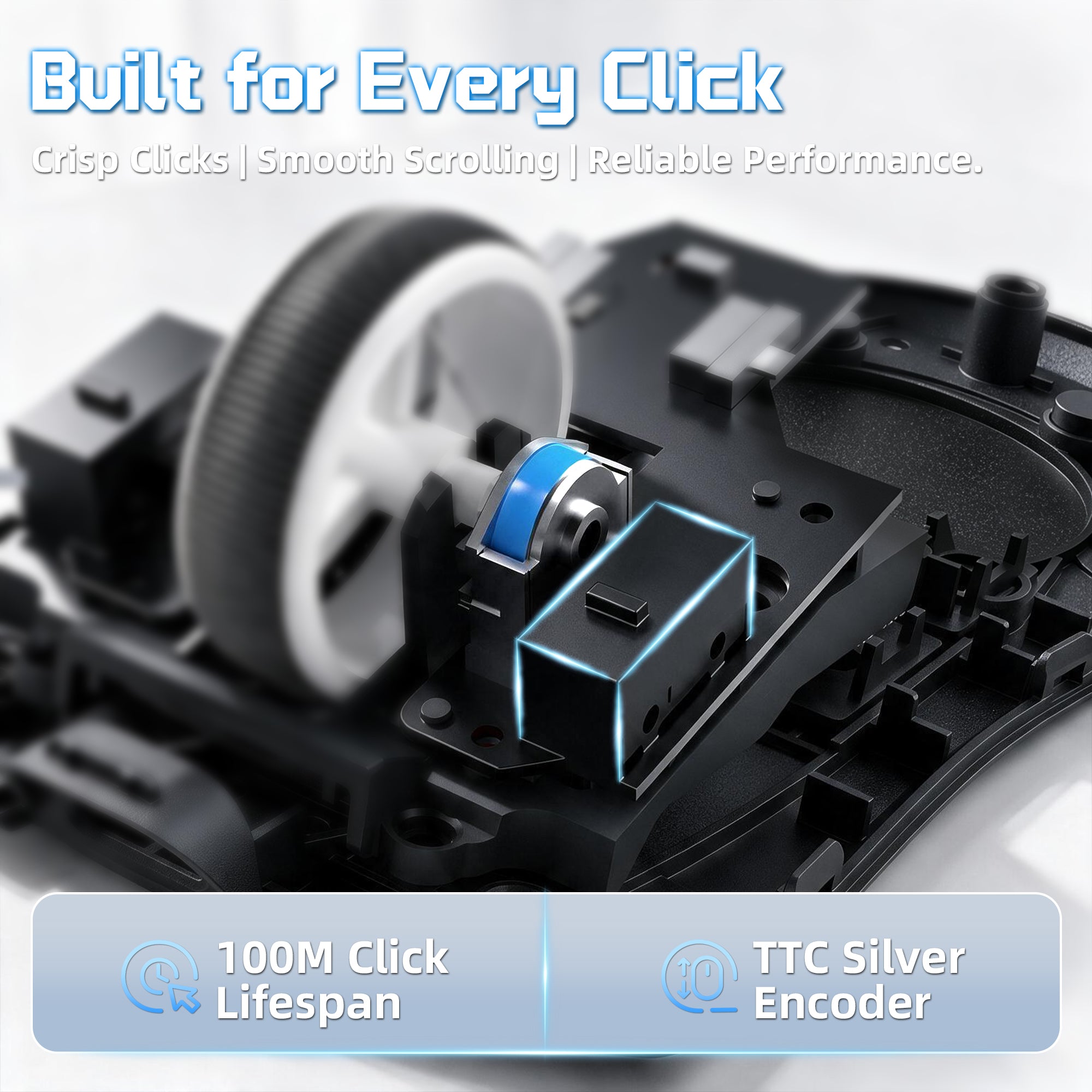
Built with Premium Switches
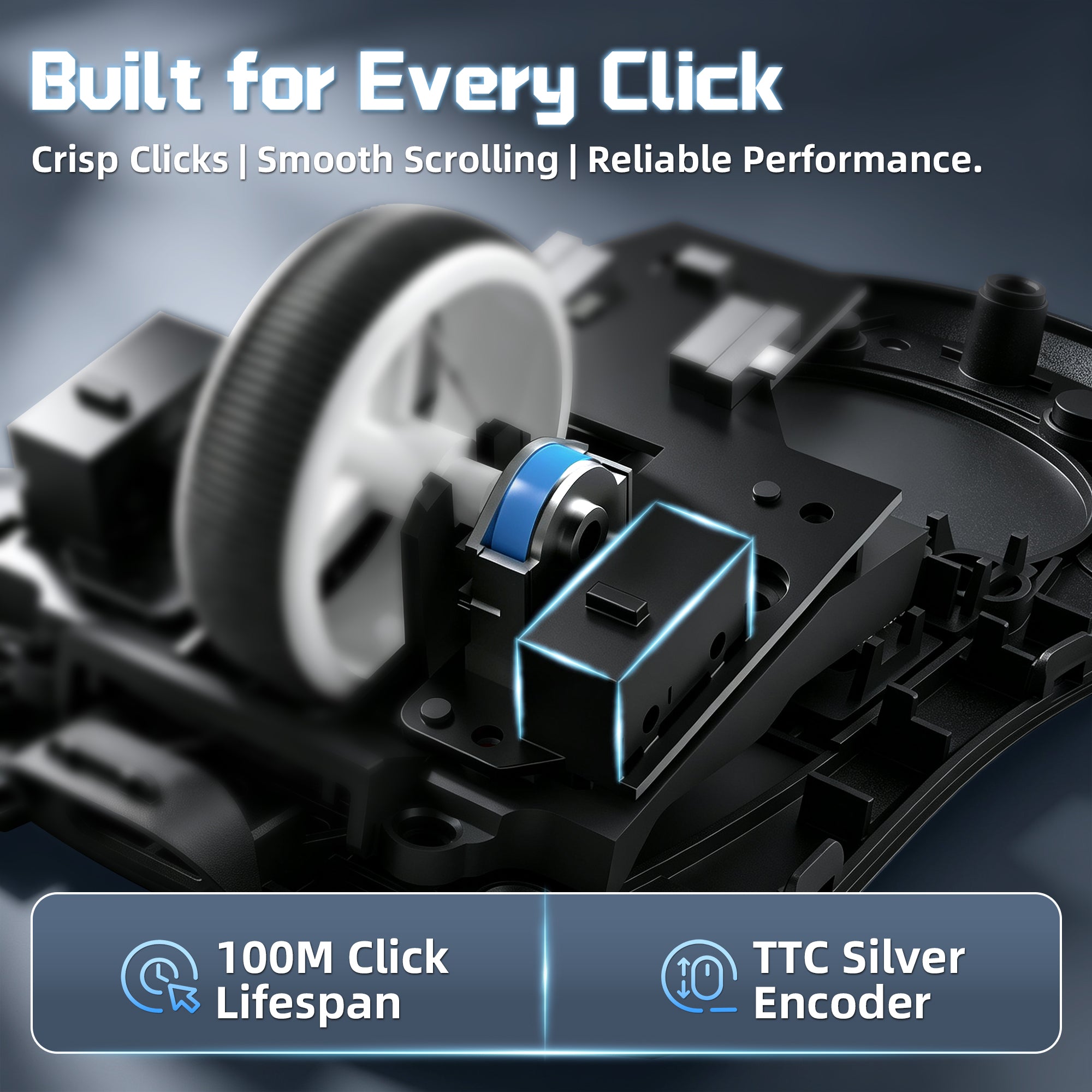
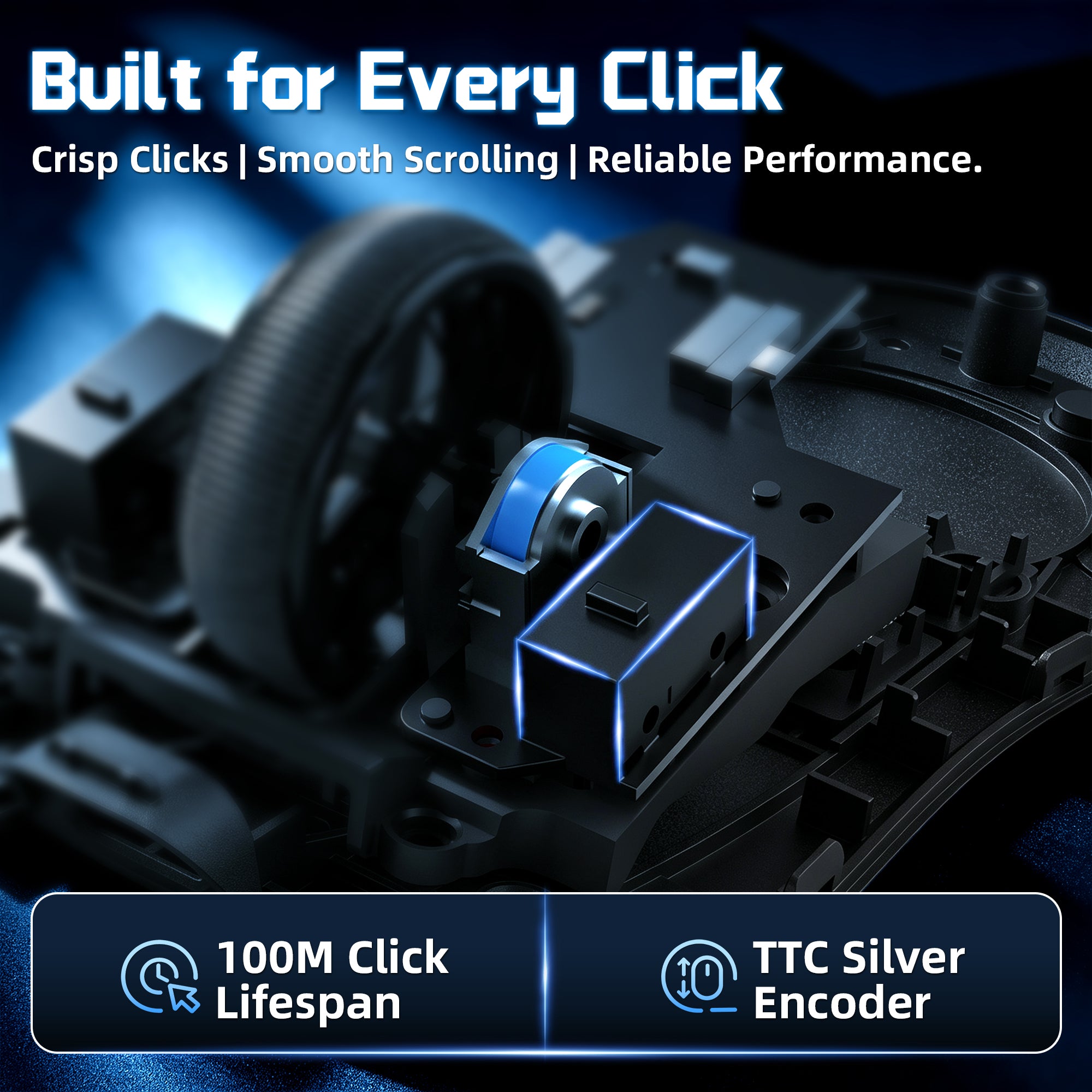
Omron 100M Clicks + TTC Silver Encoder
Featuring durable Omron mechanical switches and a TTC Silver Wheel encoder, X11 PRO V2 delivers crisp clicks, smooth scrolling, and reliable performance designed for long-term gaming use.
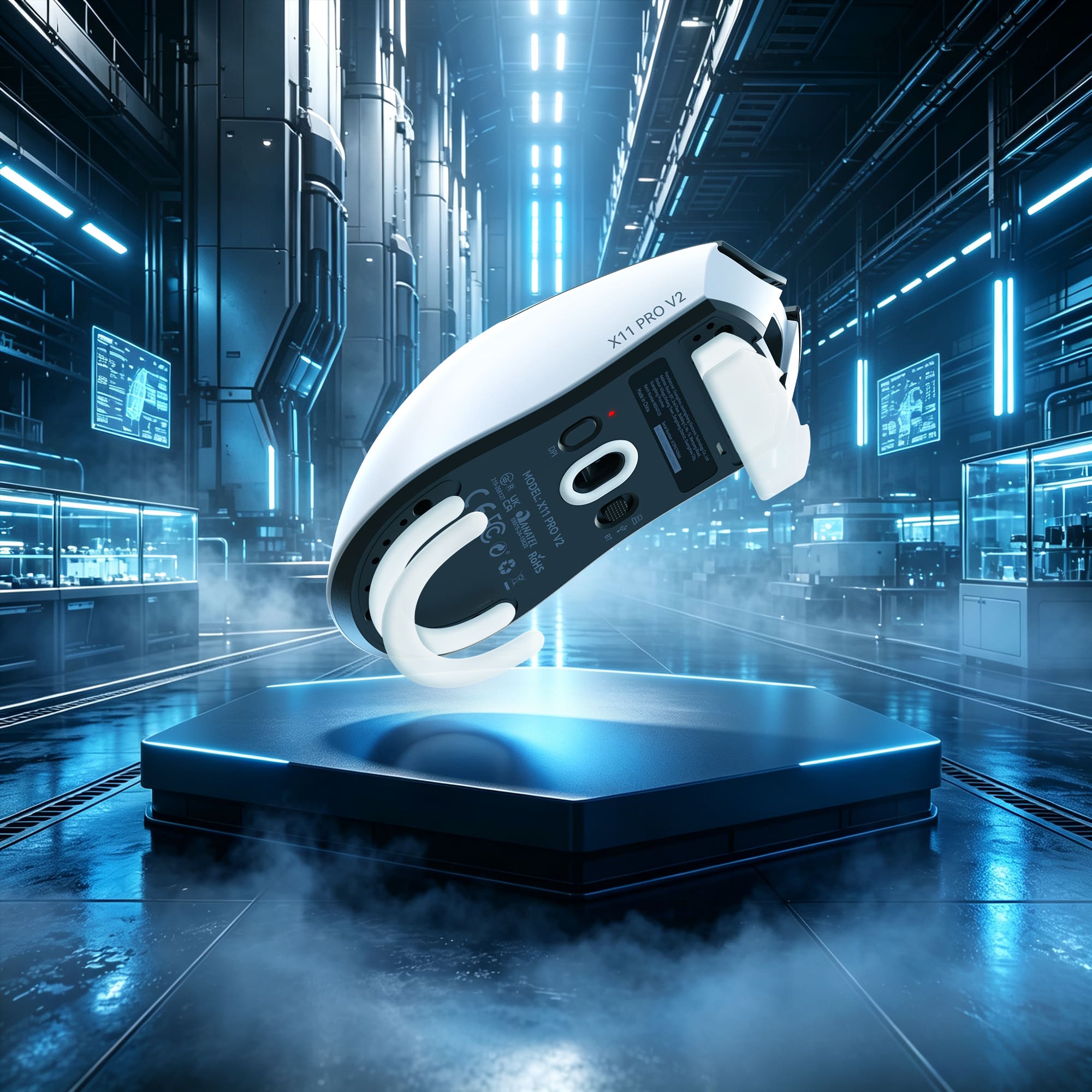
Fast Movement with Precise Control
Ultra-Smooth Dual-Layer PTFE Skates
Engineered with premium dual-layer PTFE skates, X11 PRO V2 delivers a faster, smoother glide across different mouse pads. The optimized thickness provides better stability and control, ensuring accurate tracking during intense gameplay.
Technical Specifications
WEB DRIVER
-
Upgraded TFT Display Charging Dock with Built-in 2.4G Receiver
- Upgrade your gaming setup with the X11 PRO V2's enhanced charging dock featuring a TFT color display that shows real-time DPI, polling rate and battery status. The built-in 2.4G receiver eliminates the need for an extra dongle — simply connect the dock and enjoy instant wireless gaming. The Qi magnetic charging design allows effortless charging with a simple snap-on placement.
-
PixArt PAW3315 Sensor - 30,000 DPI Precision
- Equipped with the upgraded PixArt PAW3315 sensor, the X11 PRO V2 delivers up to 30,000 DPI, 400 IPS tracking speed, and 40G acceleration for precise and responsive control. Experience smooth tracking, accurate movements, and reliable performance in fast-paced competitive games.
-
1000Hz Wireless Performance & Triple Connection Modes
- Powered by the BK3633 main control chip, the X11 PRO V2 provides stable 1000Hz polling rate performance in both 2.4G wireless and wired modes. With support for 2.4G wireless, Bluetooth, and USB wired connections, enjoy flexible switching between gaming, work, and everyday use.
-
Premium Omron Switches & TTC Scroll Wheel Encoder
- Built for long-lasting performance, the X11 PRO V2 features Omron mechanical switches rated for up to 100 million clicks and a TTC Silver Wheel encoder for smooth and precise scrolling. Enjoy satisfying clicks, consistent feedback, and enhanced durability through every gaming session.
-
500mAh Battery with Up to 260 Hours Runtime
- The upgraded 500mAh high-density battery provides up to 260 hours of battery life, allowing extended gaming sessions with fewer interruptions. Stay powered longer and focus on your gameplay without frequent charging.
-
66g Ergonomic Design for Medium to Large Hands
- Designed for medium to large hand sizes, the X11 PRO V2 features an ergonomic shape with a lightweight 66±3g body. The comfortable right-handed design provides excellent support for palm, claw, and fingertip grips, ensuring lasting comfort during extended use.
-
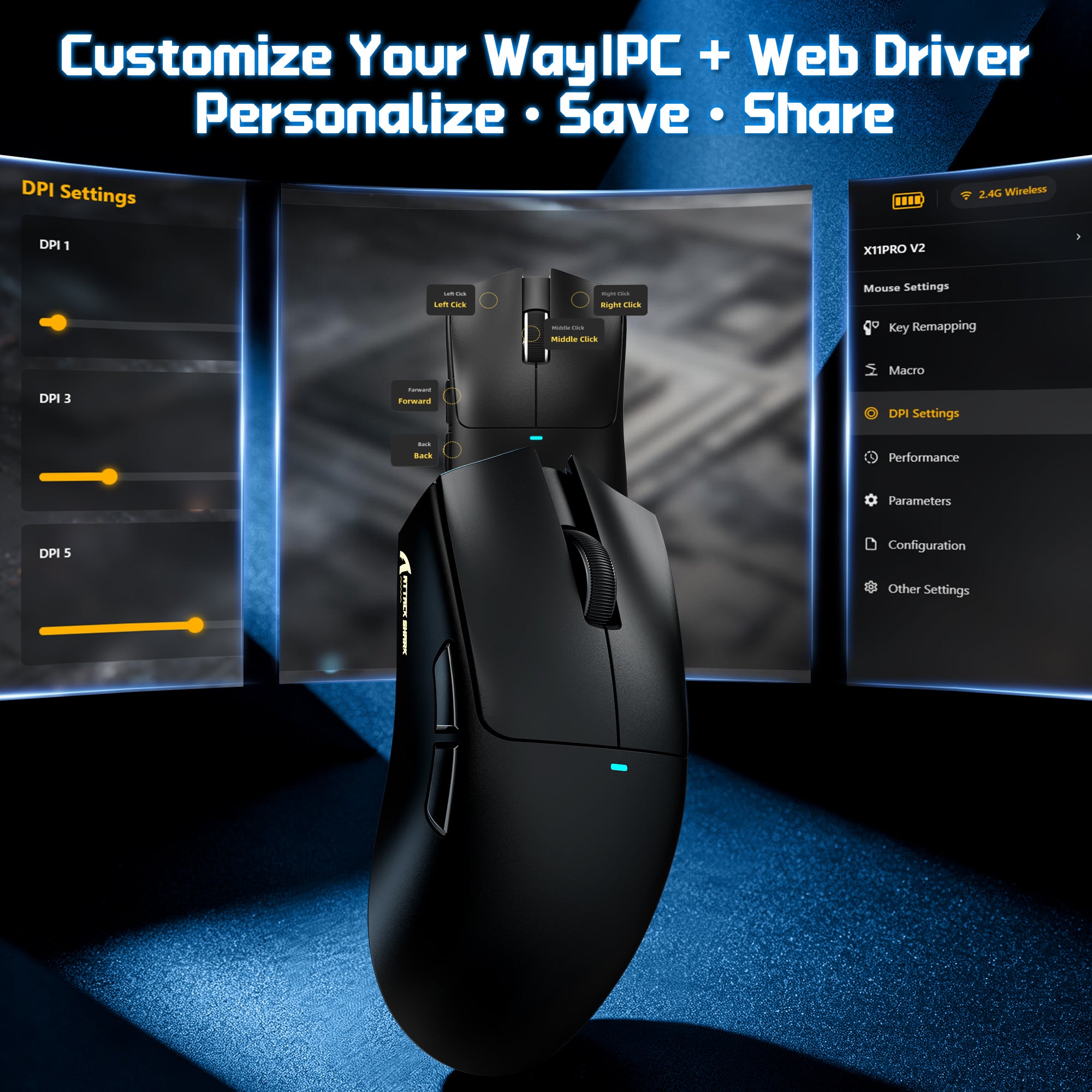
PC Software & Web Driver Customization
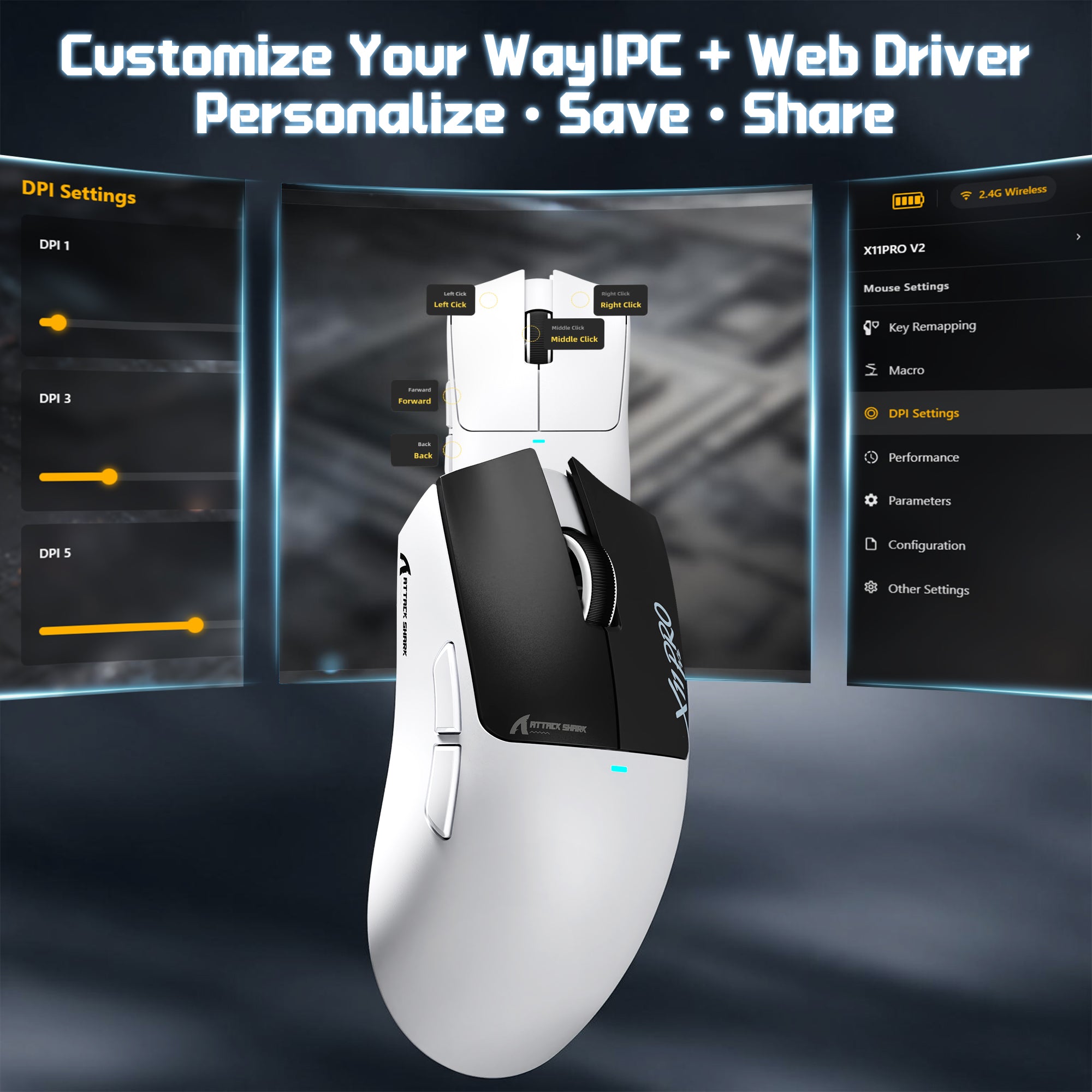
- Customize your X11 PRO V2 with flexible driver options. Choose between the dedicated PC software or convenient web-based driver to adjust DPI, polling rate, lighting effects, and other settings. Both platforms also let you personalize the driver interface itself with custom wallpapers, text, and color themes, creating a control experience that matches your style.
FAQ
Use this text to share information about your product or shipping policies.
What is the ATTACK SHARK X11 PRO V2?
What does the TFT display charging dock show?
Does the X11 PRO V2 need a separate wireless dongle?
How does the charging dock work?
How long does the battery last?
What sensor does the X11 PRO V2 use?
Is 30,000 DPI useful for gaming?
What polling rate and MCU does it use?
What connection modes does it support?
Is it good for FPS games like Valorant and CS2?
Is it comfortable for different hand sizes and grip styles?
Is the X11 PRO V2 lightweight?
What switches and scroll wheel encoder does it use?
What do the PTFE skates do?
Can I customize DPI, polling rate and display settings?
Should I choose the X11 PRO V2 or the F1 AIR?
Choose the X11 PRO V2 if you have medium to large hands and want a dock that charges the mouse, holds the 2.4G receiver and shows battery status. Choose the F1 AIR if low weight comes first, because it weighs 39g against 66±3g for the X11 PRO V2. The F1 AIR also uses a PAW3955MAX sensor, while the X11 PRO V2 uses a PAW3315.
De los mejores ratones que he probado calidad precio, la bateria dura muchisimo y muy buena calidad de materiales
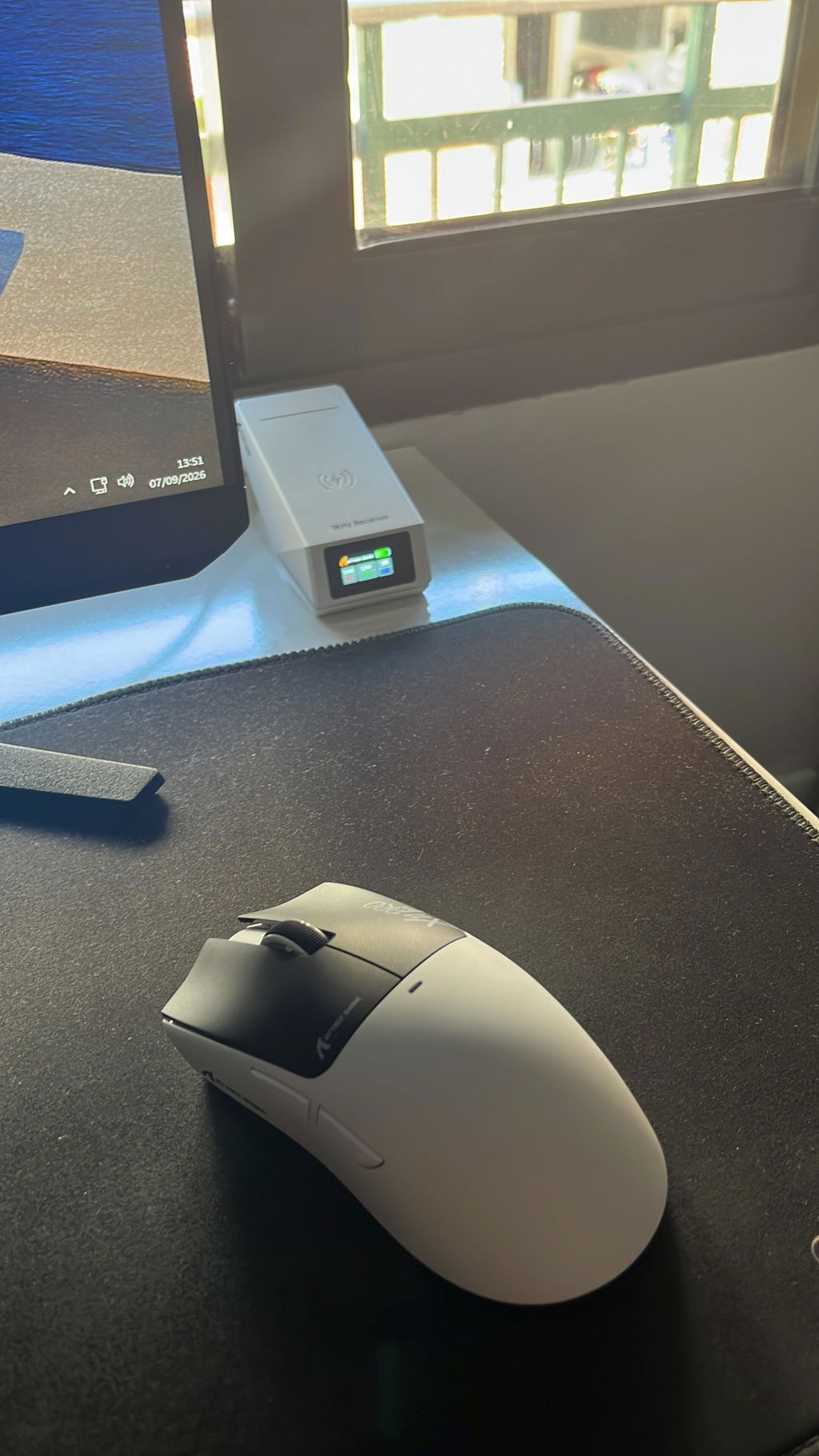
画面付きの充電ドックが目を引きますが、実際に使って便利なのは、使い終わったら所定の場所へ戻すだけで充電できるところです。ケーブルを抜き差しする手間がなく、充電忘れをかなり減らせます。ドックの表示で状態を確認できるのも分かりやすいです。本体は軽く、手のひらを乗せる持ち方でも安定しました。中~大きめの手向けとありますが、極端に大きい形ではなく、ゲーム以外のブラウザ操作や書類作業にも使いやすい印象です。クリックは浅めで軽く、ホイールは一段ずつの感触が残っています。素早く動かしてもカーソルの追従に不満はありませんでした。2.4GHz、Bluetooth、有線を切り替えられるので、ゲーム用PCと仕事用端末で使い分けやすいです。感度やボタンはドライバーで細かく調整できます。寝室で使うと充電中の発光が気になるかも。派手な外観だけの商品ではなく、軽さ、接続方法、充電のしやすさがうまくまとまっています。ゲームと普段のPC操作を一台でこなしたい人に使いやすいマウスです。

形状はX11シリーズ共通のもので、全体的なフィット感は良好です。見た目は左右対称に近く見えますが、実際には右側面がやや絞られた形状になっています。センサー性能にも特に不満はありません。カーソル飛びやブレなどはなく、2.4GHz接続も安定しています。ソールの滑りも良好で、マウスパッドの上をスムーズに動かせました。メインクリックとサイドボタンの感触も良好です。ホイールは少しゴロゴロとした回転感があり、軽すぎず重すぎずといった印象です。重量は約66g。個人的にはこれ以上の軽量化を求めていないこともあり、非常に軽快に感じました。マウスを大きく動かす操作でも扱いやすく、長時間使っていても負担になりにくい重量です。今回選んだモノトーンカラーは、どこかで見たことのあるような配色ですが、これが意外と良いところです。価格を考えると外装に多少のチープさは感じますが、この配色のおかげで見た目にはそれほど安っぽさがありません。近くで細かく見ると価格相応の部分はあるものの、デスクに置いている状態では十分見栄えします。このモデルの特徴の一つが、画面付きの磁気充電ドックです。マウスを置くと軽い磁力でくっつくので扱いやすく、使用後に戻すだけで充電できます。ドック自体には若干のチープさがありますが、少し離れて見ればそれほど気になりません。画面にはポーリングレート、DPI、LOD、バッテリー残量などが表示され、現在の設定を視覚的に確認できます。充電中は赤く点灯し、通常時はレインボーなど設定したパターンで光ります。ドック上部の裏側にもボタンがあり、そこからライティングパターンを変更できるのも便利です。ドックは本体が軽いため、マウスを取り外すときにドックまで一緒に浮いてしまうことがあります。取り外す際にドックを軽く押さえれば済むので大きな問題ではありませんが、頻繁に気になる場合は両面テープなどでデスクに固定する方法もありです。ソフトウェアは新しくなったようで、以前のものと比べて見た目が洗練され、大きく見やすくなっています。インストール型だけでなくWebドライバーにも対応しており、DPIやポーリングレートなど基本的な設定も分かりやすいです。一方で、今回の環境ではソフトウェアとWebドライバーのどちらを確認してもLOD(リフトオフディスタンス)の設定項目を見つけられませんでした。ドックの画面にはLODが表示されるため、設定自体がどのような扱いになっているのかは少し気になるところです。このあたりは今後のソフトウェア対応に期待したいです。付属品も充実しています。通常のUSBケーブルに加えてコイルケーブル、グリップシール、予備のType-Cケーブルなどが入っており、いつものサメのステッカーも付属しています。ATTACK SHARKはコイルケーブルをセットにした製品が多いですが、後から追加されたような形で化粧箱に無理に収められていて、箱がパンパンになっているのは少し気になるところです。上位モデルのX11 Ultraと比べると付加機能やセンサー性能は控えめですが、基本的な形状や使用感は大きく変わりません。スペック上はハイエンドモデルに及ばないものの、普段使いや一般的なゲーム用途であれば十分実用的な性能です。これだけの機能と付属品が揃っていて、クーポン利用なら5000円を切る価格なのは魅力的です。高級感こそ価格相応ですが、軽量・ワイヤレス・安定したセンサー性能に加えて、画面付きの充電ドックまで付いていることを考えると、コストパフォーマンスはかなり高く感じました。有名メーカーにこだわらず、できるだけ多くの機能を手頃な価格で揃えたい人なら、有力な選択肢になるゲーミングマウスです。


手にしっかり収まり、最大30000DPIのセンサーで素早い動きにも正確に反応し、画面付きの磁気充電ドックでバッテリー残量や設定をすぐ確認できるゲーミングマウスです。握った感触が安定していて、長時間の操作でも指や手首への負担が少なく感じています。センサーの追従が滑らかです。細かなカーソル移動から速いスワイプまでしっかり追ってくれます。接続は2.4GとBluetooth、有線の切り替えができます。ゲーム中は1000Hzで遅延を抑えられます。500mAhのバッテリーでかなり長く使えるので、充電の頻度が減り結構助かっています。ドックに置くだけで充電が始まり、画面にDPIや残量が出るのが便利です。コイルケーブルも付いていて、有線の取り回しは楽だと思います。ドライバーでボタンや感度を細かく変えられるので、自分の使い方に合わせやすいです。クリック感はしっかりしていて、スクロールも滑らかに動きます。デスク周りがすっきりして、操作のしやすさが続きやすい点が気に入っています。ゲームの没入感を高めて集中しやすくなったと思います。

掴みやすいサイズのゲーミングマウスです。本体の重量は軽く感じます。(カタログ値)マウスパッドで振った時の動きも良く滑るので感触は良好です。カーソルの追従性も良いと思います。DPI調整が可能なので好みの感度に変更することが出来ます。充電式なので非使用時に専用スタンドに置いておけば、電池残量を気にすることなく使用できます。ラピッドトリガーのゲーミングキーボードと組み合わせてFPSゲームをやってみましたが特に違和感なしでした。コスパに優れたゲーミングマウスだと思います。


ATTACK SHARK X11 PRO V2 ゲーミングマウス本製品は、必要以上にハイスペック競争へ走らず、実用的な性能と便利な機能をうまくまとめたモデルだと感じました。PAW3315センサー搭載で、最大30000DPI、1Kポーリングレートに対応しており、普段使いからゲームまで特に不満なく使える性能です。有線、2.4GHzワイヤレス、Bluetoothの3種類の接続方法に対応しているため、PCだけでなく複数の機器を使い分けたい場合にも便利でした。69gと軽量ながら小さすぎない左右対称の大型寄りデザインで、中〜大きめの手でも握りやすく、長時間使っていても疲れにくい印象です。クリック音は静音タイプではありませんが、他のATTACK SHARK製マウスと同じようにカチッカチッとしたクリック感があり、押した感覚がしっかり伝わってきます。オムロン製スイッチやTTC銀輪エンコーダーを採用している点も、操作感を重視する人には嬉しいところだと思います。一番注目したのは、やはり専用の充電ドックです。一般的なワイヤレスマウスのように、2つの充電ピンを接触させるタイプではなく、スマートフォンのワイヤレス充電のような無接点タイプになっています。マウスをレシーバー兼用の充電ドックへそっと置くだけでピタッと吸着し、そのまま充電が開始されるので、充電のたびにケーブルを抜き差しする必要がありません。この「置くだけで充電できる」という手軽さは想像以上に便利で、使い終わったらドックに戻すだけという習慣が自然に身につくかと思います。充電ドックにはディスプレイも搭載されており、接続状態やバッテリー残量、現在のDPIなどのマウスパラメーターをひと目で確認できるのも便利です。RGBの照明モードもあり、単なる充電器ではなくデスク周りのアクセントとしても楽しめます。500mAhバッテリーを搭載し、使用環境によって変わるものの長時間使用に対応しているため、頻繁な充電が苦手な人にも向いていると思います。Webドライバーにも対応しており、ソフトをインストールしなくてもブラウザから設定を変更できるのは扱いやすいポイントです。DPIやLEDカラー、表示内容などを自分好みに調整でき、設定データを共有できる機能もあるため、カスタマイズ性も十分でした。超高ポーリングレートや必要以上の機能を詰め込んだオーバースペックモデルではなく、無駄を省いて価格を抑えつつ、実際に使って便利だと感じる機能をしっかり搭載している印象です。特に無接点の置くだけ充電とディスプレイ付き充電ドックの組み合わせは、毎日使うマウスだからこそ便利さを実感できます。性能、軽さ、接続方法の豊富さ、そして充電の手軽さをバランスよく求めたい人には、かなり使いやすいゲーミングマウスだと思います。


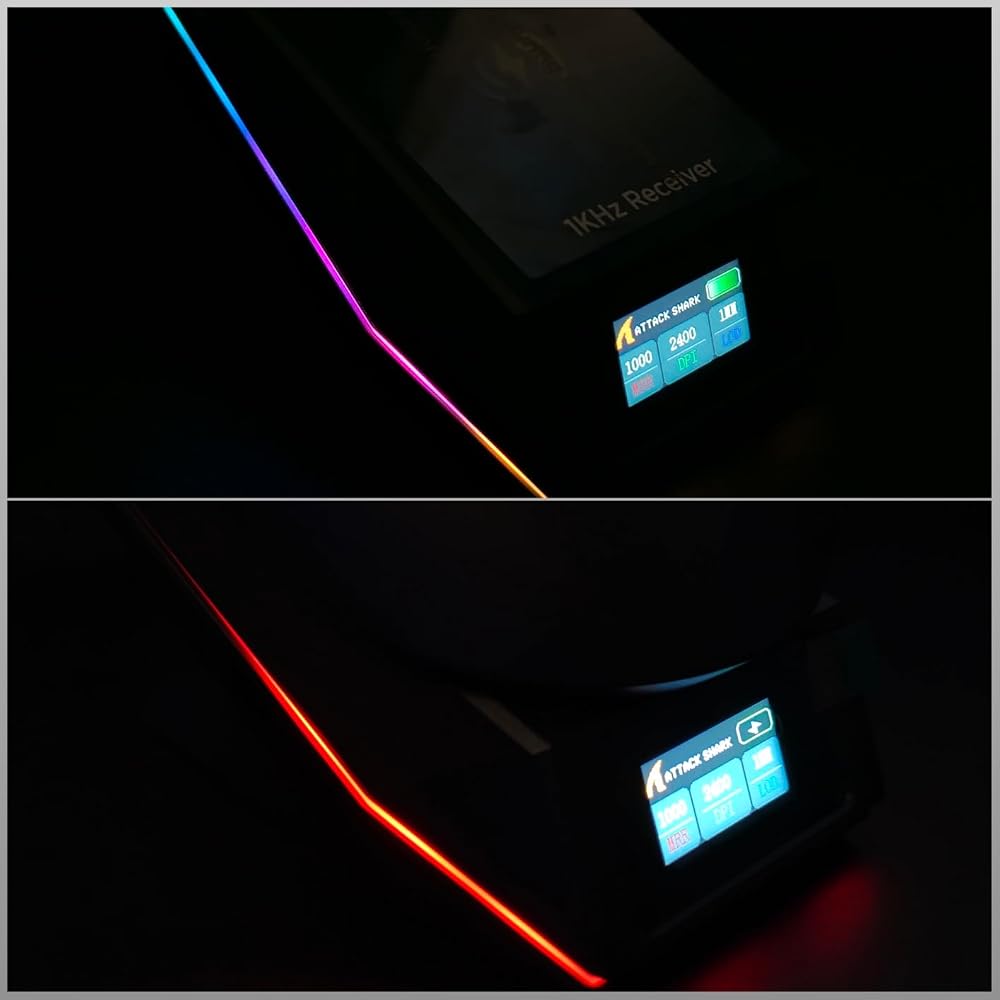
ワイヤレス・Bluetooth・有線の3通りで接続できるので、使う環境に合わせて切り替えられるのが便利です。実際に持ってみると中~大サイズ向けというだけあって、手にしっかり収まる感じがあります。ボタンのクリック感も悪くなく、マウスを動かしたときも引っかかるような感覚はありません。最大30000DPIまで設定できるので、細かい感度調整をしたい人にも対応できます。特に気に入ったのが画面付きの磁気充電ドック。マウスを置くだけで充電できるので、ケーブルを毎回つなぐ手間がありません。ドックに画面が付いているのも面白く、デスク周りのアクセントになります。500mAhバッテリーで長時間使えるのも良いところ。頻繁に充電するのが面倒な人にはありがたいです。付属のコイルケーブルも見た目が良く、PC周りを少しこだわりたい人には嬉しいポイントですね。多機能なマウスですが、3モード接続や充電ドックなど実用的な部分もしっかりしていて、ゲームだけでなく普段のPC作業にも使いやすいマウスだと思います。

◎ 外観・デザイン充電ステーションが付属した、バッテリー内蔵式のワイヤレスマウスです。マウス本体は約70gと非常に軽量で、右クリック・左クリック・ホイールクリックに加え、左側面には進む・戻るの2ボタンが配置されています。付属品として、USB Type-A-USB Type-Cの充電用ケーブルが付属しています。ケーブルは編み込みタイプで柔軟性があり、取り回しもしやすい印象です。充電には別途USB Type-Cケーブルを使用することもできます。充電ステーションは、USBから電源を供給すると発光します。マウスを上に置くとマグネットで位置が合うようになっており、Qi方式の無線給電でマウスを充電できます。底面にはグリップパッドが2枚貼られており、開梱時にはセパレータで保護されています。セパレータを剥がせばデスク上でステーションを固定できますが、固定したくない場合は剥がさずに使用できます。ステーション背面にはRGBの設定用スイッチがあります。発光パターンなどを変更できますが、設定にはPCとの接続が必要です。また、ステーション前面にはカラーディスプレイが搭載されており、マウスのリフレッシュレート、センサー解像度、バッテリー残量などを確認できます。小さなディスプレイですが、現在の設定を視覚的に確認できるのは便利です。さらに、マウス本体にはデカールを貼って外観をカスタマイズできます。見た目を変えられるだけでなく、貼り付けることで手指とマウスとのグリップ感を高めることもできます。ただし、デカールの具体的な貼り付け方法についての説明はありませんでした。◎ 使用感・操作感実際に持ってみると、とにかく軽いです。普段比較的重量のあるマウスを使用しているため、持ち上げた瞬間に分かるほど軽く感じました。マウスパッド上でも軽い力でスッと動かせるため、素早い操作が必要なゲームとの相性は良さそうです。ホイールには明確なクリック感があり、回転させるとカリカリとした感触があります。フリー回転のように滑らかに回り続けるタイプではなく、一定の回転抵抗があります。背面にはDPI設定用のボタンがあります。最も低い設定でもカーソル速度は比較的速く感じました。ゲーミング用途で高感度に設定すると、マウスをわずかに動かしただけでも画面上のカーソルが大きく移動するため、FPSなどで素早く視点を動かしたい場合には使いやすそうです。一方、一般的な事務作業などでは、好みによっては感度を下げても速く感じるかもしれません。◎ 充電についてワイヤレスマウスなので、ケーブルを接続したまま使用する必要がありません。使用後は充電ステーションへ戻すだけで充電できるため、充電の手間そのものは非常に少ないです。また、ステーション前面のディスプレイでバッテリー残量を確認できます。充電速度も比較的速く感じました。そのため、長時間使い続けてからまとめて充電するというより、使用するたびにステーションへ戻してこまめに充電する使い方が向いていると思います。◎ 総評最大の特徴は、約70gという非常に軽いマウス本体です。軽い力でマウスを動かせるため、素早い操作をしたいゲーミング用途には特に向いていると感じました。DPI設定による高感度な操作にも対応しており、軽量マウスを求める方には魅力的です。充電ステーションに置くだけで無線充電でき、前面のカラーディスプレイで設定やバッテリー残量を確認できる点も便利です。RGBライティングやデカールによるカスタマイズにも対応しているため、デスク周りのデザインにこだわりたい方にも合うと思います。一方で、軽量化を重視した製品なので、重量のあるマウス特有の安定感を好む方には軽すぎる可能性があります。また、バッテリー残量を気にしながら、使用後は充電ステーションへ戻すという使い方が基本になるため、マウスをこまめに充電できる方に向いている製品だと思います。「とにかく軽いワイヤレスゲーミングマウスが欲しい」という方には、かなり魅力的な製品だと感じました。


形状は言ってしまえばRazerのViperクローンです。1,2mm単位の差はあれどもほぼ同じ。AとBの違いはグリップテープかと思いましたが、Aにもグリップテープが付いていました。何が違うんでしょうか…?予備がついてるとかなんですかね。充電ドックは磁石で張りつくのでそれで充電可能です。差し込み等は無いです。スイッチはオムロン光学式でデバウンスタイムは最短で4msでした。ホイールエンコーダはTTCのSilverとちゃんとしたものが使われています。ホイールは結構滑らかな感じですが、しっかり1ノッチずつ止められる感じ。DPIとポーリングレート、ボタンの変更は当然としてマクロも可能です。公式だとLOD設定が可能とあり、ドックにもLODが1mmとあるのですが、Webドライバを何度見てもLODの設定が見つからないです。見落としてたら申し訳ないですが、今後実装予定なのかも…?強めに握っても軋みなどもなく、ビルドクオリティも高く感じました。コイルケーブルまで付いてきて至れり尽くせり、入門やこだわりがなければコスパもよくおすすめできる製品です。


まず使って感じたのは、66g前後の軽さと中大サイズの持ちやすさのバランスが良いことです。画面付きの磁気充電ドックは置くだけで充電でき、デスク上でも使いやすいです。2.4GとBluetoothと有線を切り替えられるので、ゲーム以外の普段使いにも対応できます。===========› SCENE / 使用シーン と 前提デスクトップPCで2.4G接続を中心に使っています。128mm×64mm×40mmのサイズで、手のひらを乗せる持ち方でも窮屈になりにくく感じました。PAW3315センサーは最大30000DPIと400IPSに対応し、1000Hzで使えるため、普段のゲームから細かなカーソル操作まで設定を合わせやすいです。--------------------» STATUS / 良かった点・66g±3gと軽く、大きめの形状でも素早く動かしやすいです。・磁気充電ドックに2.4Gレシーバーが内蔵され、充電と無線接続をまとめられます。・ドック画面でDPIやポーリングレート、バッテリー状態などを確認できるのが便利です。--------------------› UTIL / こう使える 応用できる・2.4Gはゲーム用、BluetoothはノートPC用というように接続先を使い分けられます。・PCドライバーとWebドライバーに対応し、DPIなどを用途に合わせて調整できます。--------------------× ALERT / 惜しい点最大30000DPIまで設定できますが、実際の操作では高すぎる設定だとかえって細かな照準を合わせにくくなります。普段使っているDPIから少しずつ調整して、自分の操作感に合う範囲を探すと扱いやすいです。--------------------› PROFILE / 向く条件 向かない条件中型から大型の手で、軽さだけでなく握りやすさや充電の手軽さまで重視する人に向いています。ゲームと普段のPC作業を1台でこなしたい場合にも使いやすいです。一方で極端に小さいマウスを好む人や、手の小さい人には本体サイズが大きく感じる可能性があります。===========


充電ドックのモニターにドット抜けが多数。こういうもんなのか尋ねようと思っても、アマゾンサポートしか利用できず、悩んでいます。普通に使用はできますが、このドックが売りだろうと思うとなんか、、、ドックのライティングは消せますが充電中は赤くエフェクトが強制的に光ります。

まず重量は実測で69.7g。最近の軽量マウスと比べると超軽量というほどではありませんが、普段使いでは十分軽く感じます。形状はかぶせ持ち寄りで、手のひらをしっかり乗せて使いたい人にはかなり扱いやすいと思います。クリックは浅めのタイプで、軽く押すだけで入力できる感じです。クリック感も比較的はっきりしていて、個人的には好みでした。ただ、深めのクリックが好きな人には少し物足りなく感じるかもしれません。また、ワイヤレス充電用に本体へ仕込まれている磁石がかなり強めです。これは充電時には便利なのですが、自分の環境では机の裏にある金属部分にマウスが引っ張られてしまいました。環境によっては、少し注意したほうがいいと思います。センサーの追従性も良く、普段のブラウジングからゲームまで特に不満なく使えています。ホイールの操作感も軽すぎず重すぎず、不満は特にありません。全体的に見ると、69.7gという扱いやすい重量、かぶせ持ちに向いた形状、浅めで押しやすいクリックが特徴のマウスだと思います。一方で、磁石がかなり強いことなど、少しクセのある部分もあります。ただ、そこが気にならなければ、普段使いからゲームまで幅広く使えるマウスだと思います。


This is one of the best budget mice I have used. There is now a whole class of reasonably priced gaming mice offering hardware that used to be associated with much more expensive models, and this one puts those parts together especially well.Tracking is excellent. I use a large 4K display and eventually settled on 30000 DPI with Windows cursor speed at its lowest setting and Enhanced Pointer Precision disabled. That sounds extreme, but it works very well. Tiny movements remain extremely precise, down to roughly a couple of pixels in practical use, while I can still move rapidly across the entire display without running out of mouse pad. The sensor feels smooth and consistent rather than merely having a large DPI number on the specification sheet.The DPI stages are fully configurable too. The factory presets include a large jump from 8000 to 30000 DPI, but those are only defaults. If you want 20000, or almost any other arrangement, you can redefine the individual stages.There is a downloadable driver, but I have just been using the web configurator. It is easy to access once you know to search for it. Nothing needs to remain installed on the computer. From there I can change DPI stages, polling rate, button assignments, lighting and power management settings. I do not particularly like side buttons, so I simply disabled mine. I did not see a way to change lift-off distance, but 1 mm works fine for me.There are two sleep levels and their timers can be changed, although not completely disabled. Level 1 wakes with ordinary mouse movement and is essentially invisible in use. Level 2 can require a click to wake, so I set that one to 30 minutes.I primarily use the 2.4 GHz connection. Bluetooth and wired USB are also available, but 2.4 GHz gives me the combination I want for normal desktop use: wireless freedom with responsive performance. The charging dock is also the 2.4 GHz receiver, which makes the arrangement much more appealing than having a separate dongle hanging off the computer.The dock is one of the most distinctive parts of the package. Its TFT display shows useful information including DPI, polling rate, lift-off distance and battery status, while the surrounding RGB lighting can be customized. I set mine to a simple solid green ring. The mouse itself does not stay illuminated except briefly when changing DPI, which seems like the sensible place to save battery power.My particular USB port loses power when the computer is shut down, so the dock cannot charge the mouse overnight. That has not mattered much in practice because it needs charging so infrequently.I received the version with grip tape. The mouse does not really need it, but the pieces are easy to align and apply, add some extra traction, and make the black mouse visually more interesting without becoming excessive. The broad skates underneath are exceptionally smooth. Combined with the light 66 g body, the mouse moves with very little effort.The main buttons require light pressure and have short travel. I caused a few accidental clicks at first because I was accustomed to heavier switches, but that disappeared once I adjusted to them. The light action now feels fast and comfortable.I also like that the wired mode gives the mouse some insurance against eventual battery degradation. If the internal battery stops holding much charge years from now, the USB-C cable can simply be connected to the front and the mouse remains usable as a wired device.At around $40, that complete package is what stands out. There are now other affordable enthusiast mice with equally good or even higher-end components, so this is not alone in bringing serious mouse hardware down into the budget range. The X11 Pro V2 does it particularly well, though, and adds a charging receiver with a genuinely useful display, excellent configurability, three connection modes and very good physical execution.For my workstation, it has been substantially better than the cheaper mice I had been using and competitive with much more expensive ones. This is an unusually complete mouse for the asking price.


Really impressed with this wireless gaming mouse. It feels comfortable in the hand and is lightweight enough to use for longer gaming sessions without feeling tiring. The wireless connection is responsive and makes the desk setup much tidier without having to deal with cables. The shark-themed design looks fantastic and gives it a fun gaming aesthetic. The buttons are easy to use and the overall build feels good for the price. A great mouse for gaming and everyday computer use.

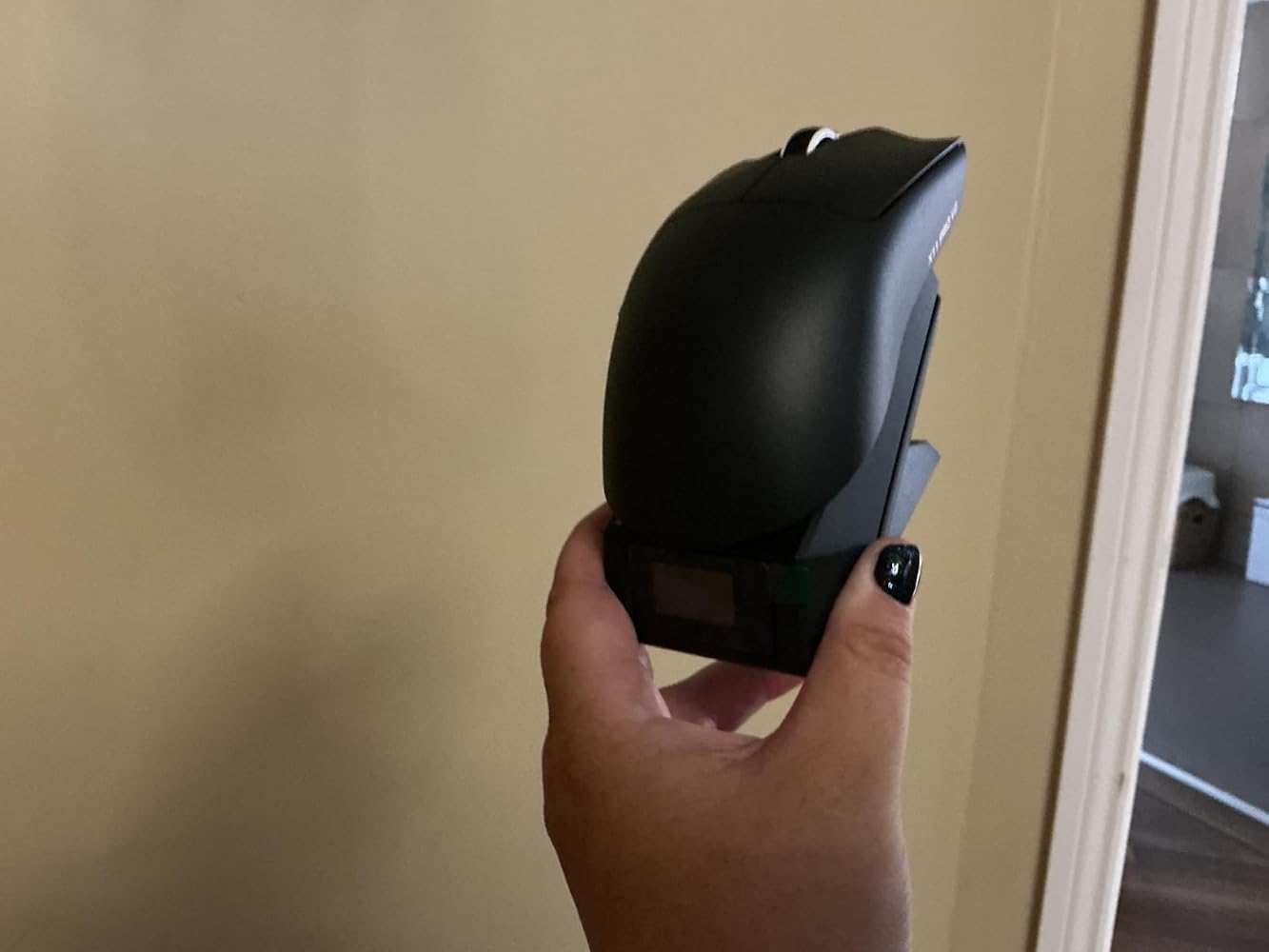
The 'ATTACK SHARK X11 PRO V2 Wireless Gaming Mouse, Magnetic Charging Dock, 66g Superlight, 30,000 DPI, 500mAh Battery, 1000Hz, Black' arrived in a branded box that also contained a USB A to USB C charging cable; stickers and Instructions.For me it was not about the DPI of this mouse, but the fact it used magnetic charging, and that it was so light weight. In addition to this it lacks a thumb support which is something I find gets in the way and makes it harder to control the mouse position.Whilst I was testing the mouse I was pleased to find that it has a reasonable height and that my fingers were not being forced straight; to find a good shape mouse I let my hand relax which tends to curve the fingers towards the palm, and that is the shape I prefer for my mouse; this one is very close to that shape. One thing I did find pleasing was that the default DPI was perfect for my needs; too often I find the default setting way too fast.The provided stickers have a tactile feel to them though for the present I will be using the mouse without them.As with all keyboards and mice; they are a personal thing with everyone having their personal preference; the only aspect I need to get used to with this mouse is the fact it is so light weight; there is virtually no resistance when it is first moved.


This mouse is extremely lightweight (69g). That can be great if you are carrying it around to use with a laptop, but I actually find it too light for effective use. I like to have a bit of weight in my hand, to get more accurate movement and clicking. You can connect to your laptop or PC via its charging dock/receiver, blue tooth, or even with a USB cable. The receiver weighs twice as much as the mouse and needs a USB cord, so compared to a normal USB dongle it’s not so practical for use on the move. The flashing lights on the base soon get a bit annoying. You can turn them off with a button on the underside, but it reverts to the default colour pattern every time you restart. The wireless recharging of the mouse is nice, but obviously only works when your PC/laptop is powered up. I ordered the plain black version, but it came with a bunch of stickers that would produce the same design as the others shown in the listing. Overall, this is a reasonable quality mouse, with gimmicks that appear to be aimed at teenagers who want to impress their friends. I think it is a bit overpriced at £34.99.


