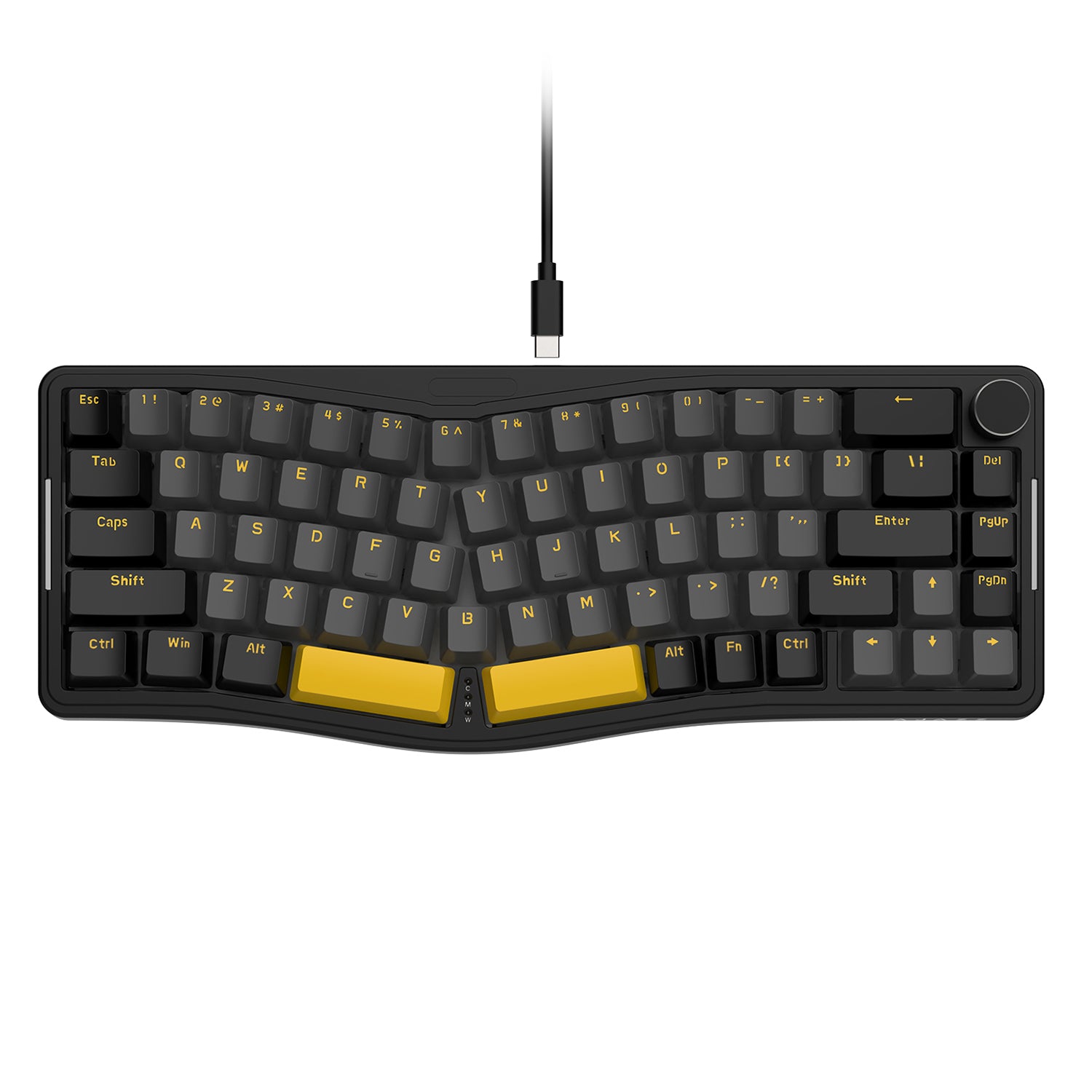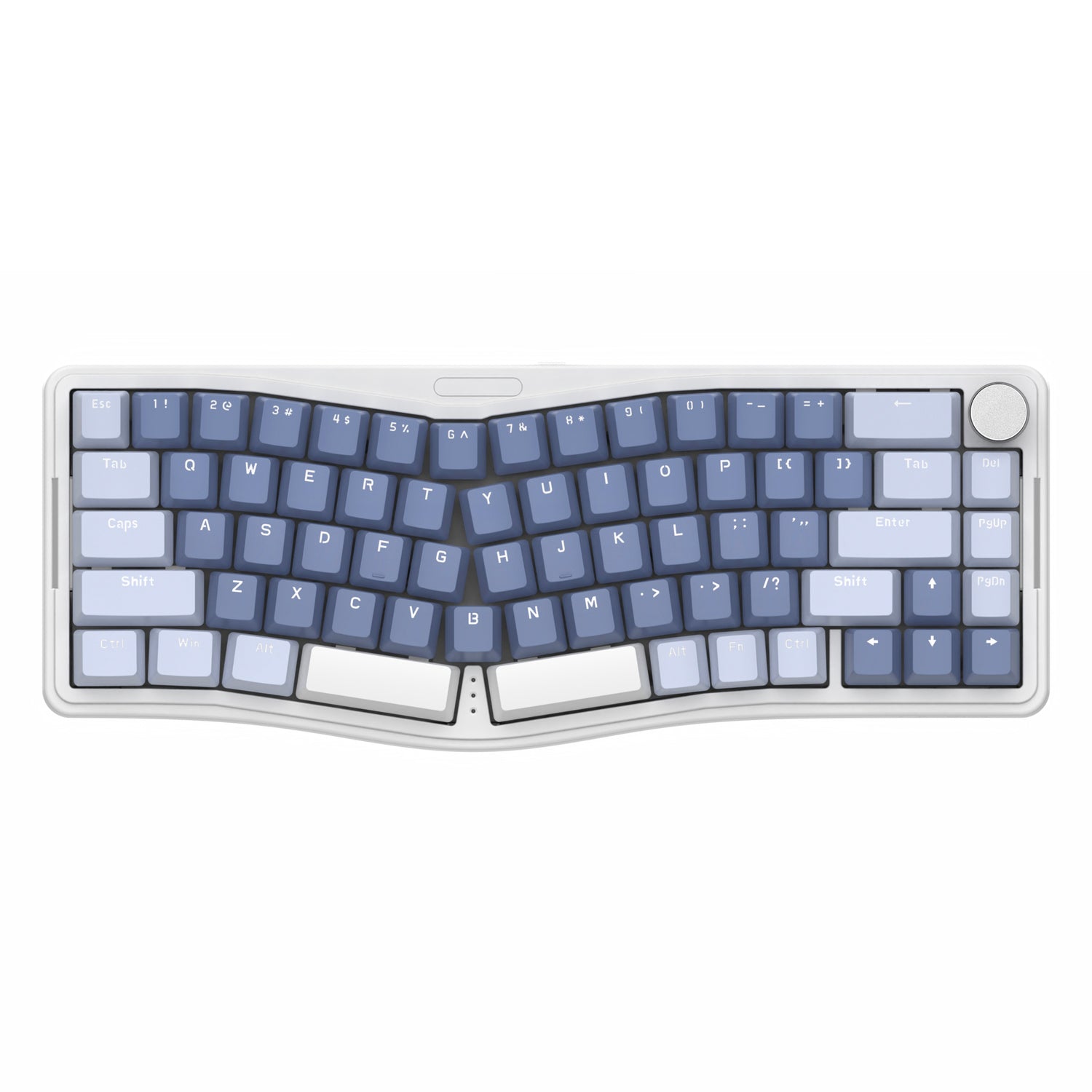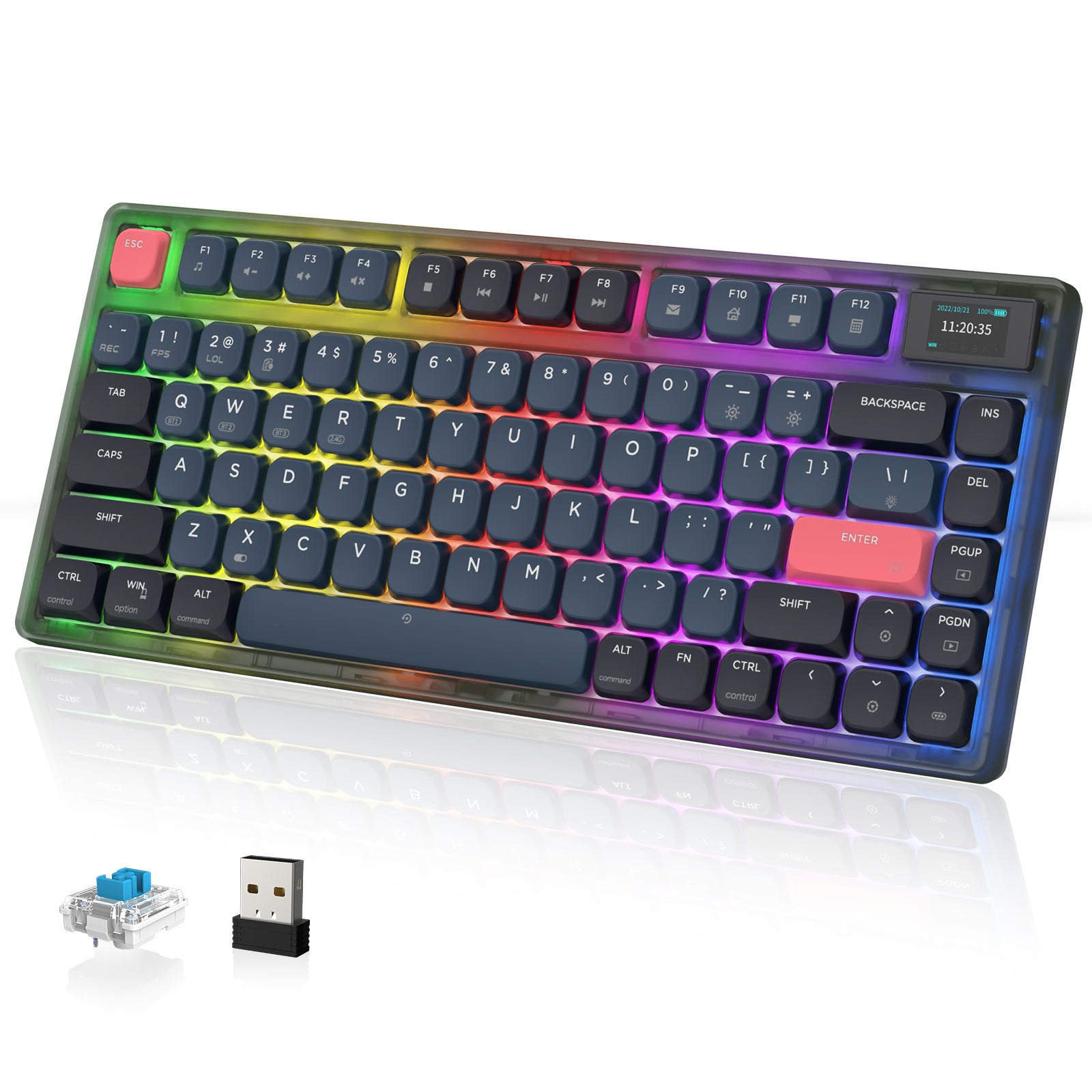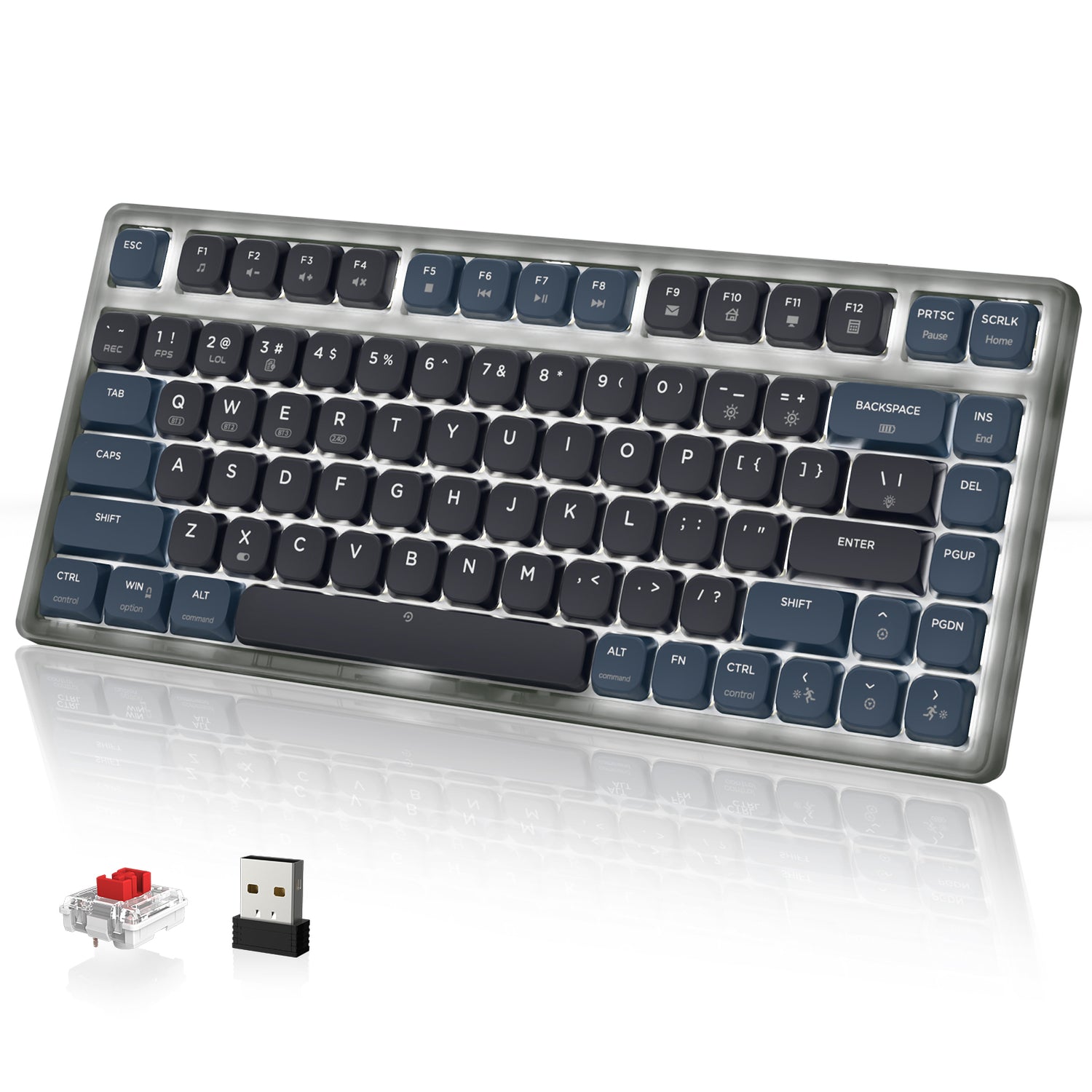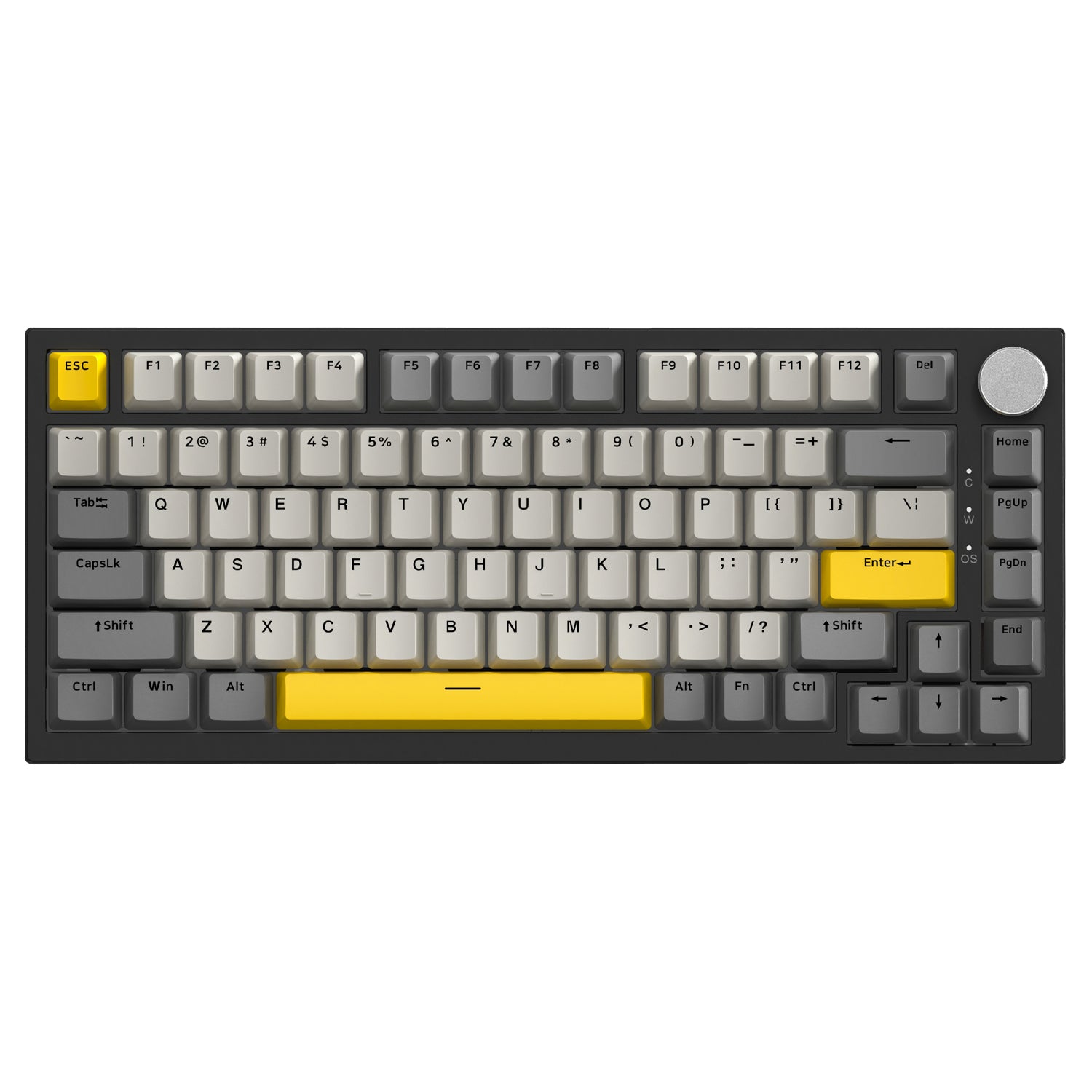
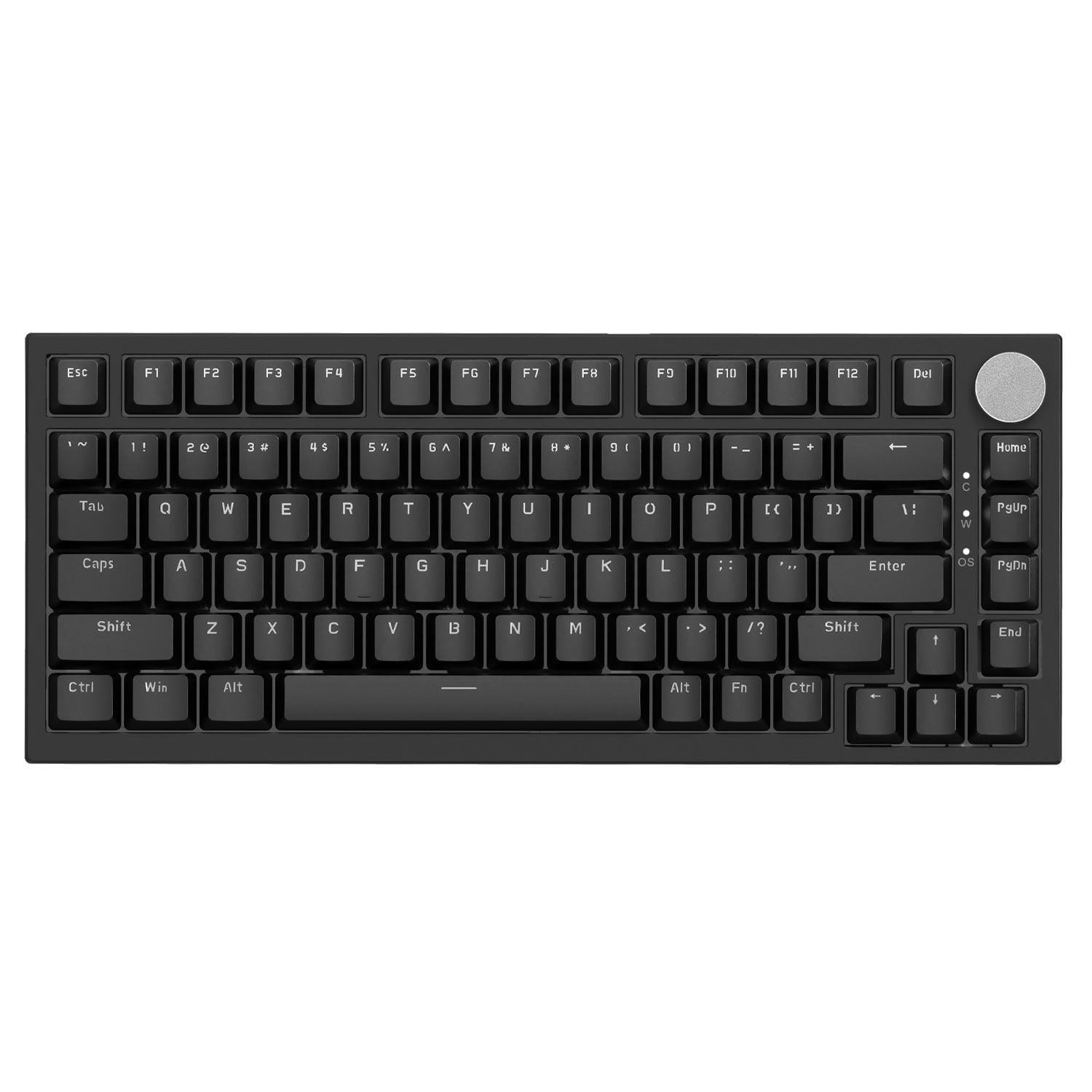
Tactile Switch Keyboard

Filters

Sort by
Product type
Brand
Filters
Sort by:
Product type
Brand

3 products

+2
ATTACK SHARK x AJAZZ AK832 Mechanical Keyboard
Sale priceFrom $60.01
+2

FAQ

Q1: What is a tactile switch keyboard?

A tactile switch keyboard features switches that provide a noticeable physical "bump" when pressed. This feedback lets your fingers know the key has been registered without needing to press it all the way down. It is the perfect middle ground between smooth linear switches and loud clicky switches.

Q2: Are tactile switches good for gaming?

Yes, they are excellent for gaming. Many gamers prefer tactile switches because the physical bump helps prevent accidental key presses. They are particularly popular for MOBA and MMO games where precision is more important than raw speed.

Q3: Is this keyboard loud? Can I use it in an office?

Tactile switches are generally considered "office-safe." They are much quieter than "Clicky" (Blue) switches because they do not have an intentional click sound. While they aren't silent, they produce a moderate, satisfying sound that usually won't disturb colleagues.

Q4: Tactile vs. Linear switches: Which should I choose?

Choose Tactile if you want physical feedback to improve your typing accuracy and enjoy a rhythmic feel. Choose Linear (like Red switches) if you prefer a completely smooth, resistance-free keystroke for fast-paced FPS gaming.

Q5: What color are tactile switches usually?

The industry standard color for tactile switches is Brown. However, many custom switches (like Holy Pandas or Attack Shark special editions) may come in colors like purple, orange, or clear. Always check the product specs for the word "Tactile."

Q6: Are Attack Shark tactile keyboards hot-swappable?

Yes. Most of our keyboards feature hot-swappable PCBs. This means you can easily pull out the existing tactile switches and replace them with other 3-pin or 5-pin mechanical switches without any soldering.

Q7: Do tactile switches have a delay (latency)?

No. The "bump" in the switch is purely physical and does not add electronic delay. Our keyboards use low-latency connections (Wired or 2.4G Wireless) to ensure instant response times for competitive gaming.

Q8: What does "actuation force" mean for these switches?

Actuation force is how hard you need to press the key. Most standard tactile switches require between 45g and 55g of force. This is light enough for long gaming sessions but heavy enough to avoid typos.

Q9: Can I change the keycaps on these keyboards?

Absolutely. Our tactile keyboards use standard cross-stem switches (Cherry MX style), making them compatible with 99% of custom keycap sets available on the market.

Q10: Is a tactile keyboard good for beginners?

Yes, it is often recommended as the best starting point. It offers the classic "mechanical keyboard feel" that people look for, without the excessive noise of clicky switches or the lack of feedback found in linear switches.

Q11: Does this work with Mac and Windows?

Yes. Attack Shark keyboards are compatible with both Windows and macOS. You can typically switch between operating system modes using a simple key combination or a physical toggle switch on the keyboard.

Q12: Is tactile better for typing?

Most typists and programmers prefer tactile switches. The physical feedback bump confirms every keystroke, which can significantly increase typing speed and reduce errors over time.

Q13: What is the difference between Tactile and Clicky?

Both have a "bump" you can feel. The main difference is sound. Clicky switches make a loud "click" noise at the bump. Tactile switches have the bump but are much quieter, making a deeper "thock" sound rather than a high-pitched click.