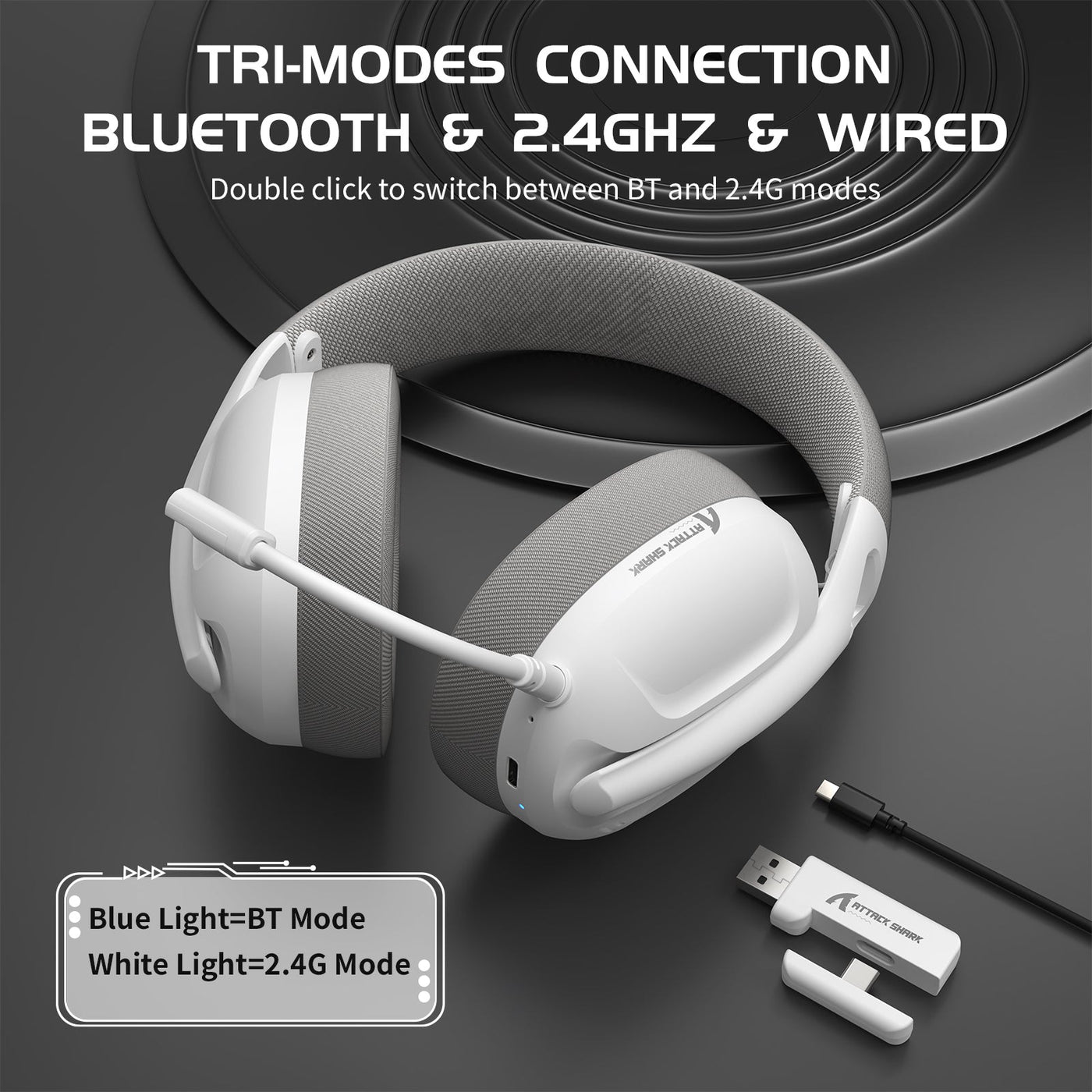
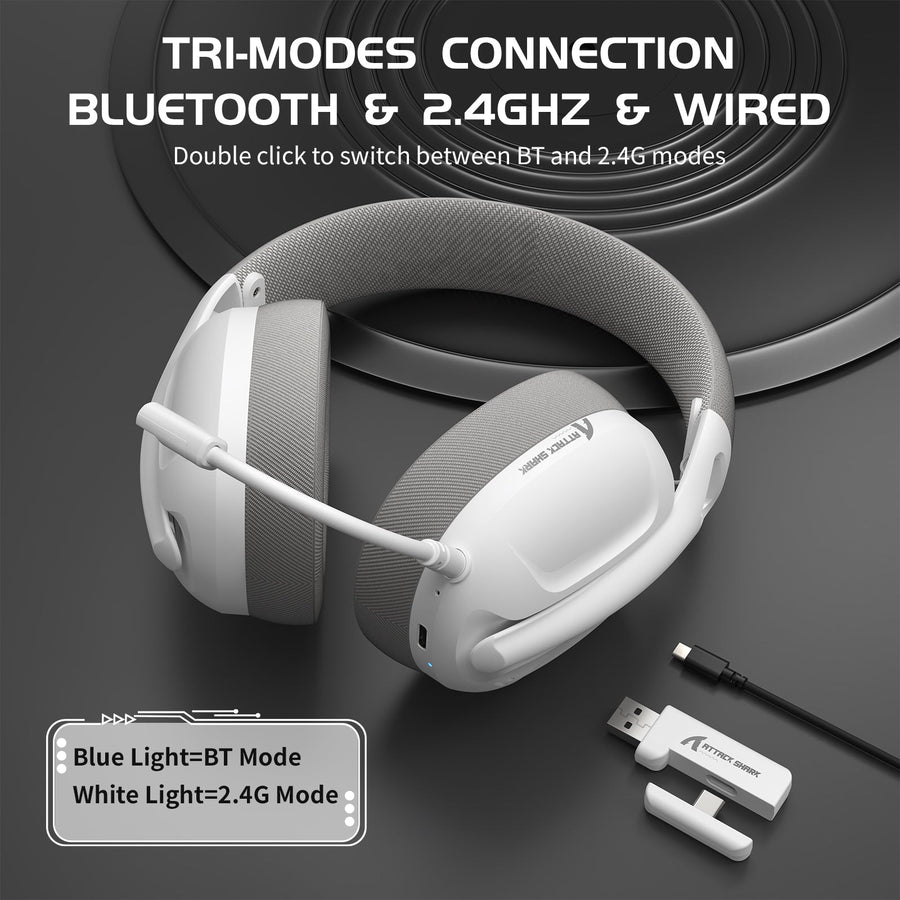
Wireless gaming headset battery life is not a fixed number. It shifts with connection mode, RGB lighting, volume, microphone use, and charging conditions. The “up to” hours on a product page describe one test condition, not a guarantee for every setup. Once you know which variables matter, you can read an advertised figure correctly and plan charging around your own sessions instead of the marketing claim.

What Wireless Gaming Headset Battery Life Really Means
An advertised runtime number is a starting point, not a promise. Compare it only after matching the conditions behind the claim with the conditions you expect to use.

Treat the Advertised Number as a Test-Condition Label
An “up to” figure describes one specific test: a fixed volume, a specific connection mode, and often no RGB or active microphone. Two headsets can list similar hours under very different conditions, which makes a side-by-side comparison misleading unless you check what each brand actually tested. Before comparing two listings, record the connection mode, stated volume, RGB and microphone state, any ANC or spatial-audio setting, and standby behavior. If a listing omits those details, treat the number as a rough ceiling rather than a typical result you should expect in daily use.
Separate Battery Capacity from Active Power Demand
Battery capacity, usually listed in milliamp-hours, measures electric charge capacity. It does not tell you how quickly that charge is used, and capacity alone cannot establish runtime. Runtime depends on what the headset is doing while it is on, including which radio it uses and which features are active. Judge a listed runtime against your own routine rather than using the capacity number as a substitute for runtime evidence.
2.4GHz vs. Bluetooth: Compare the Implementation, Not Just the Label
Bluetooth is not automatically more efficient than 2.4GHz, and 2.4GHz is not automatically more power-hungry. Compare the exact audio implementation and the test conditions behind the headset’s runtime claim.
What the 2.4GHz Label Tells You
For a buyer, 2.4GHz is the gaming-first branch when the product documentation identifies low latency and the platform behavior you need. The frequency label alone does not establish how much power the radio draws, so use the specific headset’s documented result rather than a universal rule.
| Connection Type | What the Documentation Should Identify | Power-Draw Interpretation | Choice Implication |
|---|---|---|---|
| 2.4GHz dongle | Latency result, idle power-off behavior | Implementation-dependent | Choose it when documented low latency and gaming platform behavior matter |
| Bluetooth Classic Audio | Supported codec, active features | Implementation-dependent | Consider it for general audio and calls when the tested mode fits |
| Bluetooth LE Audio | LC3 support, device compatibility | Designed for lower-power audio, but headset results remain implementation-dependent | Check it when the headset explicitly supports LE Audio |
| 3.5mm analog wired | Whether the headset is powered for the audio path | May avoid headset battery use for the audio path when applicable | Use it as a fallback for long or uninterrupted sessions |
| USB-C wired | Whether USB-C audio is supported and how the headset handles power | Do not assume zero headset battery draw | Use it only when the product documents this fallback |
What Bluetooth Version and Audio Mode Tell You
A Bluetooth version number, like 5.3, does not by itself tell you which audio mode a headset uses. Bluetooth Classic Audio and Bluetooth LE Audio use different radio technologies within the Bluetooth standard, and LE Audio’s LC3 codec is designed to support lower-power audio tradeoffs compared with older codecs. That design intent does not guarantee a specific result in every headset, because actual power outcomes depend on the implementation and product use. A headset can carry a recent Bluetooth version and still rely on Classic Audio, so check the product manual for the audio mode it supports before assuming LE Audio benefits apply.
Use a Choice Split Instead of a Universal Winner
Choose Bluetooth when the exact headset documents LE Audio or a low-power codec and your use case matches that tested mode. Choose 2.4GHz when the product documents gaming-specific latency and you need the dongle connection for your platform. Either way, trust a runtime comparison only when the manufacturer reports it for that specific mode; an unspecified “battery life” number cannot settle which connection lasts longer on that headset.
How RGB, Volume, and Microphone Use Change Runtime
RGB lighting, listening level, and microphone activity can all be relevant runtime variables, but their effects must be verified on the exact headset. No universal percentage penalty applies across models.
RGB Lighting: A Feature-Dependent Tradeoff
Disabling optional RGB lighting may help runtime on some headsets, but the size of that effect is not standardized across the category. If a product page or manual lists separate runtime figures with RGB on and off, use those matched numbers. If it gives only one figure, treat RGB as a variable worth testing yourself when the headset software allows it.
Volume and Microphone: Active Audio Conditions
Treat listening level and microphone activity as conditions to record, not as fixed runtime penalties. Their effect is model-dependent, so match your typical volume and microphone use to the conditions behind the advertised claim. A figure measured at 50% volume does not establish the result at near-maximum volume with voice chat running continuously.
Which Setting to Change First
- Match your volume to the advertised test condition first. If a headset’s claimed hours were measured at half volume, comparing that number with a near-full-volume routine sets the wrong expectation before you check anything else.
- Disable optional RGB for long sessions if lighting is not essential. This is an easy, reversible change to test on your own headset.
- Use documented sleep, idle, or wired options before adjusting anything else. Auto power-off during standby and a documented wired fallback can preserve charge without changing how you play.
Turn Advertised Hours Into a Session and Charging Plan
You can estimate charging needs by dividing condition-labeled advertised hours by your actual session length. Use the result as a planning ceiling, not a typical real-world promise.
Convert Advertised Hours Into Sessions
- Write down the claimed hours and every disclosed condition, such as volume level, connection mode, and whether RGB or the microphone was active during testing.
- Divide the claimed hours by your longest normal session length in hours. The result is an illustrative session count under that same tested condition.
- Treat the result as a ceiling, not a promise. If your habits differ from the tested condition in volume, lighting, or microphone use, plan for fewer sessions than the math suggests.
Example: Reading a 50-Hour Claim
Our ATTACK SHARK L80 Ultra-Light Tri-Mode Gaming Headset lists up to 50 hours of playtime at 50% volume. This is a clearly labeled illustrative example, not a typical result for every listener. If your longest normal session runs about 3 hours, 50 hours divided by 3 hours per session works out to roughly 16.7 advertised-condition sessions. That result does not extend to RGB use, an active microphone, higher volume, or a specific wireless mode because those conditions are not broken out in the published figure. Plan around your heaviest normal session and keep a charging or wired fallback when an interruption would matter.
Battery-Saving Checklist for Everyday Gaming
These five actions reduce avoidable charging interruptions without promising a specific runtime increase.
- Charge before long sessions, especially if your last session ran the battery low, so you start with a full buffer.
- Match your volume to the level used in any advertised runtime claim rather than defaulting to near-maximum volume for every session.
- Disable optional RGB lighting when it is not adding value, such as during travel or long solo sessions.
- Enable any documented sleep, idle, or auto-power-off feature so the headset stops drawing power when you step away.
- Use a wired or charging-while-playing fallback when your headset supports it, especially when a mid-session shutdown would be disruptive.
General lithium-ion guidance also supports this approach: partial charging is generally acceptable for lithium-ion batteries, and repeatedly running the battery all the way to empty is not necessary for normal use. Follow your headset’s own manual first, since its charging and use instructions override general battery advice whenever the two differ.
Which Attackshark Features Match Your Runtime Priority?
The right pick depends on whether your priority is a documented runtime figure or gaming-first connectivity with automatic power management. Neither model should be treated as the longest-lasting option without a mode-specific runtime comparison.
For a Documented Condition-Labeled Runtime Target
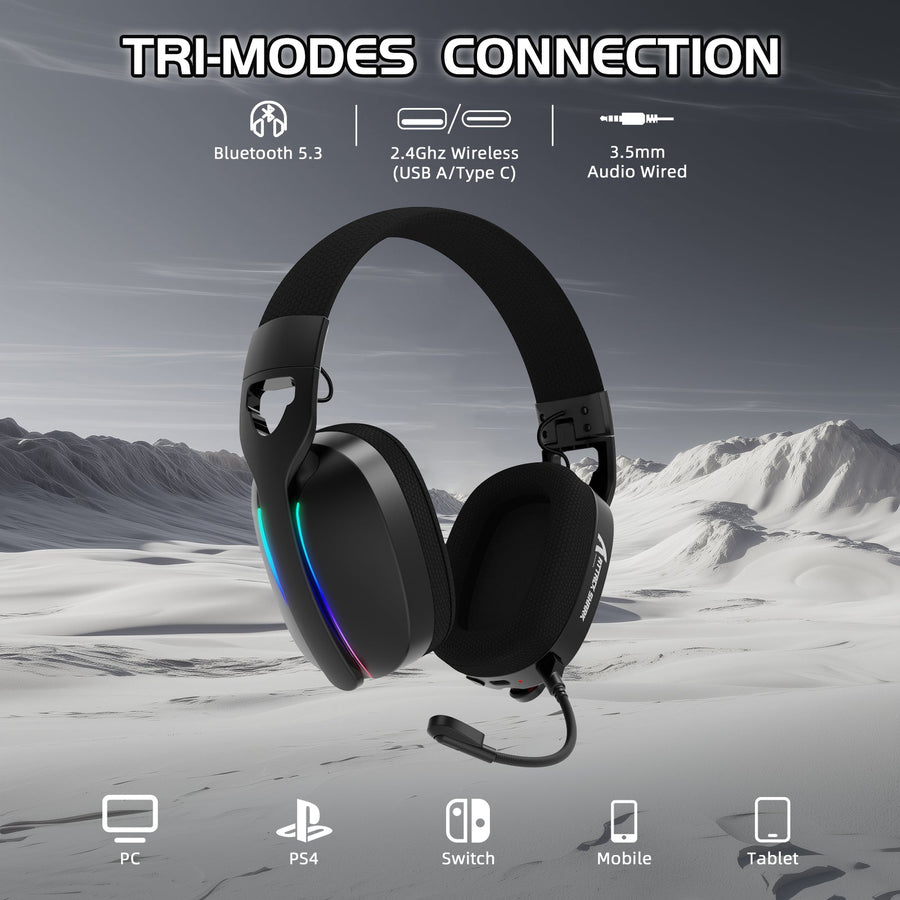
If you want a stated runtime figure to plan around, our ATTACK SHARK L80 Ultra-Light Tri-Mode Gaming Headset offers Bluetooth 5.3, 2.4GHz, and wired connectivity, along with a listed up to 50 hours of playtime at 50% volume. Its published figure does not cover RGB use, an active microphone, or higher volume, so treat it as a planning ceiling and compare your intended settings with that 50%-volume condition before assuming it will hold.
For Gaming-First Connectivity and Idle Power Management
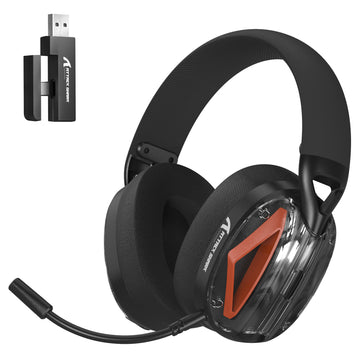
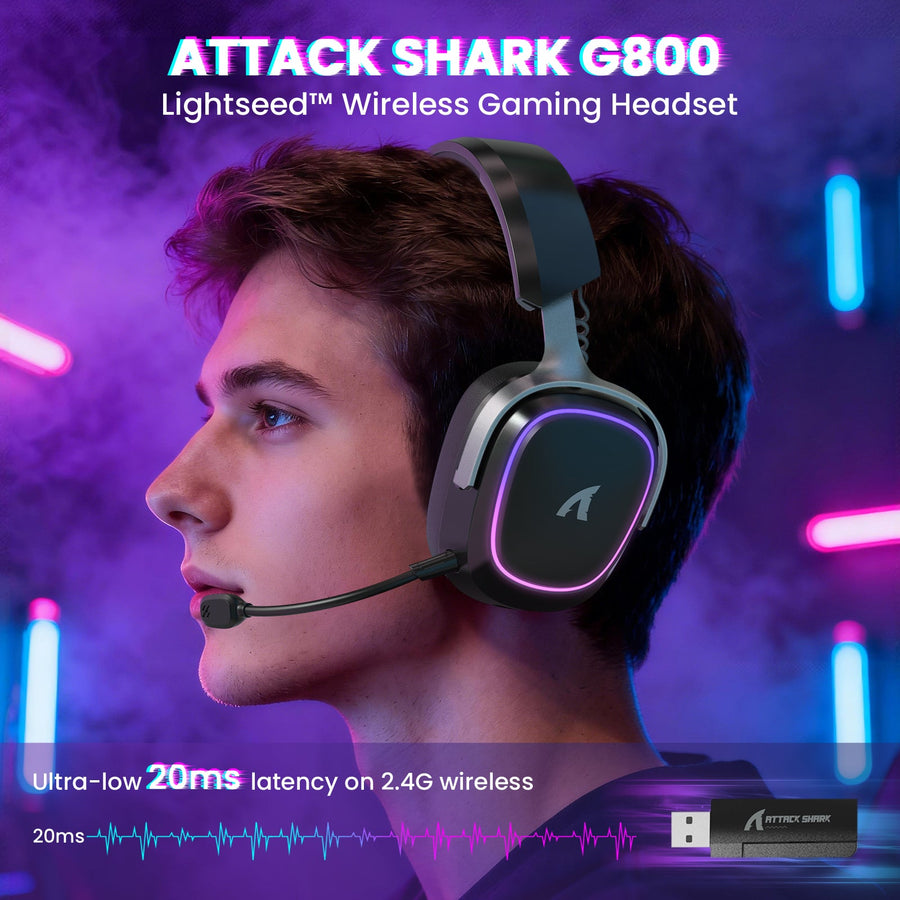
If your priority is connection flexibility and automatic power handling during breaks, our ATTACK SHARK L50 PRO Tri-Mode Wireless Gaming Headset documents 2.4G, Bluetooth 5.3, and wired modes, 2.4G latency as low as 20 ms, and 2.4G idle standby power-off after 5 minutes. That feature can reduce wasted charge between matches. Its published facts do not include a mode-specific runtime comparison, so choose it when documented connectivity and idle power handling matter more to you than a published hours figure. Before adding either headset to your cart, check that the runtime condition matches your intended mode, volume, and lighting habits.
The practical decision is simple: match conditions before comparing hours, divide the labeled figure by your longest normal session, and choose the product whose documented features fit your main connection and power-management priority.
FAQs
Does RGB Lighting Significantly Impact Battery Life?
RGB can affect runtime on some headsets, but the size of the effect is not standardized and no universal percentage applies across models. Compare matched RGB-on and RGB-off figures when the same headset provides them; otherwise treat RGB as a setting to test.
How Often Should I Charge a Wireless Gaming Headset?
Charge based on your session length and the headset’s condition-labeled runtime rather than a universal interval. Plan around your longest normal session and keep a charging or wired fallback when a mid-session interruption would matter.
Is 2.4GHz Always More Power-Hungry Than Bluetooth?
No. Bluetooth Classic Audio, Bluetooth LE Audio, and 2.4GHz gaming links can have different implementations, so actual power outcomes depend on the exact headset, mode, and active features. Compare mode-specific runtime evidence instead of assuming one connection type always wins.
How Should I Compare Wireless Gaming Headset Battery Claims?
Match the stated connection mode, volume, RGB state, microphone condition, and other disclosed features with your routine. If a listing omits those details, use the figure only as a rough planning ceiling and look for clearer test conditions.