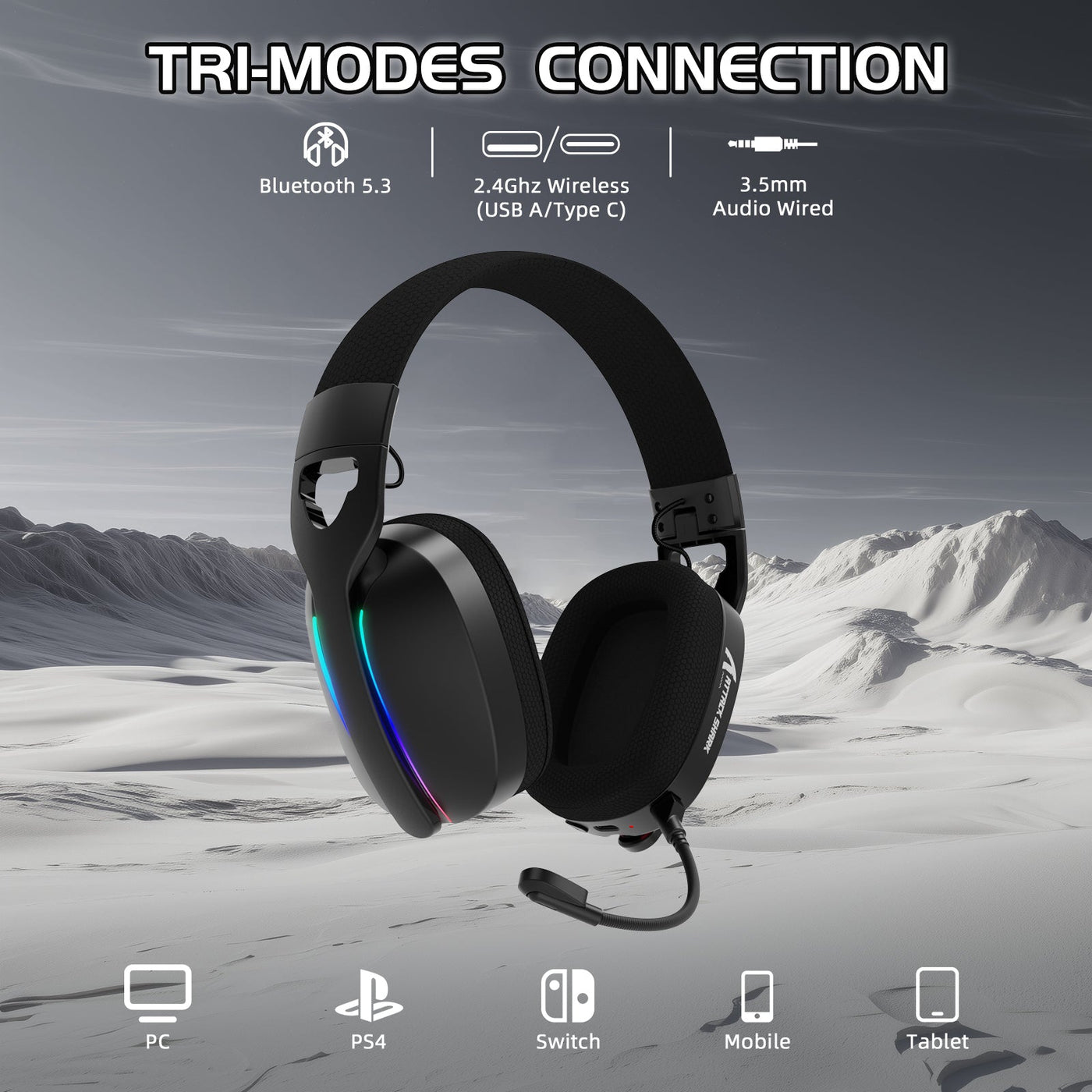
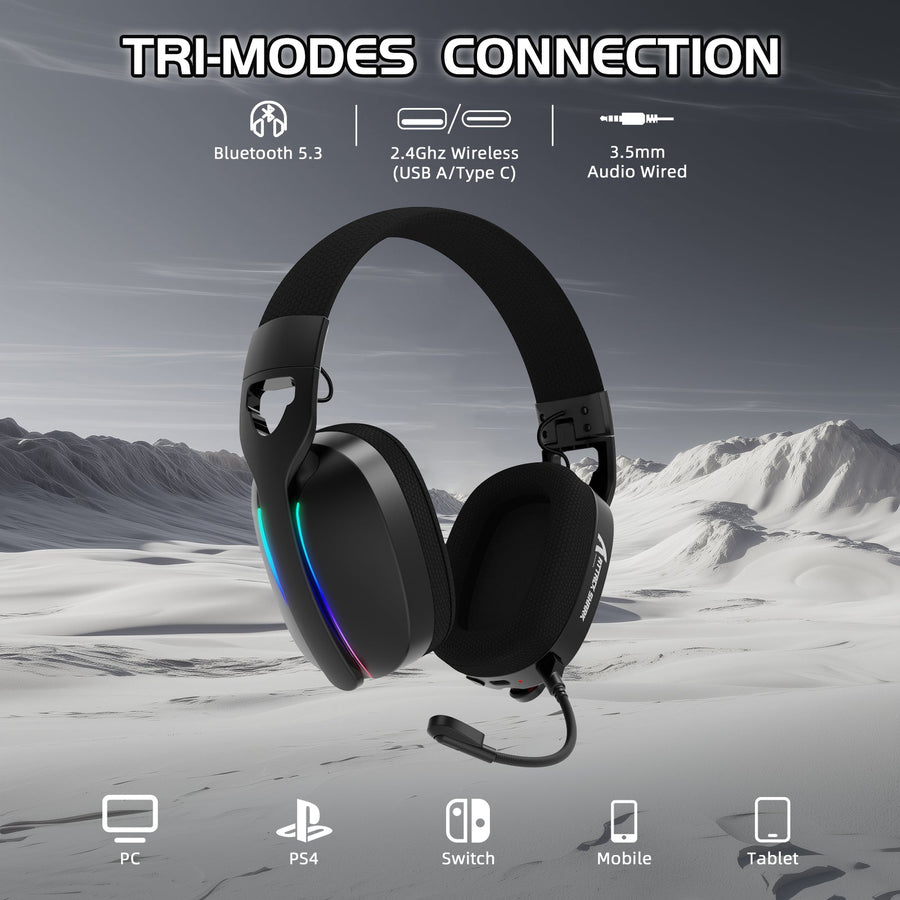
The best approach to gaming headset connectivity depends on your platform and priorities, not one spec. Choose 2.4GHz wireless when a supported receiver gives you cable-free, gaming-first responsiveness. Choose USB when your PC or console recognizes the headset's wired or receiver-based digital connection. Choose 3.5mm when you need the simplest, most broadly compatible wired option. Choose Bluetooth when everyday flexibility across phones, laptops, and handhelds matters more than guaranteed low-latency timing or full chat support.

A dedicated compatibility check later in this guide separates game audio from microphone and voice-chat support.
Which Gaming Headset Connection Fits Your Gaming Setup?
Start with this fast breakdown, then confirm the details in the sections below.
- 2.4GHz: pick this when cable-free gaming responsiveness matters and your device supports the bundled receiver. You take on charging and keeping that receiver on hand.
- USB: pick this for a supported digital connection on PC or console. Check whether the listing means a wired headset or a receiver for a wireless one.
- 3.5mm: pick this when your device or controller has a compatible jack and you want simple wired use without a wireless battery.
- Bluetooth: pick this for casual, mobile, or everyday use when device-dependent timing and chat limits are something you can accept.
Gaming Headset Connection Types Compared
The table below lines up the four connection types on the factors that actually change a purchase decision. Treat the latency and compatibility columns as qualitative guidance, not guaranteed numbers, since real performance still depends on the specific headset and host device.
| Connection type | Responsiveness/timing | Compatibility path | Microphone/chat behavior | Battery impact |
|---|---|---|---|---|
| 2.4GHz wireless | Gaming-oriented when receiver is supported | Supported host and receiver required | Depends on platform recognition; check separately | Requires charging headset, keep receiver available |
| Bluetooth | Varies by device and codec | Broad on compatible phones/PCs; console support varies | Often audio-only; mic support not guaranteed | Requires charging, no receiver needed |
| USB | Direct digital, host-dependent | Supported host required (wired or receiver) | Possible, but must be confirmed on the platform | Wired: none; USB receiver: yes |
| 3.5mm | Direct wired, minimal added delay | Compatible jack and cable required | Depends on cable wiring and host support | None, no battery required |
The same headset model can expose different microphone or chat features in different modes, so treat each connection mode as its own compatibility check rather than assuming one mode's behavior applies to all of them.
2.4GHz Wireless: The Gaming-First Wireless Option
2.4GHz wireless is the better choice when you want cable-free movement without Bluetooth's more device-dependent behavior, provided your target platform supports the headset's specific receiver. This mode typically ships with a small USB dongle that creates a dedicated radio link to your PC or console, rather than routing audio through the host's general Bluetooth radio.
The decisive check before buying is whether that receiver and its wireless protocol are actually listed as supported for your device. A receiver that physically fits a USB port is not proof that the console or PC recognizes the specific headset behind it.
The tradeoff is ongoing charging and keeping the receiver available, whether that means a spare USB port at your desk or a dongle you remember to pack for travel. Competitive gaming is the scenario where this mode earns its keep most clearly, but that does not mean every 2.4GHz headset performs identically. Confirm platform support model by model before you buy.
Bluetooth: The Flexible Everyday Option
Bluetooth earns its place when a headset needs to move between compatible phones, laptops, handhelds, and everyday listening without carrying a receiver. Pairing is usually quick, and most modern devices support it out of the box.
Timing over Bluetooth depends on the specific device and codec, so a smooth pairing experience is not proof that the connection behaves like a dedicated gaming link. Treat any Bluetooth headset as untested for competitive timing until you have verified it on your own hardware.
Nintendo Switch is a clear example of a platform-specific limit worth knowing before you buy. Nintendo Switch Bluetooth audio may have device-dependent latency, and the console does not support Bluetooth microphones at all. That means Bluetooth is not a complete wireless voice-chat path on Switch, even though it can carry game or media audio. Bluetooth audio on Switch also limits you to two wireless controllers at a time and disconnects during local wireless communication.
Charging is required for Bluetooth headsets just as it is for 2.4GHz models, but you skip the receiver entirely on compatible hosts.
USB: A Direct Digital Path When the Host Supports It
USB is worth choosing when your PC or console explicitly supports the headset's specific digital connection, whether that connection is a wired headset or a USB receiver for a wireless one. Read the product listing carefully: "USB" can describe either setup, and they behave differently in daily use.
For a USB setup, check the exact headset model and port path rather than relying on the USB label. PS5 USB ports support compatible wireless-headset adapters on any of the console's four USB ports, but that platform guidance does not establish support for every generic USB headset or adapter.
USB fits well on supported PC and PlayStation setups when a cable or receiver is acceptable to you. Before buying, check the exact port shape your device needs, whether that's USB-A, USB-C, or an adapter, and whether the headset requires product software for its supported features.
3.5mm: The Simple Wired Fallback
3.5mm is the simplest fit when the device or controller you're using has a compatible headphone jack. It skips wireless pairing entirely and never depends on the headset's wireless battery, though the cable limits how far you can move.
For chat, audio output alone is not enough. Confirm that the cable carries a microphone signal and that the host device's jack accepts microphone input, not just stereo sound. Many 3.5mm cables are wired for listening only, which turns an apparently working connection into an audio-only one.
Use 3.5mm as your practical fallback across mixed hardware, PC, console controller, or handheld, only after checking the actual jack and its chat wiring. Some phones and slim laptops now drop the jack entirely, so a compatible adapter may be part of the setup rather than a given.
Platform Compatibility and Chat Checks
Before you buy, complete three checks in order: your devices, the exact connection, and audio-versus-chat support separately. Together these three checks are the core of reliable gaming headset connectivity across every device you own.
- List every device the headset must serve. That might be a gaming PC, a specific console, a handheld, or a phone you also use for calls.
- Verify the physical connection path for each device: a 3.5mm jack, USB-A, USB-C, a supplied receiver, or Bluetooth support. A port existing on your device does not mean it accepts every headset's specific implementation.
- Confirm game-audio output and microphone or voice-chat input as two separate requirements. Pairing successfully or hearing sound does not confirm that chat will work. For a model-specific example, PlayStation's PULSE Elite connection guide shows that its USB adapter, Bluetooth, and audio-cable modes do not expose identical capabilities. The guide requires a 4-conductor audio cable for microphone chat, while a 3-conductor cable is for listening only.
If you're buying one headset for several platforms, repeat this three-step check for every device and every connection mode you expect to use. A headset that passes on your PC is not automatically confirmed for your console or phone.
Choose by Gaming Scenario
Your gaming scenario should override generic advice once you know your platform requirements. Use these tie-breakers to move from the general comparison to your specific case.
- PC gaming: with all four connection types often available, choose a wired or wireless gaming headset for PC based on competitive responsiveness, desk setup, microphone needs, and cable tolerance rather than which port happens to be open.
- Console gaming: prioritize exact platform and controller or receiver support before convenience. A headset can look compatible and still lack full chat support on your specific console.
- Competitive gaming: favor a supported 2.4GHz receiver or a wired USB/3.5mm path. Reserve Bluetooth for situations where you have personally confirmed its timing and chat behavior on your device.
- Casual or everyday use: Bluetooth suits compatible device flexibility well, and 3.5mm suits you if charging a headset battery is something you'd rather avoid.
- Multi-platform use: choose a verified multi-mode headset only after checking each required platform and chat path individually. Tri-mode support does not mean every mode works identically on every device.
Platform-First Decision Tree
Use these four steps to turn your device list into one connection choice or a precise model-verification action.
- Start with the platform list. Name every target device: PC, PlayStation, Xbox, Nintendo Switch, phone, or a mix. If a headset's listing does not name one of those devices, verify the exact model before treating the connection as supported.
- Branch on voice chat. If Nintendo Switch wireless voice chat is required, do not choose Bluetooth. Choose 2.4GHz, USB, or 3.5mm only when the exact headset listing or manual confirms the required Switch chat path; otherwise, verify another model. On other platforms, choose the first connection whose documentation confirms both game audio and microphone support, or verify the model instead of relying on pairing alone.
- Branch on your setup preference. If you accept a cable and have a compatible jack, choose 3.5mm. If you prefer a wired digital path and the host supports that headset, choose USB. If you want cable-free gaming, choose 2.4GHz when the receiver is supported, or choose Bluetooth for compatible everyday use when its timing and chat limits fit your needs.
- Apply the result to every device. If one platform still lacks a documented audio-and-chat path, verify that headset model before buying. If every platform passes, use the named mode that meets your cable, receiver, and charging preference.
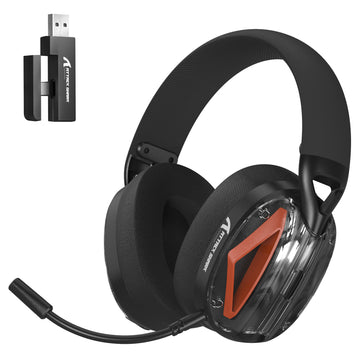
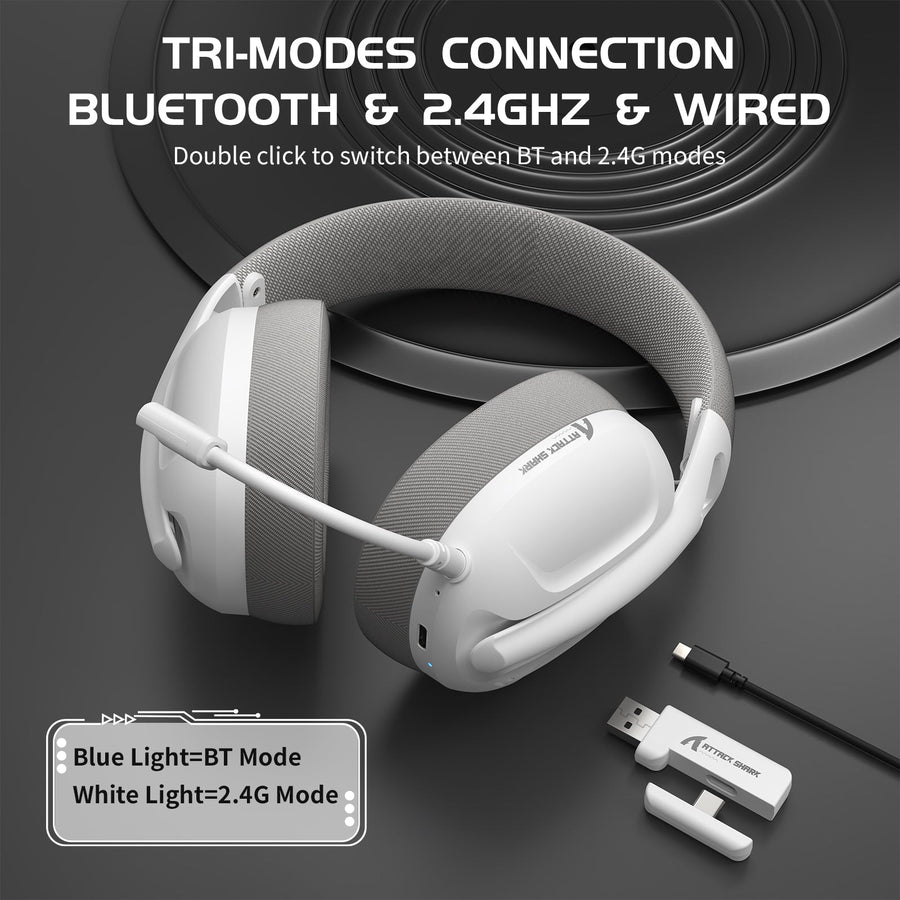
If your answer points to a verified multi-mode headset, we built our headset connectivity collection around that exact need. Our foldable tri-mode headset lists support for PC, PS4, PS5, Switch, and Xbox across Bluetooth 5.3, 2.4GHz, and wired 3.5mm modes, and its foldable build suits readers who carry a headset between a desk and a bag. If a lower-latency 2.4G link matters more to you, our tri-mode gaming headset adds a 2.4G connection rated as low as 20ms with a detachable microphone for chat. Either way, confirm your specific platform's microphone support using the checks above before you buy.
FAQ
Is 2.4GHz better than Bluetooth for gaming?
2.4GHz is the more gaming-oriented wireless choice when your device supports the headset's specific receiver, since it creates a dedicated link instead of relying on general Bluetooth timing. Bluetooth's timing varies by device, and on Nintendo Switch it also drops microphone support entirely. Neither point is a universal latency number, so confirm behavior on your own hardware before assuming one connection is always faster.
Are wired headsets better for gaming?
Not universally. USB and 3.5mm skip wireless charging and pairing, which some players prefer, but their usefulness still depends on your host port, the cable's microphone wiring, and how much you want to move around. Wireless remains a valid competitive option when the receiver is supported by your platform.
What headset connection works with both PC and console?
No single mode is guaranteed to work everywhere. Check the exact headset model against each platform, confirm the required port or receiver, and verify game audio and microphone support separately for every device. A 3.5mm jack is often the broadest fallback, but it is not a guarantee across every controller and console.
Why does my headset connect but have no game audio, microphone, or voice chat?
Work through this order before assuming the headset is defective: reseat the receiver or cable, confirm your device has selected the headset as both input and output, and check microphone permissions and chat settings. Then adjust the chat/game audio balance if one side seems muted. For wireless PlayStation setups, seat the wireless adapter firmly in the USB port, check for nearby wireless interference, and try a different charging cable or port if the headset also won't charge.