A budget Hall Effect keyboard can replace a mechanical keyboard for everyday typing, but only under one condition: you actually use its adjustable actuation or rapid trigger controls for gaming. If you mostly write emails, take notes, or chat, and you would leave the actuation setting untouched, a traditional mechanical keyboard is still the safer everyday-typing pick. If you regularly play competitive shooters and want to tune how sensitive each key feels, a Hall Effect keyboard for typing and gaming can genuinely cover both jobs. The rest of this guide walks through the trade-offs so you can match your own routine to the right board.

Can a Budget Hall Effect Keyboard Replace a Mechanical Keyboard?
After that verdict, check the fit boundaries: the HE path here is wired and linear, and it is a poor set-and-forget choice if you will not use its controls. Choose mechanical instead when wireless flexibility or tactile or clicky feedback matters more than gaming-specific tuning.

How Do Hall Effect and Mechanical Keyboards Feel for Typing?
Hall Effect and mechanical switches solve different problems: one gives you control over when a keystroke registers, the other gives you a wider range of physical feedback. The table below breaks down the practical differences that matter for everyday typing and mixed use.
| Factor | Hall Effect (budget) | Traditional mechanical | What it changes |
|---|---|---|---|
| Typing feel | Usually linear, smooth press with no bump or click | Linear, tactile, or clicky depending on switch choice | Choose mechanical if you want a bump or click; HE options are commonly linear only |
| Actuation adjustment | Adjustable trigger point, often 0.1 to 3.4 mm | Fixed at the switch's manufactured point | HE is only an advantage if you will change this setting |
| Unintended-input risk | A very shallow setting can register light touches during normal typing | Fixed actuation avoids this specific risk | Test the shallowest setting before trusting it for documents or chat |
| Switch variety | Narrower; commonly linear-only in budget lines | Wide range of linear, tactile, and clicky switches | Feel-first typists have more proven options with mechanical |
| Software and setup | Often needs a driver or app to adjust actuation and profiles | Usually plug-and-play, sometimes with simpler onboard software | Low setup tolerance favors mechanical |
| Layout and connection | Frequently wired only in budget models | Wired and wireless options are common | Multi-device desks may need wireless, which narrows HE choices |
| Customization route | Hot-swap limited to compatible magnetic switches | Hot-swap through standard 3-pin or 5-pin mechanical switches | Your planned future upgrades depend on which ecosystem you buy into |
| Gaming relevance | Adjustable actuation and rapid trigger features suit competitive play | Fixed actuation is standard and reliable for casual or ranked play | Only matters if you play competitively enough to use the tuning |
Read this table as a decision tool, not a scorecard. Adjustable actuation answers a gaming-control question. Switch feel answers a comfort question. The typing experience on a budget Hall Effect keyboard can be perfectly comfortable for some people and distracting for others, so the two questions need separate answers before you buy.
Which Work, School, and Gaming Scenarios Fit Each Keyboard?
Everyday scenarios split cleanly once you separate typing comfort from gaming needs. Work, school, and long typing sessions favor mechanical by default, gaming-plus-typing is the strongest case for Hall Effect, and a strong feel preference should override either technology choice.
Work, School, and Long-Form Typing
If your day is mostly documents, email, and chat, prioritize comfort and predictable input over gaming features. Hall Effect only makes sense here if your gaming use is substantial enough to justify configuring it; otherwise, you are carrying setup complexity for a feature you will not touch. Mechanical remains the practical default for low-configuration, feel-first routines.
Gaming Plus Everyday Typing
This is where a Hall Effect keyboard for work and gaming earns its place. If you play competitive first-person shooters often and are willing to tune actuation or use rapid trigger settings, the adjustable trigger point can serve both tasks well. If a shallow actuation setting produces unintended inputs during ordinary typing, raise it and retest; if the issue remains distracting, the mechanical path is a better fit. If gaming is occasional or noncompetitive, the case for Hall Effect weakens considerably.
Tactile or Clicky Feedback Comes First
Adjustable actuation changes when a key registers, not how it feels under your finger. The R82 HE and M86 configurations covered later in this guide are both linear, so if tactile bump or audible click is a non-negotiable preference, a mechanical keyboard with a broader switch lineup is the safer direction, and you should verify switch type before buying either.
What Setup and Layout Checks Can Change the Decision?
A few concrete checks can flip the decision even when a Hall Effect board's features look appealing on paper. Confirm your connection needs, layout requirement, feel preference, and setup tolerance before committing.
Favor Hall Effect when you intend to actively use adjustable actuation, you are comfortable with a wired-only linear setup, and you do not need Bluetooth or 2.4G for multiple devices. Favor mechanical when wireless flexibility across devices matters, when you want the option of tactile or clicky switches, or when you would rather not install driver software to adjust settings. Treat a hard requirement for wireless connectivity, a strong tactile or clicky preference, or persistent unintended keypresses at low actuation settings as fit boundaries rather than settings to push through. If any of these apply, verify the exact configuration you are considering before purchase, since a documented spec for one model does not carry over to another.
How to Run a Mixed-Use Test Before You Buy
The fastest way to settle this is an illustrative self-check, not a validated benchmark, using the keyboard in your actual setup rather than a store display. Hall Effect passes if adjustable actuation materially helps your regular gaming task without distracting from typing; mechanical passes if feel, wireless flexibility, or simplicity matter more.
First, identify your main routine by comparing the typing and gaming tasks you actually do. Second, type a representative workload, such as an email, school assignment, or chat, at the setting you would use daily and note whether it feels natural or triggers extra letters. Third, test the actuation behavior by trying a shallow and a deeper setting to see which avoids unintended inputs during normal typing pressure. Fourth, switch to your actual game and note whether adjustable actuation or rapid trigger controls make a noticeable difference to the task. Finally, repeat the check with your intended connection mode, because a setup that works only wired may not suit a multi-device desk.
Which Store Keyboard Path Matches Your Mixed-Use Priorities?
Once your priorities are clear, two supported paths cover the two outcomes above: one built around adjustable actuation, one built around conventional mechanical flexibility.
The HE Path: R82 HE
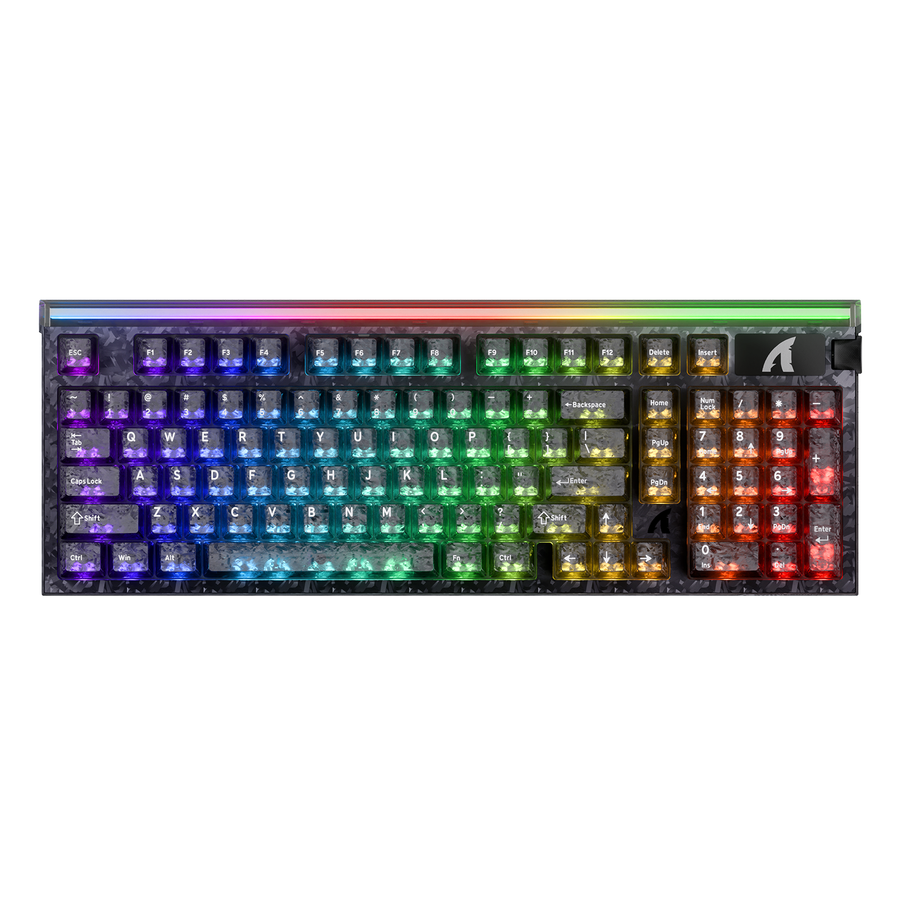
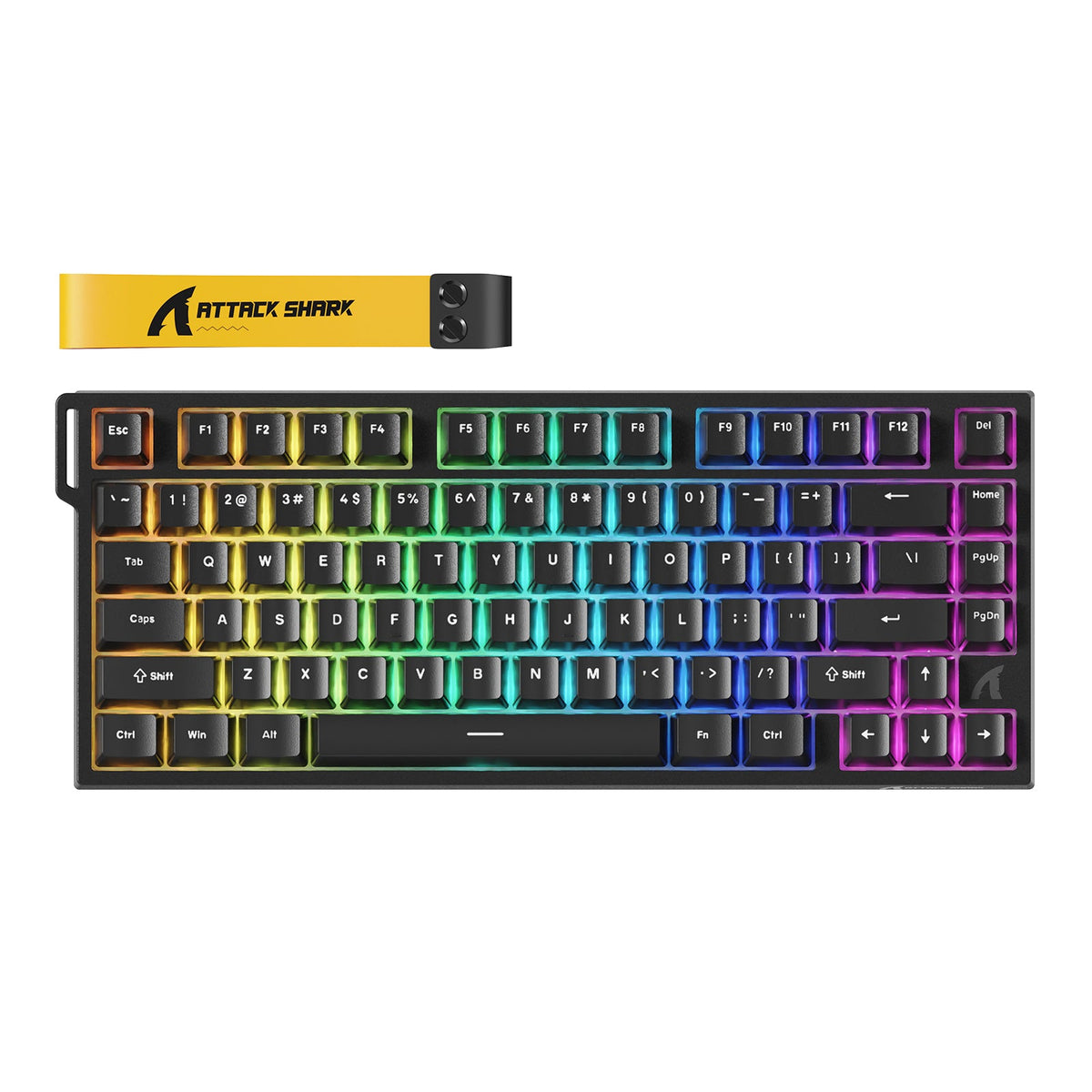
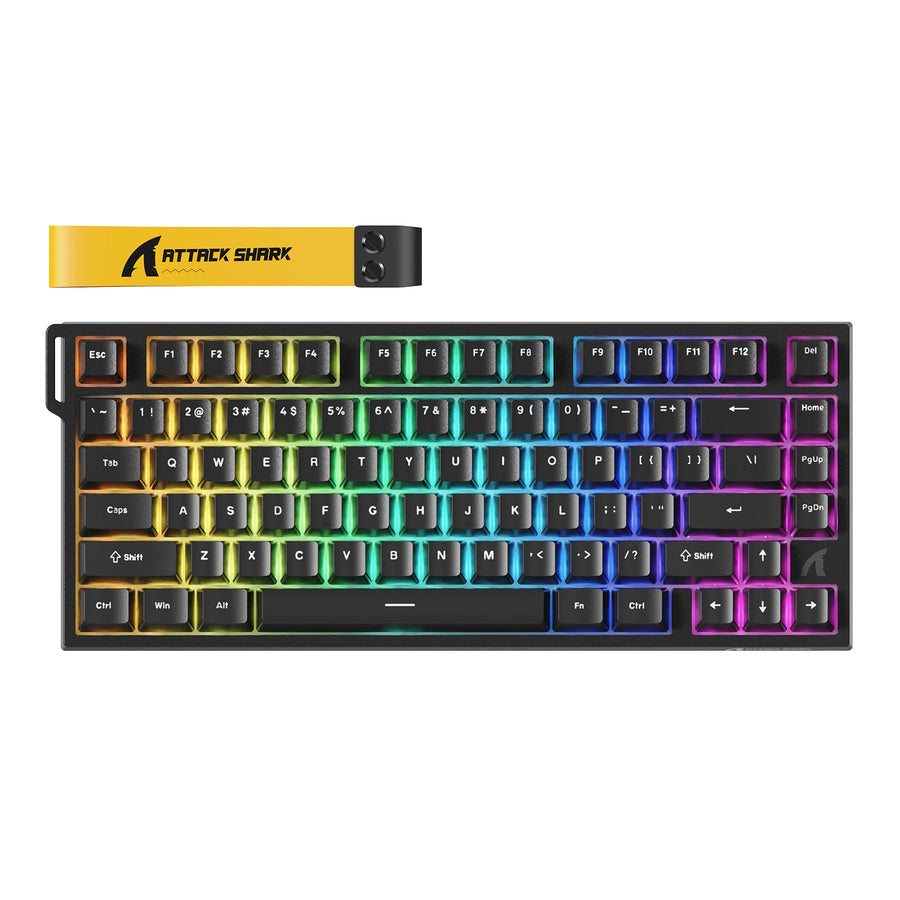
The R82 HE Hall Effect option is the ATTACK SHARK R82 HE Rapid Trigger Keyboard Magnetic Switch with 0.005MM RT. It lists adjustable actuation from 0.1 mm to 3.4 mm, linear magnetic switches, rapid trigger and related features, and a USB-C wired connection, with a compatible magnetic-switch hot-swap route. This path fits a buyer who will actually use adjustable actuation or rapid trigger controls for competitive gaming and is comfortable with a wired, linear setup. It is not the pick if you need wireless connectivity or want tactile or clicky feedback, since the listed configuration is linear only.
The Mechanical Path: M86
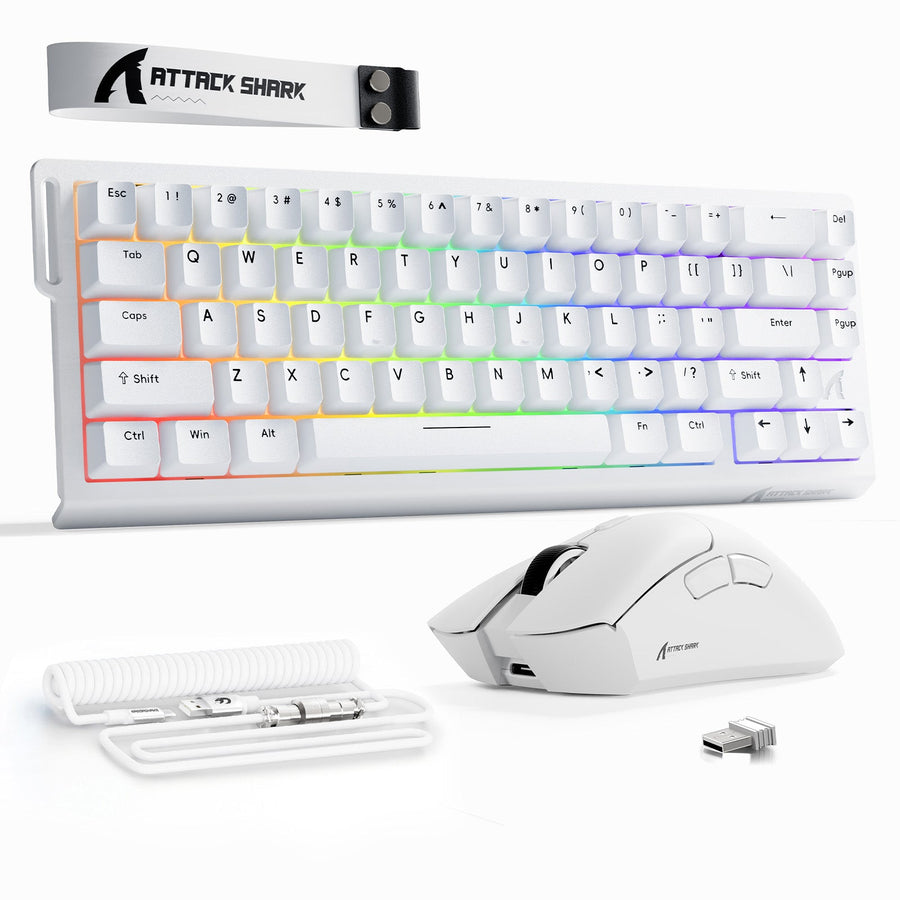
The M86 mechanical option is the ATTACK SHARK M86 Tri-mode Gasket Mechanical Keyboard. It lists a linear mechanical switch, a 75% ANSI, 83-key layout, Bluetooth 5.0, 2.4G wireless, and USB-C wired connectivity, plus 3-pin or 5-pin hot-swap support. This path fits a buyer who wants wireless flexibility across devices, a compact everyday layout, and a conventional mechanical hot-swap route without needing adjustable actuation. Neither listed configuration should be treated as tactile or clicky, so verify the switch type on any future swap.
Match the connection mode and switch-compatibility route to your desk setup before buying either board; a wired-only choice can feel limiting on a multi-device desk, and a mismatched hot-swap route wastes a future upgrade. Once you know whether adjustable actuation or wireless flexibility matters more to your routine, we recommend starting with the path above that fits your priorities.
FAQ
Are Hall Effect Keyboards Good for Typing?
Yes, conditionally. A Hall Effect keyboard for typing can feel smooth and consistent, but current budget options are commonly linear only, so it will not automatically feel better than a tactile or clicky mechanical switch. The typing quality depends more on your feel preference than on the sensing technology.
Can a Hall Effect Keyboard Replace a Mechanical Keyboard for Work and Gaming?
It depends on whether you will actually use adjustable actuation or rapid trigger controls. If competitive gaming is a regular part of your routine and you plan to tune those settings, replacement makes sense. If gaming is occasional, a mechanical keyboard for everyday use usually covers both tasks with less setup.
Do Magnetic Switches Feel Like Mechanical Switches?
Not necessarily. Magnetic sensing changes how and when a keystroke registers, not the physical bump or click under your finger. The R82 HE and M86 configurations discussed here are both linear, so neither should be treated as a tactile or clicky substitute for a mechanical switch.
Are Budget Hall Effect Keyboards Worth It?
They are worth considering when you will use the adjustable actuation and rapid trigger features regularly. If those controls would sit unused, a mechanical keyboard often matches everyday typing needs with simpler setup and, depending on the model, more switch and connectivity options.