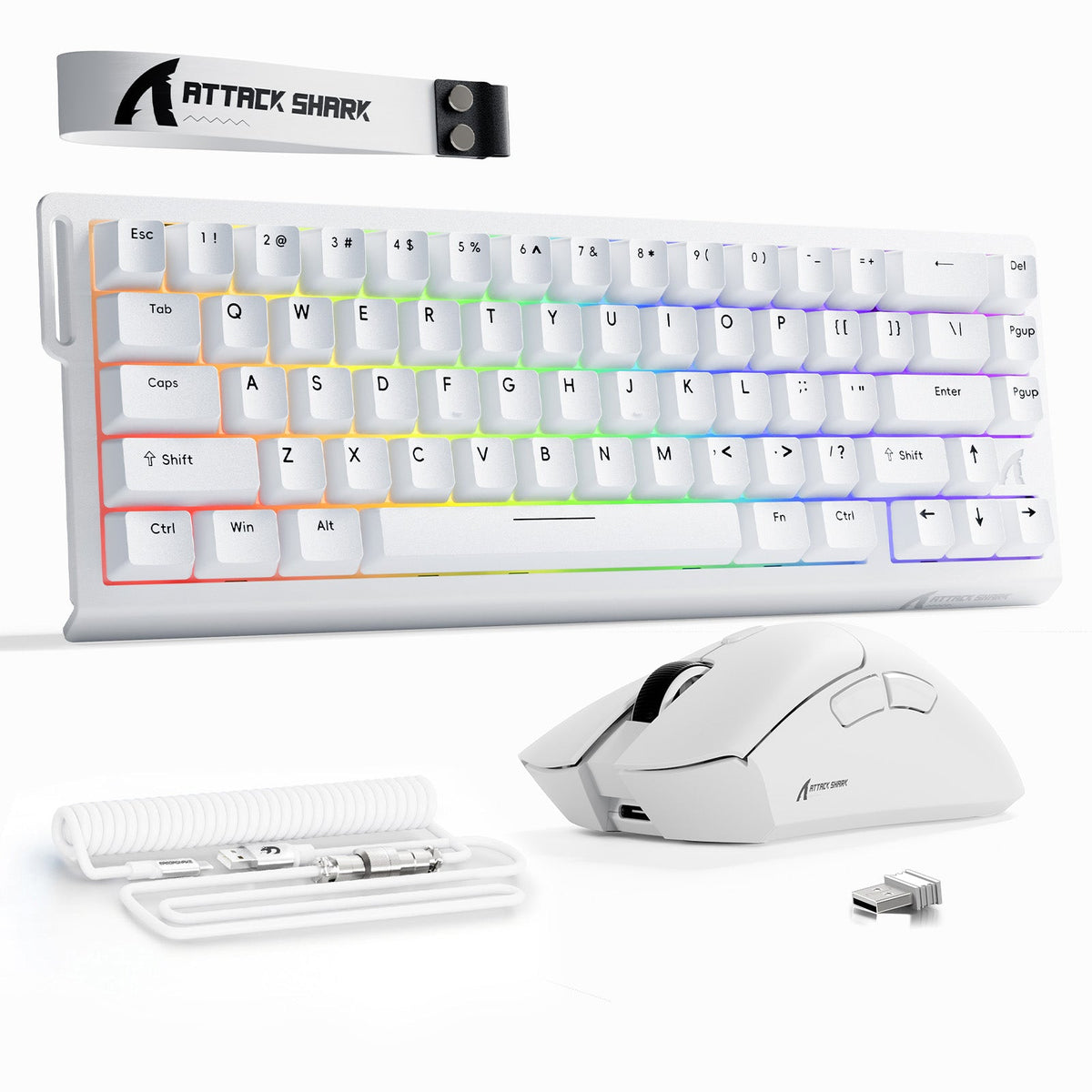
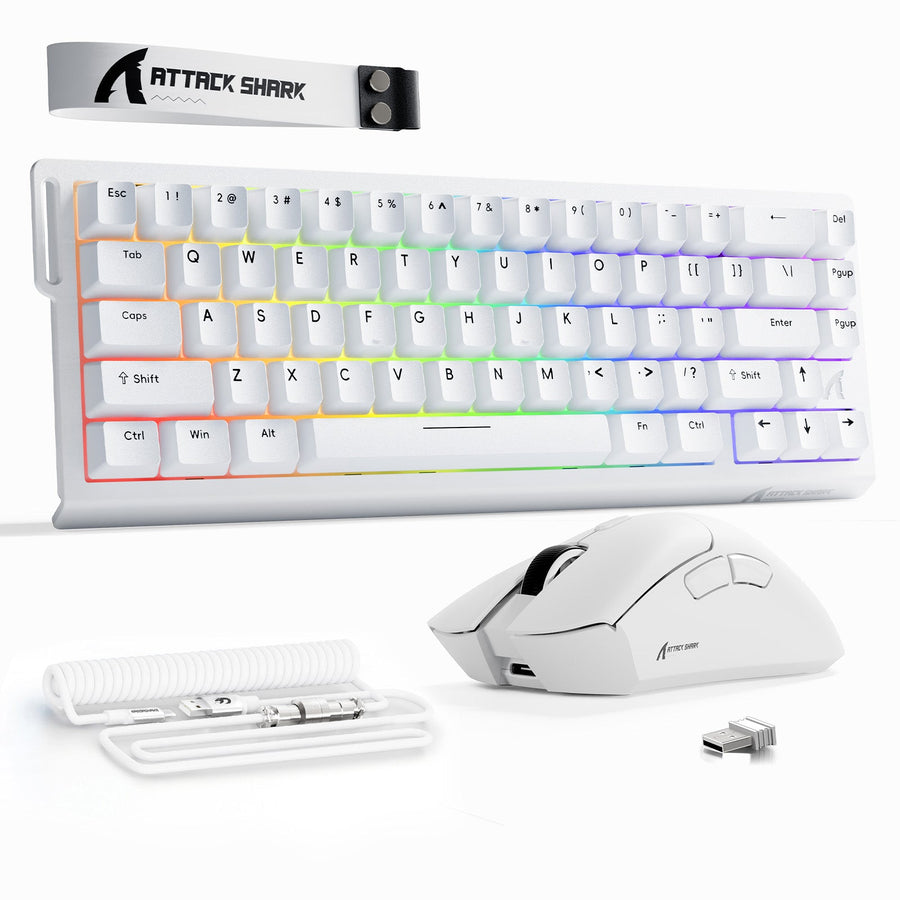
Match a gaming keyboard and mouse by color only after both devices pass a functional check. Confirm layout, switch feel, keycap compatibility, mouse shape, connection type, and documented performance needs before you compare finishes. Once you know which candidates work for how you play and type, make the color choice for your gaming keyboard and mouse your next decision. That is the function-first approach to gaming keyboard and mouse color: choose an exact match, complementary shades, or color-matched accessories. RGB behavior, finish, and cleaning are separate decisions that come after function, not before it. This guide walks through that order so a pink, white, or other color-led setup ends up working as well as it looks.

Set Your Keyboard and Mouse Requirements Before Matching Color
Build a short pass or fail list for both devices before you open a single color comparison. Any candidate that fails one of these checks should be dropped, no matter how well its color fits your desk.

- Layout: confirm full-size, tenkeyless, or compact fits your desk space and includes the keys you actually use.
- Switch feel: decide whether mechanical, optical, or magnetic switches match how you type and play.
- Keycap compatibility: check that keycap profile and stem type match the keyboard's mounting system.
- Mouse shape and size: match grip style and hand size to the mouse body.
- Connection needs: confirm wired, 2.4GHz wireless, or Bluetooth fits your desk and latency preference.
- Documented sensor and performance needs: match DPI range and polling rate to the games you play.
- Operating system compatibility: confirm the devices work with your setup out of the box.
That last check matters more than it looks. On Windows, standard keyboard and mouse input uses built-in HID, or human interface device, support, so everyday typing and clicking generally does not require extra software. For basic keyboard and mouse input on Windows, prioritize devices that document Windows HID compatibility; vendor apps may be needed for extras like custom lighting or macros, not for the basic input path. If you are still deciding what to buy first, our mouse-or-keyboard buying guide walks through budgeting for both devices before you shop by color.
Choose an Exact, Complementary, or Accessory-Led Color Plan
Once only functionally suitable pairs remain, make gaming keyboard and mouse color the next decision. There are three workable routes, and the right one depends on what the listings actually support and what is currently available.
Choose a color-coordination route after the functional audit
Qualitative decision aid: use an exact match only when the shade relationship is verified; otherwise preserve the functionally suitable hardware with complementary shades or accessories. The values are route markers, not scores or rankings.
View chart data
| Category | Selection condition |
|---|---|
| Exact match | 1.0 |
| Complementary shades | 1.0 |
| Accessory-led coordination | 1.0 |
When an Exact Match Is Worth Pursuing
Pursue an exact match only when both products' listings or manufacturer documentation actually support the comparison, not just a similar-looking photo. Keep the functional pass from the previous section as a non-negotiable condition. A perfectly matched color is not worth reverting to a keyboard layout, switch feel, or mouse shape that does not fit how you play.
When Complementary Shades Look More Intentional
Nearby shades, neutral pairings, or a single controlled accent color can look more deliberate than a forced exact match, and they do not require identical color names across brands. This works well for pink, white, or blue setups where the keyboard and mouse come from different collections. Avoid assuming that a shared color name, like "white" or "pink," means the same physical shade on two different products.
When Accessories Solve the Mismatch
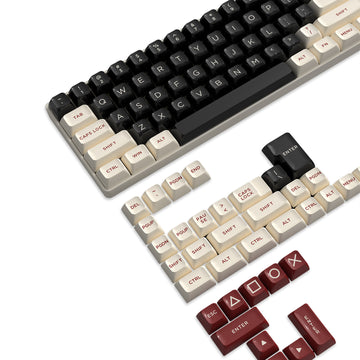
Keycaps, a mousepad, a coiled cable, or a wrist rest can repeat one color across the desk when the keyboard and mouse themselves do not match. Treat keycap fit as a model- and layout-specific check, since profile and stem compatibility vary by keyboard, before you buy a replacement set purely for color.
Treat RGB Matching as a Separate Compatibility Check
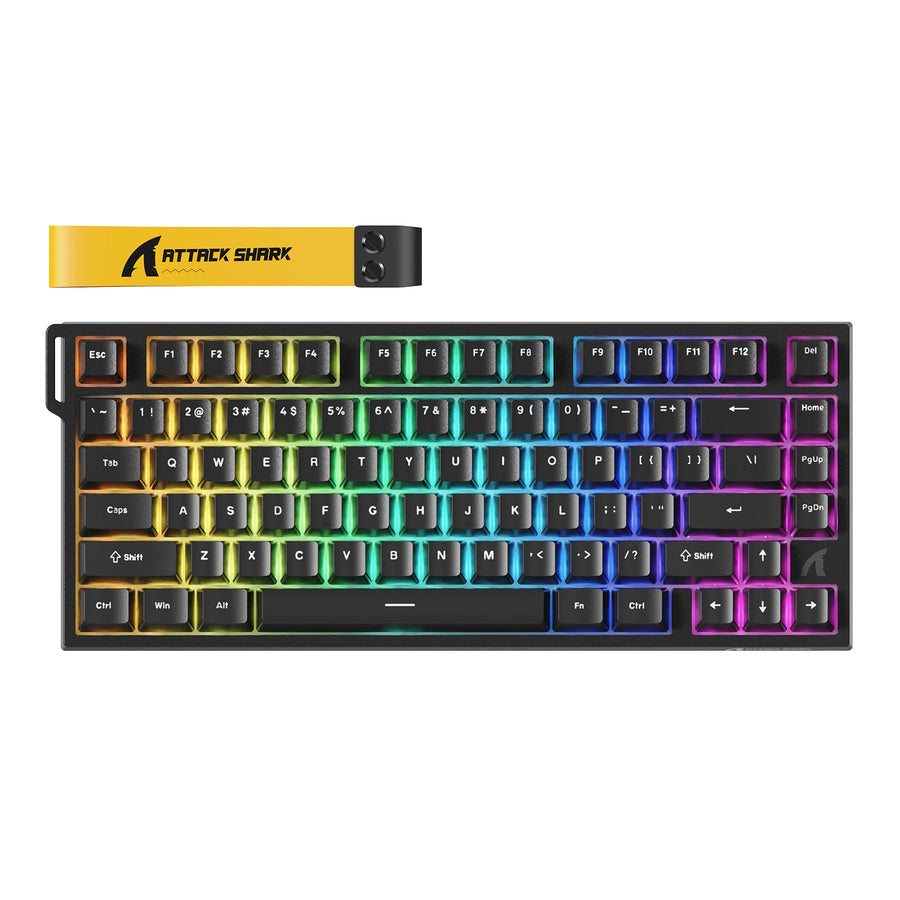
Basic input compatibility and shared RGB lighting are two different requirements. A keyboard and mouse can work fine for typing and aiming even when their lighting systems cannot talk to each other.
Static Color Selection Versus Synchronized Effects
Static color matching is an appearance goal: you pick a similar color on each device independently. Synchronized effects, like a shared wave or reactive pattern across both devices, are a software-support requirement instead. A keyboard and mouse remain fully usable for ordinary input even if their lighting stays separate.
What to Verify Before Buying for RGB
Cross-brand RGB matching is not automatic. Synchronization requires a control system that supports both exact devices, so check the specific models and supported-device documentation before buying for synchronized effects. The OpenRGB SDK supports third-party applications that control OpenRGB-supported devices. If support is unclear or missing for one of your devices, drop synchronized effects from your purchase requirement and choose an independent static color on each device instead. Our RGB sync guide covers matching HEX codes and troubleshooting laggy effects if you want a deeper walkthrough.
Compare Matte and Glossy Finishes Before You Buy
Matte and glossy finishes create different looks and different amounts of visible fingerprints or dust, but neither one is universally easier to maintain. Use the table below to match the finish to how much visible wear you are willing to tolerate.
| Finish | Visual effect | Fingerprint/dust visibility | Buying and care implication |
|---|---|---|---|
| Matte | Lower reflectivity, softer look under desk lighting | Often less noticeable, but can still show dust in bright light | Still check the maker's specific cleaning guidance before buying |
| Glossy | More reflection and higher visual contrast, especially on RGB models | Often more noticeable, particularly with dark colors or strong lighting | Plan for more frequent wiping if visible smudges bother you |
Both rows describe likely visual tendencies, not measured results, since surface, lighting, and color all affect what you actually notice day to day. Before using any cleaner, check the model-specific care instructions, since finish and material guidance can differ by product.
Plan Cleaning Around the Finish You Choose
A light-colored or glossy setup stays manageable when you choose a routine you will realistically follow. Model-specific care instructions take priority, especially when finish or material guidance differs.
For routine care, disconnect the keyboard or mouse first, or remove the batteries on a wireless device, and keep liquid off the device entirely. Remove loose keyboard debris gently with compressed air or a soft brush, then wipe outer surfaces with a lightly damp lint-free cloth, following the product maker's cleaning instructions for your specific model. This routine keeps a white or pink setup looking consistent without promising anything about coating durability or stain resistance. Stop and follow the manufacturer's instructions instead of this general routine whenever the product specifies different care.
Make the Final Buy, Wait, or Switch-Color Decision
Apply everything in sequence: functional pass, chosen color route, RGB expectations, and your finish-care tolerance, then check live availability before you buy.
Buy, Wait, or Switch the Color Plan
Buy when a candidate passes the functional audit, meets your RGB and finish expectations, and is currently in stock at the color you want. Wait or switch to a complementary color or accessory route when availability or an exact shade is the only unresolved issue. Never switch to hardware that fails a core functional requirement just to get a better color match.
A Verified Option to Review After the Audit
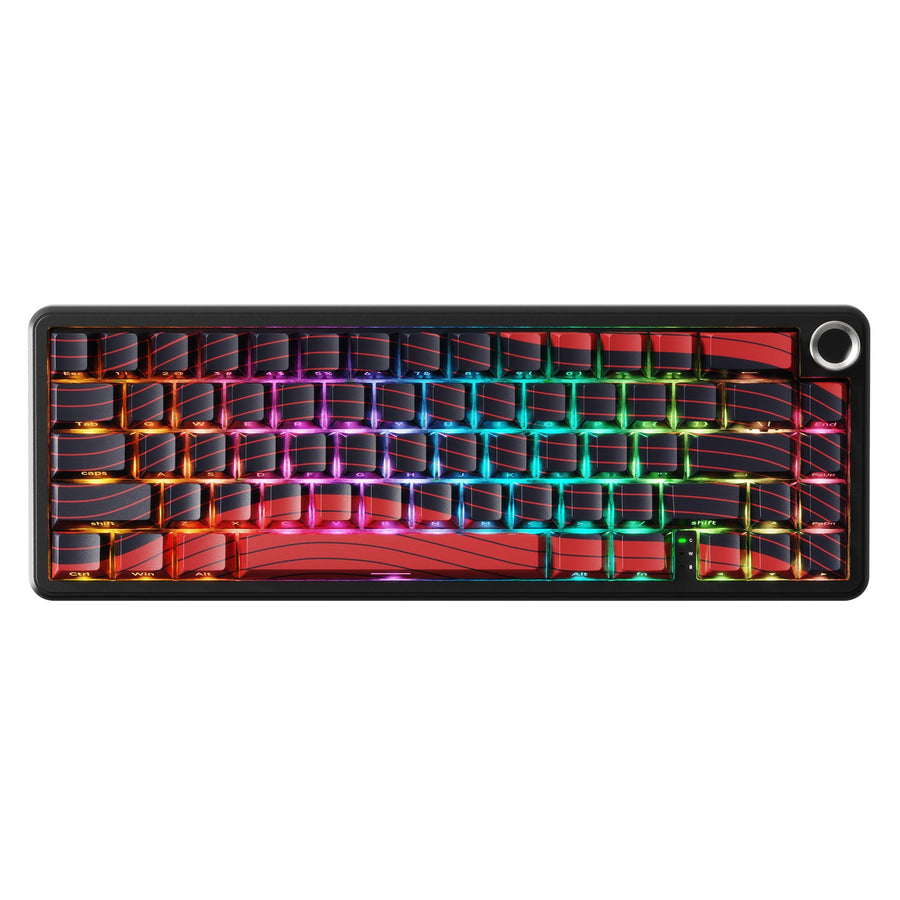
If your requirements point toward a compact wired keyboard paired with a multi-connection mouse, our X68 HE/R1/C01 bundle is a documented option worth reviewing. The X68 HE is a 66-key USB-C wired keyboard with hot-swappable magnetic linear switches and south-facing RGB, and the R1 mouse offers wired, 2.4GHz, or Bluetooth 5.2 connections in black, white, or red. Do not choose this bundle for color alone: the compact wired keyboard, the R1's shape, and its listed color options need to fit your layout, connection, and grip requirements first. If those specifics do not fit, or the colorway you want is not currently listed, a different colorway or a color-matched accessory is the better choice. Either way, confirm the live listing for current color availability, shipping, and returns before you check out.
FAQ
How Do I Match a Gaming Keyboard and Mouse?
Write down your keyboard layout, switch feel, keycap requirement, mouse fit, documented performance needs, connection type, and availability. Remove any candidate that fails one of those before comparing color, then choose an exact match, complementary shades, or accessories for the pair that remains.
Can Different RGB Brands Match?
Different brands can look coordinated using independently selected static colors on each device. Synchronized lighting effects are a separate requirement and need confirmed software support for both exact devices, not just a shared color name.
What Color Gaming Setup Is Easiest to Keep Clean?
No color is universally easiest to keep clean. Pick a finish and color whose visible dust or fingerprints you are willing to manage, then disconnect the device before cleaning, keep liquid off it, and follow the maker's specific care guidance.
Should Function Outweigh Color When Choosing Gaming Peripherals?
Yes. If a colorway fails your layout, switch feel, mouse fit, or connection requirement, choose the better-functioning option and use accessories, like keycaps or a mousepad, to bring the color scheme back together.