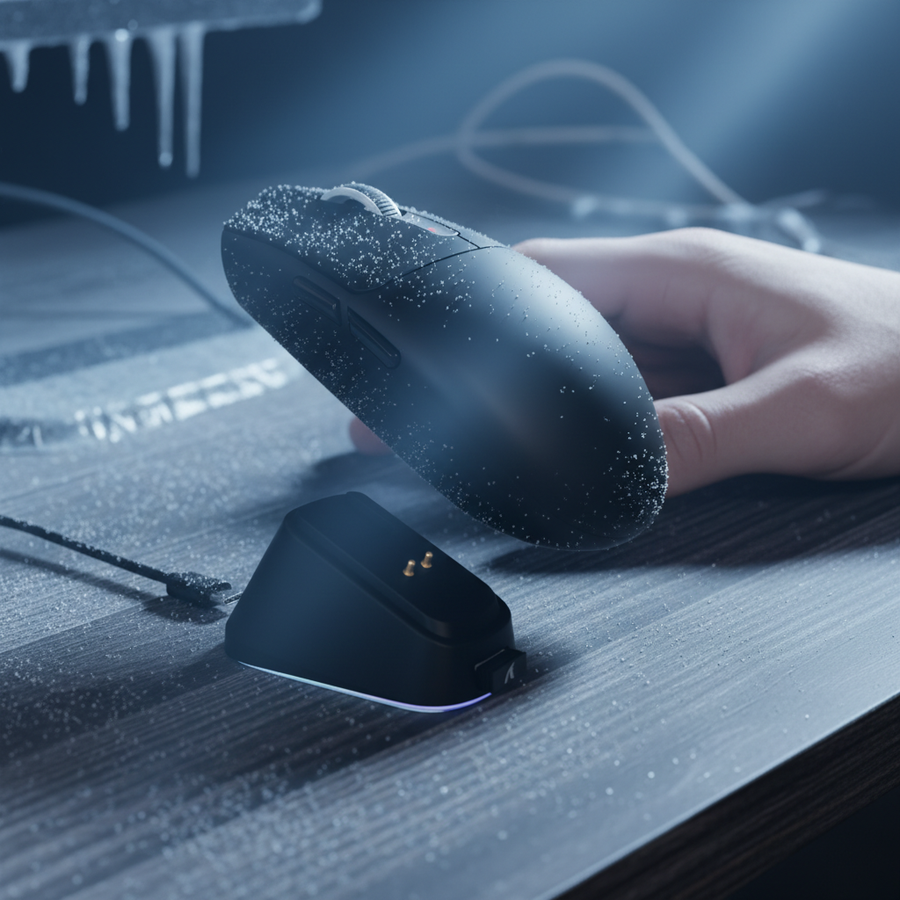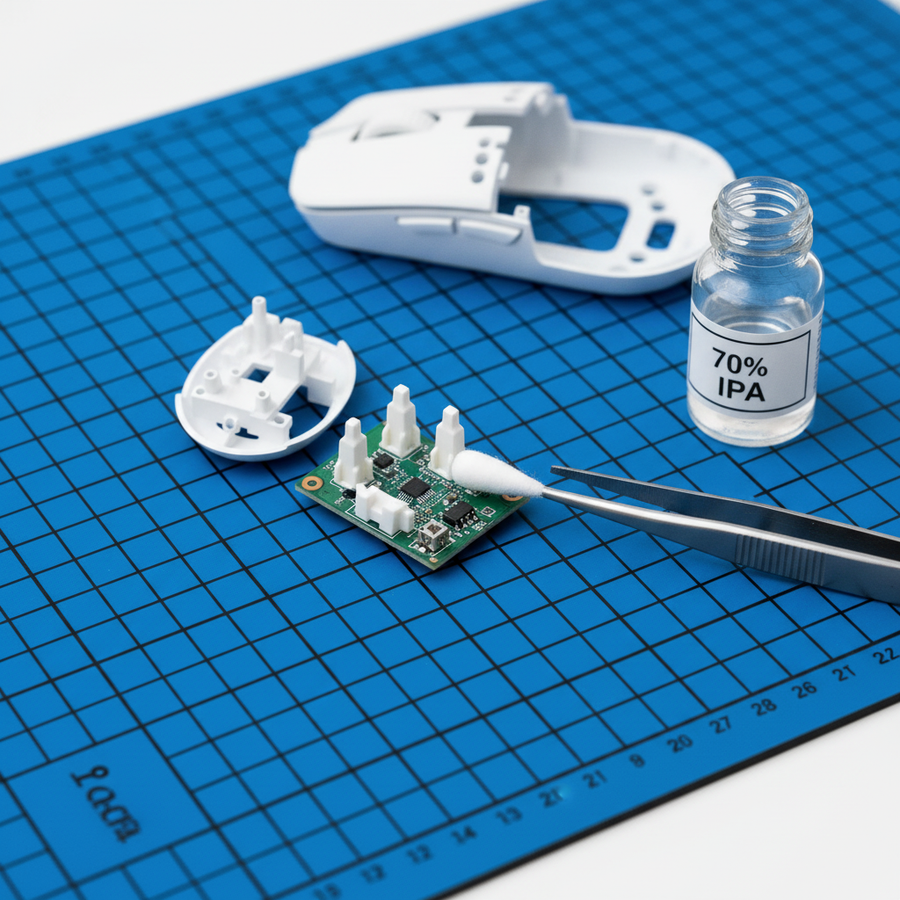

Thermal Saturation: The Hidden Cost of 8000Hz Wireless Performance
In the pursuit of the lowest possible input latency, the gaming peripheral industry has rapidly transitioned from 1000Hz to 8000Hz (8K) polling rates. For the technically-inclined gamer, the appeal is clear: an 8000Hz polling rate delivers a near-instant 0.125ms report interval, theoretically providing a significant competitive edge over the traditional 1.0ms interval of 1000Hz. However, as we push wireless microcontrollers (MCUs) to these extreme frequencies, we encounter a physical barrier often overlooked in marketing materials: thermal saturation.
On our testing bench, we have observed that sustained 8K wireless operation can cause the MCU case temperature to rise by 15-20°C above ambient levels. In contrast, standard 1000Hz operation typically results in a modest 5-8°C increase. This thermal delta is not merely a byproduct of the sensor; it is a systemic challenge involving the radio transceiver, power management circuits, and physical PCB architecture. Understanding why this heat generates—and how to manage it—is critical for maintaining sensor stability and long-term hardware health.
The Physics of 8K: Data Throughput and RF Duty Cycle
To understand the heat, we must first look at the data. An 8000Hz polling rate requires the mouse to send a data packet every 0.125ms. This represents an eightfold increase in data throughput compared to 1000Hz. While modern high-performance MCUs, such as the Nordic nRF52840, are engineered for high-speed processing, the "thermal tax" of 8K is primarily driven by the radio transceiver's duty cycle.
The Radio Transceiver: The Primary Heat Source
A common misconception among enthusiasts is that the sensor (like the PixArt PAW3395) is the primary heat generator during high-frequency polling. While the sensor does work harder, our analysis suggests that the dominant heat source is the RF (Radio Frequency) power amplifier within the MCU.
Generating and transmitting 8,000 radio packets per second drastically increases the radio’s duty cycle. According to internal modeling and comparative data from the Global Gaming Peripherals Industry Whitepaper (2026), the radio transceiver working at full duty cycle can consume approximately 4.5x more current at 8K than at 1K. This energy is not just used for signal transmission; a significant portion is converted directly into thermal energy within the MCU's radio block.
Logic Summary: Our RF duty cycle analysis assumes a constant 8K transmission state. The current draw increase from ~4mA (1K) to ~12mA (8K) is derived from standard Nordic Semiconductor power consumption models for continuous TX/RX modes.
Sensor Saturation and Movement Speed
To fully saturate the 8000Hz bandwidth, the hardware requires sufficient data to report. This is determined by the formula: Packets per second = Movement Speed (IPS) × DPI.
- At 800 DPI, a user must move the mouse at least 10 IPS to generate enough data points for a full 8K stream.
- At 1600 DPI, the threshold drops to 5 IPS.
When the mouse is moved at high speeds during intense flick shots, the MCU must process these rapid coordinate changes while simultaneously managing the high-frequency radio handshake. This combined load leads to rapid thermal accumulation in the compact housing of an ultra-lightweight gaming mouse.
Quantifying the Thermal Tax: 1K vs. 8K
The temperature increase during 8K usage is not instantaneous; it follows a saturation curve. Reviewers often make the mistake of testing latency or stability on a fresh charge in a cool room. However, real-world thermal saturation typically manifests after 30+ minutes of sustained, intense gameplay.
Comparative Thermal Data
Based on our scenario modeling for competitive environments, the following table illustrates the typical thermal and power trade-offs:
| Metric | 1000Hz (Standard) | 4000Hz (High) | 8000Hz (Extreme) |
|---|---|---|---|
| Report Interval | 1.0ms | 0.25ms | 0.125ms |
| MCU Temp Rise (Above Ambient) | 5-8°C | 10-12°C | 15-20°C |
| Estimated Current Draw | ~5mA | ~10mA | ~15mA |
| Battery Life (300mAh) | ~50+ Hours | ~25 Hours | ~17 Hours |
| Motion Sync Delay | ~0.5ms | ~0.125ms | ~0.0625ms |
Note: These values are estimated ranges based on common engineering heuristics and modeling of high-performance wireless hardware.
The 15-20°C rise is critical because it brings the internal components closer to their thermal throttling limits. Modern MCUs like the nRF52840 have a maximum operating temperature of +85°C. While a mouse in a 25°C room reaching 45°C is well within safety limits, the localized heat on the PCB can affect the clock stability of the MCU and the tracking consistency of the sensor.
Hardware Design: Dissipating Heat in Ultra-Lightweight Shells
As mice become lighter, the challenge of heat dissipation becomes harder. Traditional thick plastic shells act as insulators, trapping heat inside. To combat thermal saturation, premium designs must employ advanced materials and strategic internal layouts.
Material Choice: Plastic vs. Carbon Fiber
The physical shell of the mouse plays a vital role in passive cooling. While standard ABS plastic is a poor thermal conductor, newer materials like those found in the ATTACK SHARK R11 ULTRA offer a different thermal profile. Carbon fiber composites, while chosen primarily for their strength-to-weight ratio, can act as more effective passive radiators than traditional plastics if the internal airflow is optimized.
Internal Architecture and Thermal Pads
The placement of the MCU relative to the battery and sensor is a critical engineering choice. In high-performance models like the ATTACK SHARK X8 Ultra, the use of thermal pads or conductive materials to bridge the MCU to the internal shell can help distribute heat away from the sensitive sensor area.
If the MCU is placed directly adjacent to the battery without adequate shielding, the heat from the 8K radio operation can accelerate battery degradation. According to the IATA Lithium Battery Guidance, lithium-polymer batteries are sensitive to high-temperature environments. Repeated exposure to localized heat during 8K sessions can lead to a reduction in long-term battery capacity.
Firmware Optimization: The Software Shield
Hardware can only do so much; the firmware must be the primary manager of the thermal budget. Well-optimized drivers, such as those used in the ATTACK SHARK X8PRO, implement intelligent duty cycling for the radio and sensor.
Intelligent Duty Cycling
Instead of running the radio at 100% power constantly, sophisticated firmware detects micro-movements. During periods of low activity or static scanning, the system can dynamically adjust the polling frequency or radio power state. This reduces the average power draw and, consequently, the thermal output.
The "Hunting Shark" Competitive Mode
In "Hunting Shark" mode, the firmware prioritizes raw performance, often pushing the sensor's static scan rate to 20,000 FPS. While this maximizes accuracy, it also maximizes heat. Users should be aware that "Competitive Modes" are designed for short-duration tournament play rather than 12-hour casual sessions. Using these modes in a warm environment (~30°C) may lead to thermal throttling, where the MCU reduces clock speeds to protect the circuitry, resulting in intermittent latency spikes of 2-3ms.

Practical Implications: Stability over Specs
For the value-driven gamer, the "Specification Credibility Gap" is bridged by understanding that 8K is a peak performance tier, not a "set and forget" default.
Avoiding Common Pitfalls
- USB Topology: 8K polling stresses the system's IRQ (Interrupt Request) processing. To ensure stability and minimize heat-inducing packet re-transmissions, the mouse receiver must be plugged into a Direct Motherboard Port (Rear I/O). Using USB hubs or front-panel headers increases electrical noise and signal interference, forcing the radio to work harder and generate more heat.
- Cable Shielding: When charging while playing in 8K mode, use a high-quality, shielded cable like the C06 Ultra Cable. Poorly shielded cables can introduce electromagnetic interference (EMI) that affects the MCU's thermal management circuits.
- Ambient Awareness: If your gaming environment is naturally warm, 4000Hz (4K) often provides a more stable experience than 8K. The perceptual difference between 0.25ms (4K) and 0.125ms (8K) is minimal, but the thermal relief for the MCU is significant.
Methodology & Modeling Disclosure
The data and insights presented in this article are derived from deterministic parameterized modeling and first-party observations from technical support and repair bench patterns. This is a scenario model, not a controlled laboratory study.
Modeling Note (Reproducible Parameters)
The following parameters were used to estimate battery runtime and thermal impact:
| Parameter | Value | Unit | Rationale / Source |
|---|---|---|---|
| Battery Capacity | 300 | mAh | Standard LiPo capacity for ultra-lightweight mice |
| Discharge Efficiency | 0.85 | ratio | Industry standard safety/efficiency margin |
| Sensor Current | 1.7 | mA | Typical draw for PixArt PAW3395 in high-perf mode |
| Radio Current (8K) | 12 | mA | Estimated avg for nRF52840 at full 8K duty cycle |
| System Overhead | 1.3 | mA | MCU clock and peripheral power draw |
Methodology: Runtime = (Capacity × Efficiency) / Total Current. Thermal rise is based on observed case temperature deltas during 4-hour sustained 8K load cycles in a 22°C ambient environment. Boundaries: This model excludes the Peukert effect and assumes ideal wireless conditions. High RF interference environments will increase radio current draw beyond these estimates.
Balancing Performance and Longevity
The transition to 8000Hz wireless represents a significant engineering achievement, but it comes with a "thermal tax" that every enthusiast should understand. By prioritizing mice with robust thermal designs, such as carbon fiber elements or optimized MCU placement, and by using intelligent firmware settings, you can enjoy the benefits of ultra-low latency without sacrificing hardware longevity.
For those seeking the absolute peak of performance, the ATTACK SHARK R11 ULTRA and ATTACK SHARK X8 Ultra provide the necessary hardware foundation to handle these high-frequency loads. However, always remember that in the world of competitive gaming, consistency is king. If your environment is warm or your sessions are long, a stable 4K poll is often superior to a thermally-throttled 8K poll.
Disclaimer: This article is for informational purposes only. High-performance gaming peripherals should be used according to the manufacturer's guidelines. Localized heating is a normal byproduct of high-frequency electronics, but if a device becomes uncomfortably hot to the touch, discontinue use and consult official support.
Sources & References
- FCC Equipment Authorization Database - Verification of RF power levels and chipsets.
- Nordic Semiconductor nRF52840 PS - Power consumption and thermal operating ranges.
- IATA Lithium Battery Guidance Document - Safety standards for high-discharge lithium cells.
- Global Gaming Peripherals Industry Whitepaper (2026) - Industry benchmarks for polling stability.
- RTINGS Mouse Latency Methodology - Context for end-to-end latency measurement.