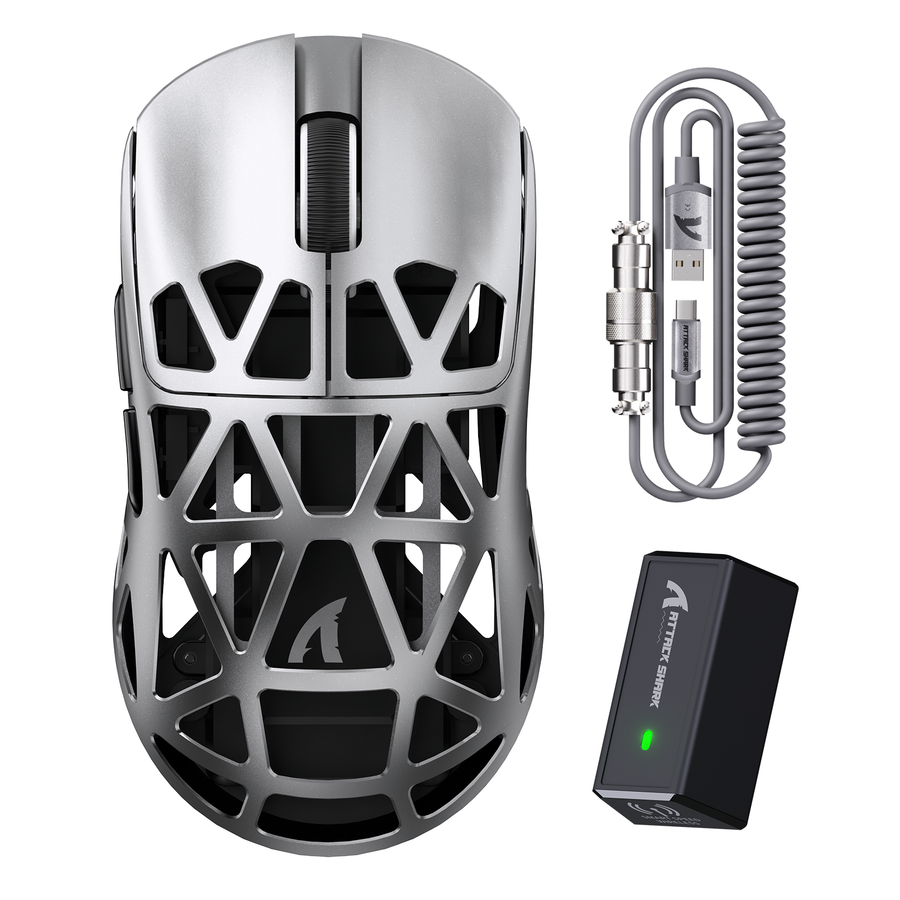
A silent click gaming mouse quiets its main buttons by cushioning the moving switch part instead of removing the click itself, so you still feel a distinct press and release. The under-30 dB figure many listings use only means something when it states whether it covers a bare switch or the finished mouse, plus the test distance and background noise. This guide breaks down how the dampening works, what changes in tactile feel, and how to judge a noise claim before you buy.

How Standard and Silent Microswitches Create Different Click Sounds
A traditional microswitch makes its click sound through impact and vibration, not through the electrical signal itself. Silent designs quiet that impact by cushioning the moving part, while the switch still closes the same circuit that registers your click.
What Creates the Traditional Mechanical Click
Inside a standard mouse switch, a spring-loaded metal contact, sometimes called a resilient piece, snaps against a fixed terminal each time you press the button. That contact movement closes an electrical loop, and that closure is what your computer actually registers as a click. The audible snap you hear comes from the contact striking the terminal and the surrounding housing, not from the electrical signal itself. When you release the button, the contact springs back to its resting position, and that return motion can add a second, quieter sound. Not every mouse uses identical internal geometry, but this basic spring-and-contact action is common to standard mechanical switches.
Where Silent Designs Add Damping
One documented approach places a cushioning pad, made of a vibration-absorbing material such as foaming rubber, flexible silicone, sponge, EVA, or thermoplastic rubber, between the moving contact and the terminal it would otherwise strike directly. The pad absorbs part of the impact energy before the contact reaches the terminal, which lowers the noise produced by that collision. The switch still separates from one contact and reaches the other to complete the same electrical loop, so the underlying click action is preserved even though the sound is reduced. This reflects one documented reduced-noise switch architecture, not a universal blueprint that every silent mouse follows, since manufacturers can vary the pad material, thickness, and placement.
How Silent Dampening Changes Rebound and Click Registration
Damping targets the acoustic impact of a click, not necessarily the force transition your finger feels. A quieter switch can still deliver a clear press-and-release event, though the sharpness of that event depends on the specific design.
Why Quieter Does Not Automatically Mean Mushy
The force that pushes the contact down and the force that returns it afterward are mechanically distinct from the sound the collision makes. Research on mouse microswitches treats tactile and acoustic feedback as related outputs of the same internal motion, but not as interchangeable measurements; the same displacement and buckling event can produce different sound levels depending on damping and material choices, according to vibro-acoustic modeling of mouse microswitches. That means a dampener can soften the sharpness of the perceived snap or change how far the button travels before it registers, without proving that the click disappears. It also means you cannot assume every switch that uses rubber or foam damping feels the same, since the material, thickness, and geometry differ across designs.
Specifications That Hint at Click Feel
- Operating force shows how much pressure the tested switch needs before it actuates; it does not confirm how the finished mouse's button housing transfers that pressure to your finger.
- Return force shows the restoring push the manufacturer measured on the switch; it does not guarantee a crisp rebound in the assembled mouse.
- Travel and pre-travel describe how far the internal contact moves in the component test; they do not describe how far the outer button surface visibly moves.
- None of these values alone proves the finished mouse feels crisp or registers rapid clicks reliably. Treat them as comparison points, then confirm feel with a hands-on test or verified click-registration data.
Standard vs. Silent Microswitches: What Changes in Use
The two architectures differ in how they generate feedback, how much impact noise they produce, and how confidently you can predict feel from a spec sheet alone. The table below isolates those three decision points.
| Decision question | Standard mechanical architecture | Silent microswitch architecture |
|---|---|---|
| Source of feedback | Spring-loaded contact strikes a terminal directly | Same contact-and-terminal action, cushioned by a damping pad or altered geometry |
| Noise behavior | Audible snap on press and a quieter return click | Reduced impact noise on press, still not silent |
| Tactile uncertainty | Force transition is usually easy to identify by feel | Force transition remains, but sharpness and travel vary by design |
| Best-fit priority | Pronounced audible confirmation matters more than reducing noise | Reducing repeated click impact matters more than a strong snap |
If repeated primary-button clicks are the disturbance in your room and the product documentation names a damped mechanism, a silent click gaming mouse is a practical fit. If you want the conventional snap and audible confirmation, and occasional click noise is acceptable, the standard branch fits instead. Either way, the switch is only one link in the mouse's full acoustic chain, so shell material, scroll wheel, and feet still affect what you actually hear.
How to Interpret an Under-30 dB Claim
A sub-30 dB claim only tells you what to expect when it specifies whether the measurement covers a finished mouse or an isolated switch. Treat the number as comparable only when the manufacturer shares the exact testing distance, background level, and measurement method.
What the 25 dB Switch Figure Actually Measures
Kailh's CPG1353S01D01-21 silent low-profile switch is rated at a maximum of 25 dB while pressing, under a stated setup: background noise capped at 10 dB, a sound meter positioned 150 mm from the switch and 135 mm vertically at a 30-degree angle, a 1.5 mm drop height, and one press per second (Kailh switch specification). That result covers the switch component alone, tested on a bench, not a complete mouse sitting on a desk in a room with its own background noise. A mouse built around a similar switch could still measure louder once you add the shell, click travel through the button shell, and the wheel and feet noise a component test does not include.
The Evidence a Complete-Mouse Claim Should Show
- Measurement scope: does the number describe the whole mouse or just the switch?
- Distance and position: where was the meter placed relative to the mouse or switch?
- Background level and weighting: was ambient noise controlled, and is the scale A-weighted (dBA) or unspecified?
- Click action and result type: what cadence was used, and is the figure a maximum or an average reading?
If a listing answers all four points with a complete-mouse test, you can compare it fairly against another model tested the same way. If it does not, hold the claim as unverified rather than assuming the switch number applies to the whole mouse. For a closer look at which noise sources actually matter in a bedroom or dorm setting, our shared-room noise guide walks through practical room-fit checks. If you already own a mouse and want to rule out double-clicking or registration lag before blaming the switch, the mouse button test tool can check button response directly.
How to Choose a Silent Gaming Mouse for Responsive Clicks
Start by confirming the switch architecture is named, then move through tactile, registration, and acoustic evidence before you trust any noise claim. This sequence filters out unverifiable listings without requiring a lab test of your own.
- Check the switch architecture. Look for a named silent mechanism or dampener description, not just the word "silent" on its own.
- Look for force and travel data. Operating force, return force, and travel numbers, or a firsthand hands-on description, tell you more about feel than the noise rating does.
- Separate registration evidence from acoustic evidence. Click-registration or latency information answers a different question than decibel data, so do not infer one from the other.
- Require complete-mouse acoustic conditions. Only trust an under-30 dB comparison when it states scope, distance, background level, and whether the result is a maximum or average.
- Match the result to your setting. If repeated click impact is the disturbance in a shared room, prioritize the damped design; if a firm snap matters more to you, a standard switch may still be the better fit.
If a product page is missing the force, travel, or acoustic test details you need, ask for that information or compare it against a model that publishes it before adding anything to your cart.
FAQs
What Does Return Force Tell Me About a Silent Mouse Click?
Return force is the restoring push a manufacturer measured on a specific switch as it moves back after release, such as the 10 gf minimum reported for the Kailh CPG1353S01D01-21. It indicates that a measurable rebound event exists during component testing, but it cannot independently predict how crisp the finished button feels, how reliably it registers rapid clicks, or how quiet the complete mouse sounds in your room. Pair return-force ratings with operating force, travel data, or hands-on testing before treating them as a guarantee of feel.
Does a Silent Switch Eliminate All Mouse Noise?
A silent click gaming mouse dampens only the impact of the primary button press. It does not eliminate the secondary sound of the switch returning to position, nor does it quiet scroll wheel rotation, shell vibrations, side buttons, or mouse feet gliding across a desk pad.
Can an Under-30 dB Component Rating Guarantee a Quiet Mouse?
A sub-30 dB rating measured on a bare switch under controlled laboratory conditions does not account for the mouse casing, button shell resonance, or desk acoustics. A complete gaming mouse can sound louder than its bare switch rating, which is why complete-device test conditions matter before comparing models.