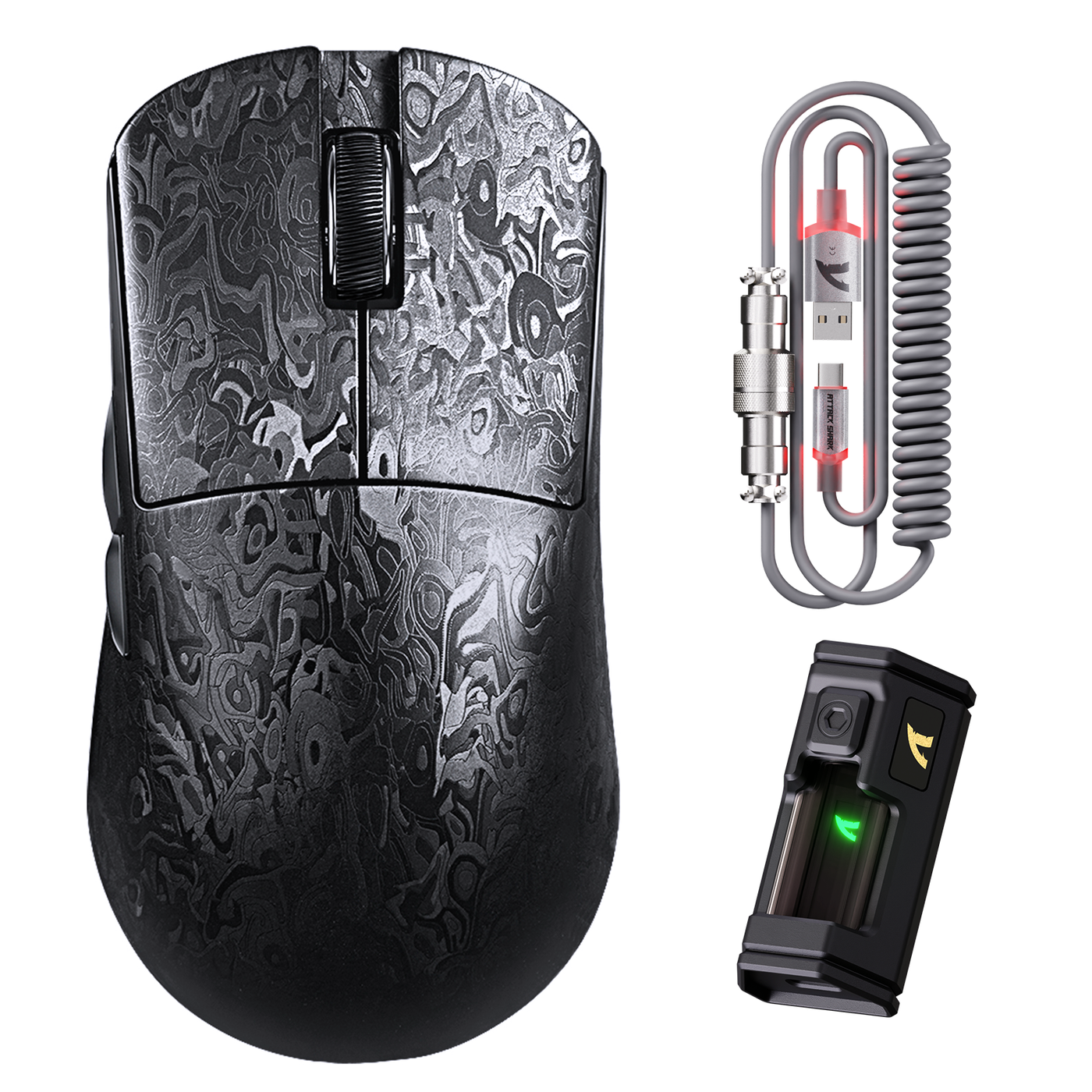
For the PAW3395 vs PAW3950 question, a higher-tier sensor mainly gives you more capability headroom; it does not automatically make you more accurate or improve your rank. For most buyers, the right choice is the lowest tier that meets the use case, paired with a mouse that has the right shape, weight, connection, firmware, and surface behavior.

In practical terms, PAW3311 is the value starting point, PAW3395 is the flexible mainstream FPS option, and PAW3950MAX is the higher-headroom choice for shoppers who have a specific reason to pay more. The sensor decision should come after you identify a real limitation—not before.
What Actually Changes Across These Sensor Tiers?
The main difference is potential operating margin, not a guaranteed change in how your aim feels. A sensor upgrade matters more when you need additional settings or compatibility headroom, and less when your current mouse already tracks consistently at your normal settings.
A sensor comparison for PAW3311 and PAW3395 can provide useful background, but comparison labels are not proof of better aim. Shape, weight, wireless behavior, firmware, polling options, and the surface under the mouse can have a more noticeable effect on how much you enjoy using it.

| Tier | Best fit | What you are buying | Setup dependency | When the premium may not matter |
|---|---|---|---|---|
| PAW3311 | Value-focused buyers whose current FPS needs are straightforward | A sensible entry-level/value option when consistent tracking and usable settings are enough | Confirm the exact mouse's firmware, connection modes, and surface behavior | When you mainly want better aim, but the real issue is shape, weight, grip, or control |
| PAW3395 | Mainstream FPS players who want more flexibility | Additional headroom without automatically changing everyday aim | Check the exact implementation, software, wireless behavior, and available settings | When the lower-tier mouse already fits well and has no identifiable limitation |
| PAW3950MAX | Enthusiast buyers deliberately purchasing extra margin | A higher-headroom tier whose value depends heavily on the mouse implementation | Verify supported features, firmware, polling options, surface behavior, and system fit | When you have no use for the added capability or would accept a worse-fitting mouse to get it |
The sensible upgrade rule is simple: choose the lowest tier that meets your actual requirements. If the sensor label is the only reason to spend more, pause and compare the complete mouse first. For predictable input, review clean sensor behavior before treating a sensor upgrade as the solution.
PAW3311 vs PAW3395 for FPS Play
For PAW3311 vs PAW3395 for FPS, the PAW3395 is the more flexible choice, but PAW3311 can be a rational value pick when the mouse tracks consistently and its shape, connection, and settings suit you. Consider the upgrade only when you can name what the additional headroom would solve.
Many shoppers wonder whether moving from PAW3311 to PAW3395 changes everyday play. That recurring question appears in buyer discussions about PAW3311 and PAW3395, but community discussion is not proof of a universal performance difference.
| Buyer situation | PAW3311 is the better direction when… | PAW3395 is the better direction when… |
|---|---|---|
| Consistent everyday FPS tracking | Your current or prospective mouse behaves consistently and you do not need additional configuration headroom | You want a broader settings range or more margin, and the rest of the mouse is equally suitable |
| Shape and weight priority | The PAW3311 mouse has the grip, balance, and control you prefer | The PAW3395 mouse offers the shape and weight you actually want; the sensor should not override fit |
| Connection and firmware | The lower-tier implementation provides the connection modes and controls you will use | The specific PAW3395 implementation provides controls or wireless behavior that match your setup |
| Surface concerns | The exact mouse works predictably on your pad after checking its settings and behavior | The PAW3395 option better matches your surface requirements; confirm this on the listing or during setup |
| Upgrade value | You cannot identify a sensor-side limitation and expect the sensor swap alone to improve aim | You are deliberately paying for extra margin rather than expecting an automatic FPS advantage |
This is the practical answer to Is PAW3395 Worth It: sometimes, but not simply because the number is higher. If your current mouse has no identifiable sensor-side limitation, PAW3395 offers added margin rather than a guaranteed FPS upgrade. A buyer who needs a better grip, lighter control, more reliable wireless behavior, or different clicks may get more value by solving that issue first.
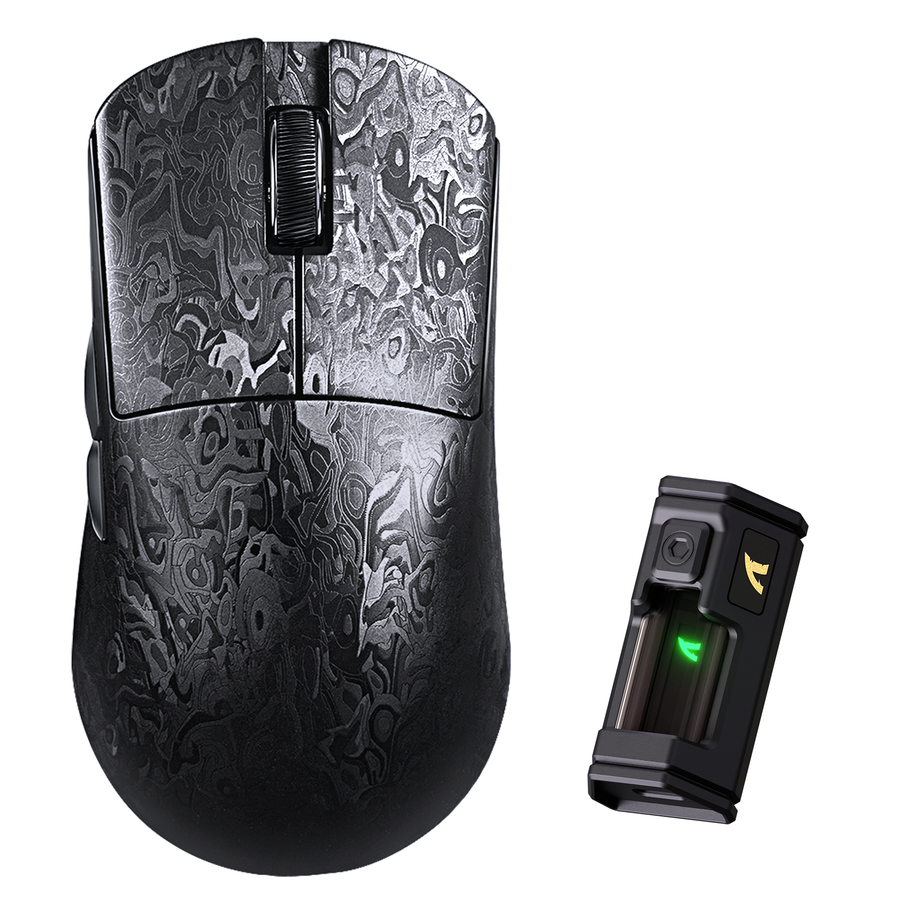
If you are shopping within Attack Shark's range, use the PAW3311 mouse option as a starting point and browse the PAW3395PRO mouse range. Treat both as navigation tools, not proof that one sensor tier will improve your results.
PAW3395 vs PAW3950: Where the Extra Tier Fits
The PAW3395 vs PAW3950 choice is mainly about intentional headroom. PAW3950MAX can make sense for an enthusiast who wants the higher tier and has verified that the specific mouse supports the relevant features, but a well-fitting PAW3395 mouse is often the more sensible value choice for ordinary FPS play.
For PAW3950 vs PAW3395 for Valorant, do not treat the PAW3950MAX label as a requirement or proof of better results. Valorant performance still depends on the complete mouse, the player's settings, comfort, and consistency. The available evidence does not isolate a guaranteed gameplay advantage between these tiers.
| Priority | PAW3395 path | PAW3950MAX path | Verification that changes the decision |
|---|---|---|---|
| Typical competitive FPS use | Choose this when fit, implementation, and price meet your needs | Consider it only if you intentionally want additional headroom | Confirm the exact sensor wording and firmware on the product page |
| Future-proofing or enthusiast settings | Usually enough when you do not need a specific premium feature | More defensible when a verified feature is the reason for the purchase | Check supported polling options, software controls, and system suitability rather than assuming them |
| Surface or lift-off concerns | Compare the exact mouse and its available settings | Do not assume the higher sensor fixes a surface or calibration issue | Check surface behavior and relevant firmware controls; a surface compatibility comparison can be a follow-up, not a substitute for model verification |
| Shape and control | Buy this tier if it gives you the better-fitting mouse | Skip it if the higher-tier mouse fits worse | Compare shape, weight, controls, and cable or charging setup on the exact listing |
| Value protection | Best when the lower tier already meets the use case | Overbuy when the only reason is a larger sensor number | Compare current price, return terms, warranty, and stock before checkout |
The two-path rule is useful: choose PAW3395 for value and fit; consider PAW3950MAX for deliberate headroom after checking the implementation. Keep sensor capability separate from polling rate, wireless design, firmware, surface behavior, and ergonomics. A polling rate guide may help you understand that separate setting, but it does not establish that a higher polling option is necessary for your game.
Match Attack Shark Mouse Options to Your Priorities
Attack Shark's product pages are best used as shopping paths. Open the current listing, confirm the exact configuration, and compare the mouse's fit and purchase terms before treating any model as a match.
For a PAW3311 Starting Point
Start with the PAW3311 mouse option if you want to explore the value tier. Verify the current sensor wording, included connection modes, software, price, stock, and availability on the live page. Do not assume the product's current configuration from an older description or search snippet.
For a PAW3395PRO Shortlist
Use the PAW3395PRO range for discovery, then compare individual listings such as the current PAW3395 X3 listing. Check:
- Shape, weight, controls, and grip suitability
- Wired, wireless, or other connection modes shown on the exact page
- Firmware and software controls you will actually use
- Current price, stock, shipping, returns, and warranty terms
Do not choose based solely on the sensor label. The collection is a useful starting point, not a universal ranking of gameplay performance.
For a PAW3950 or PAW3950MAX Build
For a PAW3950 direction, inspect the X3MAX PAW3950 path. For a PAW3950MAX direction, inspect the R11 ULTRA PAW3950MAX path. Leave unresolved details as live checks rather than assumptions.
| Verify on the exact listing | Why it matters | Buyer condition |
|---|---|---|
| Sensor naming and firmware | The listed tier does not describe every implementation detail | You want the capability shown in the listing, not a general category label |
| Weight, shape, and controls | Ergonomics can matter more than sensor headroom | Your grip, aim control, or comfort is the purchase priority |
| Connectivity and charging or cable setup | Wireless behavior and setup affect everyday use | You switch between wired and wireless play or care about desk setup |
| Polling options and software | Features must be supported by the exact mouse and your system | You have a specific configuration reason to pay more |
| Price, stock, shipping, returns, and warranty | Commercial terms change and can outweigh a small specification difference | You are ready to compare the final checkout value |
Use This Sensor Upgrade Checklist Before Checkout
Before paying more for a sensor tier, follow this sequence. Stop if the only reason for upgrading is a larger number on the spec sheet.
- Name the limitation. Decide whether the problem is tracking consistency, surface behavior, configuration, connectivity, comfort, shape, weight, clicks, or software. If the problem is grip or control, a sensor upgrade is probably not the first fix.
- Choose the minimum suitable tier. Start with PAW3311 if it meets the use case. Move to PAW3395 when you want identifiable extra flexibility. Consider PAW3950MAX only when you are deliberately buying additional headroom.
- Verify the exact implementation. Check the live listing for sensor wording, firmware controls, polling options, connection modes, shape, weight, and surface-related settings. A tier name cannot confirm every feature.
- Compare the complete mouse. Put fit, balance, controls, wireless behavior, cable or charging setup, and software beside the sensor in your comparison. If the higher-tier mouse fits worse, it is not automatically the better buy.
- Check the purchase protections. Confirm current price, stock, shipping, returns, and warranty before checkout. General sensor buying guidance can provide background, but current listing terms must come from the product page.
The bottom line is conditional: PAW3311 is enough when it meets your needs, PAW3395 is the flexible middle ground, and PAW3950MAX is a deliberate headroom purchase. Verify the current Attack Shark listing, configuration, fit, and purchase terms before you add a mouse to your cart.
FAQs
The right answer depends on the exact mouse and the limitation you are trying to solve. These edge cases help separate a genuine upgrade from a spec-sheet purchase.
Is PAW3311 Good Enough for Low-Sensitivity FPS Players?
Often, low sensitivity alone is not a reason to move up. Check pad space, grip control, surface behavior, and tracking consistency first. If those are acceptable and your settings work as intended, PAW3311 can remain a reasonable value choice.
Can You Tell the Difference Between PAW3395 and PAW3950MAX Without Changing Your Settings?
Not necessarily. With unchanged settings, the label difference may not be obvious because the value depends on enabled features and the exact mouse implementation. If you cannot name the capability you plan to use, the premium may be unused headroom.
Does a PAW3950MAX Mouse Need an 8K Polling Rate to Be Worth Buying?
No. Sensor tier and polling rate are separate decisions. Check whether the exact mouse supports the advertised option and whether your system and game handle it well. PAW3950MAX does not make 8K mandatory.
Should You Upgrade the Sensor or the Mouse Shape First?
Upgrade the factor causing the problem. If the sensor tracks consistently but the mouse causes grip strain or poor control, shape, weight, or clicks deserve the budget first. Sensor headroom cannot compensate for a mouse that does not fit.
Can a Mousepad Change Which Sensor Tier Is the Better Choice?
Yes. Surface behavior and lift-off performance depend on the exact mouse and firmware. A pad-related issue may require a different implementation or setting rather than a more expensive sensor tier.