There is no single best mechanical switch keyboard. The right choice depends on how you use it and where you use it. If you want a smooth, uninterrupted press, start with linear switches. If you want to feel a bump when a key registers, start with tactile switches. If you also want an audible click—and your environment allows it—clicky switches add that feedback. Force, travel, and sound are the details to fine-tune afterward.

Linear, Tactile, or Clicky: Choose the Switch Behavior First
Pick your preferred feedback style before comparing specs. The table below shows how each switch family feels, sounds, and fits different rooms and routines.

| Switch Type | Feel | Sound Tendency | Best-Fit Situation | Not a Fit If |
|---|---|---|---|---|
| Linear | Smooth, consistent press with no bump | Generally quieter, with mostly soft bottom-out noise | Gamers who want uninterrupted travel; typists who dislike interruptions | You want tactile confirmation while typing |
| Tactile | A noticeable bump partway through the press | Moderate, with a soft thump but no click | Typists who want feedback; gamers who want confirmation without added click noise | You need the keyboard to be as quiet as possible |
| Clicky | Tactile bump plus an audible click | Noticeably louder because of the click mechanism | Private desks, solo gaming, or typing where sound is not a concern | You share an office or bedroom, take calls, or record audio nearby |
Linear: Smooth Travel Without a Tactile Bump
Linear switches move from top to bottom without an interruption. There is no bump or click—just a steady, even press. That makes linear a common choice for people who want uninterrupted key travel, but it is not a guaranteed performance upgrade. Whether it suits gaming or typing still depends on whether you prefer smoothness or feedback.
Tactile: Physical Feedback During the Press
Tactile switches have a small bump partway through the stroke. Your finger feels it as confirmation that the key is close to registering. Some typists like this feedback because it helps them sense their rhythm. Some gamers prefer it, too. The right fit still depends on personal feel and how much sound you can tolerate, not on a universal gaming advantage.
Clicky: Audible Feedback Is Part of the Choice
Clicky switches add an intentional click on top of the tactile bump. That sound is the main reason to choose this switch type. It becomes a poor fit when the environment cannot tolerate it, including shared offices, bedrooms, video calls, and recording setups. If audible clicks are unwelcome where you work or sleep, remove clicky switches from your shortlist before comparing force or travel numbers.
How Mechanical Keyboard Switches Create Feel, Feedback, and Sound
A conventional mechanical switch relies on three main parts: a stem, a spring, and a set of metal contacts. The stem's shape determines whether the press feels smooth or bumpy and whether the switch produces a click.
The Stem, Spring, and Contact Path
When you press a key, the stem slides down inside the switch housing. The spring underneath resists the motion and pushes the stem back up when you release it. As the stem travels far enough, internal contacts meet and the keyboard registers the press. Spring resistance is what makes a key feel firm or light, but it is a mechanical characteristic, not a fixed measure of performance.
Why the Stem Feels Linear or Tactile
If the stem's path is smooth from top to bottom, the press feels linear. If the stem has a step or shaped bump, your finger feels that interruption as tactile feedback. This describes how the mechanism works; it does not show that one type is faster, more comfortable, or more accurate for every task.
Where Clicky Sound Enters the Experience
Clicky switches add a separate mechanical part, often a small click leaf or jacket, that produces an audible sound as the stem moves. The click is a deliberate design choice layered onto tactile feedback. The switch is only one part of the final sound. Keycaps, the case, and how hard you type also affect what the finished keyboard sounds like, so no switch label guarantees a specific volume.
Compare Actuation Force, Travel, and Sound Without Chasing One “Best” Spec
Force, actuation point, travel, and sound are separate variables. Compare them only after you know whether you want a linear, tactile, or clicky feel, and make sure the listings use the same measurement terms.
Actuation Force: How Firm the Press Feels
Actuation force describes how much resistance a key provides before it registers, and it is commonly listed in grams. A higher number means a firmer press; a lower number means a lighter one. There is no universal comfortable or ideal force. Choose your feedback style and consider how you will use the keyboard first. Then use the force number to fine-tune your choice rather than to select the switch family.
Actuation Point and Travel: How Far the Key Moves
The actuation point is the distance a key must travel before it registers a press. Total travel is the full distance the key can move from its resting position to fully pressed. These are different figures, and some listings show both pre-travel and total travel. Check the exact product listing's terminology before assuming shorter travel is better. Travel is a preference, not a guaranteed improvement.
Sound: Judge the Finished Keyboard, Not Just the Label
Clicky switches create the clearest sound difference because the click is intentional. Linear and tactile switches still produce bottom-out noise, though. The keycaps, case material, foam or other dampening inside the board, and how firmly you type all affect it. Room acoustics and nearby people matter just as much as the switch label. Judge sound by the whole keyboard in its actual room, not by the switch name alone.
Match Switch Choice to Gaming, Typing, or Shared Rooms
Your environment and preferred feel work together. The same person may choose differently for a private desk and a shared room.
Gaming at Home
First decide whether you want smooth, repeated presses or a bump that confirms each keypress. Neither is a universal gaming winner; the better fit depends on your play style and how much noise you and anyone nearby will accept. A private setup gives you more freedom to try clicky switches if you like the sound. A shared living space may point you toward linear or tactile switches instead.
Regular Typing for Work or School
For sustained typing, choose the feel and sound you want to live with over long sessions rather than relying on productivity claims. Some typists like a tactile bump as a rhythm cue. Others prefer the quieter, uninterrupted feel of linear switches. There is no supported evidence that one switch type reduces fatigue or improves comfort for everyone. The choice comes down to personal preference and your workspace's tolerance for noise.
Shared Offices, Bedrooms, and Recording Spaces
In a shared space, use sound as your first filter. If clicky switches would bother roommates or coworkers—or a nearby microphone—take them off your list immediately. Linear and tactile switches are quieter starting points, although the final volume still depends on the whole keyboard and how you type. Once you rule out clicky switches, choose between linear and tactile based on whether you want the bump.
Choose Your First Switch or Switch Set in Three Steps
Follow this short path to move from uncertainty to a switch or keyboard you can order with confidence.
- Name the setting and sound constraint. Write down your main use—gaming, typing, or both—and decide whether audible clicks are acceptable where you will use the keyboard. This step can remove an entire switch family before you compare specs.
- Pick the feedback profile, then refine the feel. Choose linear, tactile, or clicky first. Only then compare actuation force and travel figures across listings that use matching terms. Treat those numbers as fine-tuning, not the main decision.
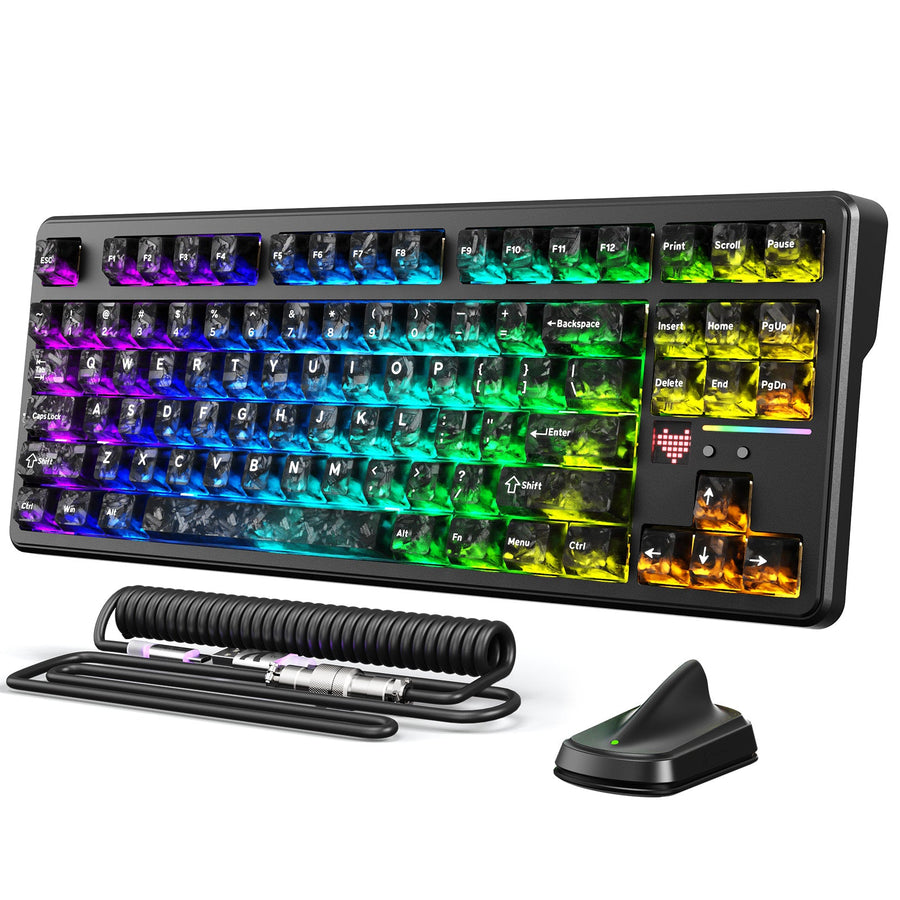
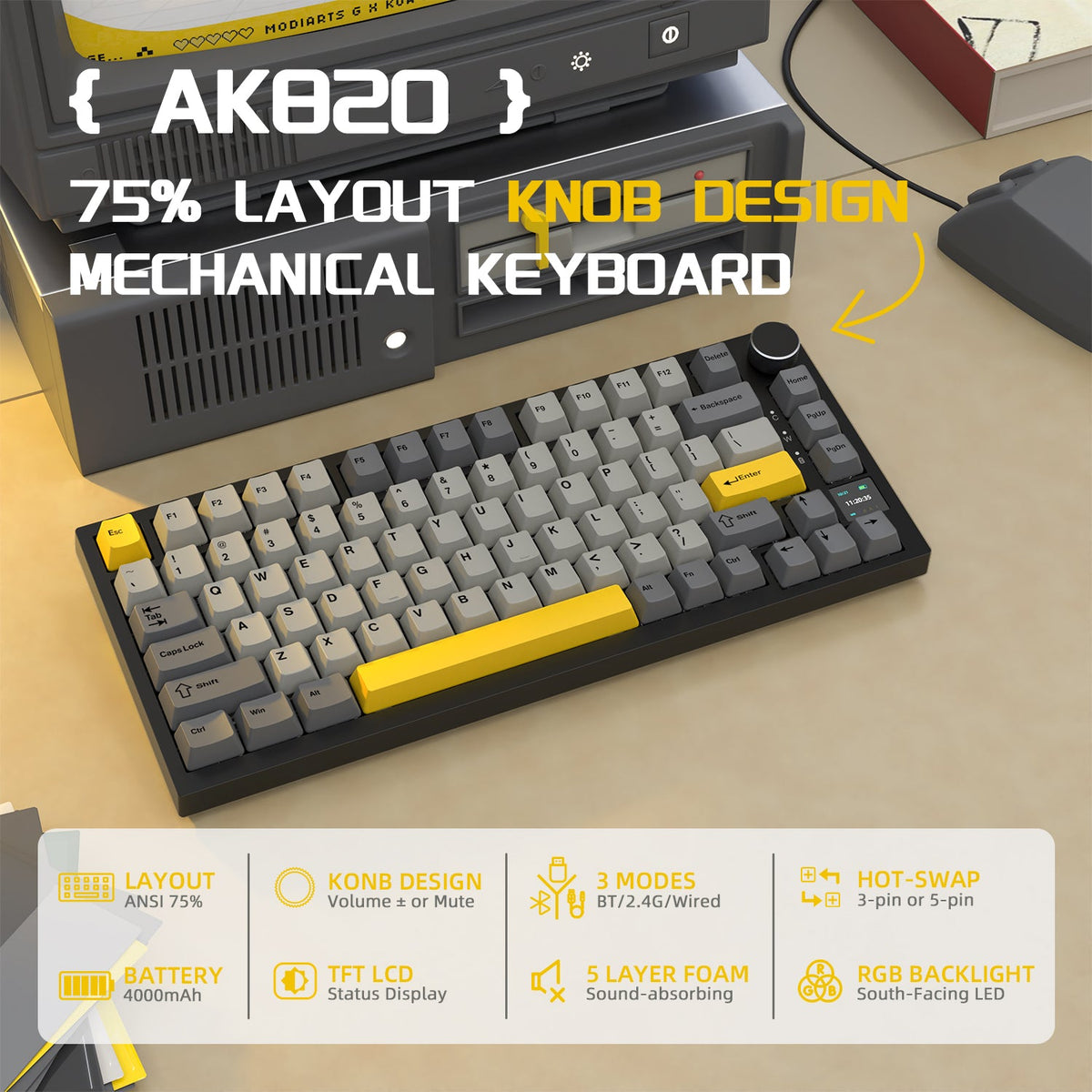
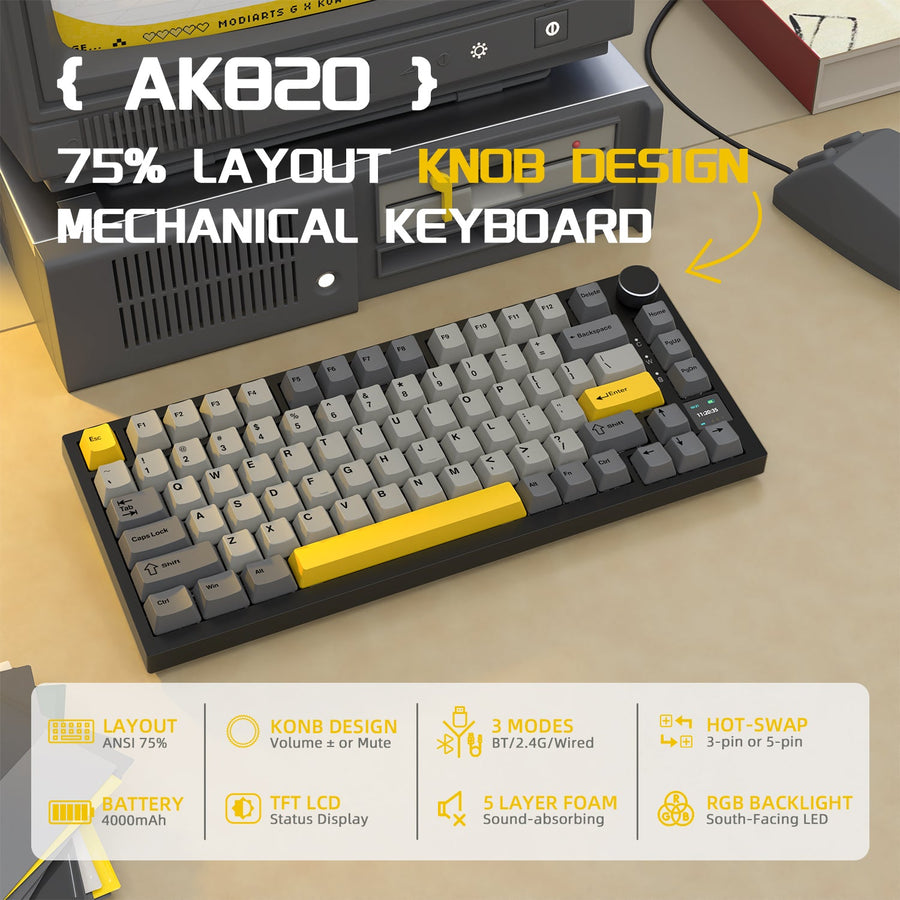
- Test or verify the exact purchase. A switch tester or sample set is a low-regret way to confirm your preference before you commit. If you are buying a prebuilt keyboard, check the exact listing's socket and pin compatibility. Our AK820 Pro, for example, supports 3- and 5-pin hot-swappable AK820 Pro switches. That fact applies to this specific model and does not guarantee that every switch will fit every hot-swappable board. Once you know your preferred feel and have checked compatibility, you can browse switch sets that match it.
Mechanical Switch Keyboard Buying FAQ
What Is the Best Switch for Gaming?
There is no single best switch for gaming. Choose linear if you want smooth, uninterrupted presses, or tactile if you want to feel a bump as confirmation. Add clicky only if the audible sound is welcome in your gaming space. In a shared room, quieter linear or tactile switches usually fit better.
Are Mechanical Keyboards Loud?
Clicky switches are the loudest by design because they add an intentional click. Linear and tactile switches are generally quieter, but the keycaps, case, and how firmly you type also affect the finished keyboard's sound. The switch label alone does not determine the final volume.
How Do I Know Which Switch I Prefer?
If descriptions of linear, tactile, and clicky switches do not resolve your preference, try a switch tester or sample set before buying a full keyboard. This hands-on check is a low-regret way to confirm the feel and sound, although the exact keyboard you buy may sound slightly different once assembled.