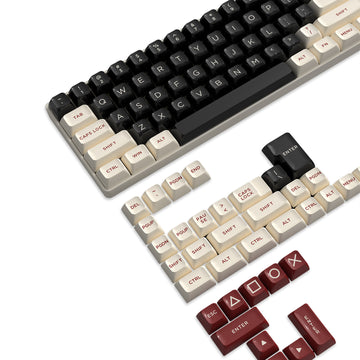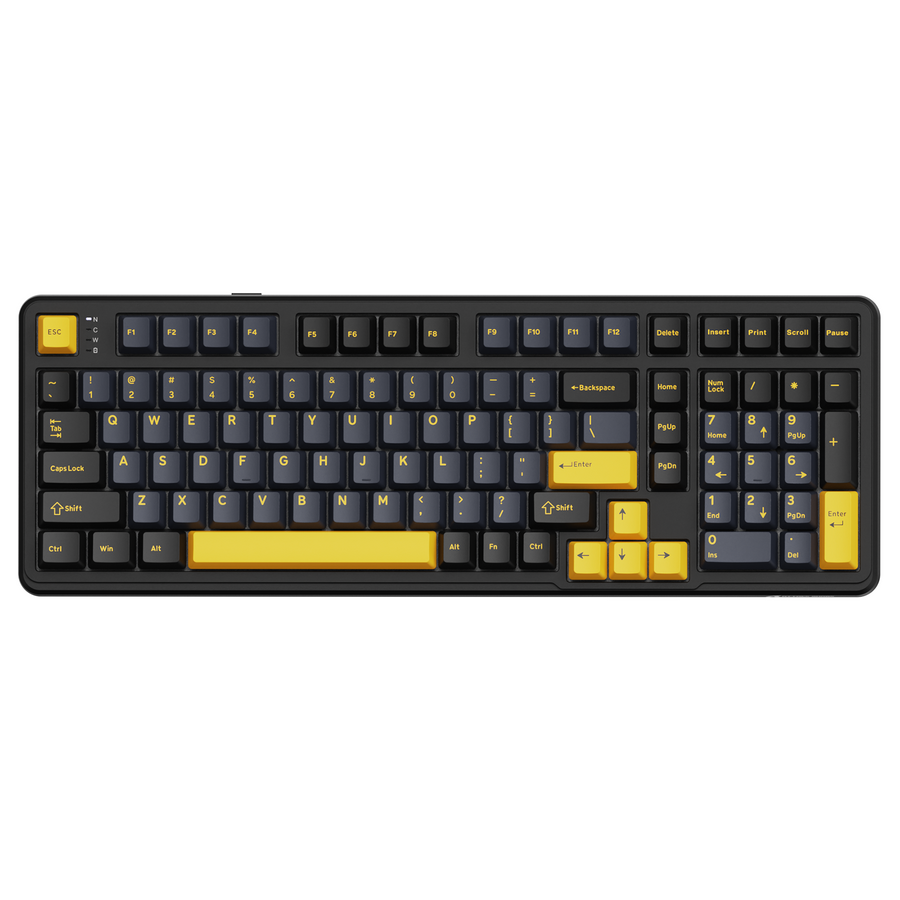
The best keyboard layout for work and gaming is the smallest one that preserves the keys you use regularly and leaves you a consistent mouse path. Measure the usable keyboard-and-mouse zone first, then choose compact when layers are acceptable, 75% for a tighter mixed-use balance, TKL for familiar navigation without a number pad, or full-size when you regularly use an integrated number pad.

Measure Your Desk Before Choosing a Keyboard Layout
Start with the desk as you actually use it for work and gaming, not an empty desktop. The right keyboard layout depends on the available keyboard zone, the mouse position in both activities, and which keys would create friction if moved to a layer. For a keyboard layout for work and gaming, measure the desk before treating a layout label as a buying decision.
- Measure the usable keyboard-and-mouse zone. Account for the desk edge, monitor stand, fixed accessories, and the space your mouse needs during work and gaming. A smaller keyboard can reclaim mouse space when the setup is constrained, as Ars Technica explains, but that does not guarantee better aim, comfort, or productivity.
- List your must-have dedicated keys. Decide whether you regularly need a number pad, function row, arrow keys, or a separate navigation cluster. Also decide whether layers, shortcuts, or remapping are acceptable for occasional tasks.
- Choose the smallest layout that passes both checks. Pick compact when maximum space matters and layers will not disrupt recurring work. Pick 75% for a tighter mixed-use balance, TKL for familiar dedicated navigation without a number pad, or full-size when regular number entry justifies the wider footprint.
Before shopping, place a paper outline or temporary object over the proposed keyboard area. Test the mouse path from both your work and gaming positions. Because 75% is not a standardized footprint or a single key arrangement, check the final listing’s outer dimensions and key map before buying, as 75% layout guidance explains. Choose a larger layout when frequent number-pad, navigation, or function-key work would make layers or shortcuts disruptive.

Compact, 75%, TKL, or Full-Size: Compare the Shared-Desk Tradeoffs
These four layouts trade dedicated-key access for a smaller footprint. Full-size keeps the major key groups and number pad, TKL removes the number pad, and 75% keeps the function row and arrows in a tighter arrangement. Exact key retention and outer dimensions vary by model; a smaller board can reclaim mouse space, but the benefit depends on the desk and your position, as Ars Technica’s keyboard-size guide explains.
| Layout | Work access | Gaming and desk-space effect | Best-fit shared-desk scenario |
|---|---|---|---|
| Compact | Relies more on layers, shortcuts, or remapping for keys that are not dedicated. | Leaves the most room for the mouse, but adds access steps for some work commands. | A small shared desk where you accept layers and need maximum open space. |
| 75% | Keeps a function row and arrows in a dense arrangement; navigation details vary by model. | Favors a tighter footprint while retaining more everyday access than smaller compact layouts. | Mixed work and gaming where mouse room matters but frequent arrow and function-row access remains important. |
| TKL | Keeps dedicated function and navigation access while removing the number pad. | Uses more horizontal space than 75% but preserves a familiar, separated key arrangement. | A productivity-heavy desk where navigation familiarity matters and a built-in number pad is unnecessary. |
| Full-size | Keeps the major key groups, including a dedicated number pad. | Takes the most horizontal space of these choices and may crowd the mouse zone. | Regular numeric work on a desk that can accommodate the wider board and a consistent mouse path. |
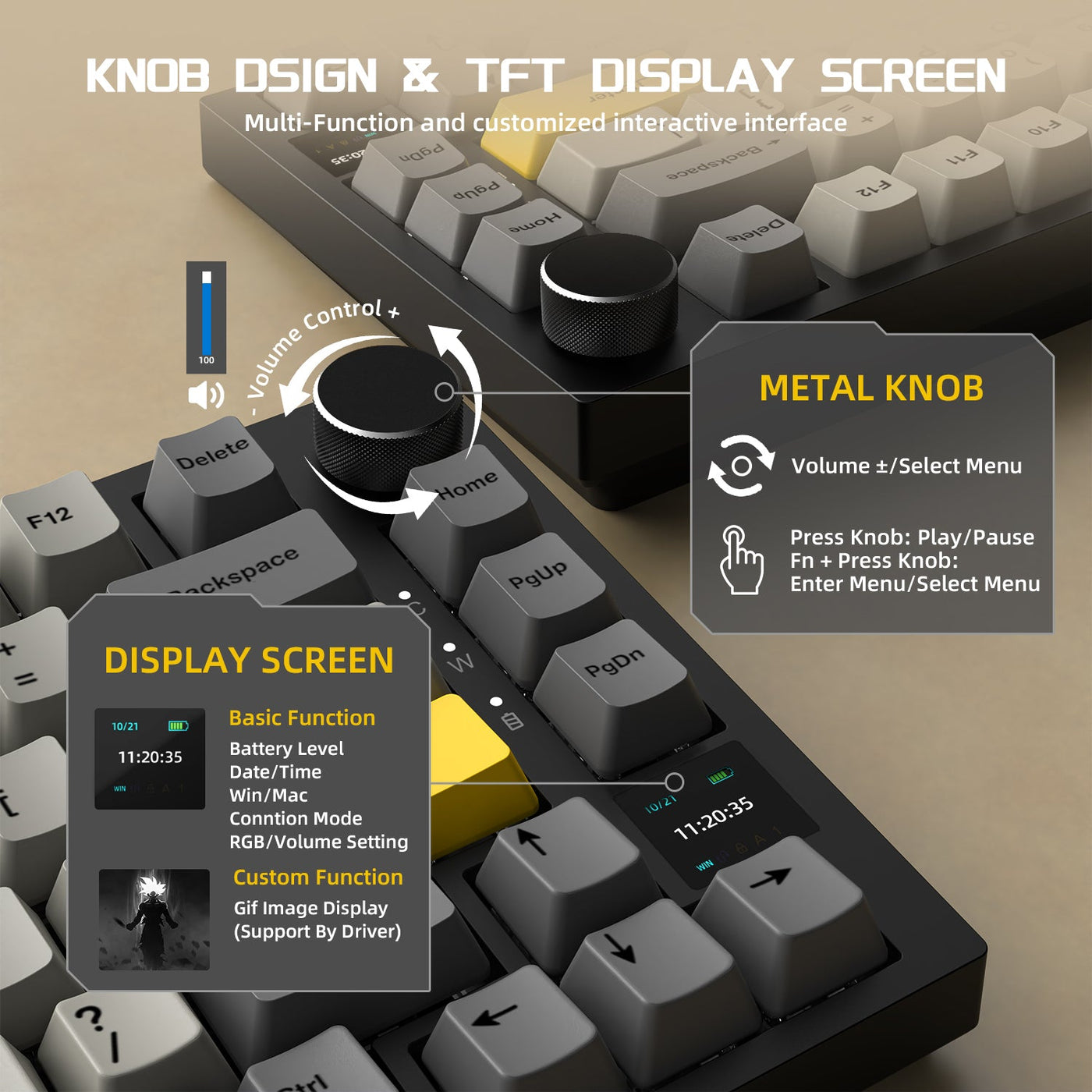
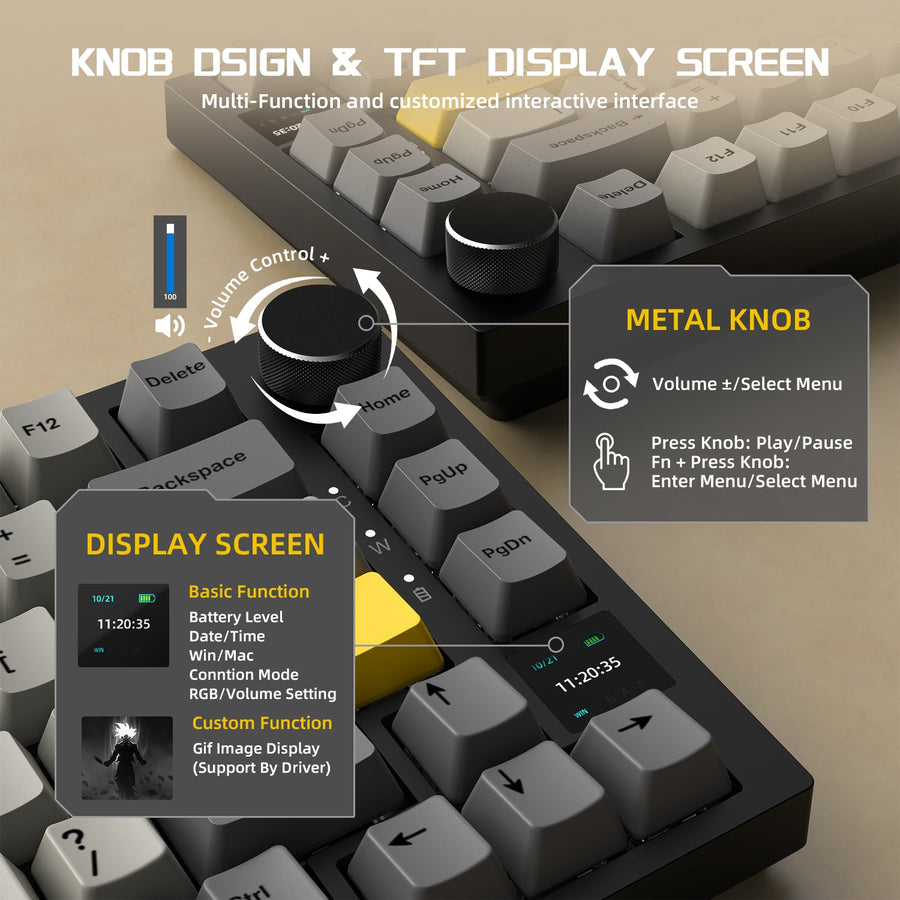
Use the table as a category guide, not a promise that every keyboard in a layout will fit the same way. Check the specific board’s listed outer dimensions, bezel, knob, connection placement, and key arrangement before assuming that two keyboards with the same label occupy identical space.
75% vs. TKL: Which Keyboard Layout for Work and Gaming Fits Your Routine?
The closest choice is often 75% versus TKL. Lean 75% when a tighter footprint and more mouse room come first; lean TKL when familiar, separated navigation and dedicated-key access matter more. The tradeoff is compactness versus adaptation, so compare the exact key arrangement with your recurring work tasks.
Choose 75% When Mouse Room Comes First
Lean 75% when compactness and mouse room matter more than separated navigation spacing. Its dense arrangement can preserve a function row and arrow keys while leaving more open desk area than TKL. This can suit a compact keyboard for a shared desk when gaming requires a consistent pointing area and your work does not depend on a conventional navigation cluster.
The tradeoff is adaptation. A 75% label does not guarantee one exact key arrangement or outer footprint. Check the product key map and listed dimensions, then compare the navigation placement with the tasks you perform repeatedly. If those tasks would slow down because of the denser arrangement, the space saved may not be worth the switching friction.
Choose TKL When Dedicated-Key Familiarity Comes First
Lean TKL when dedicated arrows, navigation keys, and a function row in a familiar arrangement matter more than the extra width. TKL removes the number pad while retaining the major everyday key groups, so it can suit a TKL keyboard for productivity when spreadsheets, documents, or shortcuts depend on direct navigation access but do not require constant numeric entry.
The choice means accepting a larger horizontal footprint than 75%. Compare the actual TKL dimensions with the mouse zone and test both desk positions. The 75% versus TKL comparison from XDA describes the same conditional split: 75% favors a tighter footprint, while TKL favors a more traditional navigation arrangement. Choose 75% only if its denser navigation will not slow recurring work; choose TKL when dedicated-key familiarity saves more effort than its extra width costs.
When Full-Size Is Worth the Desk Space—and What to Shop for Next
Full-size earns its footprint when you regularly rely on a built-in number pad and the remaining desk area still supports a consistent mouse path. It takes up too much space when numeric entry is occasional and the wider board crowds the mouse into a position that does not work for both parts of your routine.
The Wirecutter keyboard-shopping guide recommends built-in number-pad layouts for people who prefer that access and notes that a separate number pad can suit occasional numeric work. That makes a smaller main keyboard plus a separate number pad an option, not a universal replacement for an integrated layout.
Before you shop, test the candidate footprint beside the intended mouse zone with a paper outline or temporary object. Then verify the specific listing’s outer dimensions, key arrangement, connection needs, and current return terms. Do not treat a collection label as proof that every model has the same footprint or work access. If 75% is the result, you can browse 75% keyboards after checking the layout requirements. If TKL fits better, browse TKL keyboards and compare each listing’s details rather than assuming collection-wide fit.
Your final choice should follow this order: preserve the dedicated keys your recurring work requires, protect a consistent mouse path, then weigh how much navigation adaptation you are willing to accept. After that, shop only within the layout category that passed those checks.
Frequently Asked Questions
The right choice depends on the keys your work requires and the mouse space your desk can preserve.
Which keyboard layout is best for gaming and work?
There is no universal winner. Choose compact when layers are acceptable, 75% when you want a tighter mixed-use balance, TKL when familiar navigation matters without a number pad, or full-size when regular number-pad use justifies the footprint. Measure the actual desk zone before buying.
Is a 75% keyboard enough for productivity?
It can be enough when your recurring work needs the function row and arrow access but not a dedicated number pad or widely separated navigation cluster. Check the exact key arrangement against the tasks you perform most often, especially before replacing a familiar TKL setup.
Does a full-size keyboard take too much desk space?
It can if the board crowds the mouse zone or makes your gaming position inconsistent. Keep full-size when the built-in number pad is regularly useful; otherwise, measure the space and compare 75% or TKL before accepting the extra width.