A heavier gaming mouse can feel more planted during slow, deliberate movements, but that same mass can slow you down during quick corrections or frequent lifts. There is no single best weight. The right choice depends on your sensitivity, grip, the games you play, and how much room you have to move.

Does a Heavier Gaming Mouse Help Aim?
Test a heavier-feeling mouse when you want a planted, deliberate feel and you have enough desk or mousepad space to move freely. Test a middle-weight or lighter-feeling mouse first when quick corrections, frequent lifting, a small desk, or fatigue are your main problem. This is a conditional choice, not a ranking where heavier always wins.

A small study of 40g to 140g gaming mice found slightly lower muscle activity with the heaviest mouse, but that 140g muscle activity was not statistically significant. The 40g mouse had the highest error rate, and the 60g mouse got the highest overall preference score. That pattern supports testing your own movement and preference instead of assuming any single weight is best. Added mass can suit players who value a steady, controlled feel. The same mass can work against players who need to swipe wide, correct fast, or lift the mouse often.
How Mouse Weight Changes Starting, Stopping, and Repositioning
Weight does not change one thing about your aim. It changes how starting, stopping, wide swipes, and lifting each feel, and those changes do not always point the same direction.
Starting and Stopping
Added mass can feel deliberate once the mouse is moving, which some players read as steadier control. But check how it feels the instant you start a swipe or bring it to a stop. A heavier feel is not automatically a more controlled stop. If starting or braking feels sluggish rather than planted, that is a real signal, not just an adjustment period.
Wide Swipes and Micro-Adjustments
Broad arm swipes and short wrist corrections put different demands on a mouse. A mouse that feels stable during a long, slow swipe can feel cumbersome when you need three quick corrections in a row. Judge the weight against the movement you make most often, not against an isolated test swing.
Lifting and Repositioning
Desk edges, small mousepads, and frequent resets make added mass more noticeable. If you lift and reposition often, that repeated motion is often the practical deciding factor, more than any sensitivity formula. Track how many times you lift during a normal session and how that feels with extra weight in hand.
Match Weight to Sensitivity, Games, and Desk Space
Your sensitivity setting, game type, and available desk space combine to point toward a starting weight direction, but none of them force a single verdict on their own.
Low-Sensitivity FPS
Broad cursor travel at low sensitivity is one of the better reasons to test a heavier-feeling mouse, as long as your desk or mousepad supports full arm swipes. Still confirm that repeated stops stay consistent and that your pad does not run out of room mid-swing.
High-Sensitivity FPS and Tactical Play
Frequent short corrections and quick repositioning make a lighter or middle-weight option a sensible first comparison. Sensitivity alone does not settle the question, but players who make many small adjustments often notice added mass sooner than players who swipe broadly.
RTS, MOBA, and Cursor-Heavy Use
Judge the mouse across long cursor travel and mixed use, not one movement pattern. A middle-weight-feeling mouse is a reasonable starting comparison when your sessions mix gaming with everyday desktop work and no single motion dominates.
How Grip Style Changes the Feel of a Heavy Mouse
Grip style changes how added mass feels in your hand, so it is a fit filter before you commit to a heavier mouse, not a universal rule.
Palm Grip
A palm grip spreads your hand's contact across more of the shell, which can make a planted, heavier-feeling mouse comfortable to test if broad arm movement still feels easy. Confirm the shape fits your palm before crediting the weight with any improvement.
Claw Grip
Claw grip relies on quick fingertip and knuckle corrections. Test whether added mass slows those repeated corrections or makes your hand lift more often than usual. Keep any recommendation conditional, since claw shapes and hand sizes vary widely.
Fingertip Grip
Fingertip grip depends on light, fast resets. Compare how easily you make small corrections and lift the mouse with added weight versus your current setup. If the extra mass feels cumbersome during quick taps, a lighter or middle-weight option is a more useful first comparison.
Compare Lighter, Middle-Weight, and Heavier-Feeling Mice
Think of weight as three relative directions to test, not fixed industry categories. Product weights vary, so treat these labels as comparison points rather than gram standards, and pair them with the weight and shape balance between mass and mouse shape.
| Direction | Likely movement feel | Best starting scenario | Main not-fit condition |
|---|---|---|---|
| Lighter-feeling | Easy to swipe, quick to lift and reset | High-sensitivity play, frequent corrections, small desks | Feels unstable or skittish during slow, deliberate aiming |
| Middle-weight-feeling | Balanced between planted and quick | Mixed use, uncertain preference, RTS or MOBA | No strong preference either way; may feel like a compromise |
| Heavier-feeling | Planted, deliberate, steady once moving | Low-sensitivity FPS with wide arm swipes and desk room | Frequent lifting, small pad, or fatigue during long corrections |
Test the Weight Before You Buy
Run a short side-by-side test with your normal sensitivity, grip, game, and desk space before committing to a weight direction. Compare a lighter-feeling, middle-weight-feeling, and heavier-feeling mouse when you can.
- Perform your normal wide swipes and note whether the mouse feels planted or slows you down.
- Repeat controlled stops and quick micro-adjustments to see which weight keeps you accurate.
- Lift and reposition the mouse until you reproduce your desk's actual space limit.
- Play or work through a full, representative session and record the first clear control or fatigue drawback.
A study of 16 professional players comparing 80g and 87g mice found no statistically significant difference between the two weights, which is a good reason not to decide by a few grams alone. Keep whichever weight direction solves your original problem without introducing a new one.
If Your Test Favors Less Mass
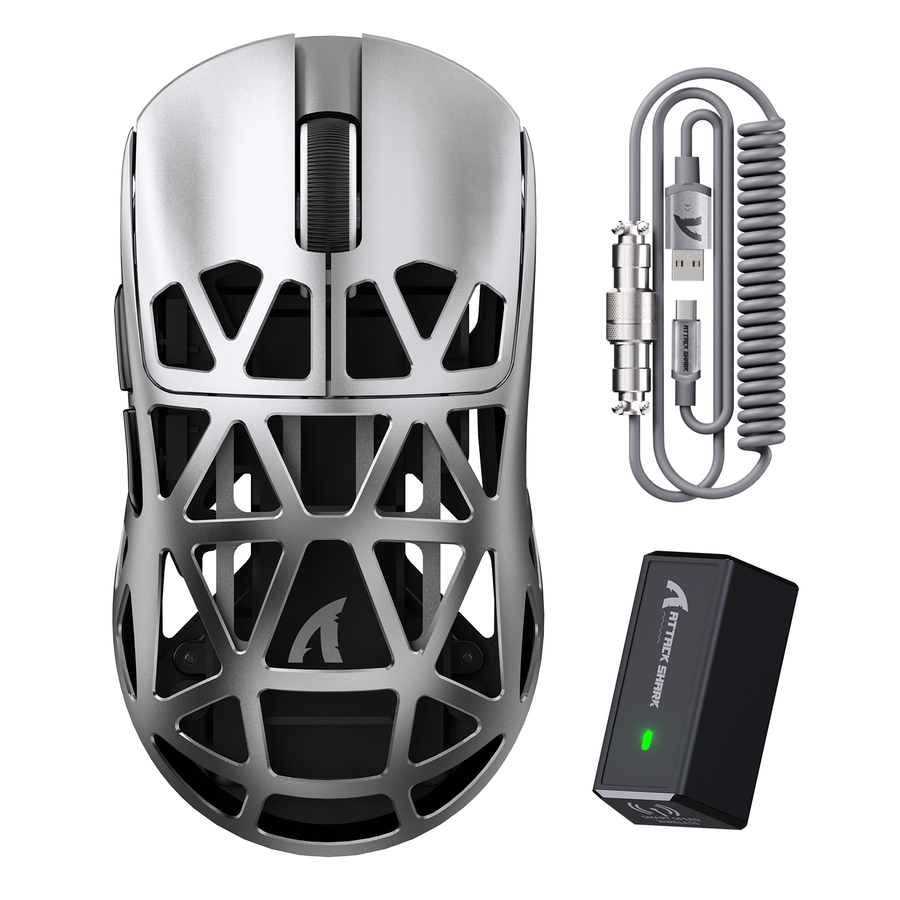
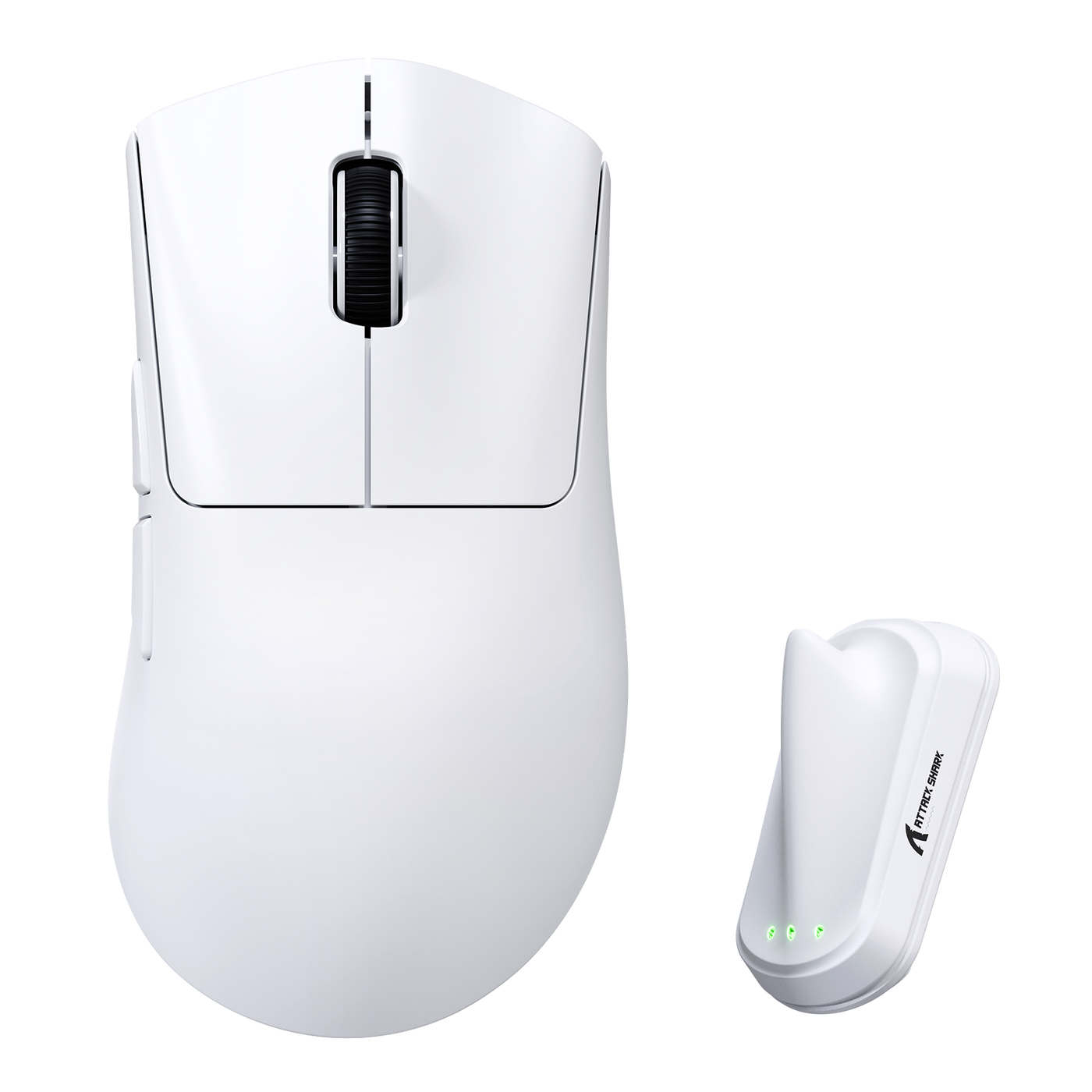
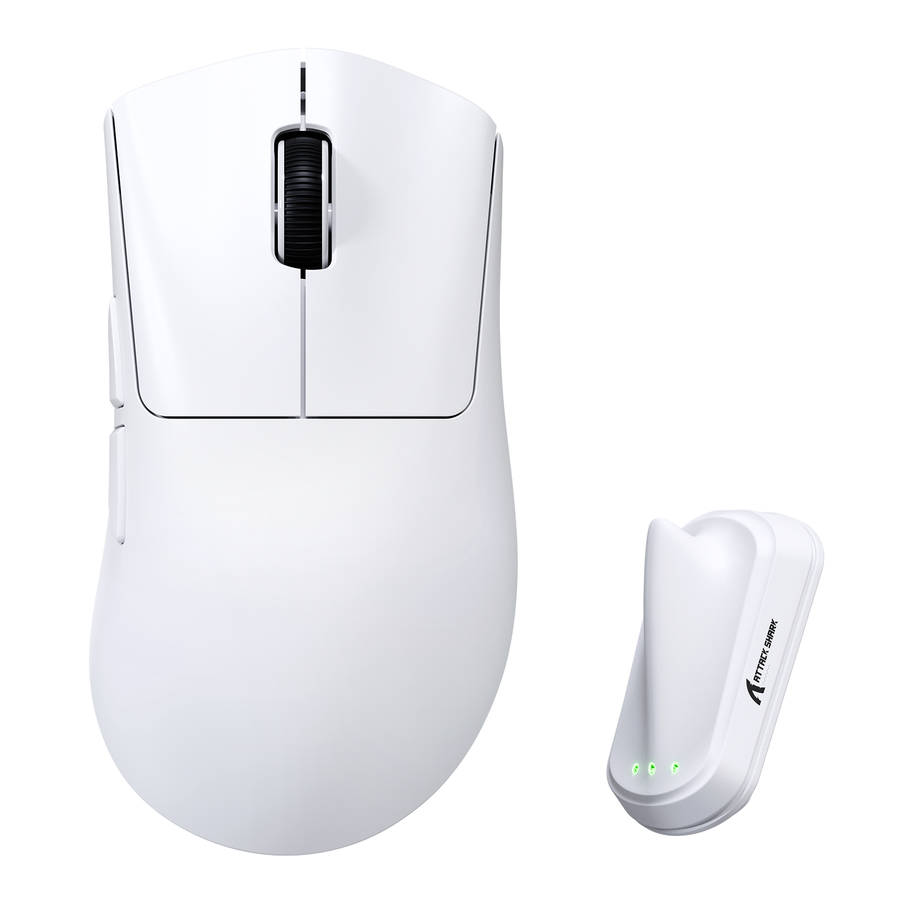
If your test points toward less mass, our ATTACK SHARK V8 is a lighter reference at 59g ±3g, with a right-handed ergonomic shape for users with medium to large hands. Its weight spec alone does not guarantee better control. Check the shape and hand-size fit against your own grip before choosing it as your lighter mouse reference. If the shape, hand size, or grip does not fit, choose another lighter mouse with a better match.
If your test shows that quick corrections and easy lifting matter more than a planted feel, consider the V8 only when its shape and stated hand-size audience fit you.
Choose the weight direction that removes your original control problem without creating a new one. Use the side-by-side result from your normal setup as the final buying signal, then choose less mass when lifts or corrections remain the drawback, or more mass when deliberate movement still needs a planted feel.
FAQs
Is a heavier mouse better for aiming?
Not universally. A heavier mouse can feel steadier during deliberate, planted movements, but it can feel slower during broad swipes, rapid corrections, or frequent lifts. Test both directions with your own sensitivity and grip before deciding.
What mouse weight is best for FPS?
There is no single best weight for FPS. Low-sensitivity players with desk room to swipe wide can test a heavier-feeling mouse first. High-sensitivity players who rely on quick corrections should also compare a lighter or middle-weight option before choosing.
Are lightweight gaming mice always better?
No. Lightweight mice make quick movement and lifting easier, but that is not automatically better if you struggle with stopping cleanly or keeping a steady, controlled feel during slower aiming.
Who should use a heavy gaming mouse?
Players who want a more planted feel, who move with deliberate arm swipes, who have enough desk or mousepad space, and who do not run into a fatigue or lifting problem are the best candidates to test a heavier gaming mouse first.