If your keyboard settings need to travel to a second PC, laptop, shared computer, or travel setup, choose a model whose manual explicitly documents onboard storage and software-free operation for each feature you need. Gaming keyboard software works well with a single controlled PC when the app, account, permissions, and background services are always available. The key distinction is not whether the keyboard has an app or a Save button. It is whether the keyboard stores and runs the setting itself.

Choose Onboard Memory if Your Settings Must Travel
Prioritize keyboard onboard memory when you need the same layout, remaps, lighting, macros, actuation, or other settings away from your main computer. Relying on software is reasonable when you can install and run the required app every time you use the keyboard.
Use the onboard-first approach when:

- You move between a desktop and laptop, use a shared computer, or take the keyboard to another location.
- You may not have administrator permissions or cannot install the vendor app on the target PC.
- Your must-have settings need to remain active without a background process.
- The manual identifies onboard or hardware mode and lists the exact settings it retains.
Software dependence is usually easier to accept when:
- You use one gaming PC and can keep the required app, account, permissions, and connection available.
- You rely on cloud profiles, live game integrations, synchronized lighting, or other host-dependent features.
- You only need basic typing or standard key behavior away from the main computer.
An app's Save button or a stated profile count does not prove that the settings were written to the keyboard. Some keyboards retain selected settings directly on the device, but the supported feature set varies by model. Treat portability as feature-specific until the documentation identifies what is stored, recalled, and run without software.
Which Gaming Keyboard Software Settings Usually Travel Without Software?
The safest category-wide answer is conditional: a feature may travel when the keyboard stores it onboard and its firmware applies it in the selected connection mode. The table below is a buying framework, not a universal promise for every model.
| Feature class | What may work without the app | What to verify |
|---|---|---|
| Profiles | A selected onboard profile may recall saved settings | Profile contents, storage location, recall method, and profile limits |
| Remaps | Firmware-level key changes may remain active | Whether remaps are stored onboard and apply without the app |
| Macros and layers | Some hardware modes can run saved macros or layers | Onboard storage, firmware execution, supported actions, and permissions |
| Static RGB | A saved static or profile-linked effect may continue | Whether the effect is stored onboard rather than generated live |
| Live or per-game lighting | Usually more dependent on the host app | Game integration, visualization, cloud sync, and background requirements |
| Actuation and rapid trigger | Values may work if saved and applied in firmware | Storage and runtime behavior for the exact connection mode |
| Cloud profiles and integrations | Usually host-dependent | Account, internet, app, and operating-system requirements |
| Firmware updates | Setup normally requires a software tool or updater | Update process, rollback behavior, and whether settings reset |
Onboard memory is often used for selected device settings such as key bindings or macros, but that does not establish that every profile feature travels. A model may store a basic remap while leaving cloud synchronization, live effects, or advanced input behavior dependent on the host.
Hall effect hardware, adjustable actuation, a web driver, wireless connectivity, and a profile count are useful clues, not proof of software-free operation. For each important setting, ask three separate questions: is it configured by software, stored by the keyboard, and executed by the keyboard?
How Profiles and Connections Affect Cross-PC Use
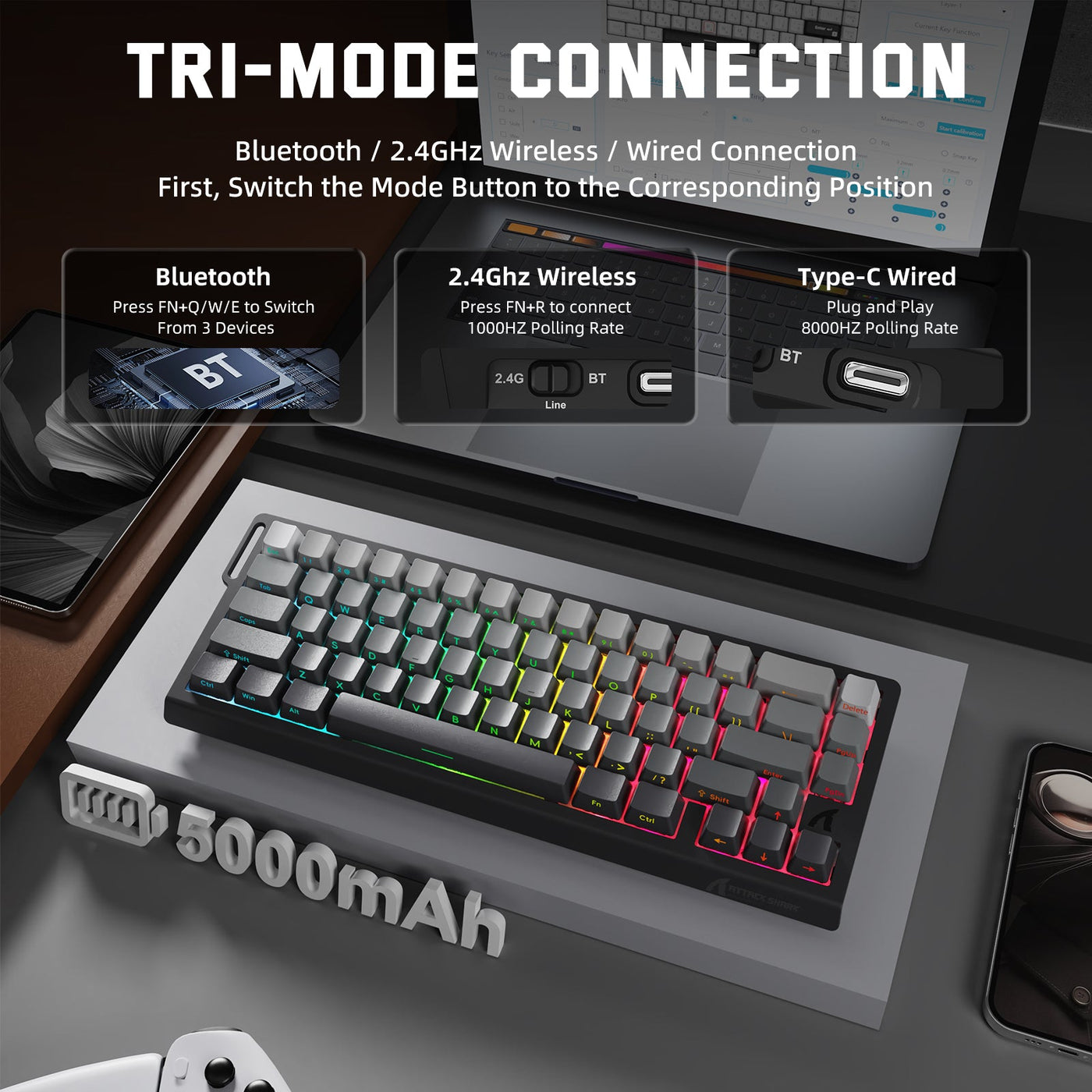
A profile works across PCs only when it contains the required settings and the selected wired, 2.4 GHz, or Bluetooth mode can recall and apply them. Software or cloud profile names do not establish hardware storage, and one connection mode may not behave like another.
Run this handoff test before relying on a portable setup:
- Identify the profile and list the settings you actually need, such as a remap, lighting state, macro, or actuation value.
- Save the profile using the documented onboard or hardware-storage process.
- Switch to the connection mode you plan to use on the other computer.
- Connect the keyboard to the second PC without installing or launching the original app.
- Test each must-have setting independently, then note anything that returns to its default behavior.
If only basic typing survives, portability is limited to basic input. If a profile recalls in wired mode but not Bluetooth or 2.4 GHz, treat the connection mode as part of the feature requirement. When comparing connection options, a multi-PC keyboard setup should be judged by its documented profile behavior, not simply by the presence of multiple connection modes.
What Remaps, Macros, Lighting, and Actuation Need From Software
Customized inputs and performance settings need separate runtime checks. A setting can be configured in an app and remain active afterward, or it may require the app every time you use the keyboard.
Remaps, Layers, and Macros
Firmware-level remaps or layers may travel when the manual explicitly says they are stored onboard. Software-triggered actions may instead need the app, permissions, or a matching host profile. Do not assume that a profile containing remaps also contains layers or macros. Macros are portable only when the keyboard stores and runs the relevant actions onboard, and firmware support still limits what those actions can do. For background on the distinction between stored layers and software behavior, see macro firmware behavior.
RGB and Lighting Effects
Saved static or profile-linked lighting may continue when it is stored and recalled onboard. Live visualization, per-game effects, cloud synchronization, and game integrations may stop without the host app. If lighting identifies the active profile, test it alongside the input settings so a visually correct profile does not hide a layout that has returned to default.
Actuation and Rapid-Trigger Behavior
Adjustable actuation and rapid trigger are portable only when the keyboard stores and applies those values in firmware for the selected connection mode. A Hall effect switch or a rapid-trigger listing shows capability, not onboard retention. Verify whether software is needed only for setup or also during use. Technical capability also does not establish that a feature is allowed in a particular game or event, so review the applicable rules separately. You can use magnetic sensor tuning as further education, but it does not verify a specific keyboard's portability.
What to Verify Before Buying a Gaming Keyboard
Use the manual, support page, firmware notes, or a hands-on second-PC test to turn portability into a documented buying decision. If a key question has no answer, treat that feature as unverified rather than assuming the full profile travels.
- For one-PC use: Confirm operating-system support, account and permission requirements, connection-mode support, and whether the app must remain open during use.
- For multiple PCs: Require the documentation to name the exact onboard profiles and retained settings, including remaps, layers, macros, lighting, actuation, or rapid trigger when those features matter to you.
- For travel or shared devices: Confirm that the profile can be selected from the keyboard and that the target PC can use the must-have settings without the original app or administrator access.
- For wired and wireless use: Ask whether the same onboard profile is recalled in wired, 2.4 GHz, and Bluetooth modes. Do not treat multi-mode connectivity as proof that the settings are identical in every mode.
- For firmware and cloud features: Separate the one-time update process from runtime behavior. Cloud sync, per-game integrations, live effects, and account-based features remain host dependencies unless the documentation says otherwise.
- For Hall effect gaming: Require explicit confirmation that actuation and rapid-trigger values are stored and applied onboard, then check the rules for the games or events where you plan to use them. A HE keyboard connectivity collection can help compare connection types, but it does not verify software portability.
- Before checkout or travel: Perform the unplug-and-move test on the actual second computer. Test every must-have setting independently, including the fallback behavior when the app is absent.
For a single controlled PC, gaming keyboard software dependence can be a sensible tradeoff for deeper configuration. For multiple computers, travel, or shared devices, choose documented onboard storage for the specific settings you need, then test those settings in the connection mode you will actually use.
Frequently Asked Questions
These answers cover when gaming keyboard software remains necessary, how profiles travel between computers, and what to test before relying on a setting away from your setup PC.
Does a gaming keyboard need software running all the time?
Not necessarily. Basic input and settings that the keyboard stores and runs onboard may work without a background app, while live effects, cloud features, host integrations, and software-executed functions may require it. The decisive wording in the manual is whether the app is required during use or only for setup.
Can keyboard profiles save to onboard memory?
Some keyboards can save profiles onboard, but the profile count does not show what each profile contains. Look for the exact stored features and the method for recalling the profile in the connection mode used on the second PC. A profile that stores remaps may not also store macros, lighting, or actuation values.
Will keyboard settings work on another PC?
Only settings stored and run by the keyboard can work without the original software setup. Connect the keyboard to the target PC without installing the app and test the must-have settings. This shows whether the profile travels as a complete setup or only as basic input.
Do rapid-trigger settings require software?
Software may be needed to configure rapid trigger, but the setting can work without the app only when the keyboard stores and applies it onboard in the selected connection mode. Check the model documentation, then review the applicable game or event rules before relying on the feature in competition.