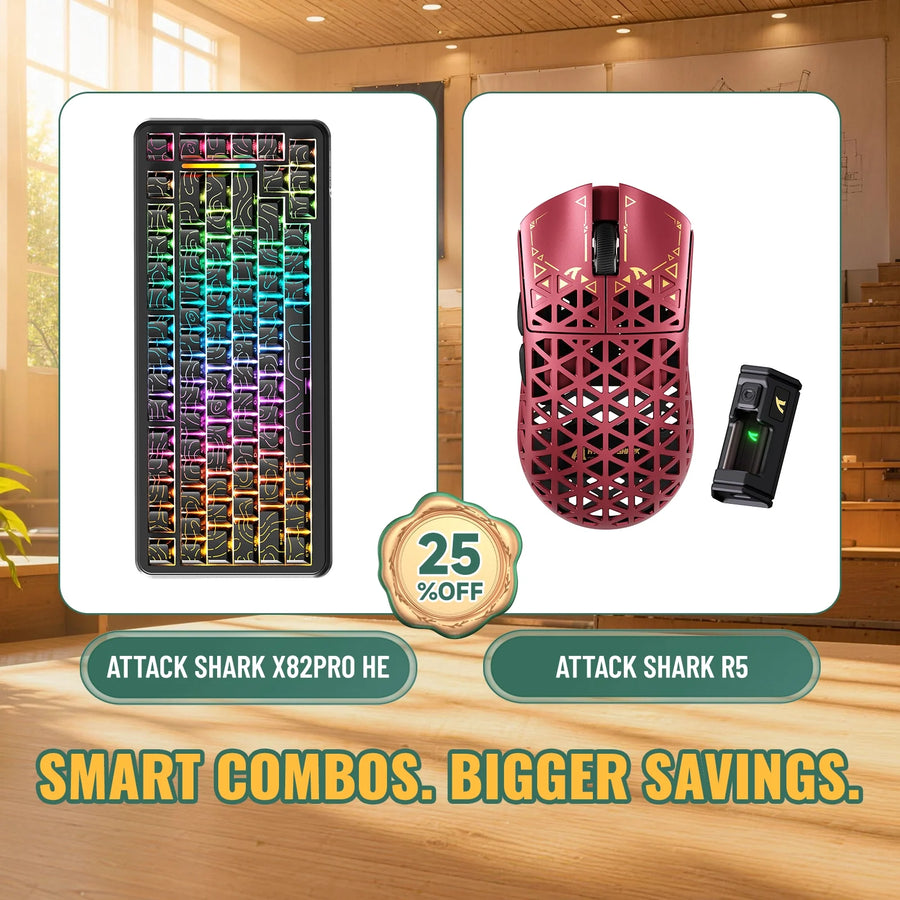
A gaming keyboard and mouse bundle can simplify a first setup, while separate picks can make more sense when one device is already usable or fit-sensitive. Use the checks below to compare the complete carts before you decide.

Gaming Keyboard and Mouse Bundle or Separate Picks: The Direct Answer
Use these two paths to decide whether the fixed pair belongs in your cart.

Choose the bundle when both devices pass
Buy the bundle when the keyboard layout, mouse shape, and connection options meet your non-negotiable requirements. The complete bundle total, including any cables or cases you need, should also be lower than the cost of buying the same two devices separately. If you don't expect to replace either device during the first year, the bundle's convenience and matching design add value instead of creating a hidden cost. That's when a bundle is most likely to save money.
Choose separate picks when one device is the compromise
Buy separately when you already own a working keyboard or mouse, need to replace only one device, or can't accept a bundle's fixed fit, layout, or feature set. In these cases, the lower sticker price can be misleading. You may pay again for the half that doesn't work for you. Two well-matched devices bought separately can cost less in the end than a discounted pair that includes one device you replace.
| Option | Wins when | Main value risk | Resulting choice |
|---|---|---|---|
| Bundle | Both devices pass your must-haves and the total is lower | Replacing the weaker half erases the savings | Buy together |
| Separate picks | One device is already owned, needed, or fit-critical | You pay two full prices instead of a bundle price | Buy separately |
If the bundle still looks good after these checks, you can compare bundle options to view current configurations side by side.
Compare the Full Cart, Not the Sticker Price
A fair comparison includes every real cost in both carts, not just the label price. Use the same inputs for each option so you can compare the true value of a gaming keyboard and mouse bundle.
Build both carts with the same inputs
Start with the bundle price or the combined price of the separate keyboard and mouse you would actually buy. Add only the accessories each option needs, such as a wrist rest, extra switches, or a mouse pad that fits your desk. Don't add an extra to one cart if the other option doesn't need it. Record shipping costs and any return-related costs shown at checkout. A free-shipping bundle and a separate order with a shipping fee don't have the same total. Use current checkout prices rather than list prices, because promotions change often.
Price the weaker half before deciding
Estimate the replacement cost of the device you're least confident about, whether it's the bundle's mouse or keyboard. If you already own a usable keyboard or mouse, count that device as $0 in the separate cart instead of pricing it again. This is where a bundle's advantage often disappears: a modest discount won't help if you replace an uncomfortable mouse a few months later. Before you finalize either cart, read the written warranty terms. Check the coverage period, exclusions, repair or replacement process, and who pays return shipping. The FTC's guidance on warranties explains what to review before you buy. Remedy and shipping terms can turn a minor problem into a real cost.
Test the Fixed Pair for Fit and Performance Compromises
A bundle's price doesn't matter if the mouse doesn't fit your hand or the keyboard doesn't fit your desk. Check each requirement before treating the combined price as a discount.
Mouse shape is a personal fit gate
Measure your hand from the wrist crease to the tip of your middle finger. Note your grip style, palm, claw, or fingertip, and your grip width. Compare these details with the mouse's listed dimensions and weight before assuming the bundled mouse will feel right. If the fixed mouse doesn't meet your size or grip requirements, buy separately even if the bundle price looks attractive. For the measurement method, see our guide to measuring hand length and grip width for mouse fit.
Keyboard layout and desk space can override matching finishes
Confirm that the keyboard's full-size, TKL, or 75% layout fits your workflow and macro needs before matching finishes influence your choice. Check the keyboard's footprint too. It should leave enough room for the mouse and your full range of movement, especially on a compact desk. A matching finish is a nice touch, but it can't make up for a layout that's too cramped or too sparse for the way you play. Our guide to choosing keyboard size covers workspace, typing habits, and portability trade-offs for full-size, TKL, and 75% layouts.
Check stated performance requirements without overreading specs
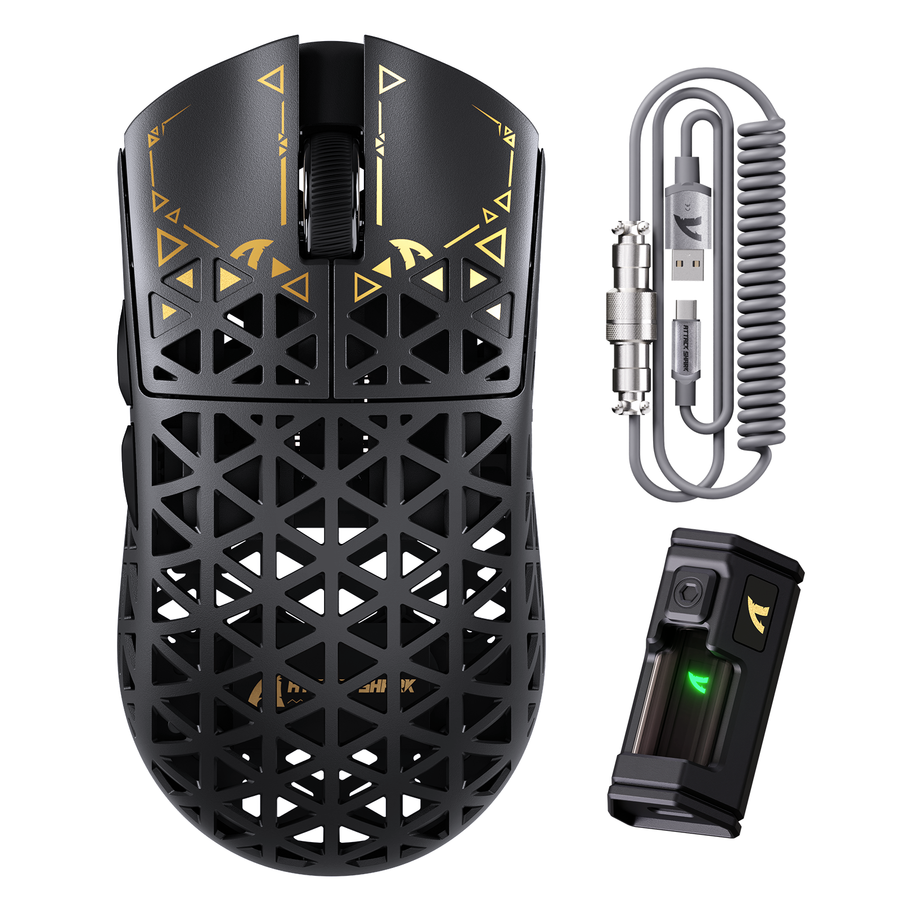
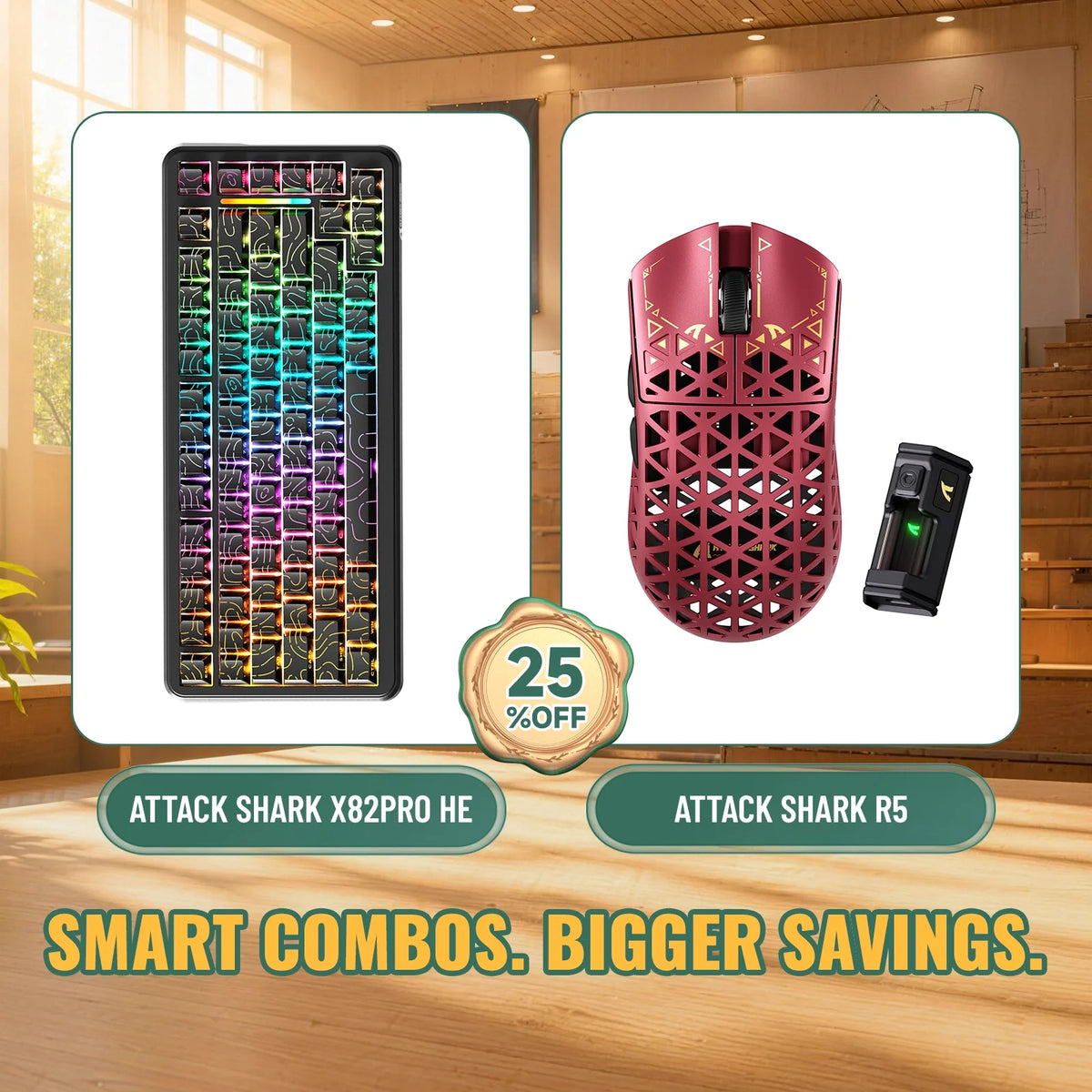
Check each device's connection modes and required gaming features separately. A bundle can pair a strong keyboard with a mouse that lacks a feature you need, or the other way around. Treat sensor, polling-rate, and actuation figures as stated specifications, not proof of a real-world advantage. A higher number on the spec sheet doesn't guarantee a better feel in your games. For example, the fixed ATTACK SHARK X82 PRO HE and R5 bundle lists an 82-key keyboard with USB-C wired, 2.4GHz, and Bluetooth connections, plus adjustable actuation from 0.1mm to 3.4mm. The mouse measures 119.5mm by 61mm by 36.3mm and weighs about 39 grams. These details help you check fit and features; they don't mean this pairing suits every buyer.
Choose by Buying Scenario
The right choice often depends on your situation as much as on fit and cost. Match your situation to the recommendation below.
First Gaming Setup: Buy Together When Both Devices Clear the Basics
If you're building your first gaming setup and need both a keyboard and mouse, a bundle can simplify the purchase and keep your desk setup consistent. This is also when a cheap wireless gaming keyboard-and-mouse bundle can look tempting. First, make sure the keyboard layout, mouse fit, connection options, and must-have gaming features all pass your checklist. Then compare the complete, current bundle total with the cost of two separate devices. If the bundle costs less and both devices pass, buy together.
Targeted Upgrade: Buy Separately When One Device Still Works
If you're replacing only one peripheral, don't let a lower combined price persuade you to buy a second device you don't need. Compare the single-upgrade cost with the bundle price, including the cost of keeping or reselling the unneeded device. Keep your current keyboard or mouse if it still meets your requirements. A bundle rarely wins unless the second device replaces something that is already failing.
Fit-Sensitive Setup: Buy Separately When the Fixed Pair Misses a Must-Have
If you need a specific mouse grip, hand-size fit, or keyboard layout, put that requirement ahead of a matching finish or lower combined price. Buy separately when you can choose only one half of the bundle correctly for your hand or workflow. When the choice is close, use the expected replacement cost of the wrong half as the tie-breaker. It can outweigh a small bundle discount.
Complete One Final Pre-Cart Check
Before adding anything to your cart, run this short checklist:
- Confirm that both devices pass your must-have checks for hand fit, keyboard layout, and required gaming features.
- Add the current bundle total and separate-cart total, including needed accessories and shipping.
- Read the written warranty terms for coverage, remedies, the claims process, and return-shipping responsibility.
- Estimate the replacement cost of the device you're least sure about, and add it to that cart's total.
- Add the lower-cost option that also passes your fit checks. If neither option fully passes, keep comparing before you buy.
FAQs
Are Gaming Keyboard and Mouse Bundles Cheaper?
A gaming keyboard and mouse bundle is cheaper only when its complete, current total is lower. Include the checkout price, required accessories, shipping, and likely replacement costs before comparing it with separate purchases.
Do Bundled Peripherals Compromise Quality?
A bundle creates a quality compromise when one device misses a must-have, such as your keyboard layout or mouse grip. Evaluate the keyboard and mouse against your own requirements instead of assuming the pairing was optimized for you.
What Should I Check About Warranty or Replacement Parts?
Read the written warranty before buying. Check the coverage period, exclusions, claims process, and whether you pay return shipping, as federal consumer protection guidance recommends. Confirm current replacement-part availability with the seller instead of assuming parts will be available later.
Are Bundle Devices Automatically Compatible?
Compatibility with your computer and connection type doesn't guarantee that the mouse shape or keyboard layout will suit you. Check the stated operating system, connection modes, and device requirements. Then confirm the fit and layout against your hand size and workflow.