Choose wired when a cable is acceptable and you want the simplest continuous connection. Choose wireless when cable-free movement matters and you can manage charging and mode-specific setup. Choose tri-mode when one headset must serve multiple devices and each required mode is documented. For any of these wireless gaming headsets or wired alternatives, use weight as a comfort screen, compare battery figures under matching conditions, and let microphone needs and platform support make the final decision.

How Do Wireless Gaming Headsets Connect to Your Setup?
The right connection is the one that removes your biggest daily inconvenience. A stationary PC setup usually favors wired simplicity, movement around the desk favors wireless, and a mixed-device setup can justify tri-mode when its receiver, ports, and platform support match your devices.
Independent testing commonly evaluates comfort, connection suitability, and battery behavior together instead of treating one label as the answer. That makes these comfort, connection, and battery comparisons useful, while a wireless dongle still needs to be judged by its documented mode, receiver, and platform support.

| Connection type | Best fit | Tradeoff or pre-cart check |
|---|---|---|
| Wired | A stationary PC or console setup where a cable is acceptable | No battery routine, but cable length, port, and controller connection matter |
| Wireless | Cable-free movement on a device with a documented receiver or wireless mode | Charging becomes part of ownership, and Bluetooth should not be assumed to match a gaming dongle |
| Tri-mode | One headset for multiple devices or connection situations | Confirm every device's exact mode, receiver, port, and controls. More modes do not guarantee broader support |
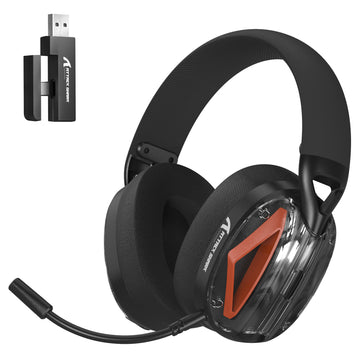
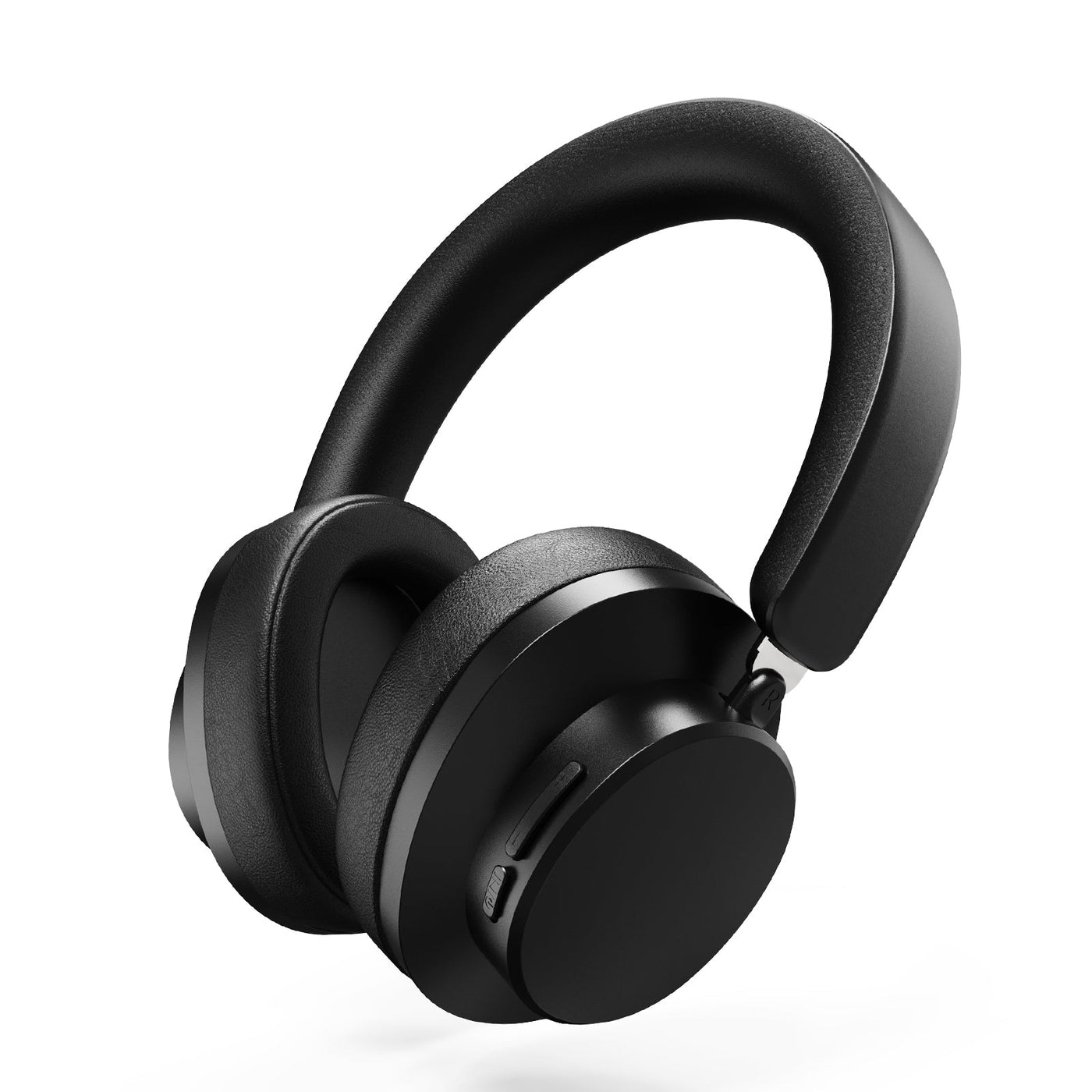
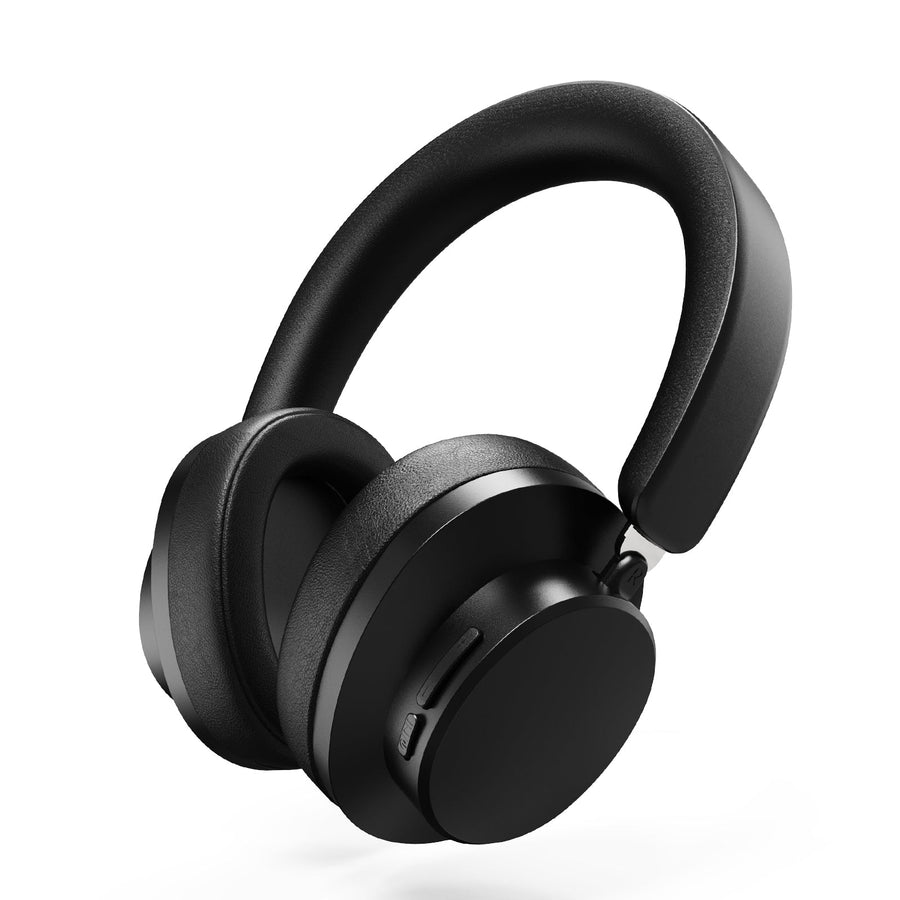
For a concrete tri-mode example, the L80 tri-mode headset is listed with Bluetooth 5.3, 2.4GHz, and wired connectivity, along with a listed weight of 180g. Its supplied product facts specify wired-only use for Xbox, so it suits a buyer who accepts that limitation rather than someone who requires wireless Xbox play. The L90 tri-mode headset also lists Bluetooth, 2.4GHz, and 3.5mm wired modes and names PC, PS4, PS5, Switch, Xbox, Mac, and Windows as applicable equipment. Those labels still need to be matched to the mode each device requires.
The G800 headset options provide another conditional example. The supplied facts list tri-mode connectivity and wired-only Xbox support. Choose this type of product when the documented combination solves your setup, not simply because it offers more connection modes.
How Much Do Weight and Clamp Comfort Matter?
Use listed weight to narrow the field, then judge the complete physical fit. There is no supported universal gram cutoff that guarantees comfort, because clamp pressure, headband contact, ear-cup space, pad material, adjustment range, and stability all affect long-session wear.
Independent reviews describe comfort as a product-level fit judgment rather than a universal weight rule. Use that combined headset fit approach: a lighter headset may reduce one source of fatigue, but it cannot predict how the band or ear cups will feel on your head.
Prioritize the fit detail most likely to cause your usual discomfort. If pressure around the jaw is the problem, read this clamp pressure guide before comparing weight alone. If overall mass and long-session construction are the concern, use these lightweight headset features as a second point of comparison. When you cannot assess fit before buying, a clear return policy or reliable independent fit testing matters more than a lighter number by itself.
Can the Battery Routine Keep Up With Your Gaming?
A battery fits when its documented conditions cover your normal sessions and its charging or wired fallback does not interrupt the way you play. Compare the routine, not the largest advertised number, because runtime changes with volume, lighting, connection mode, and other test conditions.
Battery claims vary by model and test setup, so keep those conditions attached when comparing figures. Use this four-step selector:
- Match runtime to your real session pattern. Note your longest normal session and whether you play on consecutive days. A model that lasts through your typical session may be a better fit than one with a larger headline figure measured under different conditions.
- Keep every condition attached to the number. The L80 lists up to 50 hours at 50% volume, with a listed 3-hour charge time. These are conditional product-page figures, not category benchmarks. The supplied facts do not provide a runtime or charge time for the L90.
- Confirm the low-battery routine. Look for documented charging behavior and whether the headset can be used while charging. If those details are not supplied, treat them as an unresolved purchase point rather than estimating.
- Test the fallback against the target device. A wired mode can extend usefulness, but only when the cable, port, controller, and platform support your setup. The supplied facts do not provide a battery runtime for the G800 or L30 PRO, so those models should not be selected on an assumed endurance figure.
The practical rule is simple: select a documented runtime that covers your normal session under comparable settings, then make sure charging access or wired fallback works with the same device you plan to use.
What Microphone Features Match Your Voice-Chat Needs?
Match the microphone to how often you speak and where you use it. Occasional team chat mainly calls for accessible placement and mute control, while frequent calls or streaming require direct voice evidence plus confirmed monitoring, software, and platform behavior.
Use these three checks:
- Classify the voice workload. Separate occasional in-game chat from frequent team communication, calls, and streaming. The more central your voice is to the activity, the more important direct voice samples or independent microphone testing becomes.
- Confirm physical and control details. Look for documented placement, detachability, mute behavior, monitoring, and required controls. A detachable microphone or a noise-canceling label does not establish voice quality on its own.
- Separate microphone evidence from audio claims. Driver size, surround-sound branding, and general speaker performance do not prove clear voice capture. If controls depend on an app or desktop software, review the headset software controls and match them to the platform where you will speak.
For example, the G800 and L30 PRO product facts list detachable microphones, but those facts do not establish streaming quality or voice clarity. Keep the microphone decision tied to direct evidence for the use that matters most.
How Do You Verify Compatibility Across PC, Console, and Mobile?
Treat compatibility as a device-and-mode check before checkout. Official Xbox guidance supports checking the connection procedure for the specific device and method instead of assuming one wireless label works everywhere.
Use this final pre-cart procedure:
- List every target device. Include your PC, PlayStation, Xbox, Switch, phone, tablet, controller, or dock if you plan to use one headset across them.
- Map the connection for each device. Write down whether it needs wired 3.5mm, 2.4GHz, Bluetooth, a USB receiver, or another documented path. A tri-mode label does not prove that every mode works on every platform.
- Record controls and software requirements. Note whether volume, microphone mute, monitoring, lighting, or other controls change by mode. The same headset can have different functions when connected by cable, receiver, or Bluetooth.
- Use current product documentation and return terms. The model's current compatibility statement is the authority for exact support. For general setup context, this cross-platform headset connection guide can help organize the checks, but the headset's own documentation remains the authority. For setup files and manuals, the headset setup and downloads collection is a useful starting point, not proof of compatibility.
Keep model-specific limits attached to the model. For instance, the supplied L80 and G800 facts specify wired-only Xbox use. That does not establish the same limit for every headset, and it does not make a tri-mode headset a safe wireless Xbox choice without matching documentation.
For a mixed-device buyer, the defensible selection is the headset whose documented mode, receiver or port, controls, and return terms cover every device on the list. If one device fails that map, choose a different connection type before adding the headset to your cart.
FAQs
These questions cover the practical tradeoffs that remain after you compare connection, fit, battery routine, microphone needs, and device support.
Are Wireless Gaming Headsets Worth It for PC Gaming?
Wireless is worth the charging and connection checks when cable-free movement or a cleaner desk matters more than continuous plug-in simplicity. For a stationary PC setup where charging is an avoidable nuisance, wired is usually the easier choice.
How Heavy Should a Gaming Headset Feel for Long Sessions?
There is no universal comfort weight. Use the listed weight to screen options, then prioritize the fit factor most likely to cause discomfort for you, such as clamp pressure, headband contact, or ear-cup space.
Is Wired or Wireless Better for Gaming?
Wired is better when a cable is acceptable and you want a continuous, low-maintenance connection. Wireless is better when movement matters enough to justify charging and mode-specific setup checks. Compare the documented connection rather than treating every wireless headset as equivalent.
Do I Need a Tri-Mode Gaming Headset?
Choose tri-mode when one headset must serve multiple devices or connection situations and each required mode is documented. If you use one stationary setup, a simpler wired or wireless model may be easier to manage.
What Should I Check Before Buying a Gaming Headset Microphone?
Start with how often you speak. Occasional chat needs dependable placement and mute access, while streaming or frequent calls justify checking direct voice evidence, monitoring, and software or platform requirements. A microphone specification alone does not establish voice quality.