


A deeper mechanical keyboard sound comes from the whole keyboard working together, not from one switch you drop into a cart. Start by choosing the tactile, linear, or clicky feel you actually want to type on, then treat switch housing, plate material, and case construction as secondary filters that push an already-compatible build toward a fuller, lower-pitched tone. Test the assembled keyboard before assuming any single part guarantees a "thocky" result.
Key Takeaways
- Choose typing feel (linear, tactile, or clicky) before chasing a sound label; the final sound is a whole-build result.
- PC or POM plates are a reasonable starting point for a fuller, lower-pitched tone in compatible builds, while metal plates keep a firmer, livelier response.
- Aluminum-versus-brass differences can be subtle in recordings, so compare the finished board instead of trusting the metal name alone.
- Case enclosure, mounting, internal foam, keycaps, and stabilizers interact as one system; treat a documented component stack as listed features, not a tone guarantee.
- Change one variable at a time and confirm mounting compatibility before swapping plates or adding damping.
Start with the sound target, not a "thocky" switch label
"Thocky" is a listener's word for a deep, full, often lower-pitched typing sound, not a technical spec or a single part you can buy. Before you shop for switches, decide whether you want linear, tactile, or clicky feel, because feel comes from the switch mechanism itself and shouldn't be sacrificed for a sound label alone.
If you're starting a new build, shortlist your switch, plate, and case together instead of picking a switch first and hoping the rest of the board falls into place. Even the cheapest mechanical keyboard kit can move toward a deeper sound when the plate, foam, and mounting are chosen to work with the switch rather than against it.
If you already own a keyboard and just want to change how it sounds, don't start by replacing switches. Type on it as it is and note whether the problem is pitch (too sharp or hollow), rattle, or general loudness. That diagnosis tells you whether the fix is a switch swap, a plate change, added foam, or a stabilizer repair, which later sections cover separately.
Either way, the sound you hear at the end comes from every part acting together: switch, plate, case, foam, keycaps, and even your desk surface. No single component name is a guarantee, so treat every label, "thocky" included, as a starting hypothesis to test on the finished board.

Treat switch housing and construction as a secondary sound filter
Switch housing plastic and construction can narrow your shortlist, but they shouldn't be the only reason you buy a switch. Screen switches first by feel and by compatibility with your board, such as hot-swap pin count and mount style, then use housing material, stem shape, and spring weight as a secondary filter for sound.
Marketing terms like "deep," "thocky," or "muted" describe how a switch sounded in someone else's build, on someone else's plate, case, and desk. Without a comparable recording or sample, treat those labels as descriptive rather than guaranteed. The most useful comparison is a same-board sample: identical keycaps, plate, and case, with only the switch changed.
If you want to compare several switch families before committing, browse linear, tactile, and pre-lubed options at our shop all switches collection, and look for listings that mention the housing and stem plastic so you can group similar constructions together. Housing material does change how a switch sounds and feels, but the wider evidence for a strict ranking isn't settled. Use construction as one filter among several, not the single deciding factor, and always weigh it against feel and board compatibility.
Choose the plate for the target character and typing response
Plate material changes how much of a switch's sound comes through, and community builder tests point to a workable starting split for compatible boards. Confirm your specific case and PCB support whichever plate you pick before you buy.
| Plate branch | Choose it when | What to expect and verify |
|---|---|---|
| PC or POM | Target is a softer, fuller, lower-pitched sound and your case and PCB support that plate | As shown in community PC/POM versus metal reports, one builder's assemblies produced a fuller, deader, lower-pitched result with PC/POM than with metal; confirm your board lists that plate as compatible |
| Aluminum or brass | A firmer platform or a livelier response matters more than muting the sound | A separate community plate test found little appreciable difference between aluminum and brass in recorded playback (aluminum versus brass playback test); compare the finished board rather than the metal name alone |
| Unsupported flexible or half-plate | You want a softer feel and have verified the exact PCB and mounting support | An unsupported PCB can add stress to switch solder joints and copper traces, so confirm board architecture before modifying it |
Start with PC or POM when your board supports it and you want a fuller, lower-pitched target; keep metal when stiffness or a livelier feel is the priority. Either way, judge the assembled board's sound rather than assuming the plate name settles it, and don't move to a flexible or half-plate setup until you've confirmed how your specific PCB is supported.
Evaluate the case and internal stack as one acoustic system
The case and everything inside it act as one acoustic system, so no single material decides the final sound. Compare enclosure type, internal open space, mounting style, plate support, foam or damping, keycap material, and stabilizers together, along with the desk surface the keyboard sits on.
Internal foam and damping change resonance and rattle, but they're a variable to test, not proof that a keyboard will sound deeper. A foam layer can quiet a hollow ring in one case and do almost nothing in another, depending on internal volume and where sound escapes.
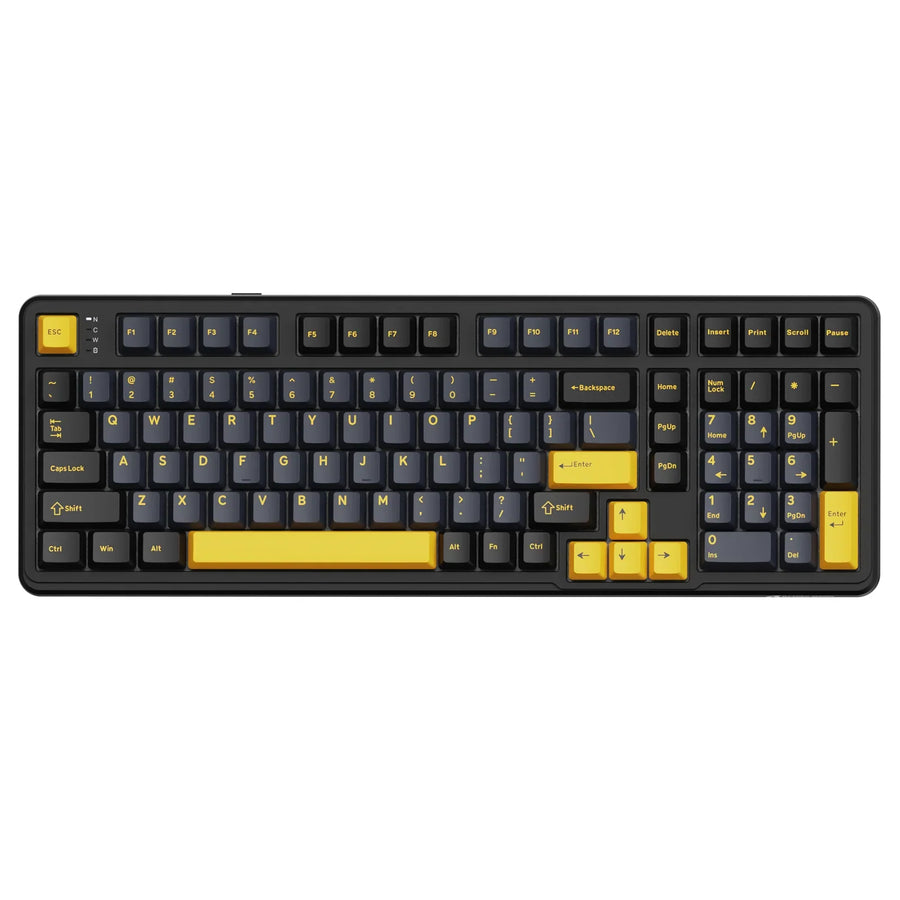
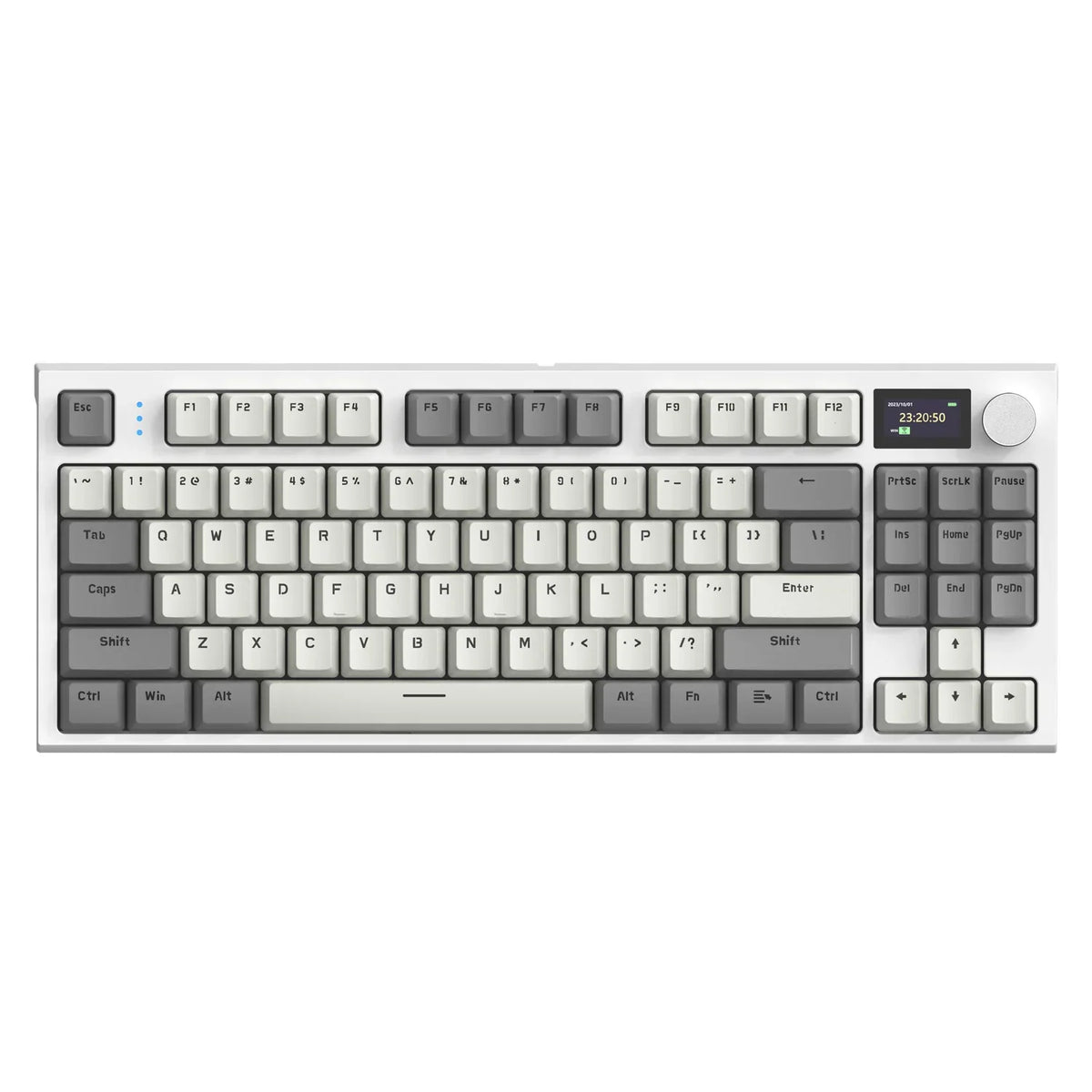
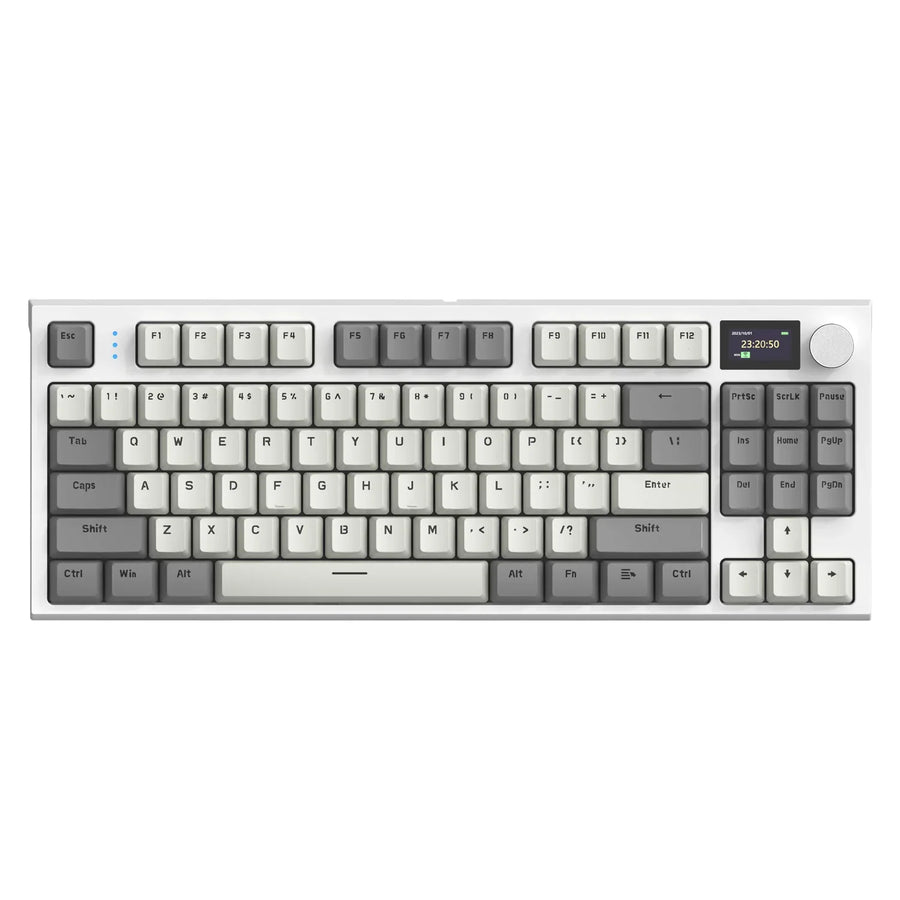
If you'd rather start from a documented component stack than assemble one part at a time, our ATTACK SHARK K86 Wireless Mechanical Keyboard lists a PC plate, a gasket mount, triple sound-absorbing foam (EVA PCB foam, bottom foam, and IXPE switch pad), linear switches, and double-shot PBT keycaps. Those are the components as listed, not a promise of a specific tone. Check the plate material, mount type, foam layers, and keycap material against what you're trying to achieve, and use its hot-swap sockets to test different switches in that same case.

Use one-variable testing to tune the assembled board
Testing one variable at a time is the fastest way to find out what's actually shaping your keyboard's sound. Follow this order whether you're assembling a new board or tuning one you already own.
- Establish a baseline. Type on the current board and note the feel, pitch, hollowness, rattle, and desk conditions.
- Confirm compatibility. Check your board's documentation for supported plates, mounting points, and switch types before you order or remove anything.
- Change one variable. Swap only the switch, only the plate, or only the foam and damping, not several at once.
- Compare under fixed conditions. Use the same keycaps, desk surface, and listening position each time so you're hearing the part you actually changed.
- Keep or reverse the change. If the result moves toward your target without hurting feel, fit, or stability, keep it; if not, reverse it and try the next variable.
Stabilizer rattle can mask real progress on switch and case sound, so resolve it before judging anything else. If your spacebar or larger keys buzz or rattle, our guide on fixing stabilizer rattle walks through the fix separately so it doesn't get confused with the sound changes you're testing here.
FAQs
How can I evaluate online keyboard sound tests fairly?
A fair comparison holds everything except one variable constant: identical keycaps, the same board and case, the same desk surface, and matching microphone position. Sound recordings differ sharply when keycaps or room acoustics change, so treat online clips as directional cues rather than a guarantee of how a switch will sound in your room.
Does a polycarbonate plate always produce a deeper sound than aluminum?
No single plate material guarantees an exact acoustic pitch. While community testing shows polycarbonate and POM often deliver a fuller, lower-pitched tone in compatible boards, the final sound still depends on your switch choice, case cavity, internal foam, and keycaps.
Should I change switches before checking stabilizer rattle?
Address stabilizer rattle first before replacing switches to fix keyboard acoustics. Loose stabilizer wires generate high-pitched clicking and buzzing that drowns out switch sound profile changes, making it difficult to judge whether a new switch actually deepened the typing tone.