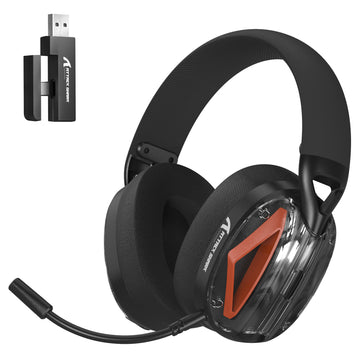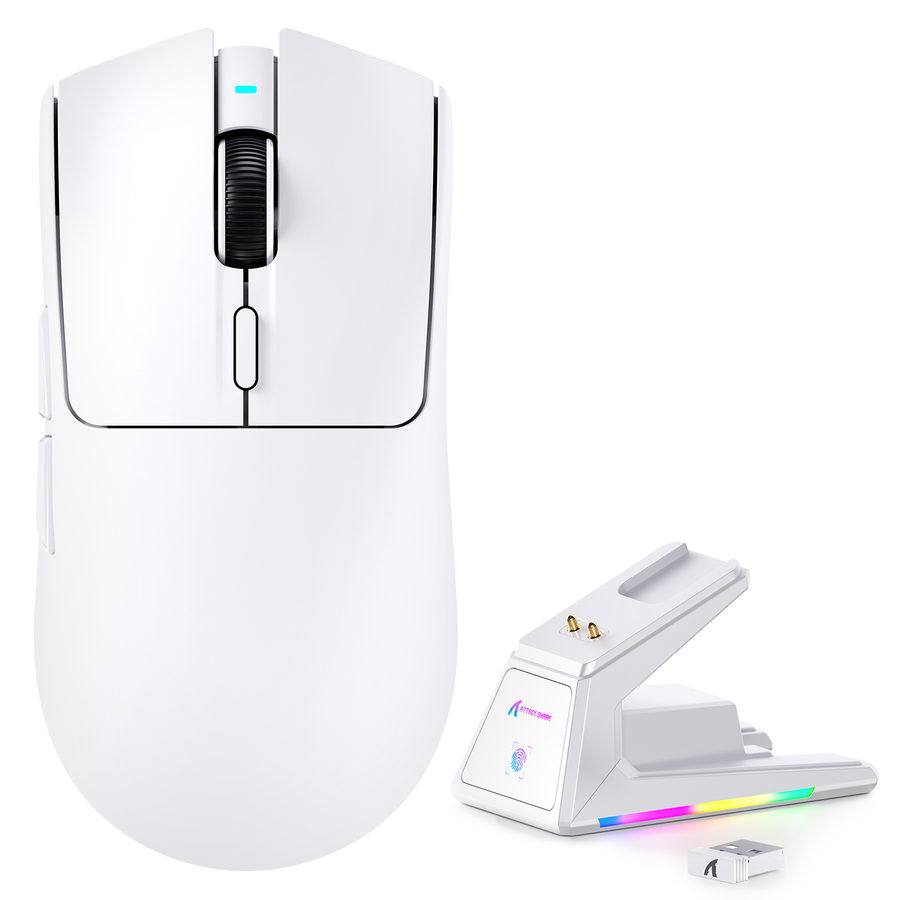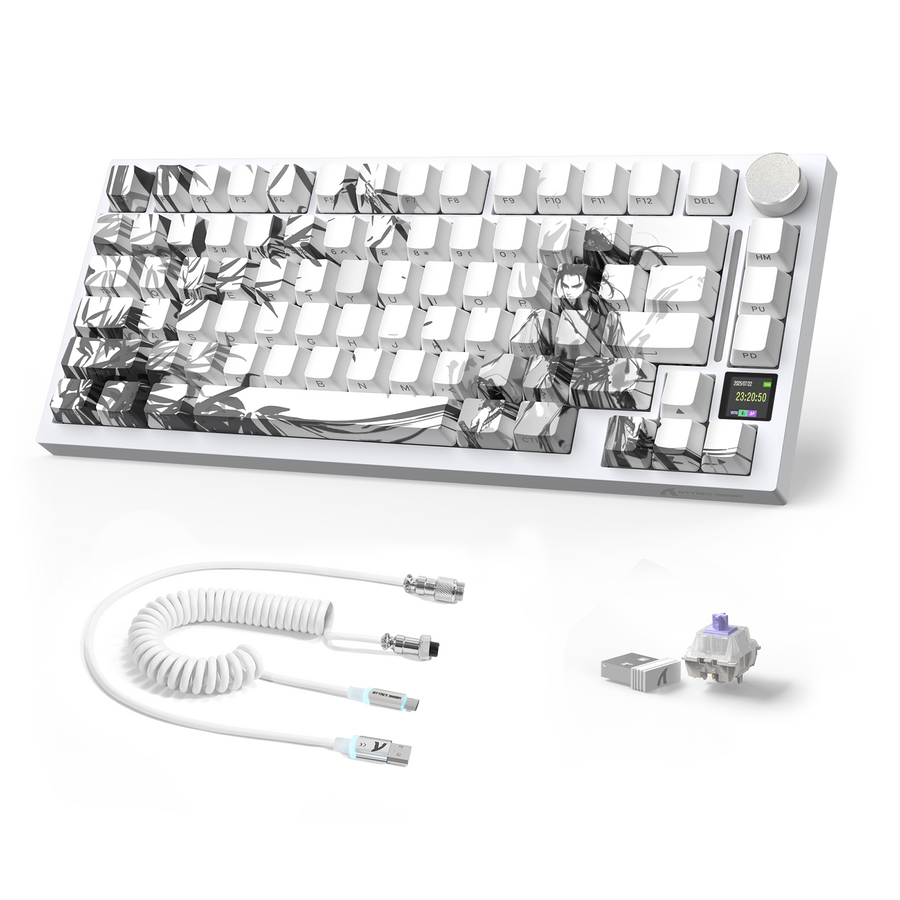
Budget gaming peripherals deserve a different question than "is it reliable?" A low price tells you almost nothing about what happens after checkout. Start with the ownership terms and evidence below, then decide whether to buy, ask support, or pause. If a material answer is unclear, do not treat the gap as proof of coverage.

This budget gaming peripherals checklist works the same way whether you're looking at a mouse, keyboard, headset, or another peripheral. It won't tell you if a specific product is good. It will tell you whether you have enough evidence to trust the purchase.
Risks of Budget Gaming Peripherals Before Checkout
The risk with a budget peripheral usually isn't that it breaks. It's that getting help afterward costs more time, money, or hassle than the discount was worth.
The Ownership Risk Behind a Low Upfront Price
A cheap price tag covers the device, not what comes next. If a mouse's sensor drifts, a keyboard's switches double-click, or a headset's mic cuts out, the sticker price says nothing about how easy it will be to get a repair, a replacement, or even a straight answer. This applies across peripheral types: the specific failure mode changes, but the ownership question stays the same. Before you compare specs or star ratings, check whether the seller has made the after-purchase path visible.
Use a Buy, Ask, or Pause Screen
Run every budget peripheral through five checks before checkout: are the warranty terms accessible, is the return route workable, is support reachable, is software or firmware recovery documented, and are the material review questions answered? If all five are clear, buy. If one answer is missing but could be resolved with a quick message, ask support before you order. If a material term stays unclear or unworkable for your situation, pause and look at another option. This isn't a brand ranking; it's a way to convert an unfamiliar name into a documented decision.
The Warranty Due-Diligence Checklist
A warranty only helps if you can read its terms before you buy and understand the remedy it promises. Treat it as a document to verify, not a marketing line to trust.
Read the Coverage Before the Price
Before comparing prices, find the actual warranty document. Check what defects or failures it covers, how long coverage lasts, what it excludes, which models or regions it applies to, and whether you'll need a receipt or order number to file a claim. The FTC's guidance on warranties confirms that written warranty terms should be available for you to read before purchase, whether you're shopping in person or online, and that the document should spell out what the seller will actually do if the product fails.
The Warranty Terms to Save
Save these details from the product page or a linked policy before you check out:
- Link to the written warranty terms, coverage, and claim costs, or a saved copy of the document
- What defects or failures are covered
- Coverage duration
- Exclusions, including accidental damage or normal wear
- The promised remedy: repair, replacement, refund, or store credit
- Claim contact and the steps to file a claim
- Proof-of-purchase requirements, such as a receipt or order number
- Whether you pay for labor or shipping to send the product back for repair
- Any model, seller, or regional limits on coverage
If the remedy or claim contact is missing from what you can find, ask the seller directly before ordering. Don't assume repair, replacement, or refund coverage exists just because the price seems fair.
Evaluating Return Policies and Shipping Costs
A return policy determines how expensive it is to change your mind, and that cost can erase a low sticker price fast.
Price the Exit Route
Before adding a budget peripheral to your cart, find the return deadline, who pays for return shipping, whether a restocking fee applies, what makes the item eligible, what condition it must be in, and whether promotional or clearance items have separate restrictions. The FTC's online shopping guidance recommends checking how many days you have to return an item, who pays return shipping costs, and whether restocking fees apply. If return shipping falls on you and a restocking fee is stated, a low-priced mouse that needs to go back could lose much of its purchase value once shipping and fees are subtracted from the refund. Run that math before you order, not after a defect shows up.
Keep a Checkout Record
Save the return policy, the product listing, your receipt, tracking information, and any messages with the seller as soon as you order. These records matter if you need to file a claim or dispute a charge later. Check your payment method's own buyer protection or dispute process as an added layer, not a replacement for the seller's stated terms. Our return policy is one example of what these terms should look like in writing.
Firmware and Software Support: The Hidden Factor
A peripheral that works on day one can still create ownership risk if its software, driver, or firmware update path isn't documented.
Separate Initial Function From Ongoing Support
A peripheral may rely on a companion app, driver, or firmware update for functions such as custom button mapping, DPI presets, or RGB lighting. Check whether that software requires an account, what operating systems it supports, and whether there's a documented way to reinstall or roll back firmware if an update goes wrong. An FTC staff report found that nearly 89% of 184 surveyed smart products didn't clearly disclose on their websites how long software updates would be provided. That finding concerns general smart-product disclosure, not a gaming-peripheral defect rate, but it's a useful reason to check for a support period or end date before you rely on ongoing updates. If you can't find that information, our official support contact is one place to ask directly.
Good vs. Concerning Support Indicators
| Check | Good signal | Concerning signal |
|---|---|---|
| Support contact and escalation | Named contact method with a stated response process, so you know where to ask | No contact listed, or only a generic form with no escalation path, which leaves escalation unclear |
| Software or driver access | App or driver downloadable from an official site, so you can obtain needed files | Software only available through a third-party forum or unofficial mirror, which makes file access less certain |
| Update information | Published update history or a stated support period, so ongoing software dependence is easier to judge | No update history and no stated end date, which leaves the support period unclear |
| Recovery or rollback path | Documented steps to reinstall firmware or reset the device, so a failed update has a next step | No recovery instructions if an update fails, which leaves recovery uncertain |
| Compatibility disclosure | Clear list of supported operating systems and hardware, so you can screen your setup | Vague or missing compatibility information, which leaves compatibility unresolved |
If your configuration depends on software and none of these recovery signals are documented, that's a reason to ask support before buying or to postpone the purchase, not to assume it will work out.
Identifying Red Flags in Reviews
One dramatic review doesn't prove a peripheral is unreliable, and a high star average doesn't prove it's safe. Look for patterns instead.
Look for Patterns, Not Piles of Stars
Read reviews from more than one source, not just the retailer's own page. The FTC's online shopping guidance specifically recommends reading reviews from a variety of review and retailer sites and not relying on star ratings alone, since some reviews and ratings can be fake or misleading. Look at dates: a cluster of similar complaints spread across months, from different reviewers, carries more weight than several reviews posted the same week. Review count and star average describe popularity, not a defect rate.
Separate Setup Friction From Hardware Failure
Sort complaints into categories before you weigh them. A "won't connect" review might describe a one-time driver conflict, a firmware bug fixed in a later batch, or a genuine hardware fault, and those are very different risks. Check whether the seller responded with a specific fix, like a firmware update or replacement offer, or only a generic apology. Recurring, independently reported issues across different buyers and time periods are worth investigating further. A single anecdote, even a detailed one, tells you what to look into, not what to conclude about every unit.
Conclusion: Use a Clear Buy-or-Pause Rule
Use the evidence you gathered to choose one of three actions. Ask support when one answer is missing but could change the decision. Postpone when a material term stays unclear or unworkable, or when review evidence leaves a decision-changing ownership question unresolved. Buy after the targeted questions have workable answers for your situation.
The Buy-or-Pause Rule
Use one focused question to resolve any missing detail that could change your decision. If the answer does not make the ownership path workable, postpone checkout and consider another option.
Three Actions Before Checkout
- Save the current warranty terms, return policy, and any support or compatibility documentation you found.
- Ask one targeted question to the seller's support contact about the single unresolved detail that would change your decision.
- Buy only if the answer resolves that risk; otherwise, postpone and consider another option.
As one concrete example of what these terms can look like in writing, our Worry-Free Purchase page lists a 15-day no-reason return and exchange policy and says Seel protection coverage varies by order. Use it as a benchmark for comparison, not proof that every seller offers the same terms. Whatever peripheral you're considering, compare its published warranty and support documentation against that information before you check out.
Before placing an order, review our specific warranty and support documentation as a benchmark, then make the buy, ask, or pause choice based on the terms you can verify.
FAQs
What should I look for in a warranty document?
Look for what's covered, how long coverage lasts, what's excluded, the promised remedy (repair, replacement, or refund), the claim contact and steps, proof-of-purchase requirements, and who pays for labor or return shipping. These terms vary by seller and product, so check the specific document rather than assuming standard coverage.
Are budget peripherals always unreliable?
No. A low price doesn't prove a product is unreliable, and it doesn't prove it's fine either. What matters is whether the warranty, returns, support, and software recovery path are documented and workable, plus whether reviews show a repeated pattern rather than an isolated complaint.
How do I verify a brand's support reputation?
Check whether the official contact route gets a specific, useful response rather than a generic reply. Look for accessible software or firmware documentation with update information. Then read dated reviews from multiple independent sources and see whether the seller responds to recurring issues with a real fix, not just reassurance.
References and Resources
- FTC Warranties guidance on written warranty availability, coverage, and claim costs.
- FTC online shopping guidance on return deadlines, shipping responsibility, restocking fees, and reading reviews from multiple sources.
- FTC software support survey on software-update disclosure among surveyed smart products.