Choosing the right input device dictates your daily comfort and digital performance. The debate between low-profile and standard designs comes down to structural height, switch mechanisms, and personal physical preference. Whether you are a professional programmer typing thousands of lines of code or a competitive gamer needing rapid inputs, understanding these physical differences is vital.

This guide compares both formats to help you determine which hardware best suits your daily typing and high-speed gaming needs.
Design Differences: Standard Vs. Low-Profile Mechanical Keyboards
The primary physical distinction between these two categories lies in their overall height and chassis construction. When users first transition from membrane office setups to mechanical keyboards, the immediate difference they notice is the physical bulk of the hardware.
Chassis Thickness And Keycap Height
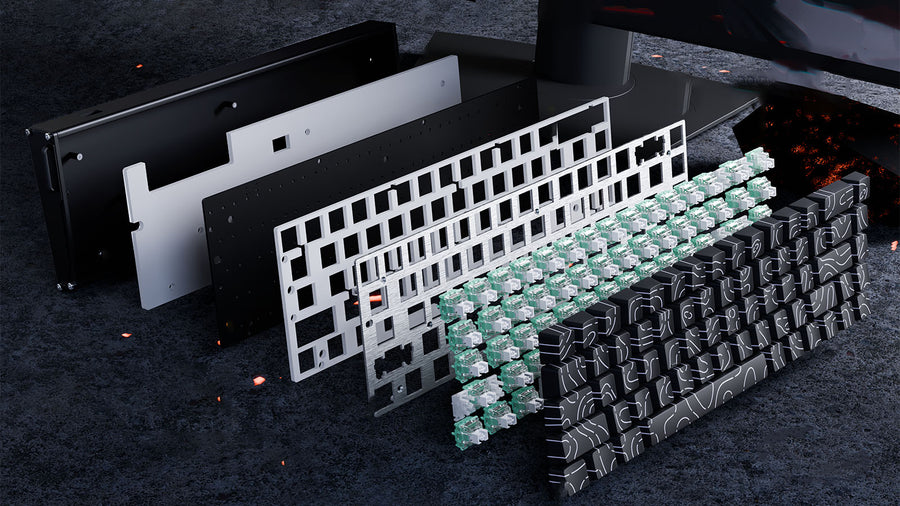
Standard models feature a thick, high-profile case designed to house full-sized mechanical switches. The keycaps on these boards (often OEM or Cherry profile) are tall and heavily sculpted. The total height from the desk surface to the top of the keycaps often exceeds 35 to 40 millimeters. This traditional design creates a deep, hollow acoustic chamber that many enthusiasts prefer for a deeper typing sound.
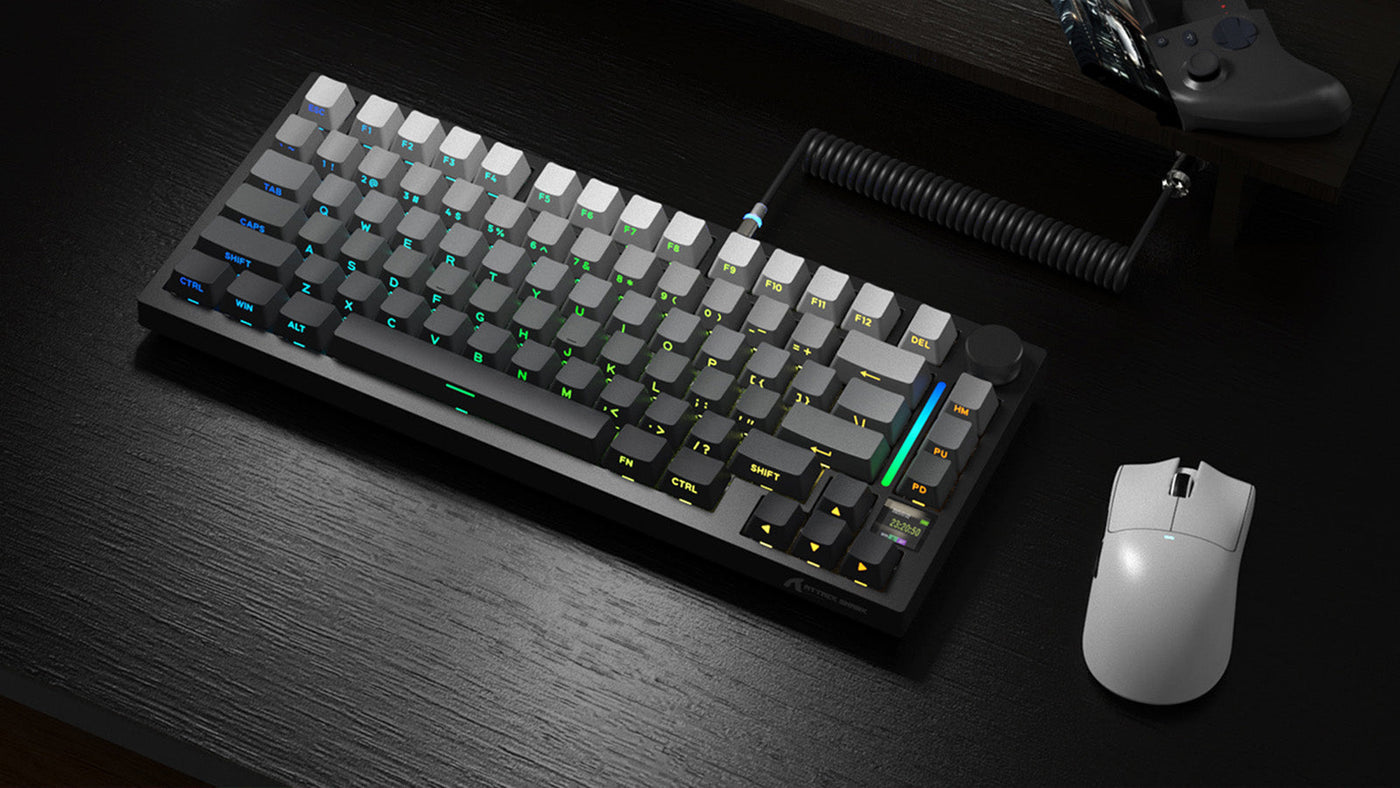
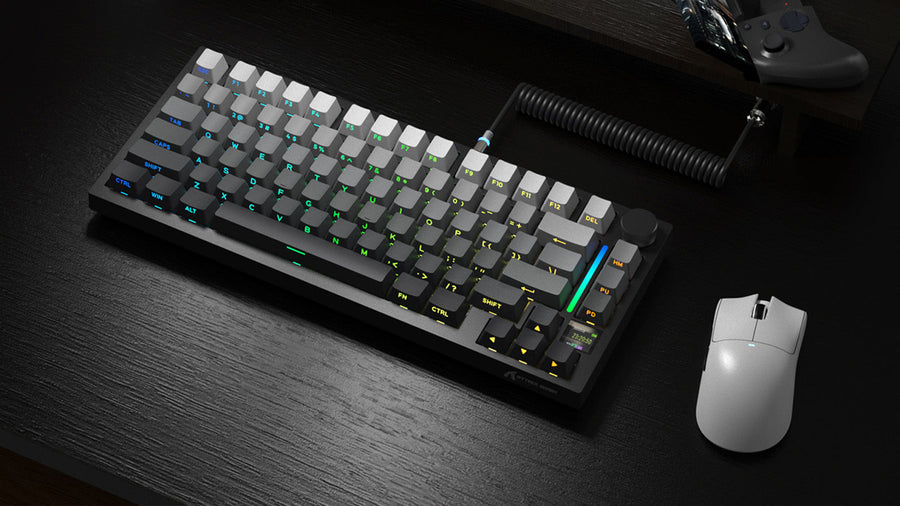
Low-profile models take the opposite approach. Manufacturers engineer the chassis to be as thin as possible, often utilizing a flat aluminum or plastic base. The keycaps are completely flat or only slightly curved, closely resembling the keys found on premium laptops. The total height of a low-profile board rarely exceeds 20 to 25 millimeters.
Portability And Desk Space
Because standard mechanical keyboards are thick and heavy, they are generally intended to remain stationary on a desk. Their weight provides stability during heavy typing but makes them cumbersome to travel with. Low-profile models are significantly lighter and thinner. If you frequently commute with your setup or need to slip your device into a laptop backpack, the slim form factor of a low-profile board is highly advantageous.
Understanding Keyboard Switch Travel Distance And Actuation
The core functionality of any mechanical board is dictated by its internal switches. When comparing standard vs low profile switches, you must look directly at the mathematical measurements of how the stem moves inside the housing.
Defining Total Travel And Actuation Points
Total travel distance is the measurement of how far a key can be pressed down before it physically bottoms out against the keyboard deck. Actuation distance is the exact point during that downward press where the metal leaves inside the switch touch, sending the digital signal to your computer.
In standard switches, the typical total keyboard switch travel distance is 4.0 millimeters, with the actuation point situated at 2.0 millimeters. This means you press the key halfway down to register an input.
Differences In Low-Profile Mechanisms
When evaluating standard vs low profile switches, the low-profile variants are engineered to shrink these measurements drastically. A typical low-profile switch has a total travel distance of only 2.5 to 3.0 millimeters, with an actuation point as short as 1.0 to 1.5 millimeters.
This drastic reduction completely alters the typing experience. With a shorter travel distance, your fingers do not need to press as hard or as deep to register a keystroke. The keys bottom out much faster, which leads to a snappier, more immediate typing feel, though it provides less cushioning for heavy typists who strike the keys with force.

Ergonomics And Wrist Health: Choosing Ergonomic Typing Keyboards
Physical health should be a primary concern for anyone spending hours at a computer. The height of your input device directly impacts the angle of your wrists, which can lead to long-term repetitive strain injuries. CDC/NIOSH also identifies workplace ergonomics as a way to reduce musculoskeletal risk factors through better workstation design and posture, including workplace ergonomics.
Wrist Extension And Joint Strain
When you type on a standard high-profile board without any wrist support, you are forced to bend your hands upward at a sharp angle to reach the top of the tall keycaps. This upward bending is called wrist extension. Prolonged wrist extension puts pressure on the median nerve in your forearm, which is the primary cause of carpal tunnel syndrome and daily wrist fatigue.
The Need For Wrist Rests
To combat this sharp angle, standard height boards almost always require an external foam or wooden wrist rest. The rest elevates your palms to match the height of the keys, creating a neutral, flat angle for your wrists. However, this requires purchasing an extra accessory and takes up additional horizontal space on your desk.
Neutral Angles In Low-Profile Designs
Because low-profile chassis sit flat against the desk surface, they naturally promote a neutral wrist angle without requiring any extra accessories. Users specifically looking for ergonomic typing keyboards often switch to low-profile models for this exact reason. The flat height allows your forearms and hands to rest parallel to the desk. By inherently reducing wrist extension, low-profile models function excellently as ergonomic typing keyboards for professionals who type continuously throughout the workday.
Low Profile Keyboard Gaming Performance: Does Height Give You An Edge?
Gamers have very different hardware requirements than standard office workers. In competitive scenarios, milliseconds matter, which is why low profile keyboard gaming performance has become a major topic of discussion in the esports community.
Speed And Reaction Times
Because low-profile switches have an actuation point of roughly 1.0 to 1.2 millimeters, the physical time it takes for your finger to trigger an in-game action is slightly reduced. For games that require rapid, repeated keystrokes—such as rhythm games or rapid movement strafing in first-person shooters—this shorter keyboard switch travel distance allows you to double-tap keys much faster than a standard switch. Evaluating low profile keyboard gaming performance shows that players physically execute rapid commands quicker because the key resets to its neutral position faster.
Accidental Keystrokes (Fat-Fingering)
However, this extreme speed comes with a distinct downside. Because the actuation distance is so short, resting your fingers heavily on the WASD keys can accidentally trigger an unwanted movement. Standard switches require a deliberate 2.0-millimeter press to actuate, providing a larger margin of error. Gamers with heavy hands often find that standard height boards prevent accidental misclicks during tense gaming moments.
Tactile Feedback Under Pressure
During high-stakes gaming, knowing exactly when a key has been pressed without looking at the board is crucial. Standard switches offer a more pronounced tactile bump and distinct bottom-out sensation due to the longer stem travel. While low profile keyboard gaming performance excels in raw digital speed, standard boards often provide the superior physical feedback that many professional players rely on for complex ability combinations.
Conclusion: Choose Speed, Comfort, or Control First
Your optimal choice depends entirely on your daily tasks and physical comfort requirements. If you desire maximum customization, heavy tactile feedback, and precise keystroke control, standard mechanical designs remain superior. However, if you suffer from daily wrist fatigue or require faster digital actuation for competitive gaming, low-profile designs provide a distinct advantage. Evaluate your desk space, typing habits, and gaming style to select the hardware that maximizes your productivity and protects your joint health.
FAQs
Are low-profile keyboards better for typing?
If you are accustomed to typing on laptop keyboards, transitioning to a low-profile mechanical board will feel very natural and fast. For users seeking ergonomic typing keyboards, low-profile designs are generally better out of the box because they do not force the wrists into a sharp upward extension. However, heavy typists often prefer standard heights for the deeper physical cushioning.
Can I put standard keycaps on low-profile switches?
Generally, no. The stems on low-profile switches and the spacing between the keys are uniquely designed. When comparing standard vs low profile switches, you will find that standard Cherry MX keycaps will hit the metal plate of a low-profile board before the switch can actually register the keystroke. You must buy specific low-profile keycaps for low-profile boards.
Do esports pros use low-profile keyboards?
Yes, but it varies by genre. Rhythm game players and some fast-paced shooter players utilize them for the faster actuation times. The improved low profile keyboard gaming performance benefits quick strafing. However, a large majority of professional gamers still use standard mechanical keyboards because the longer travel distance prevents accidental ability triggers during high-pressure tournament situations.