For many competitive players, gaming headset vs IEMs is less about hype and more about what helps them stay focused for a full session. IEMs can be a better fit when you care most about isolation, portability, and reducing earcup pressure, but headsets still make more sense if you want the simplest all-in-one setup.

Why Pro Gamers Are Reconsidering Headsets
The shift is practical. In long ranked sessions, scrims, or tournament days, some players prefer gaming headset vs IEMs comparisons because they remove the weight, clamp force, and heat buildup that come with over-ear cups. That does not mean every player will feel the same benefit, but it does explain why gaming headset vs IEMs has become a real competitive discussion.
A useful way to think about it is this: if you play for hours, travel often, or need to hear game audio clearly in a noisy room, IEMs may be worth testing. If you mainly want one device that handles audio and voice chat with almost no setup, a headset still has the edge.
Competitive Benefits That Matter Most
Spatial Imaging and Directional Cues
The biggest reason players talk about IEMs is imaging, which simply means how well you can place footsteps, shots, and ability cues in space. In practice, that matters when you need to tell whether sound is above, below, left, or right without guessing. Coverage from HLTV on pro audio preferences reflects that some competitive players feel IEMs make directional cues easier to read.
That said, this is not a universal win. If your headset already images well enough for your game and rank, the difference may feel smaller than the comfort trade-off.
Isolation in Loud Environments
Isolation is another reason IEMs keep showing up in gaming headset vs IEMs discussions. Better sealing can help game audio stand out over keyboard noise, fans, or a busy room. Many players report stronger isolation and less distraction with IEMs during long sessions, which is one reason they are often recommended for competitive use. OSHA's guidance on passive noise isolation confirms that properly sealed in-ear devices provide meaningful attenuation of ambient sound compared to over-ear cups in many environments. Keeping listening volumes at safe listening levels is equally important when using any in-ear device for extended sessions.
This matters most if your setup is not quiet. In a silent room, isolation is less decisive. In a noisy room, it can be the difference between hearing a cue clearly and mentally filtering it out.
Long-Session Comfort and Lower Fatigue
Comfort is not a side issue, because discomfort changes how long you can stay locked in. Many players who move from headsets to in-ear monitors do so because they want less headband pressure and less heat around the ears during long sessions. This pressure reduction is a common reason players try IEMs for gaming.
The boundary is important here: IEM comfort depends heavily on fit. A poor seal or the wrong ear tips can make the setup worse, not better. So the comfort advantage exists, but it is conditional.
Portability for LAN and Travel
IEMs are easier to pack, carry, and replace in a bag than a full-size headset. That is one reason they appeal to players who move between home, bootcamps, and LAN events. They take less space, fit into smaller cases, and are less awkward to bring along when you already have a keyboard, mouse, and accessories to manage at events and travel setups.
If you are a desk-only player, portability may not change your decision. If you travel to events or practice outside your main setup, it becomes a real advantage.
IEM Fit by Scenario
- Ranked play: Strong fit when focus on directional cues matters most
- LAN / travel play: Strong fit due to easy packing and lower fatigue
- Long sessions: Strong fit when clamp force and heat become noticeable
- Convenience-first use: Weaker fit if minimal setup steps are the priority

Gaming Headset vs IEMs: Key Trade-Offs
|
Factor |
IEMs |
Headsets |
Best Fit For |
|
Comfort |
Removes headband pressure, but fit depends on ear tips |
More familiar for many players, but can add clamp and heat |
Long sessions when fit is good |
|
Isolation |
Usually stronger, especially in noisy rooms |
Often weaker unless the headset seals very well |
Players in shared or noisy spaces |
|
Mic convenience |
Often needs a separate mic |
Usually includes a built-in boom mic |
Players who want one device |
|
Portability |
Smaller and easier to pack |
Bulkier and less travel-friendly |
LAN, bootcamps, and travel |
|
Setup effort |
More steps, including tips and cable routing |
Simpler plug-and-play setup |
Convenience-first users |
|
Competitive focus |
Can feel more precise for some players |
Familiar and easy to live with |
Players who value simplicity |
The main trade-off is not sound quality alone. It is whether you want a more tuned competitive setup or a lower-friction all-in-one device. In gaming headset vs IEMs, that choice often matters more than brand loyalty.
If your current headset is already comfortable and clear enough, switching may not be urgent. If you keep noticing heat, pressure, or distraction during long sessions, IEMs are worth a closer look.
How to Build a Pro Gamer IEM Setup
- Start With Fit First. Choose ear tips that seal well without discomfort, because fit affects both comfort and how consistent the sound feels from session to session.
- Match The Audio Source To Your Setup. Make sure your PC, controller, or console output is clean and compatible. If your source is noisy or awkward to plug into, the upgrade may feel smaller than expected.
- Plan The Mic Separately. A lot of IEM setups use a desk microphone or clip-on mic instead of a headset boom. That is not a flaw, but it does mean your voice chat setup needs its own decision. See discussion on separate mic needs.
- Route The Cable Out Of The Way. Aim-heavy players often regret sloppy cable routing. Keep the cable clear of your mouse path so it does not become a distraction mid-match.
- Test In The Games You Actually Play. Check footsteps, voice chat, and volume balance in practice before you bring the setup into ranked or a tournament. The right setup on paper still needs to feel right in real use.
When a Headset Still Makes More Sense
A headset is still the better choice if you want the simplest all-in-one solution. It is also usually the safer starting point if you dislike in-ear fit, do not want to manage ear tips, or need one device for gaming, calls, and casual listening.
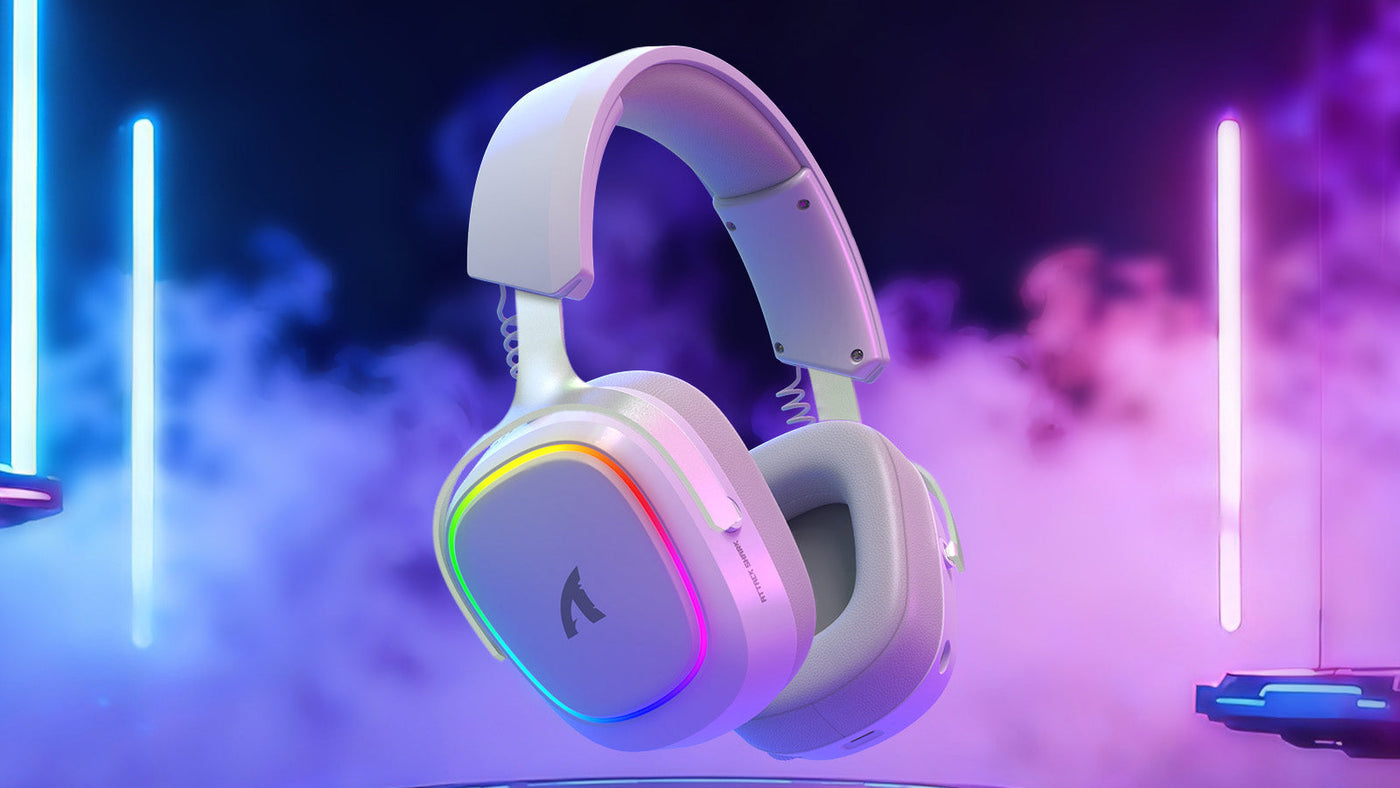
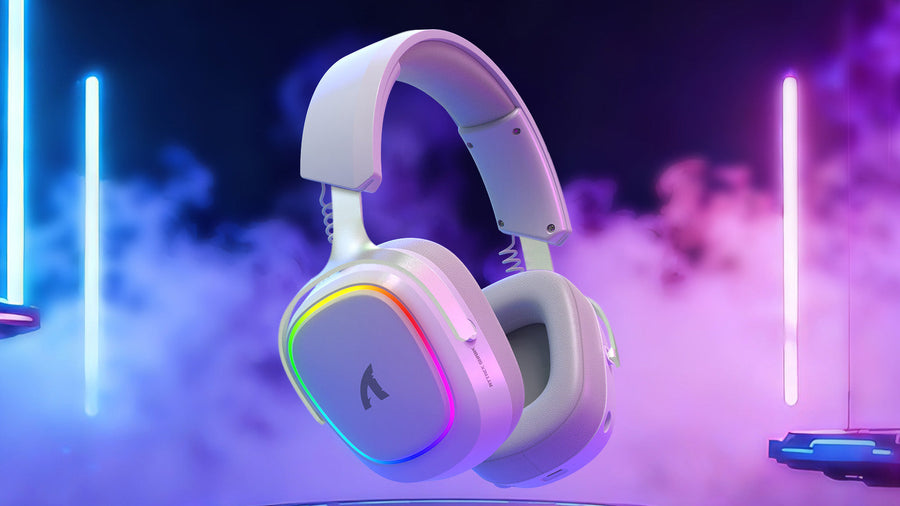
That is why gaming headset vs IEMs is not a one-way upgrade. Headsets remain easier when convenience matters more than fine-tuning. If you want to browse options instead of changing the whole setup, explore ATTACK SHARK G500 Ultra-Light Dual-Mode Gaming Headset, ATTACK SHARK L60 Ultra-Light Tri-Mode Gaming Headset, or ATTACK SHARK L80 Ultra-Light Tri-Mode Gaming Headset. Shop All Headset is a straightforward place to compare familiar choices.
For readers who want a quick rule: choose IEMs if you care most about isolation, travel readiness, and reduced pressure; choose a headset if you want fewer accessories and less setup work.
Final Checks Before You Switch
Before you switch, check three things: fit, microphone plan, and cable layout. Then ask whether your normal playing environment rewards isolation and focus or rewards the convenience of one integrated headset. Understanding wired vs wireless audio latency is also worth a quick review before committing to any IEM chain. IEMs can be a strong optimization, but they are not a guaranteed performance boost. The best test is still your own games, your own room, and your own comfort threshold.
Run a quick checklist: test ear-tip comfort for 30 minutes, confirm your mic solution works in voice chat, and verify cable routing does not interfere with mouse movement. If any step feels awkward, a headset may remain the simpler daily driver.
FAQs
Q1. Why Do Pro Gamers Use IEMs Instead of Headsets?
Many pros use IEMs because they can reduce ear pressure, travel more easily, and isolate game audio better in noisy environments. For some players, that makes it easier to focus during long scrims or LAN play. The choice is still personal, not universal.
Q2. Are IEMs Better Than Headsets for FPS Games?
They can be better for some FPS players, especially if isolation and directional cues matter a lot. But a headset may still be the right pick if you already have a comfortable model, need a built-in mic, or prefer a simpler setup.
Q3. Do IEMs Need a Separate Microphone for Gaming?
Usually, yes. Most IEMs do not include a boom mic, so many players use a desk microphone, clip-on mic, or another external option. If voice chat is central to your routine, that extra piece of the setup matters.
Q4. Can Beginners Switch to IEMs Without a Complicated Setup?
Yes, but expect a little setup time. Beginners usually need to choose ear tips, check fit, and route the cable so it does not get in the way. Once that is done, the daily experience can be fairly simple.
Q5. What Is the Biggest Downside of Using IEMs for Gaming?
The biggest downside is the trade-off in convenience. You may need a separate mic, you may spend time finding the right ear tips, and you may need to adjust to the in-ear feel. If you want the least hassle, a headset still wins.
What to Choose First
If you are deciding between gaming headset vs IEMs, start with your real friction point. Choose IEMs if long-session comfort, isolation, and portability keep showing up as problems. Keep the headset if you want the easiest voice-and-audio package with the fewest moving parts. The right answer is the one that matches your room, your routine, and how much setup you are willing to manage.