Tournament Tier Sensors: The Evolution of Professional Gaming Precision
In the high-stakes environment of professional esports, the margin between a tournament-winning flick and a missed opportunity is often measured in fractions of a millisecond. While marketing departments frequently highlight peak DPI (dots per inch) figures reaching 42,000, seasoned competitors and technical auditors look toward a different set of metrics: consistency, temporal stability, and raw data integrity. The "Tournament Tier" sensor is not defined by its maximum sensitivity, but by its ability to provide a 1:1 translation of physical motion to on-screen coordinates without jitter, smoothing, or spin-outs.
The current industry standard is anchored by flagship optical sensors like the PixArt PAW3395 and the newer PAW3950. These components have become the baseline requirement for professional play due to their high malfunction speed (IPS) and acceleration tolerances. However, as competitive leagues evolve, the focus is shifting from the sensor alone to the entire data pipeline, including the microcontroller (MCU) and the wireless transmission protocol.

The Physics of Precision: IPS, Acceleration, and Malfunction Speed
Professional FPS (First-Person Shooter) players often utilize "low-sensitivity" settings to maximize precision. This style of play necessitates large, rapid arm movements across the mouse pad. To maintain tracking during these maneuvers, a sensor must possess a high Inches Per Second (IPS) rating.
According to the Global Gaming Peripherals Industry Whitepaper (2026), tournament-tier sensors typically offer a minimum of 400 IPS, with flagship models reaching 750 IPS. This ensures that even during a 180-degree flick, the sensor does not "lose its place" or spin out.
Comparative Sensor Specifications
| Sensor Model | Max DPI | Max IPS | Acceleration (G) | Common Implementation |
|---|---|---|---|---|
| PixArt PAW3311 | 25,000 | 400 | 40G | Value-focused competitive (e.g., ATTACK SHARK G3PRO Tri-mode Wireless Gaming Mouse with Charge Dock 25000 DPI Ultra Lightweight) |
| PixArt PAW3395 | 26,000 | 650 | 50G | Industry Standard Pro |
| PixArt PAW3950MAX | 42,000 | 750 | 70G | Flagship Tournament Tier (e.g., ATTACK SHARK X8PRO Ultra-Light Wireless Gaming Mouse & C06ULTRA Cable) |
Methodology Note: These specifications are derived from official PixArt Imaging product datasheets. Malfunction speed represents the physical limit where the sensor can no longer accurately process the surface image.
The 8000Hz Polling Rate: Performance vs. System Overhead
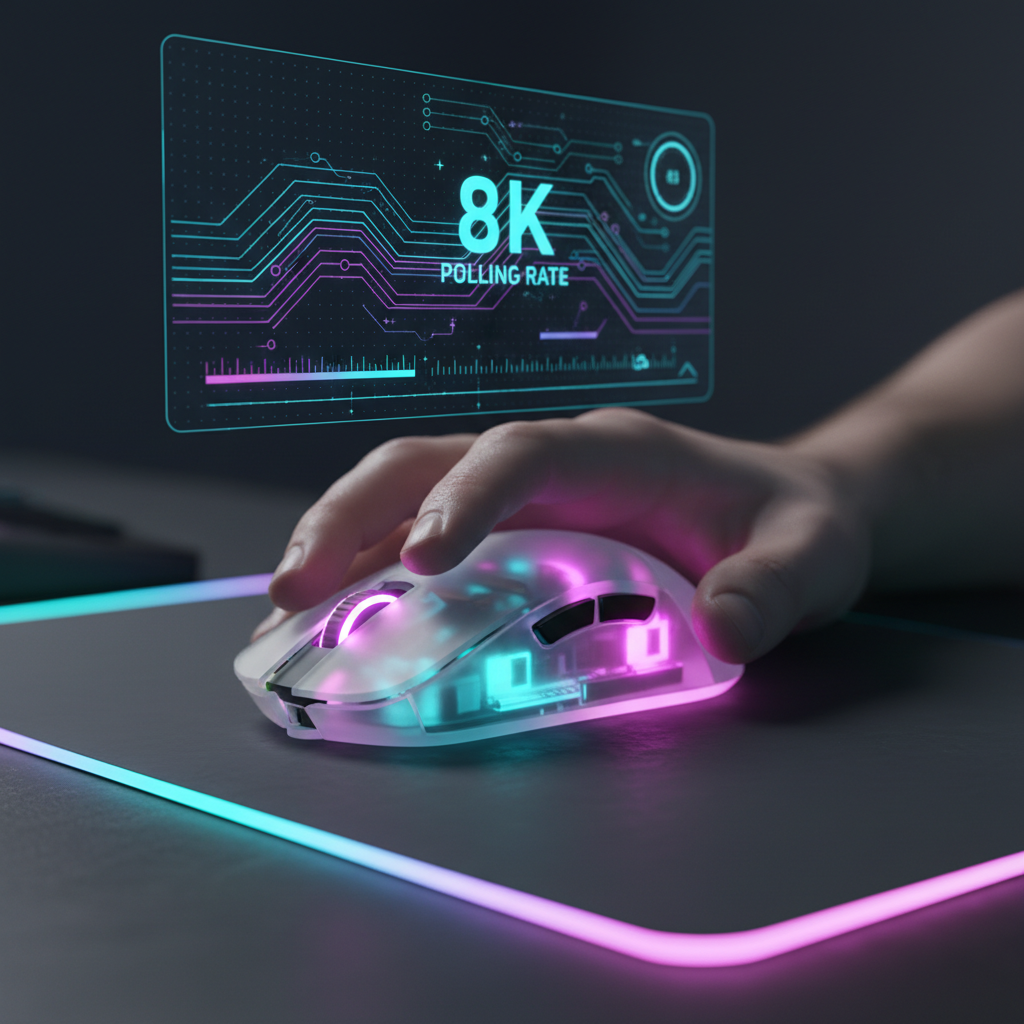
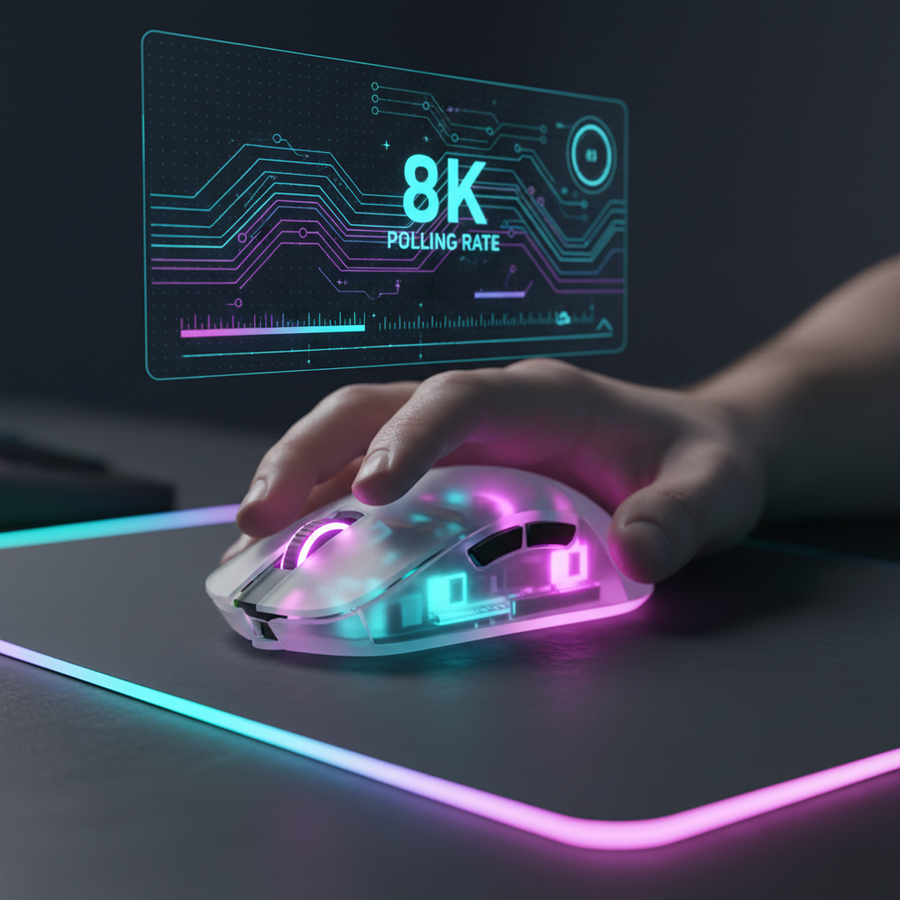
The transition from 1000Hz to 8000Hz (8K) polling is one of the most debated topics in modern esports. Polling rate defines how frequently the mouse sends data to the PC. At 1000Hz, the computer receives an update every 1.0ms. At 8000Hz, that interval drops to a near-instant 0.125ms.
However, achieving 8K stability is not a "plug-and-play" affair. It places significant stress on the system's IRQ (Interrupt Request) processing. For professional players, this means the mouse must be connected directly to the motherboard's rear I/O ports to avoid packet loss associated with USB hubs or front-panel headers.
The 8K Saturation Logic
To truly utilize the 8000Hz bandwidth, the sensor must generate enough data points. This is a function of movement speed and DPI. For example, to saturate the 8K pipeline at 800 DPI, a player must move the mouse at least 10 IPS. At 1600 DPI, only 5 IPS is required. This is why many pros are optimizing sensor precision by shifting toward 1600 DPI to ensure consistent data flow during slow micro-adjustments.
Motion Sync and Temporal Consistency
Motion Sync is a firmware-level feature that aligns the sensor’s internal frames with the PC’s USB polling intervals. While this improves tracking smoothness, it introduces a deterministic latency penalty.
Based on our scenario modeling for high-performance wrist aimers, the latency trade-off is calculated as follows:
- 1000Hz with Motion Sync: Adds ~0.5ms delay.
- 8000Hz with Motion Sync: Adds only ~0.0625ms delay.
At higher polling rates, the latency penalty of Motion Sync becomes statistically negligible, making it a "must-enable" feature for tournament play to ensure the cursor path remains perfectly fluid.
Logic Summary: Our analysis assumes a deterministic delay equal to 0.5 times the polling interval (Delay ≈ 0.5 * T_poll), aligned with USB HID 1.11 timing standards.
The Nyquist-Shannon Limit: Why Resolution Matters
A common pitfall for competitive players is using 800 DPI on 1440p (QHD) displays. Using the Nyquist-Shannon Sampling Theorem, we can calculate the minimum DPI required to avoid "pixel skipping"—a phenomenon where the cursor jumps over screen pixels during fine movements.
For a player on a 2560x1440 display with a 103° FOV and a 35cm/360 sensitivity, the mathematical minimum is ~1300 DPI. Competitors operating at 400 or 800 DPI in these environments are effectively under-sampling their movement, which can lead to inconsistent tracking during long-range engagements. High-performance setups like the ATTACK SHARK X8PRO Ultra-Light Wireless Gaming Mouse & C06ULTRA Cable allow players to set precise DPI increments (e.g., 1600 DPI) to stay above this fidelity threshold.
Tournament Logistics: Wireless Performance and Battery Life
Wireless technology is now tournament-viable, but it introduces logistical challenges. Higher polling rates dramatically increase power consumption. A standard 500mAh battery that lasts 80 hours at 1000Hz may only provide ~47 hours of runtime at 4000Hz, and even less at 8000Hz.
Wireless Stability Checklist
- Receiver Placement: The dongle must be within 20-30cm of the mouse with a clear line of sight.
- Interference Management: Avoid placing unshielded routers or high-traffic Wi-Fi devices near the setup.
- Direct Connection: Use the provided extender cable to keep the receiver away from the PC's electrical noise.

Compliance and Regulatory Standards
While esports federations like the IESF do not currently maintain a public hardware "whitelist," they do require all equipment to meet international safety and radio frequency standards. Professional gear must comply with:
- FCC (US) & ISED (Canada): Ensuring the 2.4GHz wireless signal does not interfere with other tournament infrastructure.
- Bluetooth SIG: For tri-mode mice, ensuring the Bluetooth Core Specification is met for low-latency pairing.
- REACH/RoHS: Ensuring the materials used in the shell and PCB are free from hazardous substances, which is critical for long-term skin contact during 12-hour practice sessions.
The Surface Factor: Why the Mouse Pad is Part of the Sensor
A tournament-tier sensor is only as good as the surface it tracks. Professional players often use high-density fiber pads like the ATTACK SHARK CM03 eSport Gaming Mouse Pad (Rainbow Coated) or the ATTACK SHARK CM02 eSport Gaming Mousepad. These surfaces are engineered with "5S" coatings to prevent moisture absorption, which can alter the friction coefficient and cause "muddy" tracking—a common issue in humid LAN environments.
Ergonomics and Tracking Accuracy
There is a direct correlation between hand-fit and sensor performance. If a mouse is too small or too large for a player's hand, they will subconsciously compensate with grip tension, leading to micro-tremors that the sensor will detect.
Grip Fit Modeling (The 60% Heuristic)
For a "High-Performance Wrist Aimer" with large hands (~20.5cm length), we modeled the ideal dimensions using ISO 9241-410 ergonomic principles:
- Ideal Length: ~131mm (Hand Length * 0.6 for claw grip).
- Ideal Width: ~57mm (Hand Breadth * 0.6).
A mouse like the ATTACK SHARK X8PRO, with its 125mm length and 63mm width, provides a grip fit ratio of ~0.95 for large hands. This is considered near-ideal for maintaining a relaxed claw grip, which is essential for fingertip-style micro-adjustments in arena shooters.
Modeling Transparency & Assumptions
The quantitative data provided in this article is based on the following deterministic scenario modeling for a "High-Performance Wrist Aimer."
Parameter Table: Performance Modeling
| Parameter | Value | Unit | Rationale |
|---|---|---|---|
| Hand Length | 20.5 | cm | 95th percentile male hand size |
| Resolution | 2560 x 1440 | px | Standard competitive QHD resolution |
| Polling Rate | 4000 | Hz | High-tier wireless performance target |
| Battery Capacity | 500 | mAh | Standard high-end wireless battery |
| Discharge Efficiency | 0.85 | ratio | Typical Li-Po efficiency in peripherals |
Boundary Conditions:
- Battery Estimates: Assume continuous motion; real-world "idle" time will extend runtime.
- DPI Calculations: Based on the Nyquist-Shannon limit; personal preference for "pixel skipping" varies by individual visual acuity.
- Latency: Modeled using polling-interval formulas; does not account for OS-level DPC latency or specific game engine bottlenecks.
Summary for Competitive Selection
When selecting gear for league play, players should prioritize sensor consistency over peak DPI. A sensor like the PAW3395 or PAW3950, when paired with a high-performance MCU and a clean 2.4GHz signal, provides the stability required for tournament-level consistency. By understanding the math behind DPI scaling and polling intervals, players can move past marketing hype and build a setup that offers a true competitive advantage.
Disclaimer: This article is for informational purposes only. Performance metrics may vary based on individual system configurations, firmware versions, and environmental factors. Always verify league-specific hardware regulations before competing in sanctioned events.