The Ergonomic Architecture of High-Frequency MMO Inputs
In high-frequency MMO scenarios, such as endgame raiding or competitive PvP, players often find that the difference between a 45g and 50g switch weight is more psychological than physical for short bursts. However, this distinction becomes critically tangible over 3+ hour sessions. For practitioners engaging in "buffing" or "healing" rotations, where Actions Per Minute (APM) can consistently hover between 80 and 120, the keyboard is no longer just an input device—it is a repetitive motion interface that directly impacts physiological endurance.
The primary challenge for performance-focused gamers is balancing input speed with error prevention. A common mistake is choosing ultra-light switches (sub-40g) under the assumption that they maximize speed and minimize fatigue. In practice, this often leads to increased accidental key presses during tense, low-movement phases of a raid, resulting in wasted cooldowns or mistimed buffs. Conversely, heavy switches (60g+) significantly increase the risk of tendon strain. According to the Global Gaming Peripherals Industry Whitepaper (2026), optimizing for the 45-55g "physiological middle ground" is the most effective strategy for maintaining performance over extended durations.
Modeling Ergonomic Risk: The Moore-Garg Strain Index
To quantify the risk associated with high-frequency MMO buffing, we modeled a scenario for a specific user persona: "The MMO Min-Maxer." This persona represents a value-oriented gamer with a large hand size (19.5cm length) performing high-APM tasks over marathon sessions.
Using the Moore-Garg Strain Index (SI), a tool frequently cited by organizations like OSHA for screening distal upper extremity risks, we calculated the strain score for a typical 3-hour raid session.
Table 1: Moore-Garg Strain Index Modeling (MMO Buffing Scenario)
| Variable | Multiplier Value | Rationale / Source Category |
|---|---|---|
| Intensity of Effort | 2.0 | Forceful keypresses required for rapid skill execution. |
| Duration of Exertion | 1.5 | Sustained activity during 3+ hour marathon raids. |
| Efforts per Minute | 4.0 | High APM (80-120) common in buffing/DPS rotations. |
| Hand/Wrist Posture | 2.0 | Suboptimal positioning during intense combat phases. |
| Speed of Work | 2.0 | High speed required to maintain optimal rotations. |
| Duration per Day | 2.0 | 6+ hours of daily gaming activity for dedicated players. |
| Total SI Score | 96 | Hazardous Classification (Threshold for risk is SI > 5). |
Modeling Note: This scenario assumes constant APM and consistent finger lift velocity. The SI score of 96 is approximately 19 times higher than the hazardous threshold, indicating that high-frequency MMO gaming carries a significant ergonomic risk profile. This is not a medical diagnosis but a quantitative screening of task intensity.

Switch Weight Strategies: The 45-55g Sweet Spot
The "science of finger fatigue" is grounded in physiological research into finger force production. Research published in PubMed Central (PMC2883628) indicates that muscle fatigue directly impairs motor control and increases error rates. For MMO players, this manifests as "lost actions" or misclicks.
Linear vs. Tactile for Repetitive Rotations
For primarily buffing or healing roles, we recommend starting with a medium-weight linear switch around 50g. Linear switches provide a smooth, consistent travel that reduces the stress of overcoming a tactile "bump" thousands of times per hour.
For DPS roles that require complex, rhythmic sequences, a slightly heavier tactile switch (55g) can be advantageous. The tactile feedback acts as a physical confirmation of skill execution, which is vital for cooldown management. However, for sheer longevity and fatigue reduction, linear switches remain the superior choice for high-frequency tasks.
The Problem with Ultra-Light Switches
While 35g switches are marketed for "speed," they lack the resistance necessary to support the weight of a finger in a "relaxed" posture. During low-movement phases of a raid—such as waiting for a boss transition—players often rest their fingers on the keys. Sub-40g switches frequently actuate under this resting weight, leading to accidental ability usage. A 45-55g range provides enough resistance to significantly reduce these errors while demanding less muscular effort than 60g+ "heavy" switches.
The Lever Effect: How Keycap Profiles Alter Perceived Weight
A frequently overlooked factor in switch strategy is the keycap profile. The height and shape of a keycap change the physics of the keypress through leverage and finger positioning.
- Low-Profile (Cherry/OEM): These profiles allow for a more natural finger angle. An OEM profile can make a 55g switch feel lighter because the finger strikes the key at a more efficient mechanical angle.
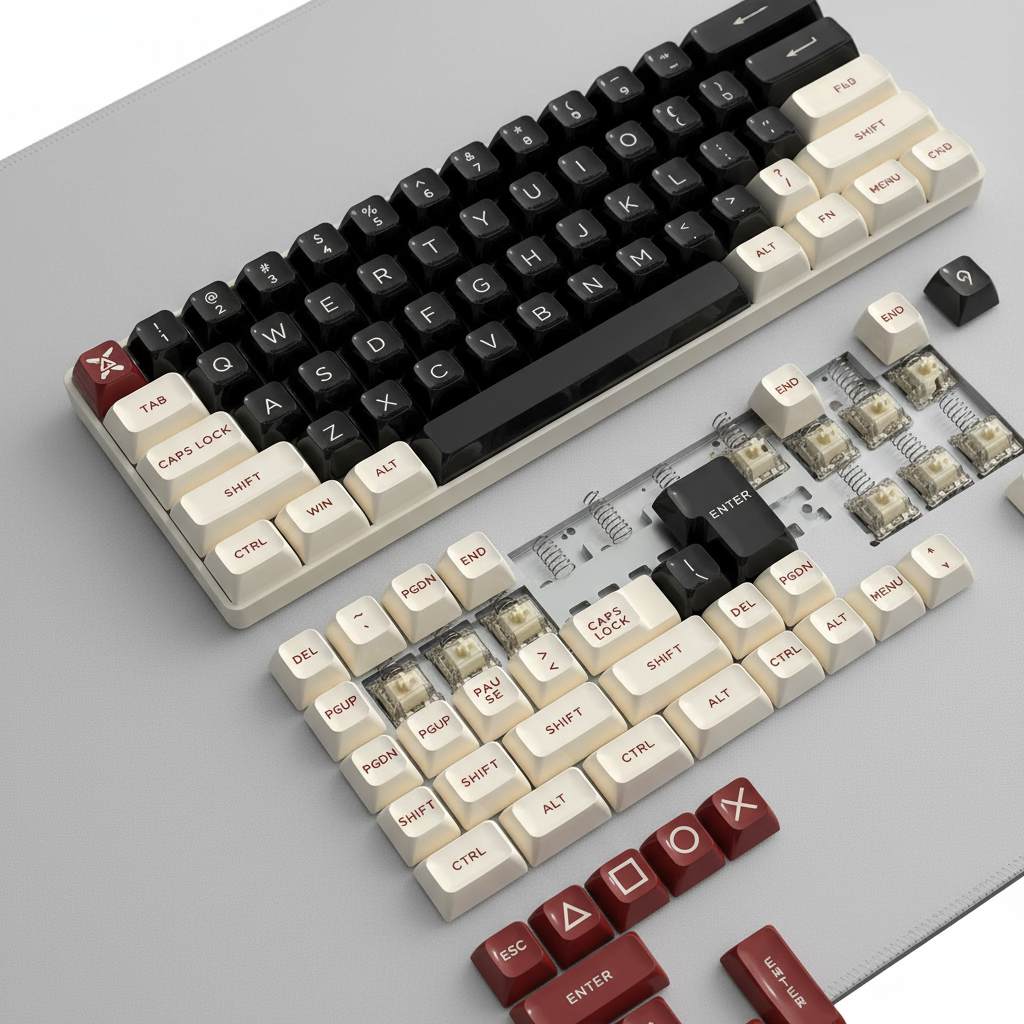
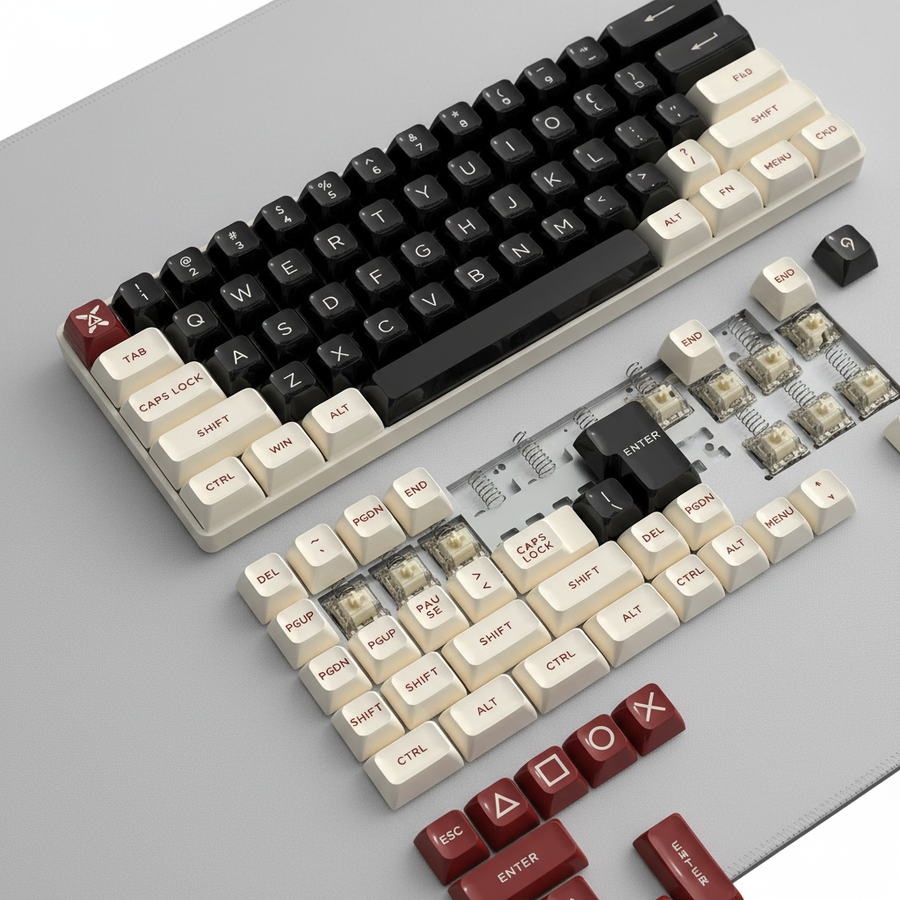
- High-Profile (ASA/SA): These spherical, taller keycaps, such as those found in the ATTACK SHARK 149 Keys PBT Keycaps Double Shot Full Keycap Set, provide a distinct aesthetic and a larger surface area. However, because they are taller, they can increase the perceived weight of a 45g switch due to the increased travel distance from the home row and the different leverage point.
When selecting keycaps for performance, the ATTACK SHARK 149 Keys PBT Keycaps Double Shot Full Keycap Set utilizes an ASA profile. This profile is tailored to provide a more familiar typing experience by adjusting the height of the OEM profile while maintaining the aesthetics of the classic SA profile. This "hybrid" approach is ideal for MMO players who want the comfort of curved keycaps without the excessive height that contributes to finger fatigue.
Supporting the Kinetic Chain: Wrist Rests and Posture
The keyboard switch is only one part of the ergonomic equation. The "kinetic chain" of the arm—from the shoulder to the fingertips—must be supported to prevent the hazardous strain levels identified in our Moore-Garg modeling.
Cloud vs. Acrylic Support
The choice of wrist support depends on the player's grip style and desk height.
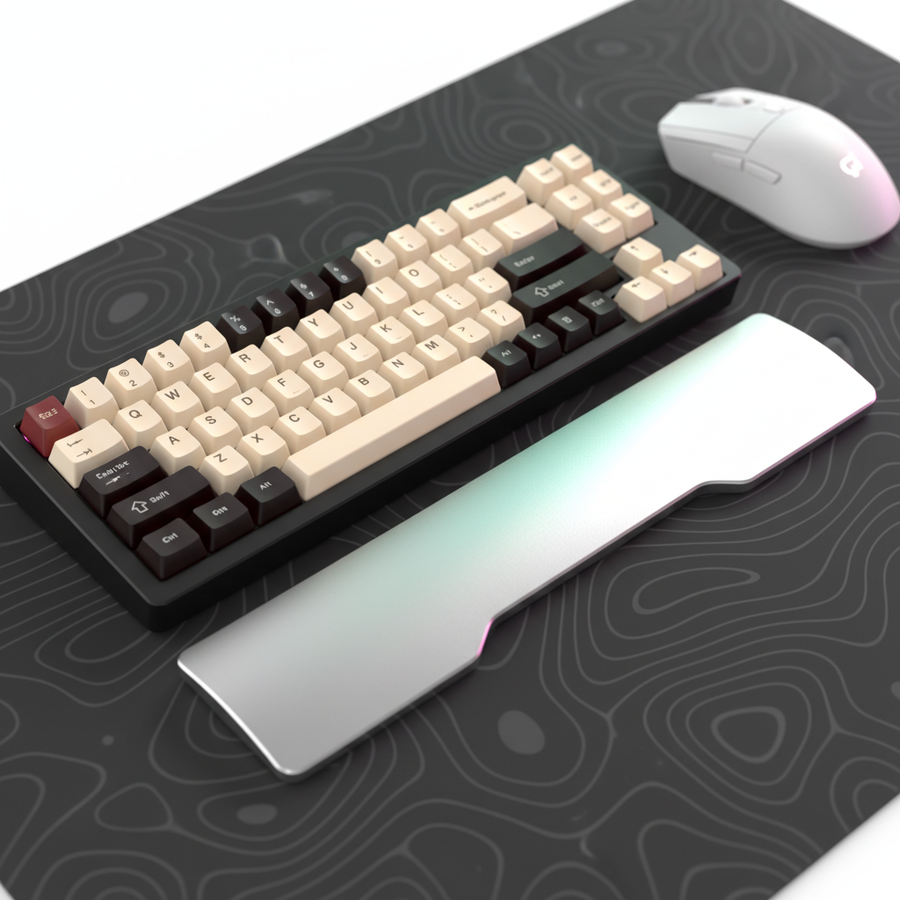
- The Soft Approach: The ATTACK SHARK Cloud Keyboard Wrist Rest uses high-density memory foam to provide a cushioned surface. This is highly effective for players who use a "palm" or "relaxed claw" grip, as it distributes pressure across the wrist and reduces the risk of compression on the carpal tunnel.
- The Firm Approach: For players who require a more stable, inclined platform for aggressive claw grips, the ATTACK SHARK Black Acrylic Wrist Rest or the standard ATTACK SHARK ACRYLIC WRIST REST provides a firm, non-deformable surface. The 8-degree incline helps elevate the hands to a natural ergonomic position, which can lower the "Posture Multiplier" in the Strain Index calculation.
Table 2: Wrist Rest Selection Matrix for MMO Sessions
| Feature | ATTACK SHARK Cloud Keyboard Wrist Rest | ATTACK SHARK Black Acrylic Wrist Rest |
|---|---|---|
| Material | Memory Foam + Faux Leather | Premium CNC Acrylic |
| Support Type | Cushioned / Pressure Relief | Firm / Positional Alignment |
| Grip Synergy | Palm / Relaxed Claw | Aggressive Claw / Fingertip |
| Cleaning | Wipe with damp cloth | High resistance to oils/sweat |
| Best For | Maximum comfort during 6+ hour play | Precision and stability in competitive raids |
Technical Synergy: 8000Hz Polling and Input Latency
For performance-focused gamers, the internal latency of the keyboard and mouse is as critical as the physical switch weight. Modern high-performance peripherals are moving toward 8000Hz (8K) polling rates.
The Math of 8K Performance
Standard 1000Hz peripherals have a 1.0ms reporting interval. At 8000Hz, this interval drops to 0.125ms. This reduction in latency is vital for "frame-perfect" buffing in high-latency network environments.
However, 8K polling introduces specific system requirements:
- Motion Sync Latency: While Motion Sync at 1000Hz adds ~0.5ms of delay, at 8000Hz, the delay is reduced to ~0.0625ms, making it virtually negligible for competitive play.
- CPU Bottlenecks: Processing 8,000 reports per second stresses the CPU's Interrupt Request (IRQ) handling. Users should ensure they are using Direct Motherboard Ports (Rear I/O) rather than USB hubs to avoid packet loss.
- Sensor Saturation: To fully utilize 8000Hz bandwidth, movement speed and DPI must be aligned. For example, a user must move at least 10 IPS at 800 DPI to saturate the bandwidth; at 1600 DPI, only 5 IPS is required.
Compliance and Safety: The Regulatory Backbone
When choosing wireless gaming gear, authoritativeness is verified through regulatory compliance. Technical specifications are only trustworthy if they meet international standards for safety and RF interference.
- Wireless Reliability: Devices should be verified through the FCC ID Search or the ISED Canada Radio Equipment List. This ensures the 2.4GHz signal is stable and compliant with power limits, reducing "ghost" inputs or disconnects during a raid.
- Battery Safety: For wireless keyboards and mice, the lithium-ion batteries must adhere to the UN Manual of Tests and Criteria (Section 38.3). This standard ensures batteries can withstand the heat and pressure of long-term use without risk of thermal runaway.
- Material Safety: High-quality PBT keycaps should comply with the EU RoHS Directive, ensuring they are free from hazardous substances like lead or cadmium.
Optimized Setup Checklist for MMO Buffing
To minimize the hazardous SI score of 96 and maximize in-game performance, we recommend the following configuration:
- Switch Selection: 45-55g Linear (e.g., customized switches or pre-lubed linears).
- Keycap Profile: ASA or OEM profile PBT double-shot keycaps for balanced leverage.
- Wrist Support: Memory foam for comfort or acrylic for stability, depending on grip style.
- Connectivity: 2.4GHz wireless with 1000Hz+ polling, connected directly to the motherboard.
- Software Calibration: Use a web-based driver or official firmware to set a comfortable debounce time (typically 2-4ms) to prevent double-clicking without sacrificing speed.
By aligning physical switch weight with ergonomic support and high-speed technical specs, MMO players can sustain high-APM rotations while significantly reducing the risk of long-term fatigue.
Disclaimer: This article is for informational purposes only and does not constitute professional medical advice. If you experience persistent pain, numbness, or tingling in your hands or wrists, please consult a qualified healthcare professional or physiotherapist. The ergonomic modeling provided is based on specific persona assumptions and may vary based on individual biomechanics.