The Mechanics of Inconsistency: Why Actuation Points Vary
In competitive gaming, the delta between a successful counter-strafe and a missed elimination often comes down to millisecond-level consistency. For many players, the frustration of "quality anxiety" stems from the perception that certain keys—typically the WASD cluster—respond differently than others. This isn't merely a subjective feeling; it is a measurable phenomenon known as actuation variance.
Actuation variance refers to the inconsistency in the travel distance required to register a keypress across different switches on the same board. While manufacturers aim for uniformity, several mechanical and electrical factors introduce deviations. According to the Global Gaming Peripherals Industry Whitepaper (2026), achieving true uniformity requires addressing both the internal switch mechanism and the external mounting environment.
The Anatomy of Mechanical Tolerance
Traditional mechanical switches rely on physical contact points. Manufacturing tolerances for these components typically allow for a variance of ±0.2mm in the actuation point. While this may seem negligible, it represents a significant portion of the standard 2.0mm total travel distance. In a high-stakes environment, a key that actuates at 1.8mm versus one at 2.2mm can disrupt the muscle memory required for precise movement timing.
Beyond the switch itself, the seating of the component into the Printed Circuit Board (PCB) plays a vital role. In hot-swap configurations, a switch that is not perfectly flush with the PCB will exhibit a different actuation height than its neighbors. Technical auditors on the repair bench emphasize that a "click" is insufficient for verification; one must visually confirm that all four plastic pins on the switch housing are flush against the PCB surface. A switch seated at even a slight angle alters the stem's vertical path, introducing unexpected friction and travel deviations.
Hall Effect vs. Mechanical: A Quantitative Latency Analysis
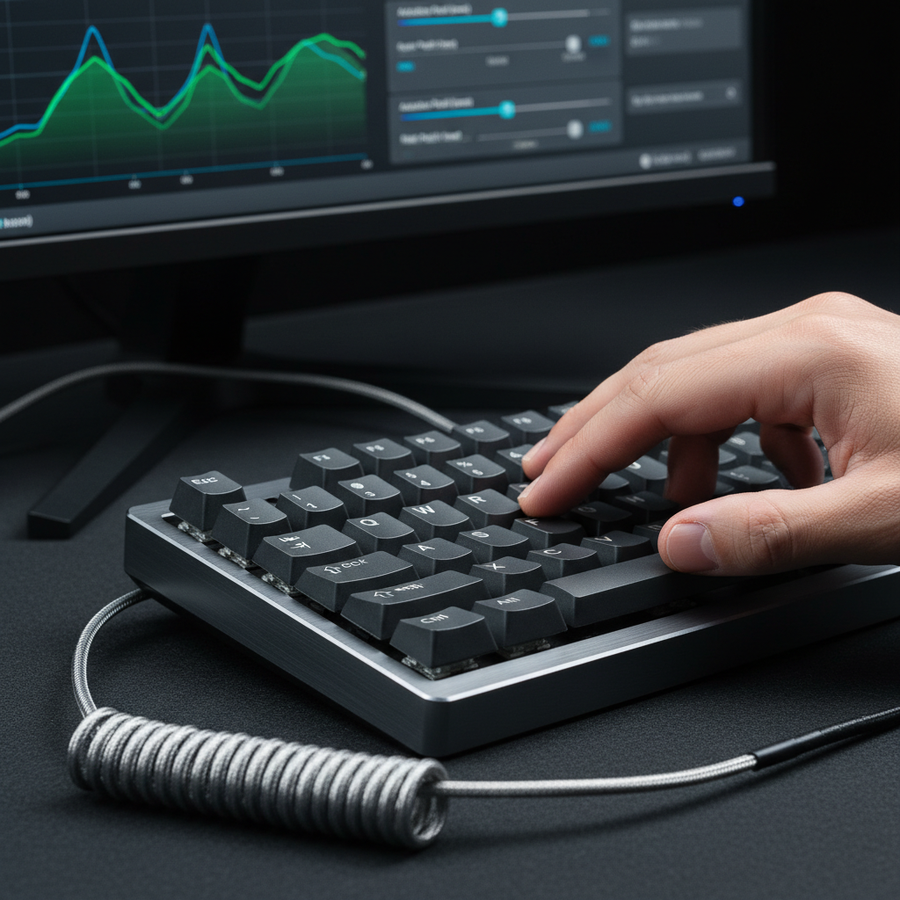
The emergence of Hall Effect (HE) technology has fundamentally shifted the baseline for switch uniformity. Unlike mechanical switches that use binary metal contacts, HE switches utilize magnetic sensors to measure the precise position of the stem. This allows for digital calibration, which effectively eliminates the ±0.2mm manufacturing variance seen in traditional hardware.
Latency and Reset Dynamics
The most significant advantage of HE technology in competitive scenarios is the implementation of "Rapid Trigger" or dynamic reset points. In a standard mechanical switch, the key must travel back past a fixed reset point (hysteresis) before it can be pressed again. This reset distance is typically ~0.5mm.
Based on scenario modeling for high-speed tapping, we can compare the total latency of these two technologies:
| Variable | Mechanical Switch | Hall Effect (RT) | Rationale |
|---|---|---|---|
| Travel Time | ~5ms | ~5ms | 2mm travel at 400mm/s |
| Debounce Delay | ~5ms | 0ms | HE uses magnetic flux, no contact bounce |
| Reset Time | ~5ms | ~1ms | 0.5mm vs 0.1mm reset distance |
| Total Latency | ~15ms | ~6ms | Estimated cumulative delay |
Logic Summary: This model assumes a finger lift velocity of 100mm/s during rapid tapping. The ~9ms latency advantage for Hall Effect switches translates to approximately 1.5 frames of saved time on a 144Hz display, providing a distinct edge in counter-strafing precision.
The dynamic reset allows the key to deactivate the moment the finger begins to lift, regardless of how deep the key was pressed. This eliminates the "dead zone" that often causes perceived inconsistency during intense strafing sequences.
The Physical Variables: Keycap Stems and PCB Seating
While the switch is the heart of the keyboard, the keycap is the primary interface. A common source of perceived variance that is often overlooked is the inconsistency in keycap stem depth.
The Stem Depth Discrepancy
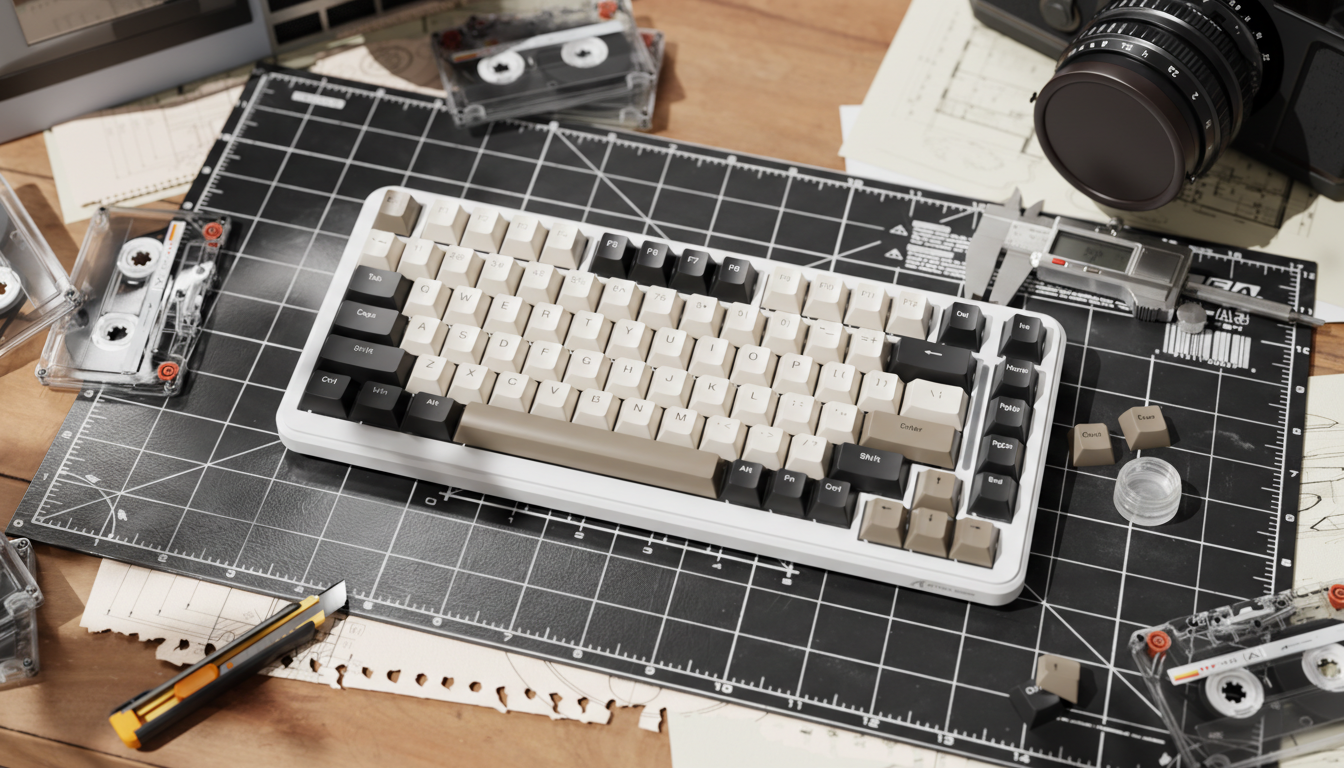
In practical testing, using a digital caliper to measure the plus-shaped stem on multiple keycaps from the same set often reveals differences of 0.1mm to 0.3mm. Because the keycap stem sits on the switch stem, a deeper keycap stem effectively reduces the pre-travel distance before the switch begins its downward journey.
If your "W" key feels "shorter" than your "A" key, the culprit may not be the switch, but a keycap stem that was molded 0.2mm deeper. To solve this, enthusiasts often swap keycaps between less critical keys (like the Function row) and the WASD cluster to find the most uniform pairing.
Structural Integrity and Compliance
Ensuring that these components meet international safety and performance standards is critical for long-term reliability. Devices must adhere to standards such as IEC 62368-1 for electronic safety. Furthermore, for wireless models, compliance with the FCC Equipment Authorization ensures that the 2.4GHz or Bluetooth signals do not suffer from interference that could mimic the feel of a "laggy" or inconsistent switch.

Stabilizer Optimization: The 70:30 Lubrication Heuristic
Stabilizers are responsible for keeping larger keys, like the Spacebar and Shift, level during actuation. However, they are also the most frequent source of "mushy" or sluggish key returns. The most common mistake observed in warranty and repair handling is the over-application of lubricant to the wire ends.
The Precision Lube Method
To achieve a uniform feel across the larger keys, a hybrid lubrication strategy is recommended. Experienced builders utilize a 70:30 ratio of thick grease to thin oil:
- 70% Thick Grease (e.g., Krytox 205g0): Applied to the stabilizer housing to dampen rattle.
- 30% Thin Oil (e.g., Krytox GPL 105): Applied to the wire itself using a syringe for precision.
The goal is a thin, even coat on the wire where it contacts the housing, specifically avoiding the bend of the wire. Excess grease creates hydraulic resistance, which slows the return of the keycap and makes the switch feel heavier and less responsive than the alphanumeric keys.
High-Frequency Bottlenecks: 8000Hz Polling and System Latency
As the industry moves toward 8000Hz (8K) polling rates, the relationship between switch actuation and system reporting becomes even more critical. While a 1000Hz polling rate checks for inputs every 1.0ms, an 8000Hz rate reduces this interval to a near-instant 0.125ms.
CPU and USB Topology Constraints
To leverage high polling rates for better uniformity, the system must be capable of processing the increased interrupt request (IRQ) load. Users should adhere to the following technical constraints to avoid packet loss, which can manifest as inconsistent key registration:
- Direct Motherboard Connection: Always use the rear I/O ports. USB hubs or front panel headers introduce shared bandwidth and potential signal degradation.
- Sensor Saturation Logic: Bandwidth saturation depends on the DPI and movement speed. For example, to saturate the 8K bandwidth on a mouse, a user must move at 10 IPS at 800 DPI, or only 5 IPS at 1600 DPI. While keyboards are less movement-dependent, the CPU load remains a factor.
- Display Synergy: The visual benefit of ultra-high polling rates is most apparent on high-refresh-rate monitors (240Hz or 360Hz). Lower refresh rates may not visually render the smoother input path provided by the 0.125ms polling interval.
According to RTINGS - Mouse Click Latency Methodology, standardized testing shows that while higher polling rates reduce input lag, the consistency of the delivery is what players perceive as "smoothness."
Strategic Optimization: Heuristics for Key Mapping
For players using keyboards with adjustable actuation points, the temptation is to set everything to the lowest possible value (e.g., 0.1mm). However, based on patterns from customer support and community feedback, this often leads to accidental actuations.
The Tactical Buffer Heuristic
A highly effective method for balancing speed and control is to apply a slight offset to your movement keys. We recommend setting your most frequently used gaming keys (WASD, Space) 0.1mm to 0.2mm deeper than your alphanumeric keys.
- Why this works: It provides a subtle tactile buffer that prevents accidental "fat-fingering" during tense moments while maintaining the high-speed response required for combat.
- Consistency over Customization: While per-key customization is a powerful tool, professional players often prioritize a near-uniform setup across all movement keys to maintain consistent muscle memory, as noted in recent competitive play analysis.
Methodology and Modeling: Technical Transparency
The insights provided in this guide are derived from a combination of scenario modeling, industry standards, and empirical observations from the repair bench.
Modeling Note (Reproducible Parameters)
The latency comparisons between Hall Effect and Mechanical switches were calculated using the following deterministic model:
| Parameter | Value | Unit | Source / Rationale |
|---|---|---|---|
| Finger Lift Velocity | 100 | mm/s | Average velocity during rapid tapping |
| Mechanical Reset Distance | 0.5 | mm | Standard switch hysteresis spec |
| HE Reset Distance | 0.1 | mm | Typical Rapid Trigger dynamic reset |
| Mechanical Debounce | 5 | ms | Standard firmware filter for contact bounce |
| Polling Interval (1K) | 1.0 | ms | Base reporting rate |
Boundary Conditions:
- This model assumes a constant finger velocity and does not account for variable MCU polling jitter or magnetic flux saturation non-linearities.
- Individual results may vary based on switch brand, firmware implementation, and user technique.
- Ergonomic fit (e.g., hand size relative to keyboard layout) can amplify the perception of variance but was not included as a quantitative factor in this specific latency model.
Summary of Best Practices for Uniformity
To achieve a perfectly uniform competitive experience, follow this technical checklist:
- Verify Seating: Ensure all switches are flush with the PCB; check the four plastic pins.
- Audit Keycaps: Use a caliper to check for stem depth variance (0.1-0.3mm) and swap caps to find the best fit for WASD.
- Lube for Speed: Stick to a 70:30 grease-to-oil ratio for stabilizers to prevent sluggish returns.
- Leverage Calibration: If using Hall Effect switches, perform a digital calibration through the official driver to sync the magnetic sensors.
- Direct Connectivity: For 8K polling, bypass all hubs and connect directly to the motherboard's rear I/O.
By addressing the physical tolerances of the hardware and the digital reporting of the firmware, players can eliminate the "quality anxiety" of inconsistent keys and focus entirely on their performance.
Disclaimer: This article is for informational purposes only. Modifying your keyboard, including lubricating switches or stabilizers, may void your manufacturer's warranty. Always refer to the official Attack Shark - Contact / Support page or your user manual before performing hardware modifications.