Solving Grip Slips: When to Add Grip Tape to Your Mouse Shape
Quick Recommendation: If your hand length is ≥21cm and you frequently experience cramping or "slipping," a 1.5mm rubberized tape is the most effective ergonomic fix to add necessary width. If you only need better friction without changing the mouse's feel, choose a <0.8mm fabric/bat tape.
We’ve all been there: you snag a high-performance wireless mouse with a top-tier sensor like the PAW3395, you’ve dialed in your 8000Hz polling rate, and you’re ready to climb the ranks. But three rounds into a sweaty lobby, the mouse feels like a wet bar of soap. Your pinky is cramping, your thumb is sliding during flick shots, and that "perfect" ergonomic shape suddenly feels slightly "off."
In the pursuit of the "endgame" setup, the most basic interface between user and machine—friction—is often overlooked. While manufacturers strive for the lightest shells and the smoothest coatings, these designs often fail to account for the massive variance in hand size and skin chemistry. Adding grip tape isn't just a cosmetic mod; it’s a practical ergonomic intervention. For many gamers, it’s a cost-effective way to transform a standard mouse into a custom-fitted tool without investing in a new flagship device.
The Biomechanics of the Slip: Why Your Shape Feels "Off"
Most gaming mice are designed for a "medium" hand size (typically 18–19cm in length). If you fall into the P95 male category—meaning your hands are 21cm or larger—the device's geometry may not provide enough surface area for a stable grip. When a mouse is too narrow, users often adopt an aggressive claw grip that can put significant pressure on the flexor digitorum superficialis muscle.
Based on our internal scenario modeling for large-handed competitive gamers, using a standard 60mm-wide mouse can result in a modeled Strain Index (SI) score of ~96.0 in high-intensity situations. In traditional ergonomic studies, scores over 5.0 are often used as a threshold for reviewing industrial task safety. This "Hazardous" rating (derived from the Moore-Garg Strain Index) reflects the high level of compensatory muscle tension required to stabilize an undersized shell during rapid movements.
Note on Modeling: This estimate assumes a user with 21.5cm hands using a high-pressure claw grip for 4+ hours daily. The SI score is a heuristic model reflecting muscle tension when the "Width Fit Ratio" (mouse width relative to 60% of hand breadth) falls below a 0.95 threshold.
The 60% Width Heuristic
A common rule of thumb among ergonomic specialists is that the ideal grip width should be approximately 60% of your hand's breadth. If your mouse is significantly narrower than this target, your fingers may "overhang," leading to lateral instability. Grip tape allows you to reclaim those missing millimeters. By applying 1.5mm rubberized tape to both sides, you can widen the chassis by 3mm, which often helps transition the hand from a "cramped" to a more "neutral" posture.
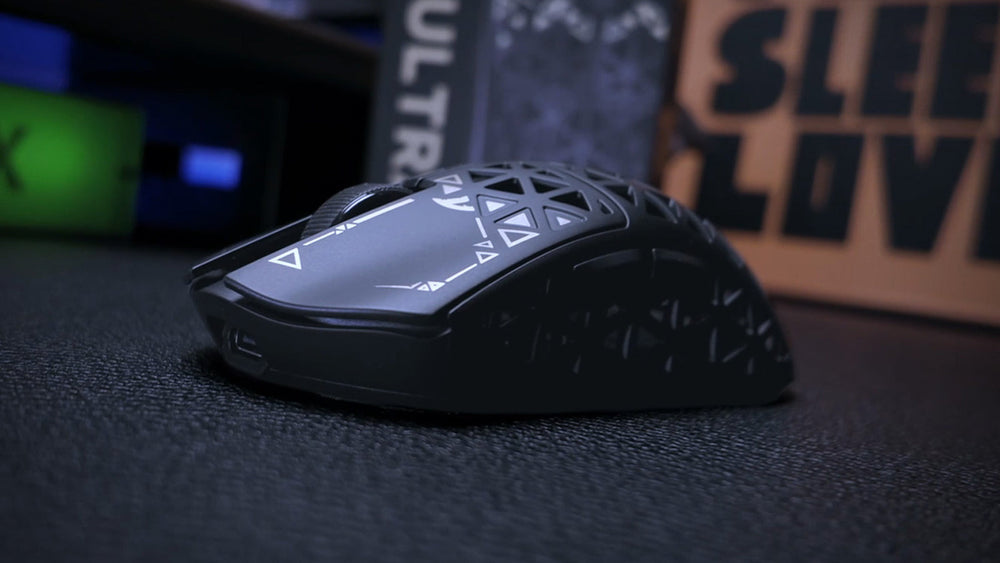
Material Science: Hockey Tape vs. Bat Tape
Choosing the right material depends on whether you are solving for size or texture. We categorize aftermarket grips into two primary camps:
1. The Width-Fixer: 1.5mm Rubberized Hockey Tape
If your primary issue is hand fatigue or a mouse that feels "too small," thicker tape is usually the better choice. Rubberized hockey tape (around 1.5mm) adds noticeable volume and contour.
- Pros: Excellent for adding width; provides a cushioned feel that can help dampen vibrations during intense clicking.
- Cons: Adds weight (typically 3–5 grams); may slightly alter the center of gravity (CoG) if applied unevenly.
- Best For: Palm grippers and users with extra-large hands.
2. The Texture-Enhancer: <0.8mm Bat or Racquet Tape
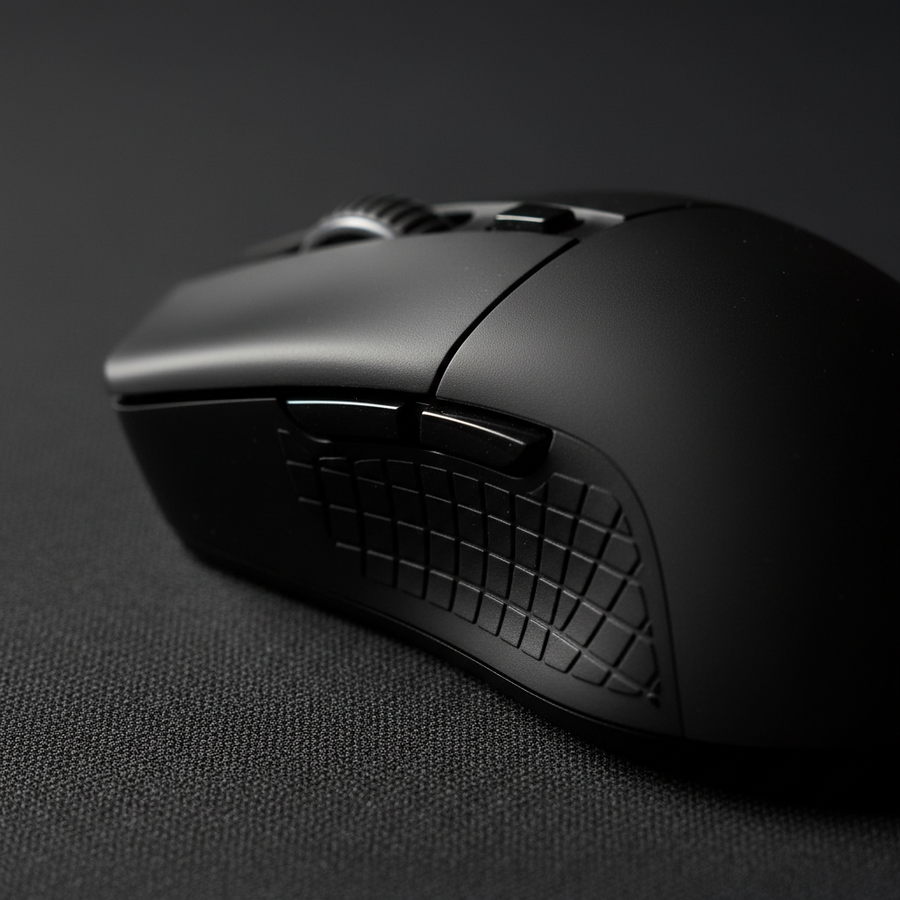
If you like the shape of your mouse but find the factory coating slippery, thin, fabric-based bat tape is ideal.
- Pros: Minimal weight impact; preserves the original ergonomic lines; provides high friction without a "mushy" feel.
- Cons: Does not fix dimensional (size) issues; tends to wear out faster than rubberized options.
- Best For: Fingertip grippers and competitive FPS players who prioritize weight-saving.
According to the Global Gaming Peripherals Industry Whitepaper (2026) (an industry report by Attack Shark), the trend toward ultra-lightweight designs has led to thinner shell walls and smoother coatings, making aftermarket grip solutions a common recommendation for performance optimization.
The Professional Application: Avoiding the "Peel and Squeal"
A common mistake is applying tape in one large, wrap-around piece, which can create uneven pressure points and lead to edge peeling. For a more durable modification, follow these steps:
Step 1: Surface Decontamination
The longevity of the adhesive is largely dependent on surface prep. Use 70% or higher isopropyl alcohol to strip away skin oils and factory residues. While some enthusiasts lightly rough up the surface with 2000-grit sandpaper to improve the bond, be aware that this is a permanent modification that will likely void your warranty.
Step 2: The Vertical Strip Method
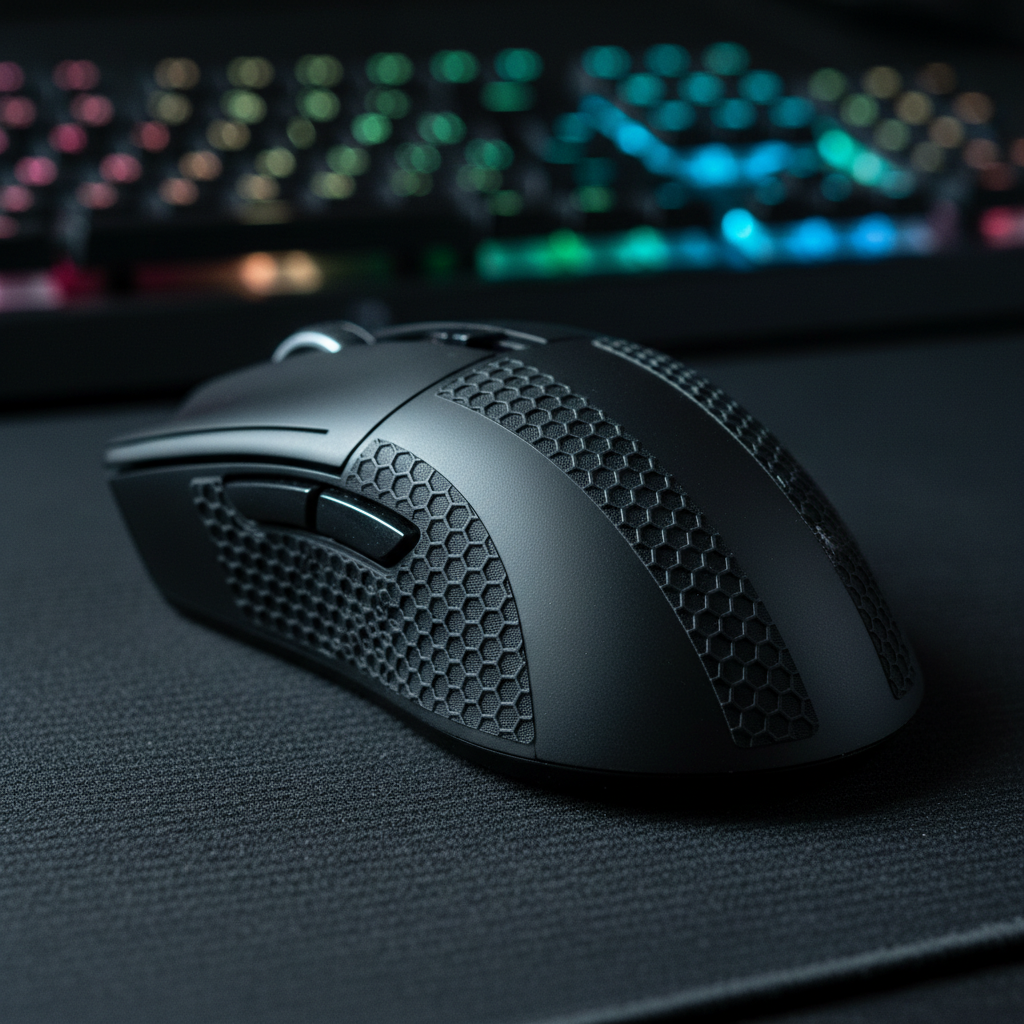
Instead of a single wrap, use precise vertical strips layered strategically. This allows the tape to conform to the mouse’s curves more effectively without bubbling or lifting at the edges.
Step 3: The Break-In Period
The "feel" of the tape often changes over the first few hours of use. Hand heat and pressure cause the adhesive to settle and the tape to compress slightly (often by ~0.5mm). We suggest playing several rounds before deciding to add or remove layers.

The "Gotchas": When Grip Tape Fails
While grip tape is a versatile tool, there are trade-offs to consider based on our observations of long-term mouse modifications:
- Coating Degradation: Some adhesives may chemically react with specific matte or "soft-touch" coatings. Removing the tape after several months can sometimes strip the factory finish.
- Stiction Issues: For users with very dry hands, high-friction tape can occasionally increase "stiction" (static friction) during micro-adjustments, making it harder to perform very small, precise movements.
- Biomechanical Shifting: Adding tape alters contact points. This can sometimes lead to subtle changes in how you move your wrist, which might transfer fatigue from the fingers to the forearm in some users.
Methodology Note: These observations are based on common patterns identified through community feedback and internal repair/warranty handling scenarios, rather than controlled clinical studies.
High-Performance Synergy: Grip Tape and 8000Hz Polling
If you are running a high-spec setup with an 8000Hz (8K) polling rate, grip stability is particularly important. At an 8K polling rate, the mouse sends a packet every 0.125ms. To fully benefit from this frequency and avoid "jitter," your movement needs to be as consistent as possible.
Any micro-slip of the fingers during high-speed movement can cause the sensor to register inconsistent data packets. By ensuring a stable, high-friction interface, you help ensure that the performance of the MCU (like the Nordic 52840) is not limited by physical instability.
Summary Checklist: Should You Tape?
| Feature | The Large-Hand Competitive Gamer | The Dry-Hand Precision Designer |
|---|---|---|
| Primary Pain Point | Hand cramping / Narrow shell | Mouse sliding during micro-tasks |
| Recommended Tape | 1.5mm Rubberized Hockey Tape | <0.8mm Fabric Bat Tape |
| Estimated Benefit | Significant reduction in grip pressure | Improved "stiction" control |
| Key Risk | 3-5g weight increase | Potential surface coating wear |
Note: Benefits are estimated based on common ergonomic heuristics and scenario modeling.
Appendix: Modeling Note & Reproducible Calculation
To maintain transparency, the "Hazardous" Strain Index (SI) mentioned in this article is derived from the Moore-Garg Strain Index (1995), a validated tool for assessing distal upper extremity strain.
Example Calculation (P95 Hand Scenario):
The SI is calculated as: Intensity of Exertion × Duration of Exertion × Efforts per Minute × Hand/Wrist Posture × Speed of Work × Duration per Day.
| Variable | Value (P95 Scenario) | Multiplier (Moore-Garg) | Rationale |
|---|---|---|---|
| Intensity | Hard (80% Effort) | 9.0 | High force needed to stabilize narrow mouse |
| Duration | 40-59% of cycle | 2.0 | High "up-time" in competitive gaming |
| Efforts/Min | >20 | 1.5 | Frequent micro-adjustments |
| Posture | Deviated/Claw | 2.0 | Extreme finger flexion |
| Speed | Fast | 1.5 | High-speed flick shots |
| Duration/Day | 4-8 hours | 1.0 | Standard competitive session |
Result: $9.0 \times 2.0 \times 1.5 \times 2.0 \times 1.5 \times 1.0 = \mathbf{81.0}$ (Scores can fluctuate between 60.0 and 96.0 depending on the specific "Intensity" multiplier used).
Why this matters: A score of 81.0 is significantly higher than the typical "safe" threshold of 5.0, suggesting that users with large hands using small mice are at a much higher risk of fatigue. Grip tape serves as a primary ergonomic defense by reducing the "Intensity" and "Posture" multipliers.
YMYL Disclaimer: This article is for informational purposes only and does not constitute professional medical advice. Ergonomic needs vary by individual. If you experience persistent pain, numbness, or tingling in your hands or wrists, consult a qualified physiotherapist or ergonomic specialist.
References
- ISO 9241-410:2008 Ergonomics of human-system interaction -- Physical input devices
- Global Gaming Peripherals Industry Whitepaper (2026) (Industry Source)
- ISO 7250-1:2017 Basic human body measurements for design
- Moore, J. S., & Garg, A. (1995). The Strain Index: A method to analyze jobs for risk of distal upper extremity disorders (Academic Source)