The Portability Paradox: Why Size Isn't Everything for LAN Readiness
We’ve all been there. You pack your gear, drive three hours to a local tournament, and finally get to your designated seat only to realize the "pro-grade" desk is actually a cramped 60cm slab of MDF shared with two other people. You pull out your full-size board, and suddenly there’s no room for your mousepad. You try to angle it, but the stiff, non-detachable cable keeps snagging on the monitor stand. Within ten minutes, your "clutch" setup feels like a liability.
In the competitive community, we often talk about "endgame" gear, but the true test of a keyboard isn't just the switches or the RGB—it’s how it survives the chaos of a LAN environment. While conventional wisdom suggests that a 60% layout is the automatic winner for portability, we’ve found that true LAN-readiness is an ecosystem. It’s about balancing physical footprint with structural reliability and connectivity stability.
Based on patterns we observe from tournament attendees and technical support cases (not a controlled lab study), the most common failure points at events aren't software-related; they are physical. Broken USB ports from over-strained cables, cracked PCBs from unpadded transport, and signal dropouts in RF-noisy halls are the real enemies. To build a setup that actually helps you win, you need to look past the spec sheet and into the practicalities of the "travel board."

The Layout Math: Desk Space vs. Tactical Function
Choosing a layout is the first hurdle. While a full-size keyboard (104 keys) is great for data entry, its physical footprint is a massive disadvantage in tournament seating. A standard full-size board is typically 440mm (17.3 inches) wide, whereas a 75% compact board measures roughly 320mm (12.6 inches).
Logic Summary: Our desk-space efficiency model assumes a standard tournament desk width of 80cm per player. By switching from a full-size to a 75% layout, you reclaim approximately 120mm of horizontal space—a ~27% increase in available "mouse real estate." This is critical for low-DPI players who need wide, sweeping movements to hit those 180-degree flicks.
However, the "smaller is better" rule has its limits. In our experience, many players who jump straight to 60% layouts struggle with the loss of dedicated arrow keys or the "F-row." If your game requires quick F-key inputs for buy menus or specific abilities, the layer-switching required on a 60% board can add a mental tax during high-stress moments. This is why the 75% or 65% layouts are currently the "meta" for hybrid players. They offer the footprint of a compact board while keeping the essential keys accessible.
For a deeper dive into how these sizes affect your aim, check out our guide on 60% Keyboards for Low-DPI Gaming: Maximizing Mouse Space.
Connectivity in the "RF Jungle": The Case for Wired Reliability
Wireless tech has come a long way. We’ve seen 2.4GHz protocols that rival wired latency, but the LAN environment is a different beast entirely. Imagine a hall with 200 players, each with a wireless mouse, a wireless headset, and a smartphone. The 2.4GHz spectrum becomes a congested "jungle" of interference.
According to the FCC Equipment Authorization database, which tracks the radio frequency emissions of consumer electronics, even the most robust frequency-hopping protocols can experience packet loss when surrounded by dozens of high-powered routers and competing peripherals. This isn't just a theory; major esports tournaments like the EVO Championship Series often mandate wired connections to ensure competitive integrity.
Furthermore, we’ve observed a significant trend toward high-polling rate hardware. If you’re running a keyboard with an 8000Hz (8K) polling rate, you’re looking at a reporting interval of 0.125ms. At this level of performance, the system is incredibly sensitive to any signal degradation.
Methodology Note (8K Polling Logic):
- Latency: 8000Hz = 0.125ms per packet.
- CPU Load: High polling rates stress the system's IRQ (Interrupt Request) processing.
- Constraint: To maintain this speed, we recommend plugging directly into the motherboard's rear I/O ports. Front-panel headers or unpowered hubs often introduce enough electrical noise to cause "micro-stutter" in the data stream.
For the traveling gamer, the "pro-tip" is simple: even if your board is wireless, always carry a high-quality backup cable. Bluetooth is practically useless in a tournament hall due to its high latency (~15ms based on standard Bluetooth 5.0 specs) and vulnerability to interference.

The Practitioner's Kit: Protecting the "Vitals"
If you’re traveling, the keyboard is only half the battle. The accessories you choose can be the difference between a working setup and a dead port.
1. The Cable Ecosystem
A common mistake is using the standard, stiff plastic USB cable that came in the box. These cables add significant bulk to your bag and, more importantly, they put "leveraged" pressure on the keyboard’s USB-C port. One wrong move in a packed bag, and that port is snapped.
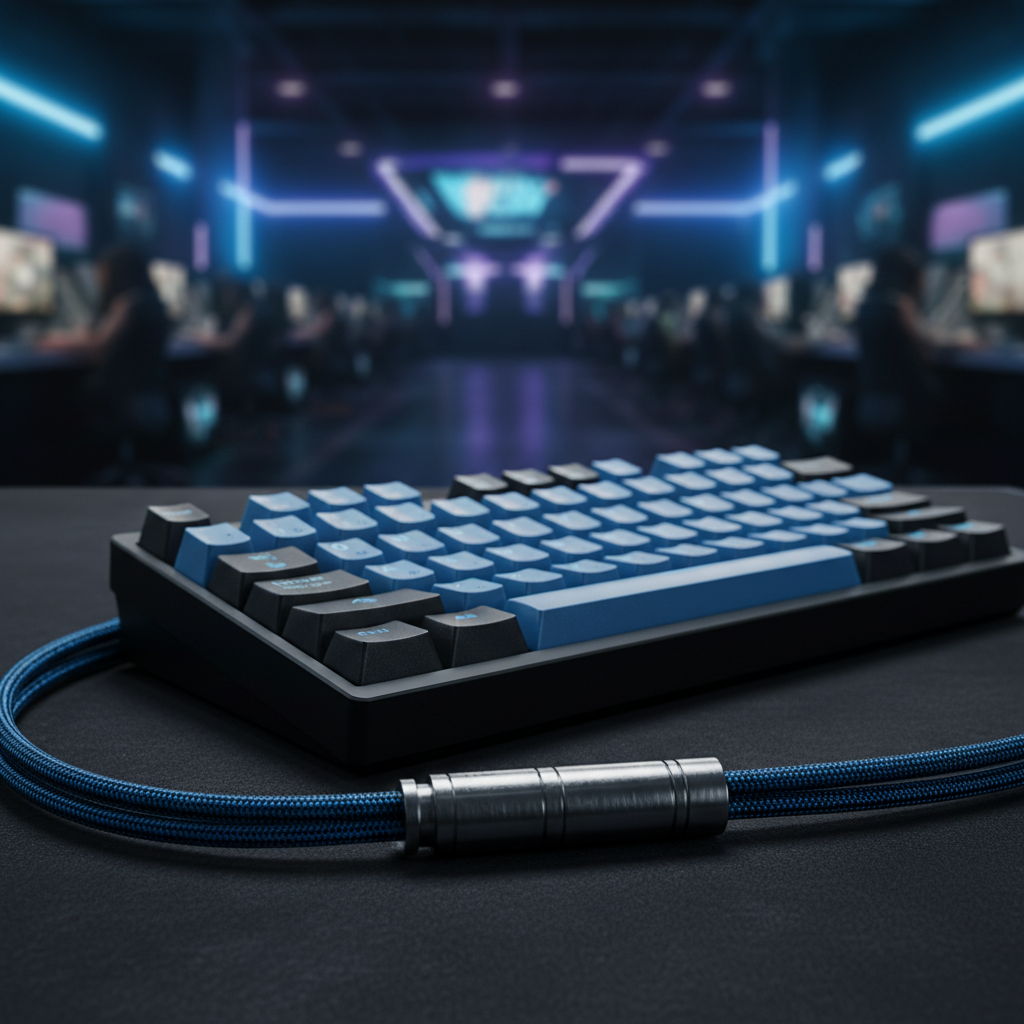
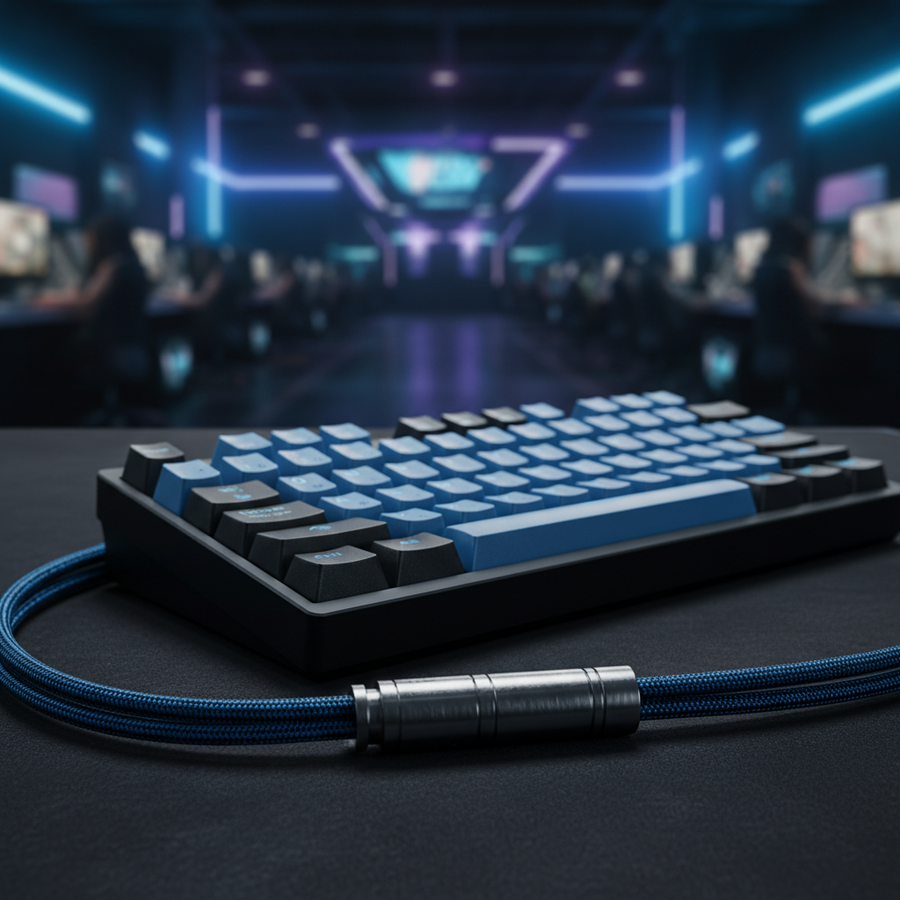
We recommend a quality coiled cable with a detachable aviator connector. The "springy" coil (typically around 22mm in diameter) naturally absorbs tension and stays compact on your desk. The metal aviator connector—often using a 4-pin or 5-pin screw-lock mechanism—allows you to leave the "stub" plugged into your keyboard while disconnecting the rest of the cable for transport. This prevents wear and tear on the PCB-mounted USB-C port, which is the most common hardware failure we see on our repair benches.
2. Keycap Texture and Grip
In a hot, high-pressure tournament hall, your hands are going to sweat. Standard doubleshot ABS keycaps tend to develop a "greasy" or shiny texture over time, which can lead to your fingers slipping during a crucial movement.
Practitioners almost always prefer PBT dye-sublimated keycaps. PBT (Polybutylene Terephthalate) is a denser, more heat-resistant plastic that maintains a matte, textured finish even after years of use. This texture provides better tactile feedback and grip when your palms are clammy. Additionally, the dye-sublimation process ensures the legends never fade, unlike laser-etched caps that can wear off after a few months of heavy grinding.
3. The Hard-Shell Necessity
Checked luggage and even overhead bins are brutal environments. We’ve seen PCBs crack and switches pop off because a player thought a padded sleeve was enough protection. A hard-shell carry case is non-negotiable for anyone flying to an event. Pressure from other bags can flex the keyboard's chassis, potentially desoldering components or damaging the plate.

Environmental Protection: Dust, Spills, and "Cat-Proofing"
LAN events are messy. There are energy drinks, snacks, and dust everywhere. A simple but overlooked tool is the transparent acrylic dust cover. Beyond keeping your switches clean between matches, these covers serve as a "splash guard" when you’re away from your station.
We’ve found that high-transparency acrylic covers are particularly useful for value-oriented gamers because they allow the RGB lighting to remain visible while protecting the internals. According to the Global Gaming Peripherals Industry Whitepaper (2026), environmental debris is a leading cause of premature switch failure (chatter or double-clicking) in mechanical boards. A $20 cover can easily extend the life of a $100 keyboard by preventing particulates from entering the switch housing.
Tournament Readiness: Onboard Memory vs. Software Bloat
One of the biggest "gotchas" at a LAN is the software. Many tournament PCs have strict "no-install" policies for security reasons. If your keyboard relies on a cloud-based driver to remember your macros or RGB settings, you’re going to be stuck with the default "rainbow puke" and no custom keybinds.
Expert players look for boards with robust onboard memory. You should be able to save at least three profiles directly to the hardware. This ensures that once you plug into the tournament PC, your "Rapid Trigger" settings or custom layers work instantly without needing to download a 500MB driver package.
If you are using high-performance magnetic switches (Hall Effect), this becomes even more critical. The sensitivity settings for Hall Effect sensors are usually processed on the keyboard's MCU (Microcontroller Unit). Ensuring these settings are persistent across different PCs is a hallmark of a professional-grade board. For those interested in the tech behind this, we've explored the differences in our Budget Hall Effect vs. High-End Mechanical Guide.

Travel Compliance: Batteries and Shipping
If you are flying internationally with a wireless keyboard, you must be aware of lithium battery regulations. Most wireless keyboards use Lithium-Ion batteries ranging from 2000mAh to 4000mAh.
According to the IATA Lithium Battery Guidance Document, peripherals with "contained" batteries are generally permitted in carry-on luggage, but they must meet UN38.3 testing standards for safety. We recommend keeping the original user manual or a digital copy of the specs on your phone to prove the battery capacity to security personnel if questioned. Never pack a wireless keyboard in checked luggage; the pressure and temperature changes can pose a fire risk, and most airlines strictly prohibit lithium batteries in the hold.
Summary Checklist for Your Next LAN
Building a LAN-ready setup is about redundancy and physical protection. To wrap things up, here is our practitioner’s checklist for your next trip:
- Layout: Aim for a 65% or 75% board to maximize mouse space without sacrificing essential keys.
- Cable: Use a coiled cable with an aviator connector to protect your USB-C port.
- Keycaps: Opt for PBT for better grip and durability.
- Protection: Invest in a hard-shell travel case and an acrylic dust cover for the venue.
- Firmware: Ensure all your profiles are saved to the onboard memory before you leave home.
- Backup: Always carry a wired cable, even if you prefer wireless.
By focusing on these structural and technical details, you ensure that the only thing you have to worry about at the tournament is your performance—not your gear.
YMYL Disclaimer: This article is for informational purposes only. When traveling with electronics or lithium batteries, always consult the latest guidelines from your airline and local transportation authorities (e.g., TSA or EASA). Proper ergonomics are subjective; if you experience persistent wrist or hand pain, consult a qualified medical professional.
References: