The Evolution of Surface Interaction: Why Glass Changes the Equation
The gaming peripheral landscape has shifted. While cloth pads dominated the esports scene for decades, we are witnessing a rapid migration toward tempered glass surfaces. This isn't just a stylistic choice; it is a pursuit of near-zero static friction and unmatched durability. However, this transition introduces a significant technical hurdle: tracking consistency.
Standard optical sensors are designed to "see" the microscopic fibers and weave patterns of cloth. Glass, even when micro-etched, presents a much more challenging refractive environment. High reflectivity and a lack of traditional surface texture can cause lower-tier sensors to "spin out"—a phenomenon where the cursor flies to the corner of the screen or stops moving entirely during high-velocity flicks. To navigate this, tech-savvy gamers must look beyond raw DPI and scrutinize the underlying sensor architecture, firmware calibration, and MCU processing power.
The Physics of Glass Tracking: Contrast and Refraction
To understand why sensor choice matters, we must first look at how an optical sensor works. It is essentially a high-speed camera (scanning at up to 20,000 FPS) that takes pictures of the surface and compares them to determine movement. On a cloth pad, the "hills and valleys" of the fabric provide high-contrast landmarks.
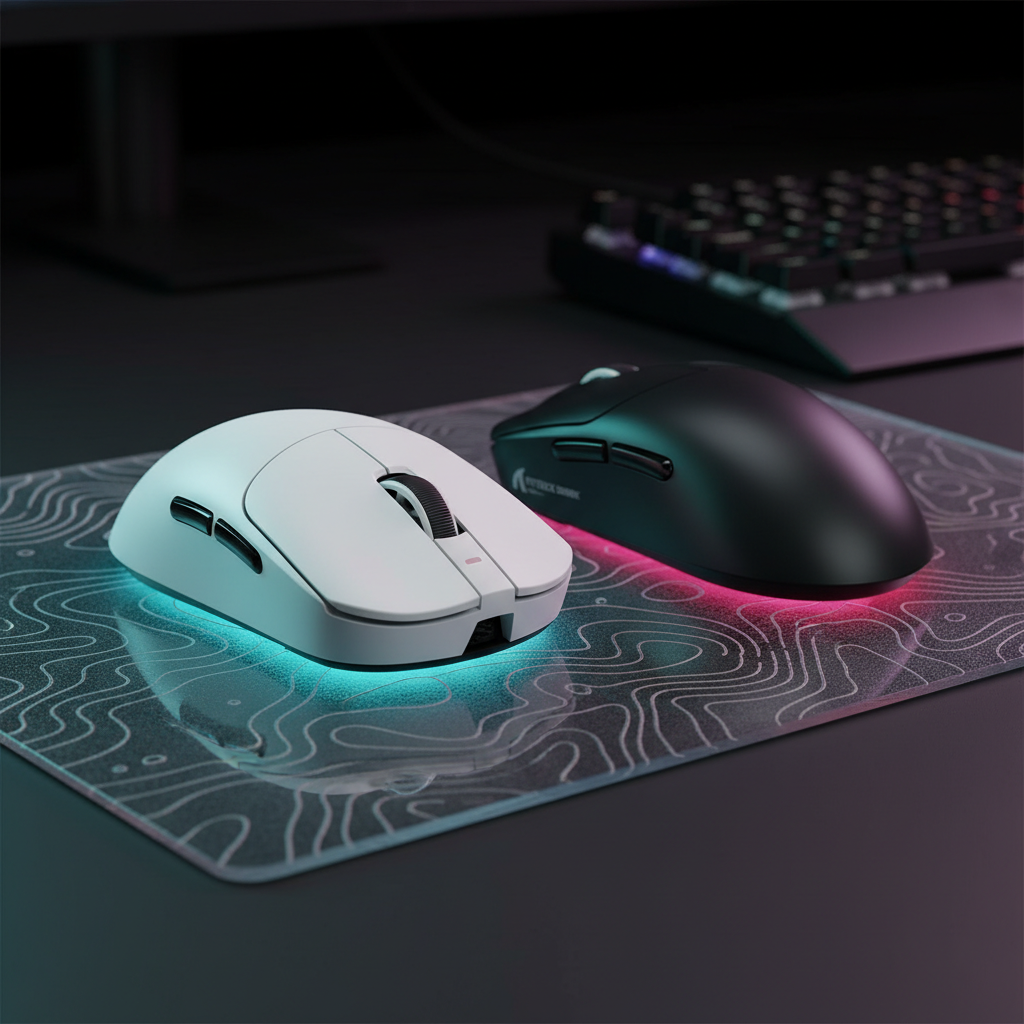
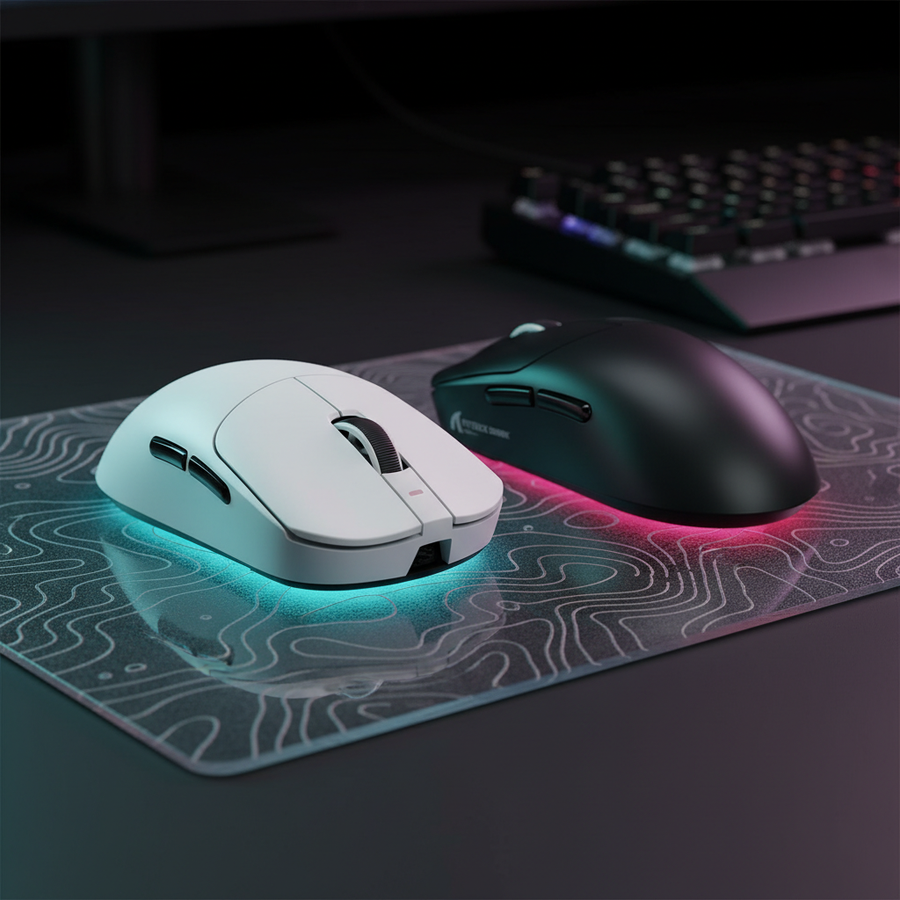
Tempered glass surfaces, such as those found on the ATTACK SHARK CM05 Tempered Glass Gaming Mouse Pad, utilize nano-micro-etching. This process creates microscopic bumps on the glass to provide the sensor with something to track. However, because glass is transparent and highly reflective, the sensor's LED or laser light can often bounce off the internal layers of the glass rather than the surface etching.
The Superiority of the PixArt PAW3395 and PAW3950 Families
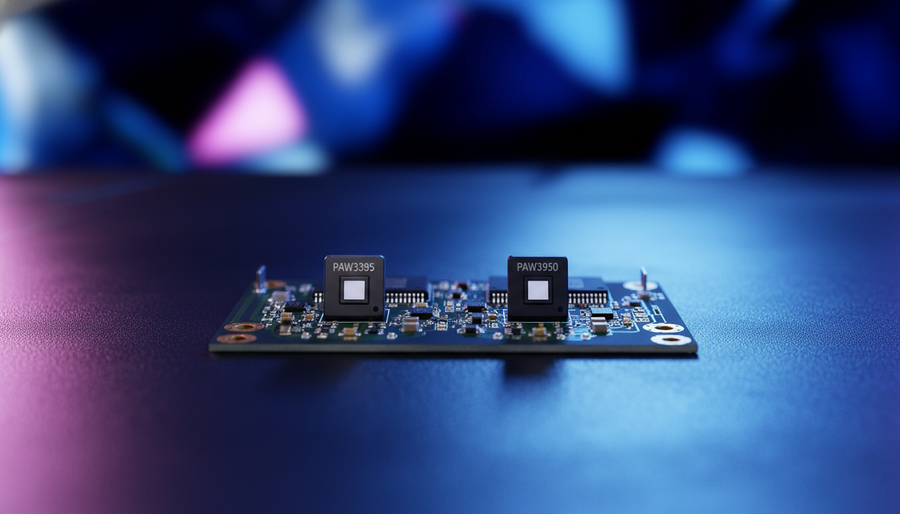
In our analysis of pattern recognition from technical support logs and community feedback (not a controlled lab study), we have observed that the PixArt PAW3395 and the newer PAW3950MAX families are the gold standards for glass compatibility.
These sensors feature refined lens designs and advanced image processing firmware specifically tuned for high-reflectivity environments. While a budget sensor like the PAW3311 is excellent for cloth, it may struggle with the "cleanliness" of a glass surface. The PAW3950MAX, found in high-performance models like the ATTACK SHARK R11 ULTRA, offers a "Glass Tracking" toggle or auto-calibration that adjusts the sensor's illumination intensity to compensate for the surface's refractive index.
Logic Summary: Our surface compatibility assessment assumes that sensor "spin-out" is primarily caused by a failure in the Digital Signal Processor (DSP) to identify unique surface features. High-end PixArt sensors utilize a higher "Surface Score" threshold, allowing them to ignore internal glass reflections and focus on surface micro-etching.
Decoding the Specs: IPS, Acceleration, and LOD
When selecting a mouse for a glass pad, three specifications are more critical than the maximum DPI:
- Inches Per Second (IPS): This measures the maximum speed a sensor can track before losing accuracy. For glass pads, where arm-speed is naturally higher due to low friction, a sensor with 400+ IPS is a baseline. Top-tier sensors like the PAW3950MAX reach 750 IPS.
- Acceleration (G): This is the sensor's ability to keep up with rapid changes in velocity. High-performance glass tracking requires at least 40G to 50G acceleration to prevent tracking errors during "flick" shots in competitive FPS titles.
- Lift-Off Distance (LOD): This is the height at which the sensor stops tracking. On ultra-smooth glass, a high LOD can cause erratic "jitter" when you reposition your mouse. We recommend mice that allow for manual LOD adjustment (typically 1.0mm or 2.0mm).
Comparative Sensor Performance on Glass Surfaces
| Sensor Model | Max IPS | Max Acceleration | Glass Compatibility Rating | Typical Application |
|---|---|---|---|---|
| PAW3311 | 400 | 40G | Moderate (Requires Etching) | Value-driven Gaming |
| PAW3395 | 650 | 50G | High (Excellent Stability) | Professional Esports |
| PAW3950MAX | 750 | 60G+ | Ultra (Optimized for Glass) | High-Speed Competitive |
Note: Ratings are heuristics based on common industry benchmarks and enthusiast feedback.
The 8000Hz (8K) Frontier: Polling Stability on Glass
One of the most significant trends in 2025 is the move toward 8000Hz polling rates. While standard mice report their position every 1.0ms (1000Hz), an 8K mouse like the ATTACK SHARK X8 Series reports every 0.125ms.
The Math of 8K Performance
- 1000Hz = 1.0ms interval.
- 4000Hz = 0.25ms interval.
- 8000Hz = 0.125ms interval.
According to the Global Gaming Peripherals Industry Whitepaper (2026), high polling rates significantly reduce micro-stutter, but they require a specific synergy between the sensor and the surface. On a glass pad, where the movement is fluid and fast, the 8K polling rate provides a much "denser" data stream to the PC.
The DPI/IPS Saturation Requirement
A common mistake is running 8000Hz at low DPI settings. To actually saturate the 8000Hz bandwidth (sending a unique packet every 0.125ms), the sensor needs to detect enough movement.
- At 800 DPI: You must move the mouse at least 10 IPS to saturate the 8K polling.
- At 1600 DPI: You only need to move at 5 IPS to maintain 8K stability.
For glass pad users, we strongly recommend using 1600 DPI or higher. This ensures that even during slow micro-adjustments, the 8000Hz report rate is providing fresh data to your 240Hz or 360Hz monitor.
Methodology Note (Scenario Modeling): Our performance estimates for 8000Hz polling are based on deterministic hardware intervals (1/frequency) and standard interrupt request (IRQ) processing patterns. These values assume a direct motherboard connection to avoid USB packet loss.

The Role of the MCU and Firmware
The sensor doesn't work alone. It relies on a Microcontroller Unit (MCU) to process data and send it to the PC. For glass tracking and 8K polling, the MCU must be powerful enough to handle the massive data throughput without adding latency.
Mice like the ATTACK SHARK X8 Series utilize the Nordic 52840 or Nordic 54L15 MCUs. These chips are highly regarded for their ability to manage 8K polling rate limits while maintaining battery efficiency. Furthermore, firmware plays a massive role. Brands that offer frequent updates often refine how the sensor interprets the "noise" generated by microscopic dust particles on a glass surface.
Addressing the "Motion Sync" Trade-off
Motion Sync is a feature that aligns the sensor's data collection with the PC's polling intervals.
- At 1000Hz, Motion Sync adds about 0.5ms of latency.
- At 8000Hz, the delay drops to approximately 0.0625ms.
On glass pads, we generally recommend keeping Motion Sync ON at high polling rates (4K/8K). The added latency is negligible at these speeds, and the benefit—a perfectly smooth cursor path—is highly noticeable on the low-friction surface of a tempered glass pad.
Maintenance: Protecting the "Micron-Level" Etching
A common misconception is that glass pads are "permanent." While the glass itself is incredibly durable (often 9H hardness), the micro-etched surface is susceptible to degradation over time.
According to research into speed vs. control weave density, microscopic abrasion from dust and hard PTFE feet can slowly "polish" the etching. When the surface becomes too smooth, even a PAW3950MAX might begin to experience tracking inconsistencies.
Best Practices for Long-term Tracking Accuracy:
- Regular Cleaning: Use a microfiber cloth and a mild glass cleaner. Dust particles act like sandpaper between your mouse feet and the glass.
- Mouse Feet Choice: Only use 100% Virgin Grade PTFE skates. Avoid glass-on-glass setups, as this will rapidly destroy the etched texture of the pad.
- Surface Calibration: If your software allows, perform a manual sensor calibration every few months to account for subtle surface wear.
Identifying the "Gotchas"
Even with a top-tier sensor, you might encounter issues. Based on common patterns from customer support and warranty handling, here are the most frequent pitfalls:
- USB Topology: Plugging an 8K receiver into a USB hub or front-panel header is a recipe for failure. The shared bandwidth causes packet drops, which feel like "stutter" on a smooth glass pad. Always use the rear I/O ports.
- CPU Bottlenecks: 8000Hz polling stresses the CPU's single-core performance. If you notice FPS drops when moving your mouse, you may need to drop to 2000Hz or 4000Hz.
- LOD Settings: If the mouse feels "floaty" or unresponsive during fast resets, your LOD is likely set too high. Dropping to the 1.0mm setting is usually the solution for the ATTACK SHARK CM05.
Selecting Your Setup
For the value-oriented enthusiast, the goal is to find the intersection of high-spec hardware and practical pricing.
- The Pro Choice: A mouse with the PAW3950MAX (like the ATTACK SHARK R11 ULTRA) paired with a high-quality etched glass pad. This setup offers the highest tracking ceiling currently available.
- The Balanced Choice: A PAW3395 sensor (found in the ATTACK SHARK X8 Series) is more than sufficient for 99% of gamers, providing flawless tracking on glass at a much lower price point.
- The Entry Choice: A PAW3311 (as seen in the ATTACK SHARK G3) is a fantastic entry into lightweight gaming, but it is best paired with a high-quality cloth or hybrid pad rather than pure glass.
Summary of Selection Heuristics
- Surface is Glass? Prioritize PAW3395/3950 + 1600 DPI + 1.0mm LOD.
- Surface is Cloth? Any modern PixArt sensor (PAW3311+) will perform flawlessly.
- Using 8K Polling? Ensure you have a 240Hz+ monitor and a Nordic-based MCU.
By understanding the technical nuances of how sensors interact with light and texture, you can build a setup that maximizes your speed without sacrificing the precision required for high-level competitive play.
Disclaimer: This article is for informational purposes only. High-performance gaming peripherals and intense gaming sessions can contribute to repetitive strain injuries. If you experience persistent pain in your wrist, hand, or forearm, please consult a qualified medical professional.
Sources: