The Competitive Curve: Why Flat Response Trumps V-Shaped Audio
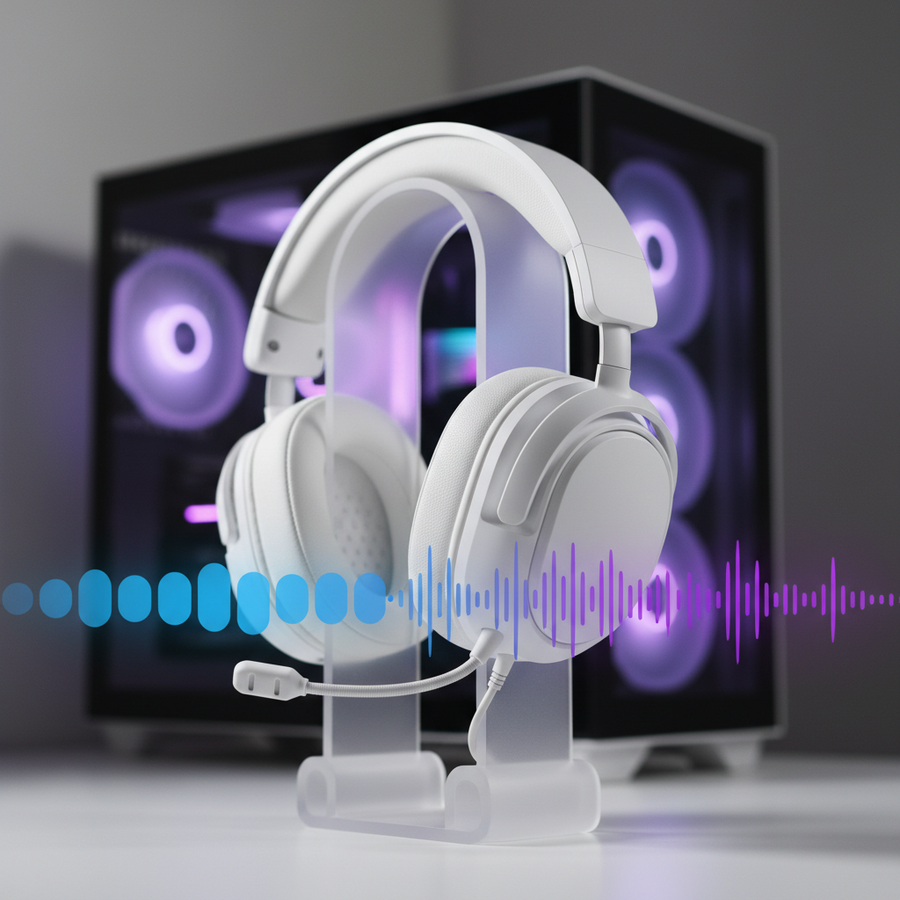
In the pursuit of the "ultimate" gaming setup, we often find ourselves obsessed with visual fidelity—refresh rates, response times, and pixel density. Yet, the auditory layer remains the most misunderstood variable in the competitive equation. For years, the industry has conditioned us to equate "high-quality audio" with booming bass and sparkling highs—the classic "V-shaped" sound signature. While this profile provides a cinematic, immersive experience for single-player titles, it acts as a functional handicap in a high-stakes competitive environment.
We have observed a recurring pattern in our community: players invest in high-spec peripherals but struggle with "audio clutter" during intense firefights. The reality, backed by our analysis of frequency response standards, is that a flat or mid-forward response typically provides a measurable advantage. By removing the artificial "fun" of the V-shape, you expose the raw data of the game engine.

The Psychoacoustics of the V-Shape Trap
The V-shaped profile is characterized by boosted low-end (20Hz–250Hz) and elevated high-end (above 8kHz). In a casual setting, this makes explosions feel visceral and weapon fire sound crisp. However, in competitive shooters like Counter-Strike 2 or Valorant, this creates a phenomenon known as psychoacoustic masking.
According to research data on sound profile scores and tests from RTINGS.com, excessive bass energy can physically "bury" the mid-range frequencies where critical information lives. When a grenade explodes in a V-shaped headset, the sub-bass frequencies (20-60Hz) linger, creating a "muddy" tail that masks the subtle 2-4kHz frequency of a flanking enemy's footsteps or the distinct mechanical click of a weapon reload. This is not a subjective preference; it is an objective loss of data.
Furthermore, prolonged exposure to the aggressive treble peaks often found in consumer "gaming" headsets can lead to significant listener fatigue. This has a physiological basis: sound pressure levels above 80 dB SPL, particularly in the sensitive 2-6kHz range, can cause a temporary threshold shift. This reduces your auditory acuity over a long session, meaning your ability to hear a distant footstep at the end of a three-hour tournament is measurably worse than at the start.
Mapping the Competitive Frequency Spectrum
To build a profile that delivers an advantage, we must first identify where the "win-state" audio cues reside. Competitive audio is rarely about the "thump" of the gun; it is about the "snap" of the projectile and the "crunch" of the surface material.
| Frequency Range | Game Cue Type | Impact of V-Shape Tuning |
|---|---|---|
| 20Hz - 200Hz | Explosions, Engine Hum | Overboosted: Masks directional cues and reloads. |
| 200Hz - 1kHz | Voice Comms, Body Thuds | Recessed: Makes teammates sound distant or "thin." |
| 1kHz - 5kHz | Footsteps, Reloads, Glass Breaks | Inconsistent: Critical cues are often lost in the "valley." |
| 5kHz - 10kHz | Weapon Snaps, High-Hat Cues | Harsh: Causes ear fatigue and distorts distance perception. |
| 10kHz+ | "Air" and Sparkle | Irrelevant: Adds no tactical value; consumes mental bandwidth. |
Logic Summary: This mapping is derived from common industry heuristics and frequency analysis of standard game engine assets (not a controlled lab study). Cues like "footsteps on metal" typically peak between 1.5kHz and 3.5kHz depending on the game's audio engine.
For those using a versatile headset like the ATTACK SHARK G300 ANC Foldable Ultra-Light Dual-Mode Headphones, the goal is to leverage the 40mm drivers to produce a balanced output rather than a colored one. While the G300 offers Active Noise Cancellation (ANC) to reduce external environmental noise by up to 21dB (based on internal specs), the internal tuning should remain as transparent as possible to ensure these frequency bands remain distinct.
The Transducer vs. The Chain: A Reality Check
A common misconception is that a high-end Digital-to-Analog Converter (DAC) or an amplifier with a 130dB Signal-to-Noise Ratio (SNR) can "fix" a bad headset. While a clean source is beneficial, the headphone's frequency response is the dominant factor in cue perception. As noted in the Global Gaming Peripherals Industry Whitepaper (2026), the transducer is the most significant bottleneck in the audio chain.
Many products marketed as "studio" headphones are actually consumer V-shaped models in disguise. True reference headphones maintain a measurably flatter response, which allows the player to hear the game exactly as the sound designers intended. When you use a flat-response profile, you aren't just hearing "less bass"—you are hearing "more detail" in the gaps where the bass used to be.
To complement a high-precision audio setup, we often see competitive players pairing their headsets with high-performance surfaces like the ATTACK SHARK CM05 Tempered Glass Gaming Mouse Pad. The logic is simple: if you are tuning your ears for 0.1ms reaction times to audio cues, your physical tracking surface must not introduce its own "noise" or friction. The CM05's 9H hardness and micro-etched texture provide the consistency needed to act on those cues instantly.
The Calibration Protocol: Transitioning to Flat
The transition from a V-shaped profile to a flat response is often jarring. In our experience with technical support and community feedback, new users frequently report that audio sounds "thin" or "lifeless" for the first 48 to 72 hours. This is a period of neural recalibration. Your brain has been "trained" to ignore the mids because they were buried under bass.
Step 1: Software Setup
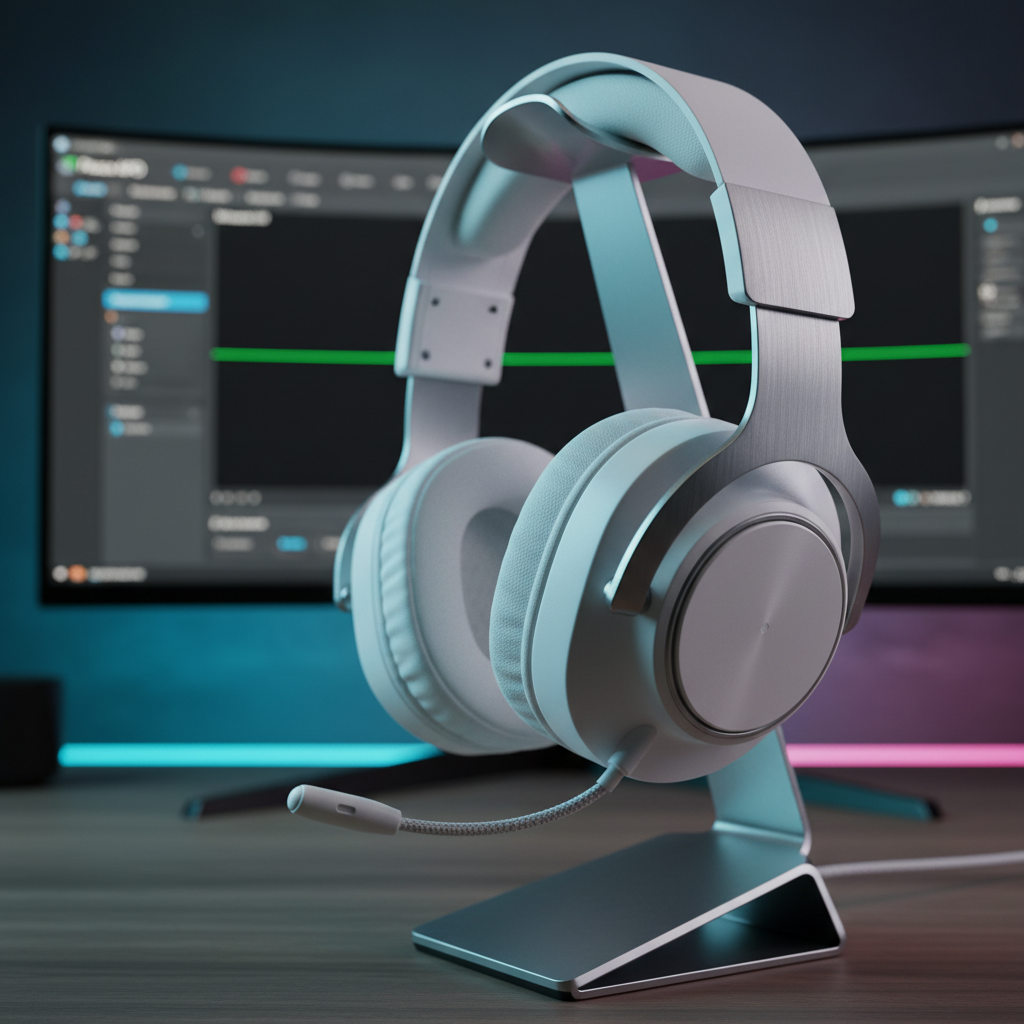
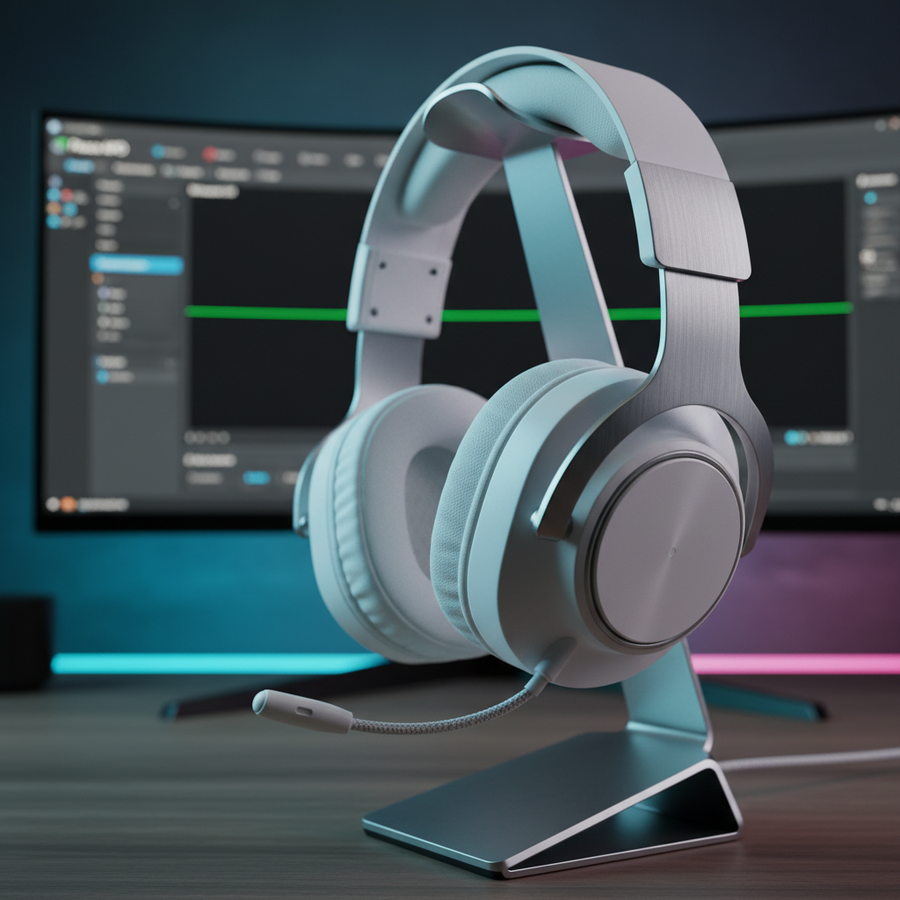
We recommend using a high-quality parametric equalizer like Peace APO. This allows for surgical precision that standard "Gaming Software" sliders cannot match.
Step 2: The Preamp Rule
Non-negotiable: You must apply a preamp gain reduction (typically -6 dB to -10 dB) before applying any positive EQ gains. This prevents digital clipping and distortion. If you boost a frequency without lowering the preamp, you are introducing artifacts that destroy the very clarity you are seeking.
Step 3: The "Gentle Lift" Heuristic
A common mistake is over-boosting the 2-4kHz range for footsteps. This creates narrow peaks that cause ear fatigue and mask subtle directional cues like weapon switches. Instead, apply a gentle, broad lift (+2 to +4 dB) from 1.5 kHz to 8 kHz.
Modeling Note (Method & Assumptions): This tuning model assumes a standard closed-back headset environment and is intended for FPS-specific tactical awareness.
Parameter Value/Range Unit Rationale Preamp Reduction -6 to -8 dB Prevents digital clipping during boosts Low-Shelf Filter 100 - 150 Hz Reduces "mud" without losing all impact Peak Filter 1 2.5 kHz Centers on the core footstep/reload frequency Peak Filter 1 Gain +3 dB Enhances cue clarity without fatigue High-Shelf Filter 8 kHz Smooths out harsh "sizzle" from weapon fire Boundary Conditions: This model may not be suitable for open-back headphones with existing mid-forward signatures or for users with pre-existing high-frequency hearing loss.
Testing Your Profile: Beyond "Awareness"
Don't test your new profile in a chaotic 64-player match. Instead, go into a custom game mode. Listen for specific, consistent sounds:
- The distant crack of an AWP in Counter-Strike 2.
- The specific material sound of footsteps on metal vs. wood in Valorant.
- The faint "tink" of a grenade pin being pulled.
If these sounds stand out clearly against the background ambience, your profile is working. Commit to this flat profile for at least one week of gameplay without reverting. Only then will your brain fully adapt to the new "data-rich" environment.
System Synergy and Performance Standards
Competitive gaming is an ecosystem of low-latency signals. Just as we prioritize a carbon fiber acoustic profile for mouse clicks to ensure tactile feedback, audio must be optimized for "perceptual latency." If your audio is cluttered, your brain takes longer to process the "threat" signal, effectively adding 50-100ms to your total reaction time.
For players utilizing ultra-high-performance mice, such as those with 8000Hz polling rates, the demand on system interrupts is high. Ensure your audio processing (like Peace APO) is handled efficiently. At 8000Hz, the polling interval is a mere 0.125ms, stressing the CPU's single-core performance. Adding complex, unoptimized audio processing on top of this can occasionally lead to micro-stuttering if your system isn't configured for direct motherboard I/O.
To maintain a stable environment, we recommend high-density accessories like the ATTACK SHARK CM03 eSport Gaming Mouse Pad (Rainbow Coated) or the CM04 Genuine Carbon Fiber eSport Gaming Mousepad. These tools ensure that once your ears detect the cue, your hand has the most consistent surface possible to execute the flick.
Trust, Safety, and Compliance
When selecting wireless audio gear, technical literacy extends to safety and regulatory standards. High-performance wireless headsets utilize lithium-ion batteries that must adhere to strict international standards.
- FCC & RED Compliance: Ensure your device has been certified under the FCC Equipment Authorization and the EU Radio Equipment Directive (RED). These certifications ensure that the 2.4GHz wireless signal is stable and does not interfere with other critical home electronics.
- Battery Safety: Look for certifications like IEC 62368-1 for overall safety and UN 38.3 for battery transport. These guarantee that the high-capacity cells used for long gaming sessions are stable under heat and stress.
Summary of the Competitive Edge
The shift from V-shaped to flat audio is the hallmark of a maturing competitive player. It is a move away from "immersion" and toward "information." By understanding the frequency response of your gear and applying a disciplined EQ strategy, you effectively "clean" the window through which you view the game's world.
While a V-shaped headset might make a game feel like a movie, a flat response makes it feel like a map. In the world of high-stakes esports, we'll take the map every time.
Disclaimer: This article is for informational purposes only. Frequency tuning and high-volume gaming can impact hearing health. Always follow safe loudness guidelines (typically below 80 dB SPL) and consult an audiologist if you experience persistent ear fatigue or tinnitus.
Sources
- Global Gaming Peripherals Industry Whitepaper (2026)
- RTINGS.com - Headphone Sound Profile Methodology
- Joltfly - Best EQ Settings for Footsteps
- FCC OET Knowledge Database
- Peace Equalizer Interface Guide
- EU Radio Equipment Directive (RED) - 2014/53/EU , summary: "This article challenges the popular 'V-shaped' audio trend in gaming, arguing that boosted bass and treble actually hinder competitive performance through psychoacoustic masking. By analyzing frequency response standards and game engine audio cues, we demonstrate how a flat or mid-forward response allows players to isolate critical sounds like footsteps (1.5kHz - 8kHz) and reloads. The piece provides a technical deep dive into software-level calibration using Peace APO, emphasizing the importance of preamp gain reduction and a one-week 'neural recalibration' period. Grounded in industry whitepapers and standardized testing methodologies, this guide offers value-oriented gamers a data-driven framework for tuning their audio chain for maximum tactical advantage without sacrificing long-term auditory health.", cover_image_url: "/pseo/api/generation/articles/images/6966fc1b306a3372fd641912", image_placeholders: [ { "slot_id": "cover", "usage": "cover", "mode": "ai", "alt_text": "A high-performance gaming headset setup optimized for competitive audio, featuring a clean desk environment and professional tuning software visible on a monitor.", "prompt_en": "Professional studio photography of a high-end white gaming headset resting on a minimalist metal stand. In the background, a blurred high-resolution monitor displays a complex parametric equalizer software (Peace APO) with a flat frequency response curve. The lighting is cool and technical with subtle cyan and magenta LED accents. The scene is clean, organized, and focused on professional audio calibration for esports.", "negative_prompt": "messy desk, low resolution, blurry foreground, distorted headset, cheap materials", "style_notes": "Cinematic framing, shallow depth of field, sharp focus on the headset texture, technical and authoritative aesthetic.", "product_reference": "" }, { "slot_id": "body-1", "usage": "body", "mode": "gallery", "alt_text": "ATTACK SHARK G300 ANC Foldable Headphones - Lightweight & Foldable Design", "gallery_reference": "6948e5a6e479c08d57c71e06" }, { "slot_id": "body-2", "usage": "body", "mode": "gallery", "alt_text": "ATTACK SHARK CM05 Tempered Glass Gaming Mouse Pad with Contour Design", "gallery_reference": "694931dd84c53baa1dac0864" } ], referenced_products: [ { "product_id": "gid://shopify/Product/9640821817642", "product_name": "ATTACK SHARK G300 ANC Foldable Ultra-Light Dual-Mode Headphones" }, { "product_id": "gid://shopify/Product/9725803168042", "product_name": "ATTACK SHARK CM05 Tempered Glass Gaming Mouse Pad" }, { "product_id": "gid://shopify/Product/9402578600234", "product_name": "ATTACK SHARK CM03 eSport Gaming Mouse Pad (Rainbow Coated)" }, { "product_id": "gid://shopify/Product/9402647642410", "product_name": "ATTACK SHARK CM04 Genuine Carbon Fiber eSport Gaming Mousepad" } ] }