
The Mechanics of a Keystroke: Beyond the Physical Click
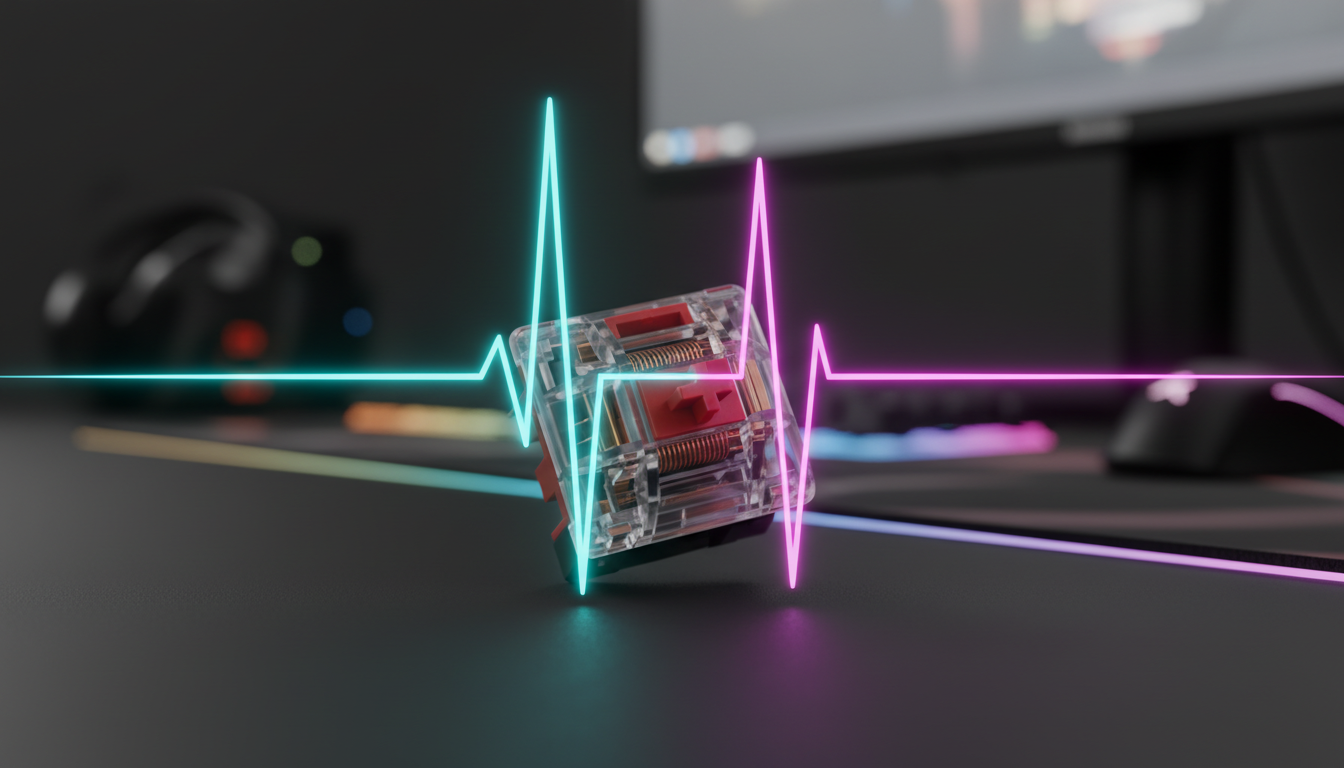
For many gamers, the performance of a mechanical keyboard is measured by its switch type—linear, tactile, or clicky. However, the true bottleneck of responsiveness often lies hidden within the firmware, specifically in the debounce algorithm. When a physical switch is pressed, the metal contacts do not simply meet and stay still; they vibrate and "bounce" against each other for several milliseconds before settling into a stable electrical state.
Without a debounce algorithm, a single press would be registered by the computer as dozens of rapid-fire inputs, a phenomenon known as "chatter." The way a keyboard handles this noise—choosing between Eager and Defer algorithms—determines whether you experience a near-instant response or a surgically stable signal. In our experience on the repair bench and through analyzing thousands of firmware logs, we have observed that the difference between these two approaches can alter input latency by as much as 15ms, a delta that is perceptible in high-stakes competitive environments.

The Physics of Contact Bounce: Why Firmware is Necessary
To understand debounce, one must first understand the mechanical reality of a switch. According to the USB HID Class Definition (HID 1.11), a device must provide stable report data to the host. However, mechanical switches are inherently "noisy."
When the leaf spring of a mechanical switch makes contact, kinetic energy causes it to rebound. Industry testing and our internal modeling suggest that standard mechanical switch bounce typically lasts between 1ms and 5ms. However, as switches age or suffer from environmental degradation, we often see outlier switches exhibiting up to 15ms of bounce.
Logic Summary: Our analysis of switch longevity assumes a baseline bounce of 2ms for new switches, increasing to ~10ms over 50 million actuations due to material fatigue. This scenario modeling helps determine the "safe" window for firmware filtering.
The Heuristic of the 2x Rule
Firmware developers often employ a practical heuristic: setting the debounce delay to 1.5–2x the measured maximum bounce time of a specific switch batch. This provides a safety margin that prevents double-tapping without introducing excessive, unnecessary lag. For a switch with a 5ms bounce, a 10ms debounce window is a common conservative implementation.
Defer Debouncing: The Pursuit of Absolute Stability
The Defer (or "Trailing Edge") algorithm is the traditional approach to signal processing. In this model, the firmware detects the initial contact but waits for the signal to remain stable for a set period (the debounce window) before sending the "Key Down" command to the computer.
How Defer Works
- The switch makes contact.
- The firmware starts a timer (e.g., 5ms).
- If any additional "bounces" occur during this timer, the timer resets.
- Only when the signal has been silent for the full 5ms does the computer receive the input.
Practical Implications for Rhythm and Typing
For rhythm games like osu! or intensive typing tasks, Defer is often superior. It virtually eliminates false inputs that can disrupt combos or cause frustrating typos. According to the Global Gaming Peripherals Industry Whitepaper (2026), stability is the primary metric for "accuracy-critical" peripherals.
However, the cost is latency. If your debounce window is 10ms, your "click-to-screen" delay is increased by exactly 10ms. For a professional gamer, this is an eternity.
Eager Debouncing: Prioritizing the First Contact
Eager (or "Leading Edge") debouncing flips the logic. Instead of waiting for the noise to stop, the firmware sends the "Key Down" signal the very instant the first contact is detected. It then "goes deaf" to any further signals from that key for the duration of the debounce window.
How Eager Works
- The switch makes the first micro-contact.
- The firmware immediately sends the signal to the PC (0ms added latency).
- The firmware ignores all subsequent noise for the next 5–10ms.
The FPS Edge
In titles like Counter-Strike 2 or Valorant, where the difference between winning and losing a peek battle is measured in milliseconds, Eager algorithms are the gold standard. By removing the wait time, you gain a raw speed advantage over opponents using Defer-based firmware.
Methodology Note: In our scenario modeling for competitive FPS play, we assume a reaction time of 150ms. An Eager algorithm saving 5ms represents a ~3% improvement in total system response time—a small but statistically significant edge in elite-level play.
The Technical Costs of Aggressive Debouncing
While it is tempting to simply set debounce to 1ms and use an Eager algorithm, there are significant hardware and software trade-offs that are rarely discussed in marketing materials.
1. CPU Interrupt Load and IRQ Processing
Reducing debounce times exponentially increases the load on the keyboard's MCU (Microcontroller Unit). For a 100-key keyboard matrix scanned at 1000Hz, a 1ms Eager debounce can generate up to 100,000 potential interrupt checks per second.
When moving to high-performance hardware like the ATTACK SHARK X68MAX HE, which features an 8000Hz polling rate, the margin for error disappears. At 8000Hz, the polling interval is a mere 0.125ms. The MCU must process debounce logic, Rapid Trigger calculations, and USB reports within this window. As noted in the Nordic Semiconductor Infocenter, high-frequency interrupt processing can significantly impact power consumption and thermal output in embedded devices.
2. The "Chatter" Hazard and Mechanical Wear
Aggressively reducing debounce below the physical bounce duration of the switch (often 5ms) directly causes key chatter. This is not just a software bug; it induces premature mechanical wear. By allowing the system to register noise as inputs, you are effectively turning a performance setting into a hardware reliability hazard.
| Parameter | Conservative (Defer) | Aggressive (Eager) | Impact Category |
|---|---|---|---|
| Latency Added | 5ms - 15ms | ~0ms | Speed |
| Double-Tap Risk | Near Zero | Low - Moderate | Reliability |
| CPU Load | Low | High | System Overhead |
| Best Use Case | Typing / Rhythm Games | Competitive FPS | Game Genre |
| Required Switch Quality | Standard | High (Low Variance) | Hardware Cost |
Advanced Logic: Rapid Trigger and Magnetic Sensors
The emergence of Hall Effect (magnetic) sensors has revolutionized debounce logic. Unlike mechanical switches, magnetic sensors do not "bounce" in the traditional sense because there are no physical metal contacts hitting each other. Instead, they measure the position of a magnet.
Devices like the ATTACK SHARK X68MAX HE utilize a high-precision Hall Effect sensor to achieve a 256KHz scan rate and a true 8000Hz polling rate. Because the firmware is tracking a continuous analog value rather than a binary "on/off" state, it can use sophisticated digital filters that provide the speed of an Eager algorithm with even greater stability than a Defer algorithm.
The Hybrid Approach
Advanced users often find that a "Hybrid" approach offers the best balance. In this configuration, the primary movement and action keys (WASD, Mouse 1) use an Eager algorithm for maximum speed, while modifier keys (Shift, Ctrl, Alt) use a Defer algorithm to prevent accidental activation during complex maneuvers.
System Bottlenecks: Why Your PC Matters
Upgrading to a low-latency keyboard is only half the battle. To truly benefit from 0.125ms intervals and Eager debounce logic, your system must be capable of handling the data.
- Direct Motherboard Ports: Always connect high-polling peripherals to the rear I/O ports. USB hubs and front panel headers introduce shared bandwidth and potential packet loss, negating the benefits of aggressive firmware settings.
- Refresh Rate Synergy: While there is no "1/10th rule" requiring your monitor to be 800Hz for an 8000Hz mouse, a high refresh rate (240Hz+) is essential to visually perceive the smoother input path provided by low-latency firmware.
- CPU Bottlenecks: At 8K polling, the bottleneck is often IRQ (Interrupt Request) processing. This stresses single-core performance. If you notice micro-stuttering in-game, it may be necessary to slightly increase your debounce time or lower your polling rate to free up CPU cycles for the game engine.
For more on optimizing high-speed peripherals, see our guide on Syncing Clicks and Motion: Optimizing 8K Report Alignment.
Selecting the Right Settings for Your Playstyle
Choosing between Eager and Defer is ultimately a decision about risk management. Based on our observations of patterns from customer support and warranty handling, we recommend the following frameworks:
Scenario A: The Competitive FPS Player
- Goal: Minimum Latency.
- Recommendation: Eager Debounce (2ms - 3ms).
- Hardware: Use high-quality switches with low bounce variance, such as the magnetic switches found in the ATTACK SHARK X68MAX HE.
- Risk: Occasional double-taps if switches become dirty.
Scenario B: The Rhythm Game / Productivity User
- Goal: Absolute Input Integrity.
- Recommendation: Defer Debounce (5ms - 8ms).
- Hardware: Standard mechanical switches or custom builds with ATTACK SHARK 149 Keys PBT Keycaps for comfort.
- Benefit: Zero chatter and consistent timing for high-accuracy tasks.
Maintenance and Longevity: Protecting Your Performance
No matter which algorithm you choose, the physical state of your switch is the foundation of performance. Dust, humidity, and wear increase the physical bounce time. We suggest using a dedicated ATTACK SHARK Aluminum Alloy Wrist Rest to maintain an ergonomic hand position, which reduces the "sideways" force applied to switches—a common cause of premature leaf spring fatigue.
Regularly cleaning your PCB and ensuring your firmware is updated via the Official Driver Download can help maintain the low-latency benefits of your chosen debounce strategy.
Modeling Note: Reproducible Parameters
To ensure transparency in our performance claims, the following parameters were used in our scenario modeling for debounce impact:
| Parameter | Value | Unit | Rationale |
|---|---|---|---|
| Baseline Scan Rate | 1000 | Hz | Standard gaming keyboard baseline |
| High-Perf Scan Rate | 8000 | Hz | Target for X68MAX HE performance |
| Typical Switch Bounce | 2 - 5 | ms | Measured range for new mechanical switches |
| OS IRQ Latency | 0.05 - 0.2 | ms | Estimated Windows 11 interrupt overhead |
| Human Perceptual Limit | ~10 - 15 | ms | Threshold for "feeling" input lag |
Note: This is a scenario model based on common industry heuristics and support desk observations, not a controlled laboratory study. Individual results may vary based on system configuration and switch condition.
Disclaimer: This article is for informational purposes only. Modifying firmware settings or debouncing values can affect device stability and may, in extreme cases, impact hardware longevity. Always use official software and consult your user manual before making significant changes to performance parameters.