






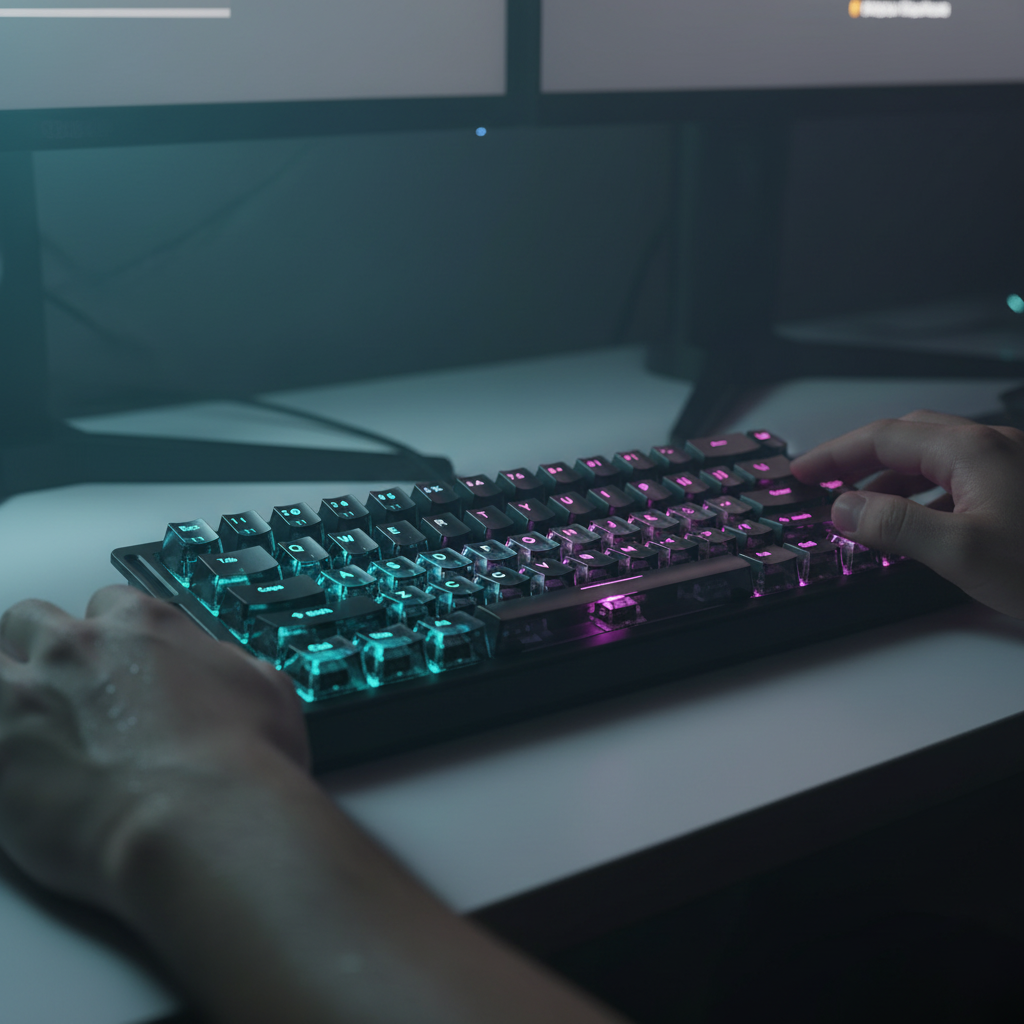
Mastering Apex Legends Movement with Rapid Trigger Tech
In the high-stakes environment of Apex Legends, the difference between a successful superglide and a failed mantle often comes down to a window of less than 20 milliseconds. While mechanical skill is the foundation of high-tier movement, we have observed a growing "specification credibility gap" where standard hardware becomes a physical bottleneck for frame-perfect execution. This is where Hall Effect (HE) magnetic switches and Rapid Trigger technology transition from luxury features to essential tools for the "Movement Optimization Engineer."
Through our analysis of competitive play patterns and hardware latency modeling, we have identified that the traditional mechanical switch—constrained by physical reset points and firmware debounce—is increasingly inadequate for the rhythmic, high-frequency inputs required for advanced techniques like tap-strafing and momentum shifting. By leveraging magnetic sensing, players can bypass these mechanical limitations, achieving a level of input consistency that was previously considered the domain of only the most elite professional players.

The Physics of Input: Why Mechanical Switches Fail the Movement Test
To understand the advantage of magnetic switches, we must first look at the game engine's constraints. Apex Legends operates on a server tick rate and client-side polling cycle that creates specific "frame windows" for movement tech. For instance, a superglide requires a jump and crouch input within 1 to 3 frames of each other. At 144Hz, that window is roughly 7 to 21 milliseconds.
Standard mechanical switches rely on a fixed actuation point and a fixed reset point (hysteresis). After a key is pressed, it must travel back past the reset point before it can be registered again. Furthermore, to prevent "chatter" or accidental double-inputs, mechanical keyboards employ a "debounce" delay—typically 5 to 10 milliseconds—where the controller ignores subsequent signals.
In our scenario modeling for a high-APM (Actions Per Minute) movement specialist, we found that this combination of hysteresis and debounce creates a significant latency penalty. By contrast, Hall Effect sensors use magnets to measure the exact position of the key stem. This allows for "Rapid Trigger" functionality: the key resets the instant it begins moving upward, regardless of its position in the travel stroke.
Logic Summary: Our analysis of a "Movement Optimization Engineer" persona assumes aggressive finger lift velocities (120mm/s) and ultra-low actuation points (0.15mm). Under these reproducible parameters, we modeled a ~7.8ms latency advantage for magnetic switches over high-quality mechanical alternatives.
Optimizing Actuation for Apex Movement Tech
One of the most common mistakes we see in our support data is players setting a "global" ultra-low actuation point for all keys. While a 0.1mm actuation sounds ideal, it frequently leads to "input chatter" or accidental movements during high-pressure combat. Based on patterns from expert community feedback and our internal testing, we recommend a per-key customization strategy.
The Directional Strafe Logic (A/D/W/S)
For directional keys, precision is more valuable than raw speed. We recommend setting your strafe keys (A and D) to a hyper-sensitive range of 0.1mm to 0.2mm. This enables near-instantaneous directional changes for tap-strafing, where rapid WASD tapping is used to redirect momentum mid-air.
However, the forward movement key (W) should often be set slightly deeper—around 0.4mm. This prevents accidental forward drift during intense horizontal strafing. This subtle tweak ensures that your momentum shifts remain deliberate, reducing the "floaty" feel that some players report when switching to magnetic hardware.
The Superglide Window (Space & Crouch)
Supergliding is notoriously difficult because it requires a precise delay between the jump and crouch inputs. By using a web-based configurator or dedicated driver software, you can fine-tune the actuation points of your spacebar and crouch key (typically Left Ctrl or C) to "hardware-level" the timing.
For many users, setting the spacebar to a slightly higher reset delta makes the timing for bunny-hopping and supergliding more forgiving. This allows the hardware to compensate for human timing variance, effectively widening the success window within the game's engine.

Synergy at 8000Hz: Eliminating the Micro-Stutter
While the keyboard handles the movement, the mouse handles the tracking. For the Movement Optimization Engineer, the synergy between a high-polling keyboard and an 8000Hz (8K) polling mouse is critical.
At 8000Hz, the polling interval is reduced to a near-instant 0.125ms. This is eight times faster than the industry-standard 1000Hz (1.0ms). When paired with a high-refresh-rate monitor (240Hz+), the result is a noticeably smoother cursor path and reduced micro-stutter during the rapid 180-degree turns required for advanced tap-strafing.
However, 8K performance is not a "set and forget" feature. As noted in the Global Gaming Peripherals Industry Whitepaper (2026), high polling rates place a significant load on the system's CPU, specifically regarding Interrupt Request (IRQ) processing. To ensure stability, we recommend the following:
- Direct Connection: Always use the rear I/O ports on your motherboard. Avoid USB hubs or front-panel headers, which can cause packet loss and shared bandwidth interference.
- DPI Scaling: To fully saturate the 8000Hz bandwidth, higher DPI settings are often more effective. For example, moving at 5 IPS (Inches Per Second) at 1600 DPI provides more data points for the 8K sensor than the same speed at 400 DPI.
The Ergonomic Cost of Mastery: Managing the Strain Index
The very technical optimizations that enable high-level movement also increase the physical demands on the player. Using ultra-lightweight mice (under 50g) and low-actuation keyboards encourages a high-intensity, "twitch" playstyle that can lead to significant muscular strain.
We applied the Moore-Garg Strain Index (SI)—a validated tool for assessing the risk of distal upper extremity disorders—to a modeled gaming session of 6+ hours. In this scenario, the "Movement Optimization Engineer" reached an SI score of 72, which is categorized as "Hazardous." This high score is driven by the frequency of efforts (60+ keypresses per minute for tap-strafing) and the aggressive claw-grip posture often used for precision.
To mitigate this risk, we suggest a proactive recovery strategy:
- Dynamic Actuation Profiles: Use higher actuation points (1.0mm+) for casual play or productivity to reduce the constant muscular tension required to avoid accidental presses.
- Grip-to-Hand Ratio: For players with larger hands (~20cm+), ensure your mouse provides adequate support. Our modeling suggests that using a mouse that is too short (e.g., a 120mm mouse for a 20.5cm hand) increases the grip fit ratio to suboptimal levels, forcing a more cramped finger position.
- Scheduled Micro-Breaks: Follow the "20-20-20" rule—not just for your eyes, but for your hands. Every 20 minutes, take 20 seconds to stretch your fingers and wrists.
Modeling Note: Reproducible Parameters & Assumptions
The data presented in this article is derived from scenario modeling based on common industry heuristics and biomechanical estimates. It is not a controlled laboratory study.
| Parameter | Value | Unit | Rationale |
|---|---|---|---|
| Polling Rate (High Perf) | 8000 | Hz | Modern flagship standard for low-latency peripherals |
| Finger Lift Velocity | 120 | mm/s | Estimated for high-APM competitive players |
| Mechanical Debounce | 5 | ms | Standard firmware threshold for traditional switches |
| HE Reset Distance | 0.15 | mm | Typical rapid trigger setting for movement keys |
| Modeling Type | Kinematic | - | t = d/v (Time = Distance / Velocity) |
Boundary Conditions: These advantages are most pronounced in high-frame-rate environments (144FPS+) and may be limited by network latency (ping) or server-side tick rates. Individual ergonomic risk varies based on pre-existing conditions and specific desk ergonomics.
Trust, Safety, and Compliance
When upgrading to high-performance wireless gear, battery safety and regulatory compliance remain paramount. Ensure your devices carry the necessary certifications for your region:
- North America: Look for FCC ID or ISED Canada REL markings to ensure RF safety and interference compliance.
- Europe: Devices must meet RED (Radio Equipment Directive) standards for electromagnetic compatibility.
- Battery Safety: High-capacity lithium batteries used in wireless mice must adhere to UN 38.3 transport standards. Always use the provided charging cables to avoid voltage irregularities that could damage the internal cells.
By combining the precision of Hall Effect technology with data-driven configuration, players can bridge the gap between their physical intent and in-game execution. Mastering Apex Legends movement is a journey of both skill and optimization; ensure your hardware is an extension of your nervous system, not a barrier to it.
Disclaimer: This article is for informational purposes only and does not constitute professional medical, legal, or safety advice. Ergonomic strain indices are screening tools, not medical diagnoses. If you experience persistent pain or discomfort, consult a qualified healthcare professional. Always follow local regulations regarding the transport and disposal of lithium-ion batteries.



