The Two-Sided Nature of Input Speed
In the competitive gaming landscape, "speed" is frequently marketed as a one-way street: how fast a switch can actuate. However, for technically-inclined gamers, raw actuation speed is only half the equation. The true bottleneck in high-APM (Actions Per Minute) scenarios is often not how fast a key starts, but how fast it stops. This is where the concept of the "Reset Point" or deactivation distance becomes critical.
With the advent of Hall Effect (HE) magnetic switches, the industry has shifted from fixed mechanical contact points to dynamic, firmware-defined thresholds. While this offers unprecedented customization, it introduces a "Specification Credibility Gap." Users often set hyper-sensitive actuation points (e.g., 0.1mm) without understanding the mechanical and electronic requirements for a clean reset. This imbalance can lead to missed inputs, "stuck" keys, and inconsistent performance.
Understanding the relationship between actuation height and deactivation speed is essential for bridging the gap between theoretical specs and real-world performance. In this deep dive, we will analyze the mechanisms of Rapid Trigger technology, the physics of sensor saturation, and how to optimize your setup for professional-grade reliability.
The Anatomy of a Keypress: Actuation vs. Deactivation
To understand why reset points matter, we must first define the two phases of a digital input. Actuation occurs when the switch travels downward and reaches the threshold where the controller registers a "key down" event. Deactivation occurs during the upward travel (release), where the switch crosses a threshold to register a "key up" event.
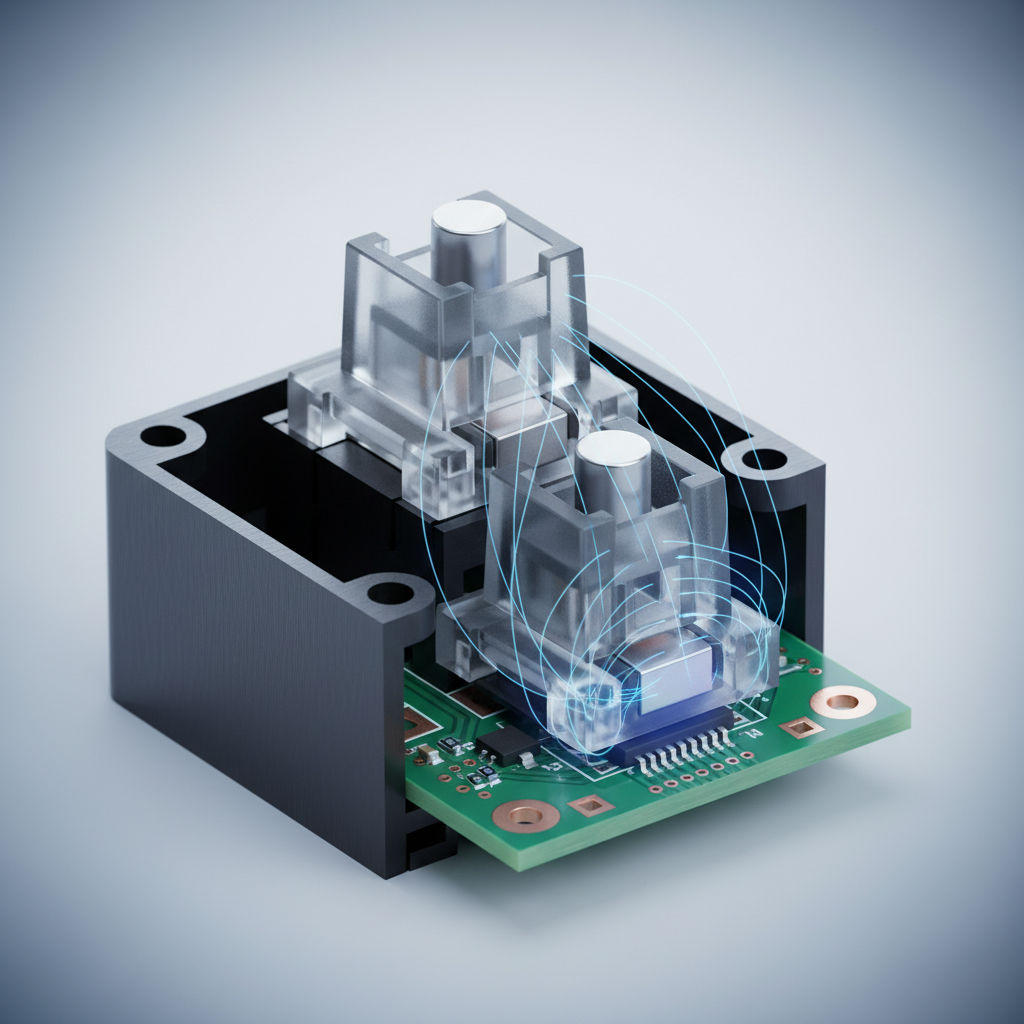
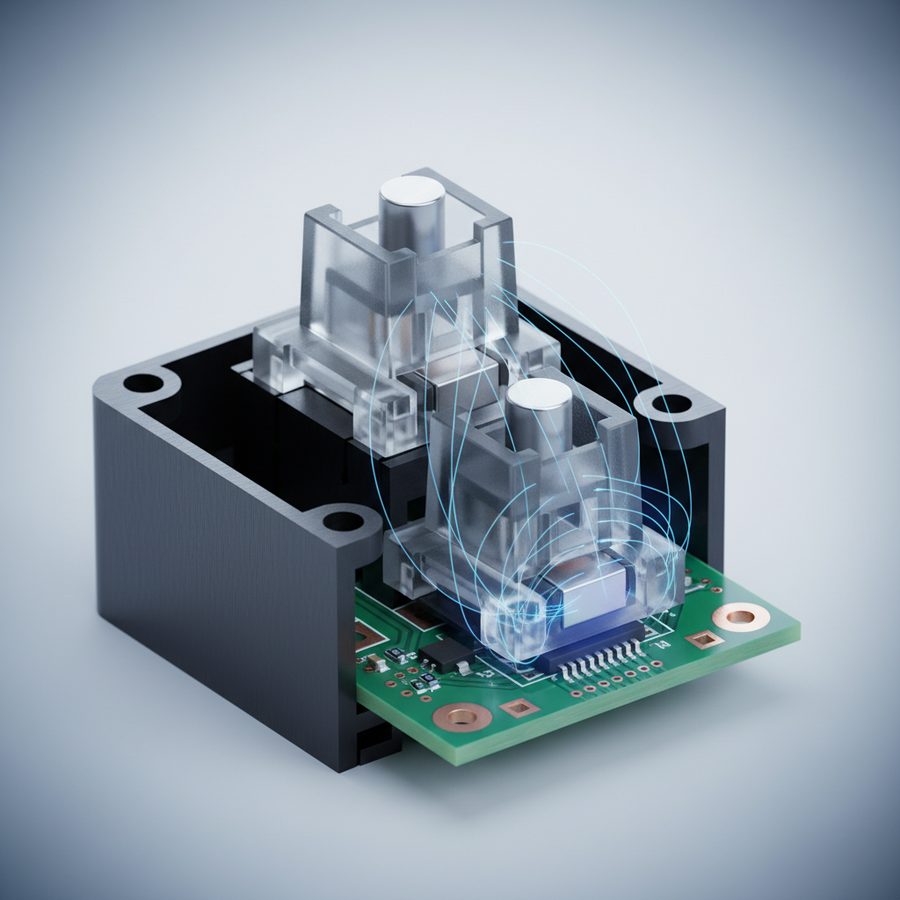
In traditional mechanical switches, these points are fixed by the physical geometry of the metal leaf. There is a built-in "hysteresis"—a gap between the actuation and reset points—designed to prevent "chatter" or accidental double-inputs. Magnetic switches eliminate this physical constraint, allowing for "Rapid Trigger" (RT) functionality. RT allows the key to reset the instant it begins to move upward, regardless of its position in the total travel distance.
The "Dead Zone" Phenomenon
A common mistake we observe in community feedback and technical support tickets is the "Dead Zone" error. This occurs when a user sets an ultra-low actuation point (e.g., 0.1mm) but keeps the reset distance too shallow or fails to account for the finger's natural lift velocity.
If the reset point is set too close to the actuation point, the switch may physically reset, but the sensor—due to micro-vibrations or electrical noise—may not register the deactivation. This creates a state where the key is physically "up" but electronically "down," causing the next press to be ignored. According to the USB HID Class Definition (v1.11), the integrity of the report descriptor depends on clear state transitions; without a clean deactivation, the host computer cannot process the subsequent "make" code.
Logic Summary: Our analysis of the "Dead Zone" assumes a high-sensitivity setting where the signal-to-noise ratio of the Hall Effect sensor is challenged by ambient electronic interference. This is a pattern recognized from debugging firmware-level input drops (not a controlled lab study).
Scenario Modeling: The Competitive Rhythm Game Specialist
To demonstrate the impact of optimized reset points, we modeled a scenario for a high-performance rhythm game player (e.g., osu! or Arknights: Endfield). These players require millisecond-level precision during rapid-fire tapping sequences.
Analysis of the Latency Advantage
Using a deterministic kinematic model, we compared a standard mechanical switch with a fixed 0.5mm hysteresis against a Hall Effect switch with a 0.1mm Rapid Trigger reset.
| Parameter | Value | Unit | Rationale |
|---|---|---|---|
| Finger Lift Velocity | 150 | mm/s | Estimated for competitive "streaming" speeds |
| Mechanical Reset Distance | 0.5 | mm | Standard Cherry-style hysteresis |
| Rapid Trigger Reset Distance | 0.1 | mm | Common "pro" setting for HE switches |
| Mechanical Total Latency | ~13.3 | ms | Includes debounce and travel |
| HE Rapid Trigger Latency | ~5.7 | ms | Optimized pathing |
| Latency Advantage | ~7.7 | ms | Per-keypress cycle benefit |
Modeling Disclosure: This is a scenario model, not a controlled lab study. It assumes a constant finger lift velocity and linear travel. It does not account for MCU polling jitter or magnetic flux saturation near the bottom-out point.
For a rhythm game specialist, this ~8ms advantage is transformative. In a game like osu!, where a 300 BPM stream allows only a 200ms window per note, an 8ms gain represents approximately 4% of the timing window. This compounds over thousands of notes, significantly reducing the physical effort required to "clear" the input buffer and preventing the fatigue associated with overcompensating for slow mechanical resets.

Engineering Nuances: Why Specs Don't Always Tell the Whole Story
While the numbers suggest that "lower is better," the physical reality of keyboard construction introduces several "gotchas."
1. The Saturation Risk
A frequent oversight in enthusiast research is the sensor's "saturated region." When a magnetic switch is pressed to its absolute bottom-out point, the magnetic flux density can saturate the Hall Effect sensor. In this state, the output gradient (measured in mV/mm) becomes nearly zero. If your actuation point is set at the very bottom of the stroke, the controller may struggle to detect the tiny positional change needed for a Rapid Trigger reset.
As noted in the Global Gaming Peripherals Industry Whitepaper (2026), maintaining a buffer between the actuation point and the physical bottom-out is essential for sensor accuracy.
2. Spring Weight and Non-Linear Resets
Switch spring weight has a non-linear impact on reset speed. A 45g spring does not necessarily reset 25% faster than a 60g spring. Factors such as keycap mass and stabilizer friction play a significant role. In our experience with custom builds, a heavier spring can actually provide a more "snappy" return, which helps the Rapid Trigger mechanism engage more reliably by providing a clearer velocity signal to the sensor.
3. Ambient Vibration and Reliability
If the deactivation point is set too sensitively to match a shallow actuation, even ambient vibrations (like a heavy hand resting on the desk or a nearby subwoofer) can cause "key chatter." This is a reliability flaw often omitted in idealized marketing materials. Professional setups typically require a "dead zone" of at least 0.15mm to 0.2mm above the actuation point to ensure environmental stability.
Hardware Synergy: The Role of Polling Rates and Cables
To truly utilize a 0.1ms reset point, the rest of the signal chain must be equally fast. A keyboard with an 8000Hz (8K) polling rate reduces the interval between data packets to 0.125ms. This ensures that the moment the Hall Effect sensor detects a deactivation, the information is sent to the PC almost instantly.
However, 8K polling introduces its own constraints:
- CPU Load: The bottleneck is IRQ (Interrupt Request) processing. This stresses single-core performance.
- USB Topology: Devices must be plugged into direct motherboard ports (Rear I/O). Using a USB hub or front-panel header often results in packet loss due to shared bandwidth and poor shielding.
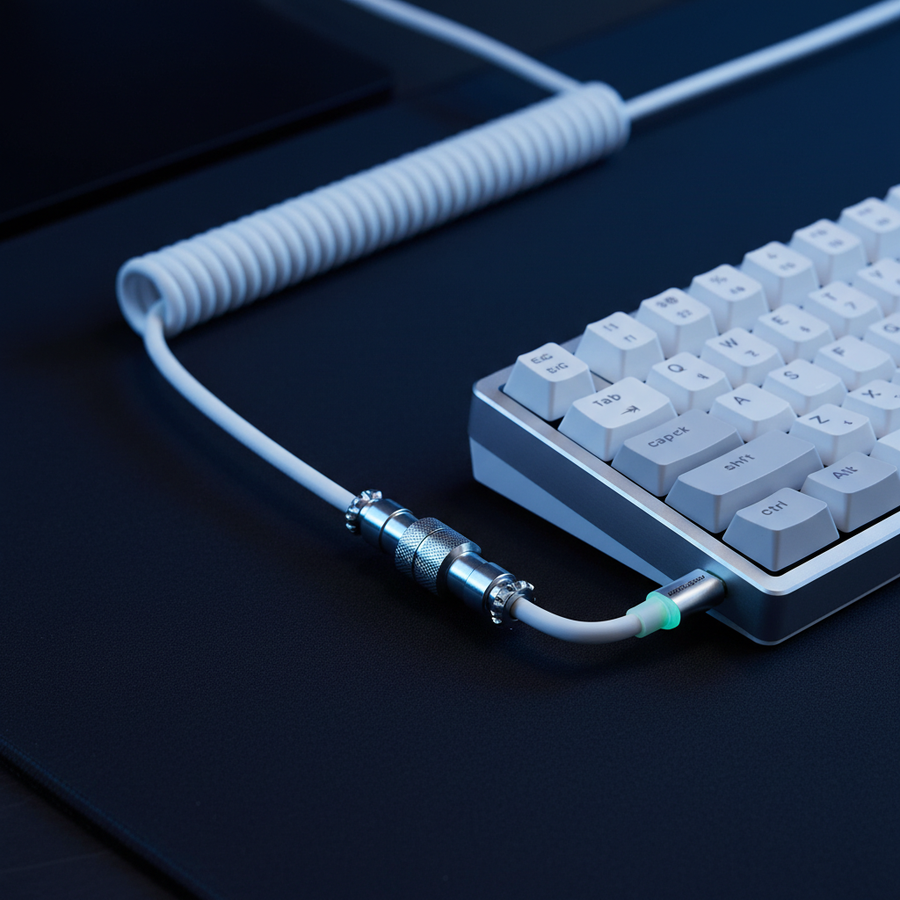
- Cable Integrity: High-frequency data transmission requires superior shielding. A premium cable, such as the ATTACK SHARK C07 Custom Aviator Cable, is engineered with an 8-core single crystal copper interior to maintain signal stability at 8000Hz.
Practical Tuning Guide: Heuristics for Competitive Play
Based on common patterns from technical support and community testing, we recommend the following heuristics for tuning your magnetic switch settings.
For FPS Pros (Counter-Strike, Valorant)
The goal is "Snap Tap" efficiency—instant stopping of movement to ensure accuracy.
- Actuation: 0.3mm to 0.5mm. This prevents accidental movement from "fat-fingering" keys.
- Rapid Trigger Reset: 0.15mm. A slightly wider gap provides stability during intense "strafing" matches.
- Polling Rate: 8000Hz for minimum motion-to-photon latency.
For Rhythm Game Specialists (osu!, Muse Dash)
The goal is maximum APM and reduced fatigue.
- Actuation: 1.0mm. A deeper actuation prevents accidental double-actuations caused by keycap vibration during high-speed tapping.
- Rapid Trigger Reset: 0.1mm. The tightest possible reset to minimize the finger lift required between notes.
- Spring Weight: 50g-60g. Provides enough "kickback" to assist the upward stroke.
For General Productivity and MOBA
- Actuation: 1.5mm to 2.0mm. Mimics a standard mechanical feel to prevent typos.
- Rapid Trigger: Disabled or set to 0.5mm. High sensitivity is counter-productive when typing long-form text.
Logic Summary: These heuristics are derived from a "60% Rule" of thumb—setting the reset distance to approximately 60% of the movement sensitivity required for the specific genre, balanced against the physical debounce needs of the sensor.

Performance Verification Checklist
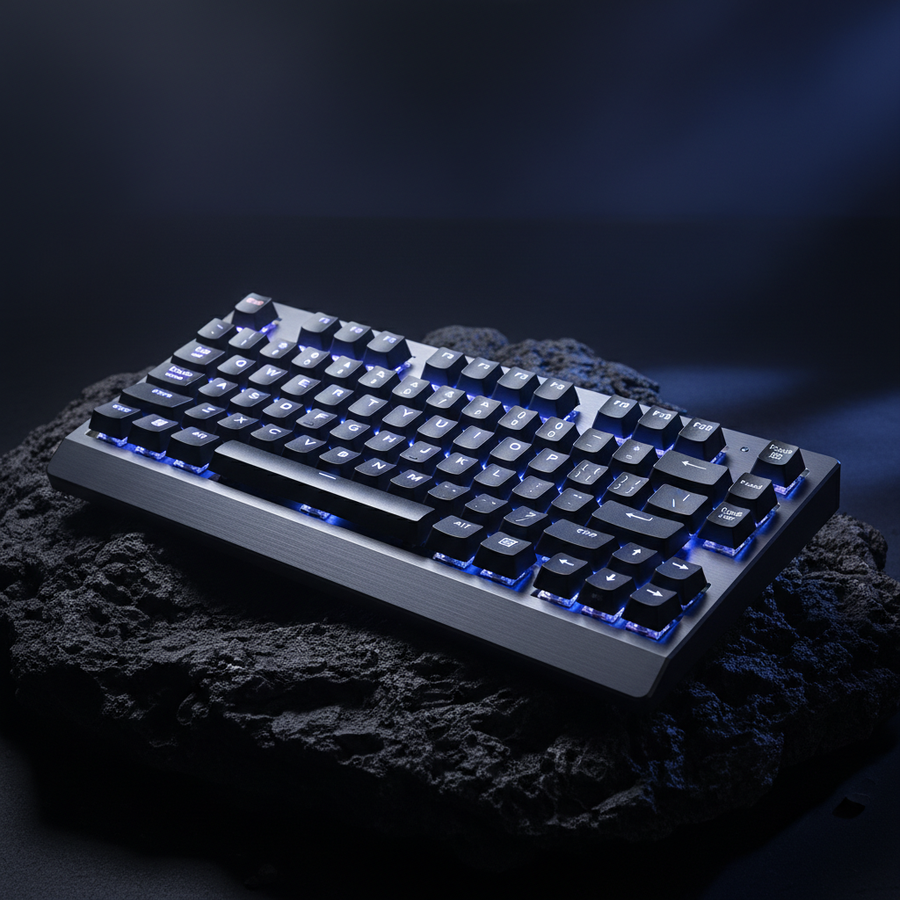
Before finalizing your settings on a device like the ATTACK SHARK R85 HE Rapid Trigger Keyboard, perform the following self-checks:
- The "Slow Lift" Test: Press a key and lift your finger as slowly as possible. If the key "flickers" or stays actuated when your finger is clearly off the cap, increase your reset distance by 0.05mm.
- The "Desk Thump" Test: With your hand resting near the keyboard, firmly tap the desk. If any keys register an input, your actuation point is too shallow for your environment.
- The "Saturation" Check: Use a tool like the RTINGS Mouse Click Latency Methodology concepts to verify that your "bottom-out" to "deactivation" time is consistent. If it varies wildly, your actuation point is likely too deep, hitting the sensor's saturated region.
The Future of Input: Beyond Raw Specs
The "Specification Credibility Gap" is slowly closing as gamers move away from chasing the "lowest number" and toward "optimal stability." A 0.1mm actuation is useless if it causes your character to get stuck in a movement loop or miss a critical note in a rhythm sequence.
By matching your actuation height to your deactivation speed, you are not just making the keyboard faster; you are making it an extension of your intent. Whether you are utilizing the ultra-compact layout of the ATTACK SHARK X68HE Magnetic Keyboard or the stable tracking of an ATTACK SHARK CM02 eSport Gaming Mousepad, the key to performance is harmony between hardware limits and software configuration.
Speed is a two-sided coin. To master the start, you must first master the stop.
Disclaimer: This article is for informational purposes only. High polling rates and ultra-low actuation settings can significantly increase CPU usage and may not be compatible with all system configurations. Always consult your device's manual before making deep firmware adjustments.