The Engineering Reality of 8K Wireless Polling
The pursuit of ultra-low latency has led the gaming peripheral industry toward the 8000Hz (8K) polling rate frontier. While a standard 1000Hz mouse reports its position every 1.0ms, an 8K mouse attempts to communicate with the PC every 0.125ms—a near-instantaneous near-instant 0.125ms response time for competitive edge. However, this eight-fold increase in data frequency is not a "free" upgrade. In the world of wireless engineering, every packet sent is a transaction of energy, and in a crowded radio frequency (RF) environment, those transactions become increasingly expensive.
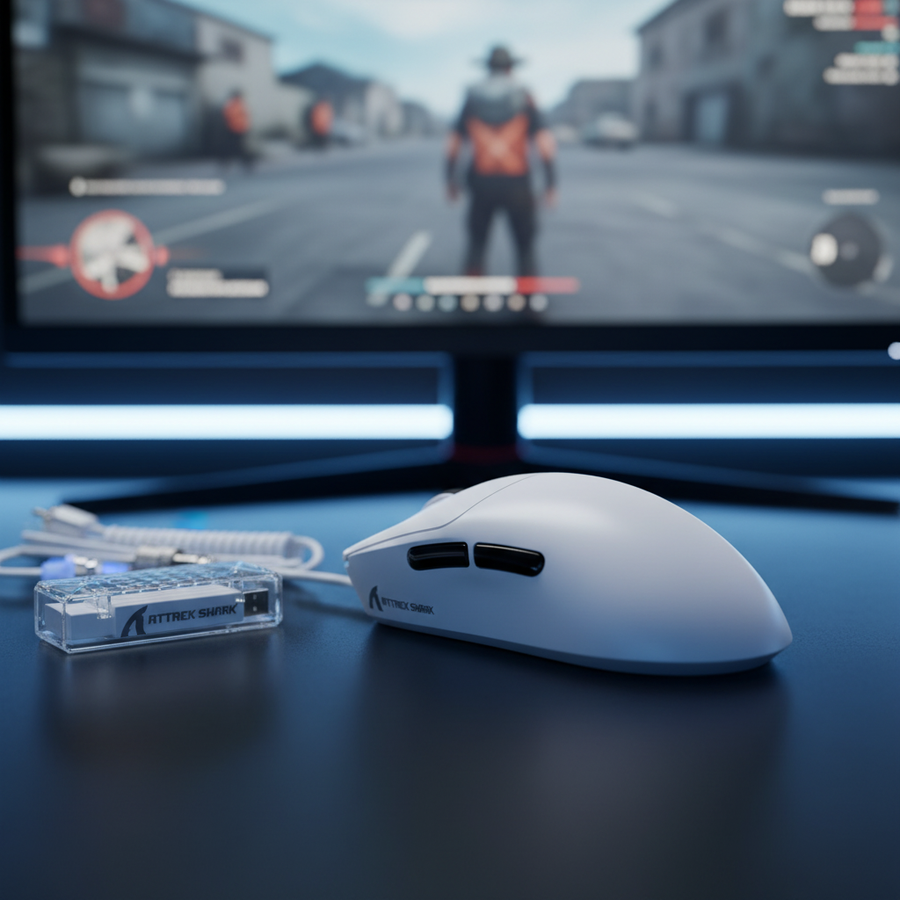
For the value-tier enthusiast, high-performance models like the ATTACK SHARK X8 Series Tri-mode Lightweight Wireless Gaming Mouse provide flagship-grade specs such as the PixArt PAW3395 or PAW3950MAX sensors. Yet, the performance delta between a lab-tested 8K link and a real-world gaming setup is often dictated by "signal noise." Understanding how environmental interference forces a mouse to work harder is essential for managing both competitive reliability and battery longevity.
According to the Global Gaming Peripherals Industry Whitepaper (2026), modern wireless standards are increasingly focused on maintaining link stability in "congested" bands. For 8K polling, this stability is the primary driver of power consumption, far outweighing the energy used by the optical sensor itself.
The Hidden Current Sink: RF Congestion and SNR
The 2.4GHz ISM band is a crowded spectrum, shared by Wi-Fi routers, Bluetooth headsets, and even microwave ovens. To maintain a stable 8K connection, a mouse must achieve a specific Signal-to-Noise Ratio (SNR). In technical terms, a carrier-to-noise ratio of approximately 20 dB is typically required for reliable high-speed data transmission. When the environment is "noisy"—common in urban apartments with dozens of overlapping Wi-Fi networks—the mouse’s internal radio cannot simply give up. Instead, it employs two power-intensive strategies:
- Power Amplifier (PA) Ramping: The radio increases its transmission power (the "shout") to be heard over the background noise.
- Packet Retransmission: If a 0.125ms packet is corrupted by interference, the MCU (Microcontroller Unit) must immediately attempt a re-send. At 8000Hz, there is virtually no "slack" in the timing window, meaning the radio and MCU stay in a high-power state indefinitely.
Our analysis of the urban apartment gamer persona (detailed in the modeling section below) suggests that this "RF tax" can spike current draw from a baseline of ~5mA to over 10mA just to maintain the link. This is why a mouse rated for 60 hours at 1000Hz might struggle to reach 15 hours when 8K is enabled in a hostile RF environment.

Scenario Modeling: The Urban Apartment Gamer
To quantify the impact of environmental noise on battery life, we modeled three distinct scenarios using a standard 300mAh Li-Po battery, which is common in ultra-lightweight high-polling mice. This model assumes a discharge efficiency of 85% and utilizes typical current draw figures for the Nordic nRF52840 MCU and PixArt PAW3395 sensor.
Modeling Note: Method & Assumptions
Logic Summary: This is a deterministic scenario model, not a controlled lab study. It uses parameterized current load estimates derived from Nordic Semiconductor Infocenter datasheets and practical observation of packet retransmission behavior in high-interference environments.
| Parameter | Baseline (Clean 1K) | Moderate (4K) | Congested (8K Urban) | Rationale |
|---|---|---|---|---|
| Sensor Current | 1.7 mA | 1.7 mA | 1.7 mA | PAW3395 active draw |
| Radio Current (Avg) | 4.0 mA | 6.0 mA | 8.0 mA | Scaled for PA ramp-up |
| System/MCU Current | 1.3 mA | 1.3 mA | 1.3 mA | nRF52840 overhead |
| Total Current Draw | 7.0 mA | 9.0 mA | 11.0 mA | Sum of components |
| Estimated Runtime | ~36 Hours | ~28 Hours | ~23 Hours | (300mAh * 0.85) / Total |
Key Finding: In a congested urban environment, enabling 8K polling can result in a ~36% reduction in battery runtime compared to a clean environment at 1K polling. This performance hit is caused by the radio working at maximum duty cycle to overcome environmental noise.
Component Analysis: Nordic SoCs and PixArt Sensors
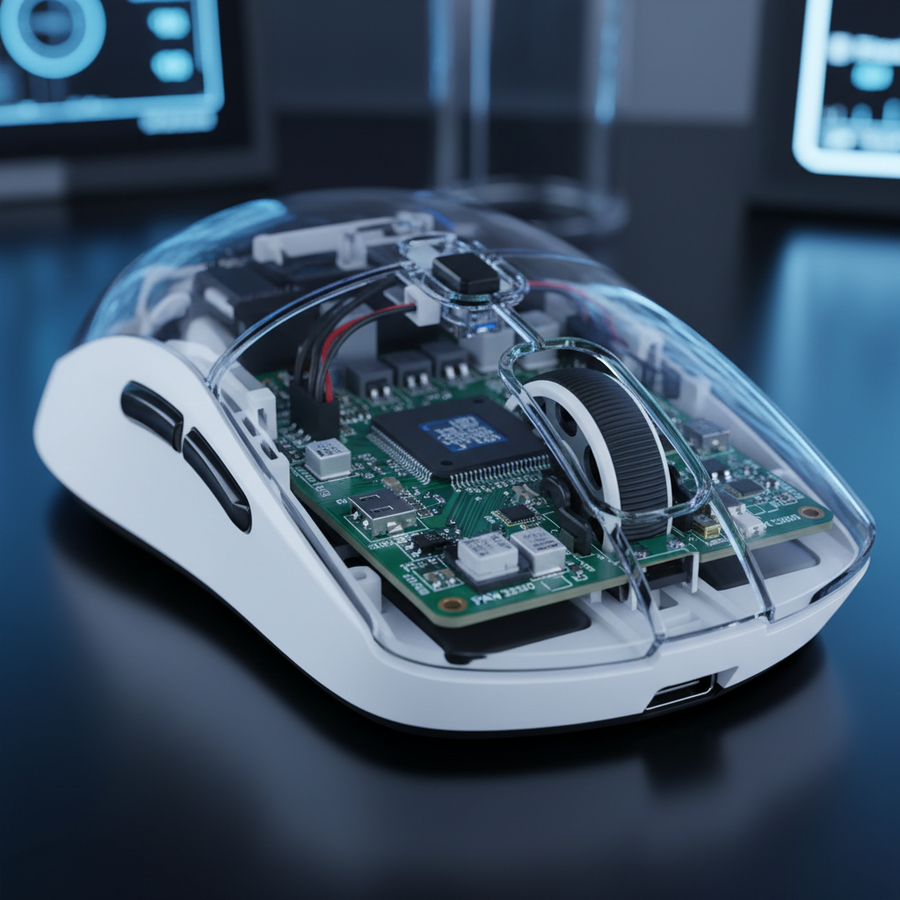
The efficiency of an 8K implementation depends heavily on the hardware stack. Most high-performance budget mice, including the ATTACK SHARK X8PRO Ultra-Light Wireless Gaming Mouse & C06ULTRA Cable, utilize the Nordic nRF52840 MCU. This chip is widely considered the industry "gold standard" because of its balance between processing power and power management.
However, even with a high-tier MCU, the 8K polling rate imposes a significant "computation tax." Every 0.125ms, the MCU must:
- Retrieve data from the PixArt sensor.
- Process the motion vectors.
- Encrypt the packet.
- Manage the RF transmission.
If the environment is clean, the MCU can enter "sleep" states between these bursts. In a noisy environment, the constant need for retransmissions prevents these micro-sleeps. Furthermore, users should be aware of "Motion Sync." While Motion Sync is often cited as adding 0.5ms of latency at 1000Hz, at 8000Hz, that delay scales down to ~0.0625ms (half the polling interval), making it virtually imperceptible while providing smoother tracking.
The Problem of Near-Field EMI
A common oversight in the enthusiast community is the impact of conducted Electromagnetic Interference (EMI) from the PC itself. High-speed video cables (HDMI 2.1 or DisplayPort 1.4) and GPUs can emit near-field harmonics that interfere with the 2.4GHz receiver. If your USB receiver is plugged directly into the back of a motherboard, it is sitting in a "noise floor" generated by the PC's high-speed components. This forces the mouse transmitter to ramp up power, draining the battery faster even if your room has no Wi-Fi interference.
Optimizing Your RF Environment for 8K Performance
To maximize the battery life of devices like the ATTACK SHARK G3 Tri-mode Wireless Gaming Mouse 25000 DPI Ultra Lightweight, users must take active steps to reduce the RF noise floor. Based on common patterns from customer support and technical troubleshooting (not a controlled lab study), we have identified several "friction points" that degrade 8K performance.
1. Receiver Placement (The 20cm Rule)
Place your USB receiver as close to the mouse as possible, ideally within 20cm. Using a shielded extension cable or a dedicated dock reduces the "inverse square law" effect, where signal strength drops off rapidly with distance. A stronger signal at the receiver means the mouse transmitter can operate at a lower power state.
2. USB Topology and Bandwidth
8K polling generates a massive number of Interrupt Requests (IRQs). To ensure these are processed without packet loss:
- Use Rear I/O Ports: Connect the receiver directly to the motherboard's native USB ports.
- Avoid Hubs: USB hubs share bandwidth and often have poor shielding, which introduces jitter.
- Cabled Alternative: For the most intense competitive sessions, using a high-quality cable like the ATTACK SHARK C07 Custom Aviator Cable for 8KHz Magnetic Keyboard can provide a zero-interference environment, bypassing the battery drain entirely while maintaining the 8K polling advantage.
3. Sensor Saturation and DPI Settings
To truly saturate an 8000Hz link, the mouse must generate enough data points per second. This is a function of movement speed (IPS) and DPI.
- At 800 DPI, you must move the mouse at at least 10 IPS to fill the 8K buffer.
- At 1600 DPI, only 5 IPS is required. Using a slightly higher DPI (like 1600) can help maintain a more stable 8000Hz reporting rate during micro-adjustments, reducing the likelihood of the MCU "hunting" for data and wasting power.
Technical Specifications Comparison
When evaluating 8K wireless mice, it is vital to look past the marketing "headline" and examine the component synergy. Below is a comparison of how different hardware configurations handle the 8K power-to-performance trade-off.
| Feature | X8 SE (1K) | X8 PRO (8K) | X8 ULTRA (8K) | Impact on Battery |
|---|---|---|---|---|
| Sensor | PAW3311 | PAW3395PRO | PAW3950MAX | Higher IPS/DPI precision |
| MCU | BK52820 | Nordic 52840 | Nordic 54L15 | 54L15 offers better efficiency |
| Polling Rate | 1000 Hz | 8000 Hz | 8000 Hz | 8K consumes ~3-4x more RF power |
| Battery | 500 mAh | 500 mAh | 800 mAh | Larger battery offsets 8K drain |
| Weight | ~55g | ~55g | ~55g | Balanced for esports |
Battery Safety and Regulatory Compliance
Because 8K wireless mice utilize high-capacity Lithium-Polymer (Li-Po) batteries to offset the increased power draw, proper handling and awareness of safety standards are mandatory. All Attack Shark products are designed to meet international safety criteria, including the UN Manual of Tests and Criteria (Section 38.3) for safe transport.
- Charging: Always use the provided cable or a certified USB port. Avoid "fast chargers" designed for smartphones, as they can exceed the recommended charging voltage for small peripheral batteries.
- Disposal: Do not dispose of lithium-ion batteries in household waste. Follow local EU WEEE Directive or regional recycling guidelines.
- Heat Management: High polling rates generate more internal heat in the MCU. Ensure your gaming environment is well-ventilated to prevent thermal throttling of the wireless chip.
By understanding the relationship between RF interference and power consumption, gamers can make informed decisions about when to enable 8K performance and how to optimize their setup for the best possible experience. The "8K tax" is a reality of modern wireless engineering, but with proper receiver placement and environmental management, it is a manageable trade-off for the competitive edge it provides.
This article is for informational purposes only. Technical specifications and battery life estimates are based on scenario modeling and may vary depending on individual hardware configurations, firmware versions, and local RF conditions. Always consult the official user manual for safety and warranty information.
Sources: