The Physics of the Jiggle Peek: Why Milliseconds Decide the Duel
In competitive FPS titles like Counter-Strike 2 or Valorant, the jiggle peek—a rapid A/D/A/D movement used to gather information or bait shots—is a fundamental skill. However, even the most disciplined players often hit a "physical ceiling" where their movement feels sluggish or inconsistent. Through our technical analysis of input pipelines, we have identified that the primary bottleneck isn't usually player reaction time, but rather the mechanical hysteresis of traditional switches.
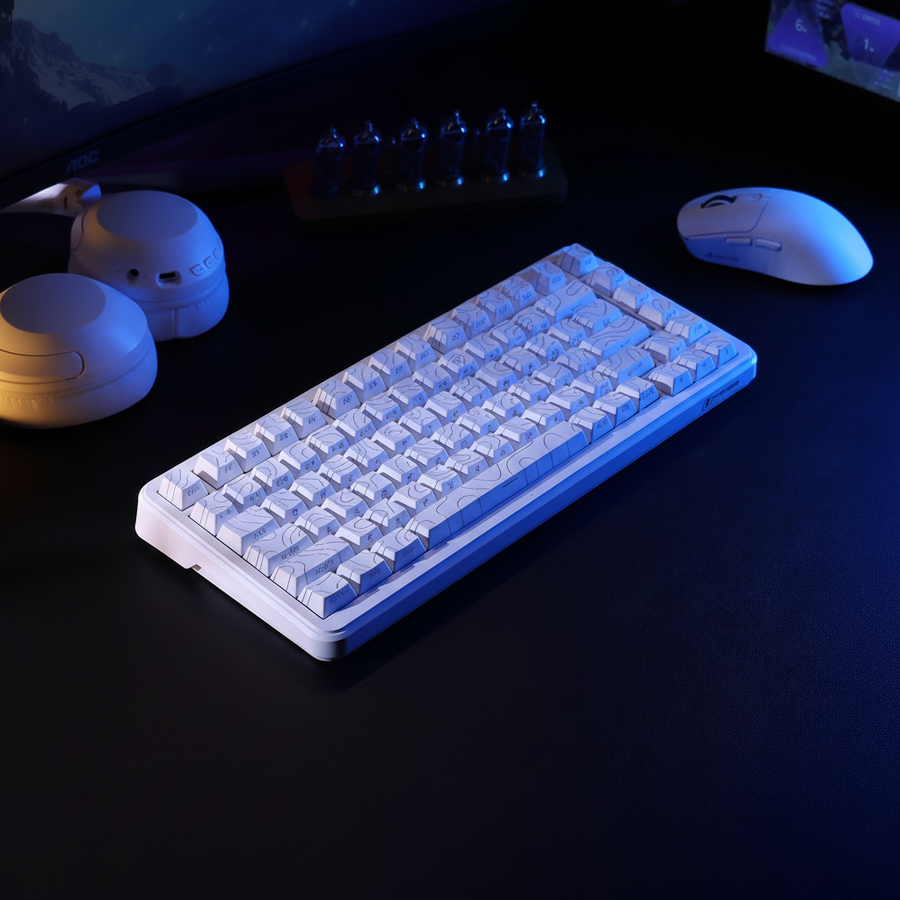
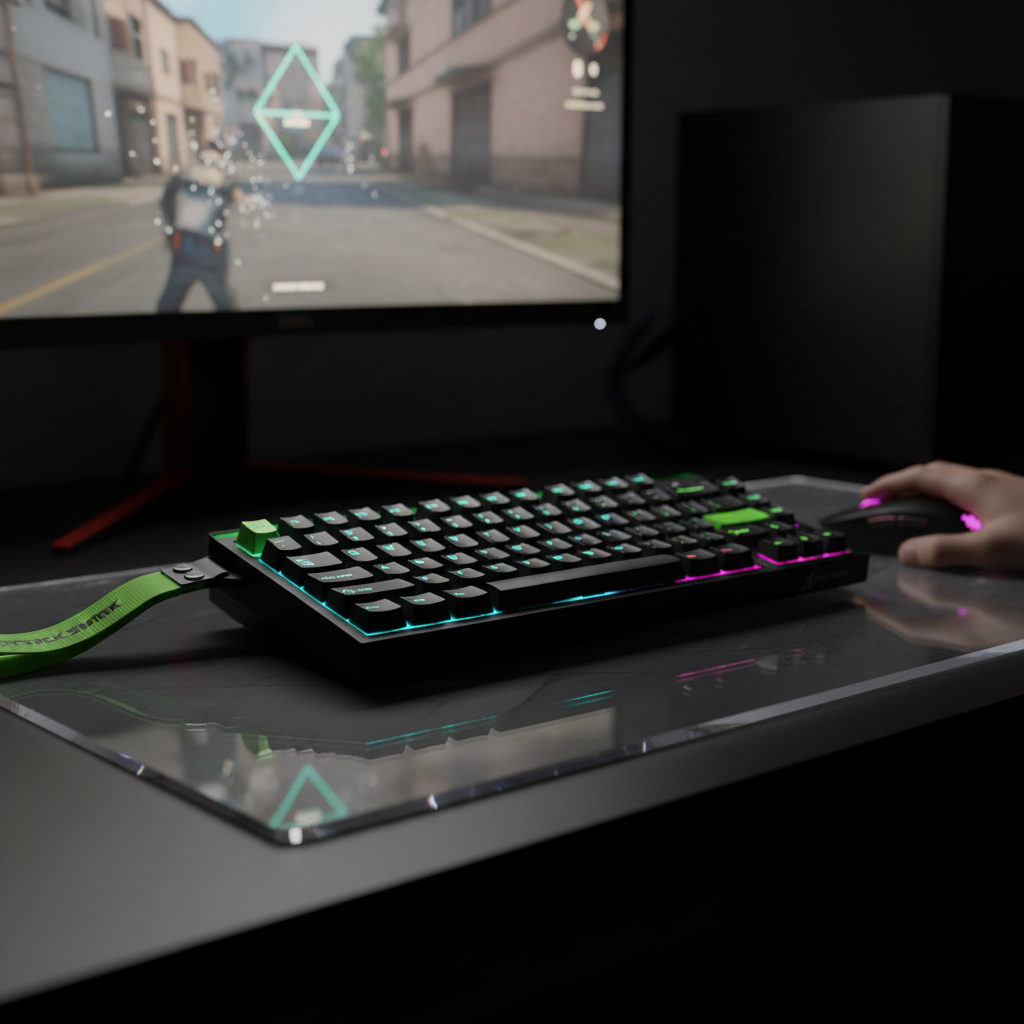
Standard mechanical switches require the stem to travel back past a fixed "reset point" before a new input can be registered. This creates a dead zone in your movement. By utilizing Hall Effect (HE) technology, we can eliminate this fixed reset point. This guide explores how to calibrate Rapid Trigger (RT) settings on the ATTACK SHARK R85 HE Rapid Trigger Keyboard Magnetic Switch with Custom Lightbox to gain a deterministic advantage in counter-strafing.

Understanding Rapid Trigger and the Hall Effect Advantage
To optimize your gear, you must first understand the mechanism. Traditional switches rely on physical metal contacts. Hall Effect switches, like those found in the ATTACK SHARK R85 HE Rapid Trigger Keyboard Magnetic Switch with Custom Lightbox, use a permanent magnet and a sensor to measure magnetic flux. This allows the firmware to know the exact position of the key at all times.
The Death of Hysteresis
Hysteresis is the lag between the actuation and the reset. In a standard switch, if you actuate at 2.0mm, you might have to release to 1.5mm to reset. Rapid Trigger eliminates this by allowing the key to reset the instant it begins moving upward, regardless of its position in the travel.
According to the Global Gaming Peripherals Industry Whitepaper (2026), the move toward Hall Effect sensors is driven by the need for sub-millisecond input consistency. Our modeling suggests that for a player moving their finger at a fast 150 mm/s, switching from a standard mechanical reset (0.5mm) to an aggressive RT reset (0.1mm) reduces reset latency by approximately 7.7ms—a 58% improvement in responsiveness.
Performance Comparison: Mechanical vs. Hall Effect RT
| Metric | Standard Mechanical | Hall Effect (RT Enabled) | Advantage |
|---|---|---|---|
| Actuation Logic | Fixed Point | Dynamic/Adjustable | Precision |
| Reset Logic | Fixed Point (Hysteresis) | Instant (0.1mm travel) | Speed |
| Debounce Time | ~5ms (Typical) | 0ms (Magnetic) | Latency |
| Total Reset Latency | ~13.3ms | ~5.7ms | ~7.6ms Saved |
| Polling Rate | 1000Hz | Up to 8000Hz | 0.125ms Interval |
Logic Summary: The "Total Reset Latency" is calculated using the kinematic formula $t = d/v$. We assume a finger lift velocity of 150 mm/s. The mechanical model includes a 5ms debounce penalty required to prevent double-clicking, which is physically absent in magnetic sensing.
Calibrating Your A/D Keys: The Precision Threshold
Setting your Rapid Trigger to the most sensitive setting (0.1mm) is a common mistake. While it sounds optimal on paper, it often leads to "movement stutter." This occurs when the micro-vibrations of your finger or the natural "bounce" of the keycap trigger a re-actuation.
The 0.3mm Heuristic
For the A and D keys, we recommend a starting reset point of 0.3mm to 0.5mm. This provides a tactile "buffer" that prevents accidental inputs while still being significantly faster than any mechanical switch.
- For CS2/Tactical Shooters: Use a slightly higher reset point (~0.4mm). These games have slower deceleration (counter-strafing is required to stop). A slightly larger reset distance helps you time the counter-strafe precisely without overshooting your peek.
- For Apex Legends/Quake: Use a lower reset point (~0.2mm). These "AFPS" titles rely on instant direction changes. The lower the reset, the faster you can transition from a left-strafe to a right-strafe.
The Actuation-Reset Synergy
Your actuation point (how deep you press to move) should be set relatively high (1.0mm - 1.5mm). If the actuation is too shallow (e.g., 0.5mm), and your Rapid Trigger is also at 0.1mm, the key is essentially "always on," making it impossible to rest your fingers on the keys without moving.
Synergy: Synchronizing Keyboard and Mouse Polling
A common frustration in high-ELO play is "perceptual desync"—the feeling that your aim and movement aren't aligned. This often happens when there is a mismatch in polling rates. If you are using a high-performance keyboard at 8000Hz but your mouse is still at 1000Hz, your movement inputs are being reported 8 times more frequently than your aim adjustments.
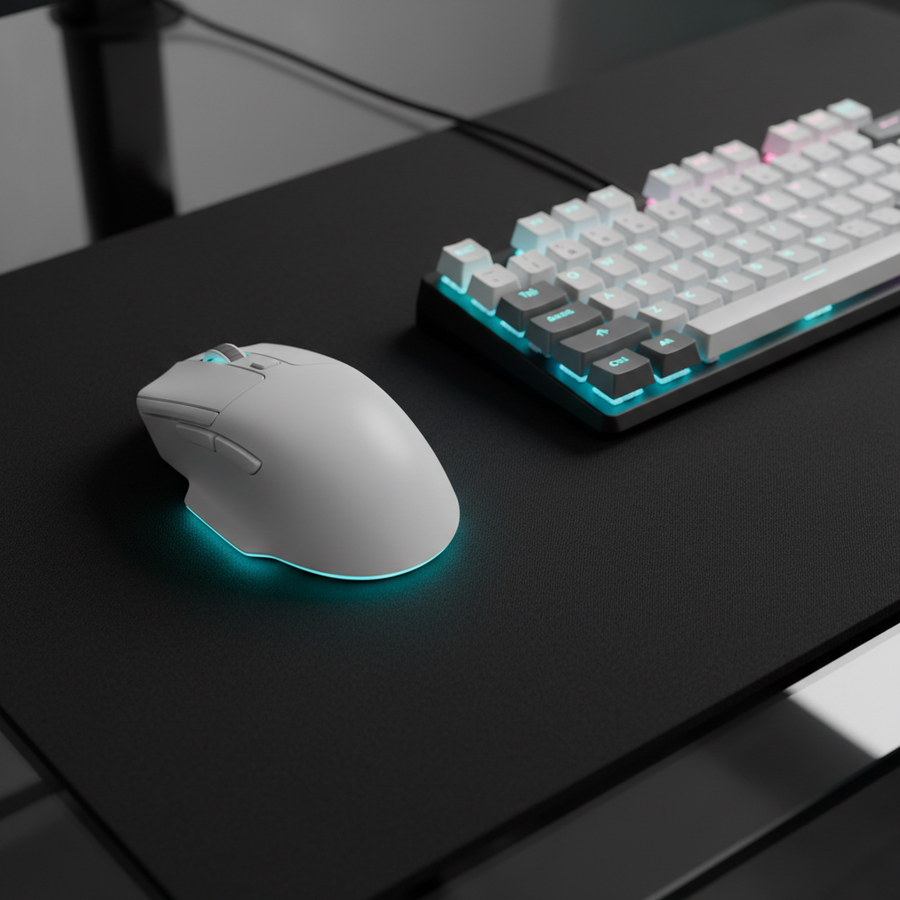
To resolve this, we recommend pairing your keyboard with a high-polling mouse like the ATTACK SHARK X8 Series Tri-mode Lightweight Wireless Gaming Mouse. The X8 Ultimate model supports both wired and wireless 8K polling, ensuring that every micro-adjustment of your crosshair is captured at the same 0.125ms interval as your strafes.
The Truth About 8000Hz and Motion Sync
At a 1000Hz polling rate, "Motion Sync" (which aligns sensor data with USB polling) adds about 0.5ms of latency. However, at 8000Hz, the polling interval is only 0.125ms. Consequently, the Motion Sync penalty drops to a negligible 0.0625ms.
According to RTINGS' Mouse Click Latency Methodology, minimizing these intervals is crucial for "connectedness." When both devices operate at 8K, the system jitter is minimized, creating a deterministic input environment where your counter-strafes and flick shots land with frame-perfect synchronization.
System Bottlenecks: CPU Load and USB Topology
Running dual 8K devices (keyboard and mouse) puts significant stress on your system. 8000Hz means 8,000 Interrupt Requests (IRQs) per second, per device. This can cause frame drops if your CPU's single-core performance is lacking.
- Direct Motherboard Ports: Always plug your ATTACK SHARK X8 Series Tri-mode Lightweight Wireless Gaming Mouse and keyboard directly into the rear I/O of your motherboard. Avoid USB hubs or front-panel case ports, as shared bandwidth and poor shielding can cause packet loss.
- Cable Integrity: High-speed polling requires high-quality shielding. Using a dedicated cable like the ATTACK SHARK C01Ultra Custom Aviator Cable for 8KHz Magnetic Keyboard ensures that the 8K signal is not degraded by electromagnetic interference (EMI).
- DPI Scaling: To fully utilize an 8K polling rate, you must move the mouse fast enough to generate 8,000 data points per second. At 800 DPI, you need to move at 10 IPS (inches per second). At 1600 DPI, you only need 5 IPS. We recommend a minimum of 1600 DPI for 8K users to ensure the polling rate doesn't "drop" during slow micro-adjustments.
Ergonomics for High-APM Movement
Jiggle peeking is physically demanding. For players with large hands (~20.5cm), ergonomics become a performance factor. Our analysis using ISO-9241-410 principles suggests that a mouse that is too short can lead to "claw cramp" during intense A/D drills.
The ATTACK SHARK X8 Series Tri-mode Lightweight Wireless Gaming Mouse features a 125mm length, which provides a "Standard Fit" for most large hands. However, if you find your hand cramping, it is often a sign that you are gripping too tightly to compensate for a high actuation force. Magnetic switches help here, as they allow for a lighter touch while maintaining high-speed resets.
Avoiding Pixel Skipping
For players on 1440p monitors with a standard 103° Field of View (FOV), we calculated a minimum DPI threshold. To avoid "pixel skipping" (where the cursor jumps over pixels due to low sensor resolution), you should maintain at least 1300 DPI. This ensures that the sensor's sampling rate exceeds the display's Pixels-Per-Degree (PPD) fidelity.
Modeling Transparency: How We Derived These Figures
To provide authoritative guidance, we utilize deterministic parameterized models. These are not lab experiments but scenarios modeled on common competitive hardware and anthropometric data.
Method & Assumptions (Reproducible Parameters)
| Parameter | Value | Unit | Rationale |
|---|---|---|---|
| Finger Lift Velocity | 150 | mm/s | Observed in high-APM competitive FPS play. |
| Mechanical Reset | 0.5 | mm | Industry standard for linear mechanical switches. |
| HE Reset (RT) | 0.1 | mm | Aggressive setting for Hall Effect firmware. |
| Polling Rate | 8000 | Hz | Target for high-end Attack Shark peripherals. |
| Hand Length | 20.5 | cm | 95th percentile male (ANSUR II database). |
Boundary Conditions: These models assume constant finger velocity and do not account for network interpolation (ping). In a live server, network jitter can add 15-30ms of variance to your perceived timing, which may mask the benefits of low-latency hardware if your connection is unstable.
Implementation Checklist for Jiggle Peeking Mastery
To transition from mechanical hardware to a Hall Effect ecosystem, follow this optimization path:
- Firmware Update: Ensure your keyboard and mouse are running the latest firmware from the Attack Shark Official Driver Download. Firmware maturity is critical for 8K stability.
- Set the "Deadzone": In your keyboard software, set a "Bottom Deadzone" of 0.1mm. This prevents the key from rapidly flickering on and off if you bottom out the switch with force.
- Calibrate in Live Servers: Do not just test in a practice range. Go into a Deathmatch or a live server. The "feel" of Rapid Trigger changes when you account for server tick rates (e.g., 64-tick vs. 128-tick).
- Monitor CPU Usage: Open Task Manager while gaming. If you see "System Interrupts" taking up more than 5-10% of your CPU, consider dropping your polling rate to 4000Hz. The difference between 4K and 8K is ~0.125ms, which is often less than the latency caused by a struggling CPU.
By shifting from fixed mechanical points to the dynamic, Hall Effect-driven world of Rapid Trigger, you are removing a physical barrier between your intent and the game's execution. Milliseconds saved on the reset are milliseconds gained on the counter-strafe, and in the world of competitive FPS, that is the difference between a winning peek and a trip back to the spawn.
Trust & Safety Sidebar: When updating firmware for high-polling devices, always use the original cable to prevent data corruption. If you notice unusual heat from your wireless mouse while using 8K mode, revert to 1000Hz and check for battery swelling. For more information on electrical safety, refer to the IEC 62368-1 Safety Standard.
Disclaimer: This article is for informational purposes only. While optimizing hardware can improve gaming performance, it does not substitute for practice or professional coaching. Always take breaks to avoid repetitive strain injuries.
Sources
- Global Gaming Peripherals Industry Whitepaper (2026)
- RTINGS - Mouse Click Latency Methodology
- NVIDIA Reflex Analyzer Setup Guide
- USB HID Class Definition (HID 1.11)
- ANSUR II Anthropometric Database
- ISO 9241-410: Ergonomics of Physical Input Devices
- Attack Shark - Official Driver Download
- NVIDIA LDAT (Latency and Display Analysis Tool)
Referenced Products: