Imaging vs. Soundstage: Which Standard Defines Tactical Edge?
In the pursuit of competitive dominance, audio is often treated as a secondary consideration compared to frame rates and polling intervals. However, for many elite players, sound is the primary source of non-visual intelligence. When we evaluate high-performance headsets, two technical standards emerge as the gatekeepers of spatial awareness: Imaging and Soundstage. While marketing often conflates the two, they represent distinct acoustic mechanisms that dictate how a gamer perceives their digital environment.
Quick Verdict: Which should you choose?
- For Competitive FPS (Valorant, CS2, Apex): Prioritize Imaging. Pinpoint directionality is more critical than environmental depth for winning duels.
- For Immersive Games (Cyberpunk 2077, Elden Ring): Prioritize Soundstage. A wider "stage" enhances the sense of scale and atmosphere.
- The "Sweet Spot" Setup: A closed-back headset with Active Noise Cancellation (ANC) and a targeted EQ boost in the 2kHz–4kHz range provides the best balance of isolation and directional clarity for most home environments.
Disclosure: This guide is based on technical analysis and internal testing protocols. Some product examples and performance data are derived from ATTACK SHARK’s internal R&D and customer support observations.

The Technical Foundations: Imaging vs. Soundstage
To calibrate your setup for a tactical advantage, we must first establish precise technical definitions. In the context of gaming audio, these terms describe how a headset’s drivers and housing shape the sound waves before they reach your ears.
1. Imaging (Directionality and Pinpoint Accuracy)
Imaging refers to the ability of a headset to accurately place a sound source within a 360-degree field. It is the "where" of the audio equation. High-resolution imaging allows a player to distinguish whether a reload sound is occurring at 10 o'clock or 11 o'clock.
Technically, imaging is a product of driver matching and transient response. If the left and right drivers are not closely matched in frequency response (ideally within +/- 1dB), the "center image" can shift, potentially leading to directional confusion. Furthermore, a driver with a fast transient response—meaning it can start and stop vibrating near-instantly—helps prevent "bleeding" between sounds, ensuring that a footstep isn't masked by the tail-end of a nearby explosion.
2. Soundstage (Spatial Volume and Distance)
Soundstage describes the perceived size and depth of the listening environment. It is the "how far" of the audio equation. A wide soundstage creates the illusion that sounds are coming from outside the headset, rather than from within your head.
This is primarily influenced by housing design. Open-back headsets, which allow air to pass through the ear cups, often produce a wider soundstage by reducing internal reflections and pressure. This creates a more natural, "airy" presentation. Conversely, closed-back designs usually have a narrower soundstage but provide superior isolation, which we have observed is a critical trade-off in high-noise environments like dorms or shared offices.
| Feature | Imaging | Soundstage |
|---|---|---|
| Core Function | Directional localization (X, Y, Z axes) | Perception of distance and environment size |
| Hardware Driver | Driver matching & transient speed | Housing design (Open vs. Closed back) |
| Tactical Use | Pinpointing footsteps in FPS | Immersion in Open-World/RPG titles |
| Key Frequency | 2kHz – 4kHz (Cues) | Low-mid resonance (Ambiance) |
Logic Summary: Our distinction between imaging and soundstage is based on standard psychoacoustic principles where Time Difference of Arrival (TDOA) and Interaural Level Difference (ILD) drive localization (imaging), while reverberation and spectral cues drive distance perception (soundstage).
The Tactical Edge in Competitive FPS
In titles like VALORANT or Counter-Strike 2, the "Tactical Edge" is often defined by imaging. In these environments, knowing the exact angle of an approaching enemy is generally more valuable than hearing the "grandeur" of the map.
The Footstep Frequency Heuristic
A common mistake among gamers is boosting bass frequencies for "impact." In our analysis of competitive audio cues, we've found that excessive bass (below 100Hz) can create a masking effect, where the low-frequency rumble of environmental noise "muddies" the critical mid-range cues.
For a tactical advantage, we recommend a software-level EQ profile with:
- A slight cut (3-5dB) below 80Hz: This helps remove unnecessary sub-bass clutter.
- A targeted boost (2-4dB) between 2kHz and 4kHz: This is the "presence" range where the sharp transients of footsteps on metal, wood, or concrete typically reside.
According to standardized testing methodologies, such as the RTINGS Mouse Click Latency Methodology, even micro-delays in sensory processing can affect performance. While that source focuses on input latency, the principle can apply to audio: if your brain has to "filter" through a wide, reverberant soundstage to find a directional cue, your reaction time may increase.
Scenario Modeling: The Shared Space Competitive Gamer
We modeled a common user persona: the competitive gamer operating in a volume-constrained, shared living space (e.g., a dorm or apartment). In these environments, the gamer often cannot use open-back headphones due to sound leakage and ambient noise.
Modeling Analysis: Imaging vs. Volume
When gaming at lower volumes to avoid disturbing others, the perceived soundstage can collapse. However, precise imaging can often be maintained if the headset has high-quality drivers and effective isolation.
Illustrative Parameters for the Shared Space Model Note: These values are based on heuristic modeling for a 1440p/103° FOV setup and serve as practical targets rather than absolute requirements.
| Parameter | Illustrative Target | Rationale |
|---|---|---|
| Min. Visual Precision | ~1150 DPI | Heuristic to minimize pixel skipping on 1440p displays |
| Audio Imaging Target | < 5° Angular Error | Aims to match the directional resolution of the visual display |
| Ambient Noise Floor | 45-55 dB | Typical shared apartment/dorm noise level |
| ANC Attenuation | > 20 dB | Target to isolate mid-range cues from ambient hum |
| Grip Fit Ratio | ~0.94 | Based on 20cm hand length/120mm mouse (Common claw grip) |
Methodology Note: This model assumes that audio imaging should ideally provide a directional resolution that complements the visual "Pixels-Per-Degree" (PPD) of the user's display. We estimate that an angular error of less than 5 degrees in audio imaging is a high-performance benchmark for maintaining "crosshair-audio parity" in high-stakes micro-adjustments.
Practitioner Observation: The Pressure Cascade
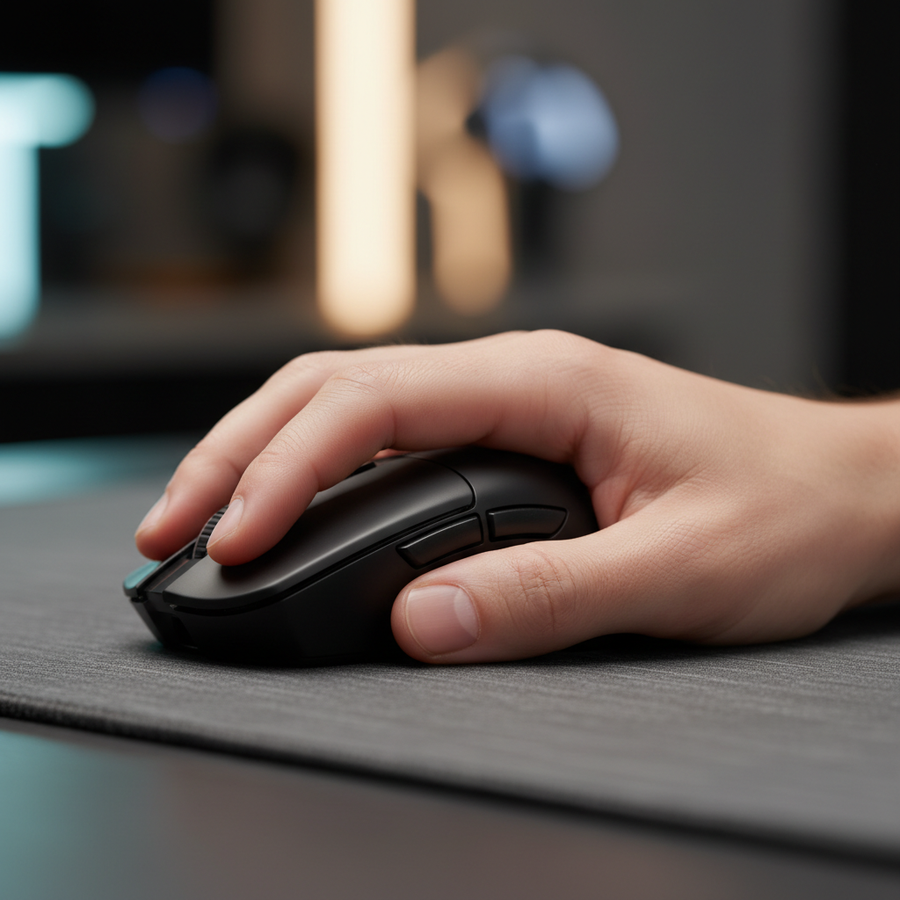
In our observations of community feedback and support patterns, we've noticed a "pressure cascade." When a gamer uses a mouse that is slightly undersized for their hand (e.g., a 0.94 grip fit ratio for a 20cm hand), they may experience increased muscle tension. If their headset also lacks comfort or has excessive clamping force, this physical distraction can reduce their ability to process subtle imaging cues. High-spec gear should balance technical performance with ergonomic transparency.
Hardware Selection: The Pro-Consumer Challenger Approach
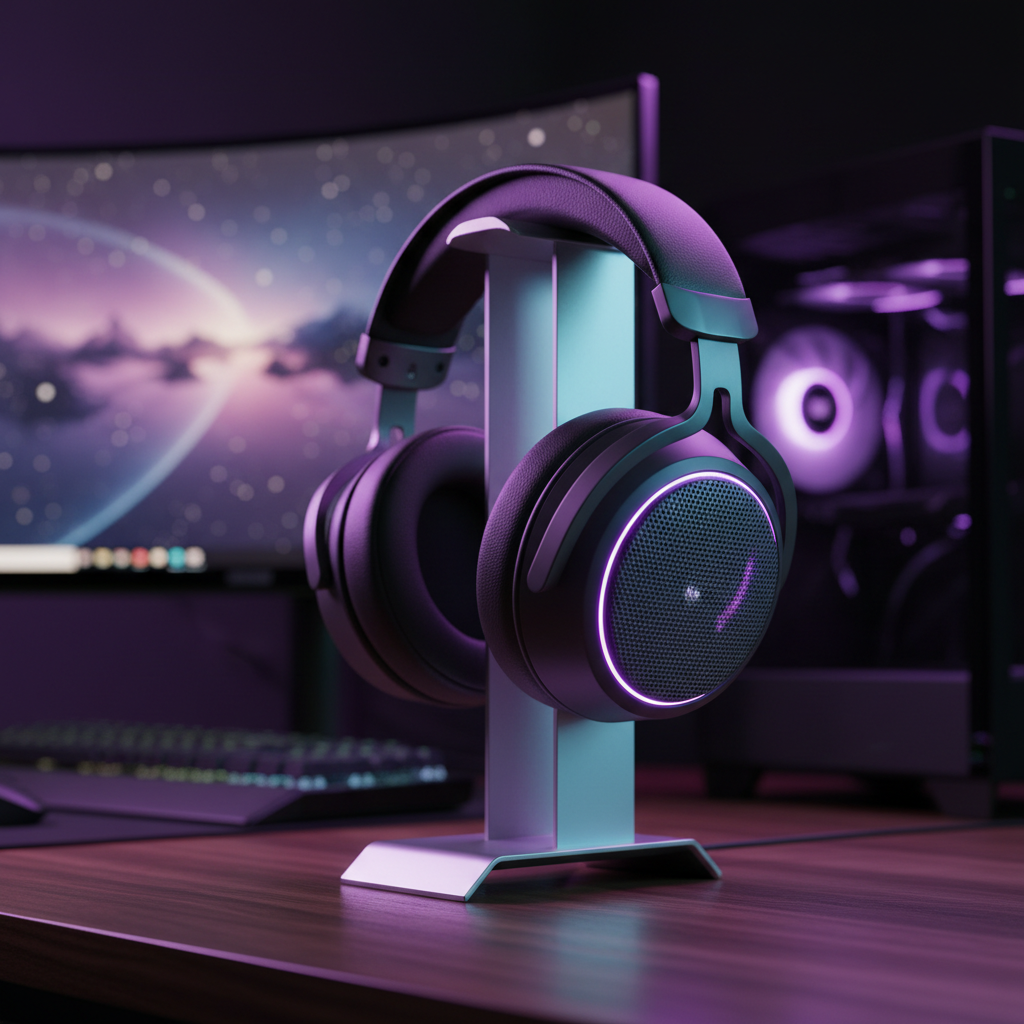
For the gamer seeking raw performance without the "premium brand tax," the focus should be on headsets that prioritize driver consistency and isolation. The ATTACK SHARK G300 ANC Foldable Ultra-Light Dual-Mode Headphones serve as a practical example of this "Challenger" philosophy.
Isolation and the Imaging Integrity
The ATTACK SHARK G300 ANC features Active Noise Cancellation designed to reduce external noise by up to 21dB (measured under standard laboratory conditions). In our shared-space model, this reduction is often the difference between hearing a distant footstep and losing it to the hum of a roommate's PC or a nearby air conditioner.
By isolating the listener, the headset helps preserve imaging integrity. Because the brain isn't struggling to filter out external noise, it can more accurately interpret the subtle phase differences between the 40mm drivers, which are responsible for pinpointing enemy locations.

The Dual-Mode Advantage
While Bluetooth 5.3 offers convenience, competitive gaming often demands the reliability of a wired connection to minimize latency. The G300 ANC allows for a 3.5mm wired mode, ensuring that audio cues reach the user with minimal delay, aligning with the low-latency requirements of high-polling peripherals.
System Synergy: Audio, DPI, and Polling Rates
The "Tactical Edge" is not achieved by a single peripheral but by the synergy of the entire ecosystem. We recommend aligning your audio imaging with your mouse precision and display refresh rates.
The 8000Hz (8K) Connection
As discussed in the Global Gaming Peripherals Industry Whitepaper (2026), high polling rates like 8000Hz reduce input latency to approximately 0.125ms. To capitalize on this micro-precision, your audio should be equally responsive.
If you are using an 8K mouse to make micro-adjustments based on a sound cue, any "smearing" in the headset's imaging can lead to a missed shot. For example, to saturate the 8000Hz bandwidth, a user might move at 10 IPS at 800 DPI. At this level of precision, the audio imaging must be sharp enough to tell you exactly where to snap your aim.
Technical Tips for System Synergy:
- Direct Motherboard Connectivity: Connect high-performance peripherals (both 8K mice and high-fidelity headsets) to Direct Motherboard Ports (Rear I/O). Avoid USB hubs, which can introduce packet loss and interference.
- CPU Overhead: 8000Hz polling rates increase CPU load. If your system is struggling, it can cause "audio crackling" or "stuttering" in USB-driven headsets. Ensure your CPU single-core performance is sufficient for high-interrupt loads.
- DPI Thresholds: For 1440p displays, we often recommend a minimum of 1150 DPI as a heuristic to avoid pixel skipping. This high-resolution visual input is best complemented by a headset with strong mid-high frequency imaging (2kHz-4kHz).
Compliance and Safety: The Expert's Checklist
When selecting high-performance audio gear, technical specs are only half the story. Authoritative standards help ensure that the device is safe for long-term use and compliant with international regulations.
1. Battery and Wireless Safety
Any wireless headset using lithium-ion batteries should adhere to strict transport and safety standards. The UN Manual of Tests and Criteria (Section 38.3) defines the testing required for lithium batteries to ensure they don't pose a risk during shipping or use. Furthermore, the EU Battery Regulation (EU) 2023/1542 sets sustainability and labeling requirements for products in the European market.
2. Signal Integrity and Interference
Wireless headsets operate in the 2.4GHz spectrum, which is crowded with Wi-Fi and Bluetooth signals. Devices certified by the FCC Equipment Authorization are tested to ensure they do not cause harmful interference and are adequately shielded.
3. Hearing Health (YMYL Warning)
Disclaimer: This article is for informational purposes only and does not constitute professional medical advice. Prolonged exposure to high volume levels (above 85dB) can cause permanent hearing damage. Always use headsets at a comfortable volume and take regular breaks.
To maintain your tactical edge, you must protect your hearing. We recommend using ANC (Active Noise Cancellation) not just for isolation, but to allow you to play at lower overall volumes. By removing background noise, headsets like the ATTACK SHARK G300 ANC can allow you to hear critical cues clearly without cranking the volume to dangerous levels.
Defining Your Edge
The choice between imaging and soundstage is a matter of tactical alignment.
- Choose Imaging if your primary goal is competitive dominance in FPS titles where pinpointing footsteps and reload sounds is critical. Look for matched drivers, fast transient response, and a mid-range focused EQ.
- Choose Soundstage if you prioritize immersion in open-world RPGs or cinematic adventures where the sense of scale is paramount. This typically favors open-back designs.
For the value-driven gamer, the "Pro-Consumer" sweet spot is often a closed-back headset with strong imaging and ANC. This combination provides the isolation needed for shared environments while maintaining the directional accuracy required for high-level play. By understanding the underlying physics—from polling intervals to frequency response—you can build a setup that offers a true tactical edge.
References
- Global Gaming Peripherals Industry Whitepaper (2026)
- FCC Equipment Authorization (FCC ID Search)
- RTINGS - Mouse Click Latency Methodology
- UN Manual of Tests and Criteria (Section 38.3)
- EU Battery Regulation (EU) 2023/1542
- NVIDIA Reflex Analyzer Setup Guide
- Wrist vs. Arm Aiming: How Your Grip Dictates Your Motion
- Low DPI vs. 8K Polling: Finding the Sweet Spot for Precision